Design Your App Appearance
Customize your app’s appearance with Jotform Apps in ChatGPT. Describe your preferred colors, fonts, layout, and branding to create a consistent look that reflects your business or organization.
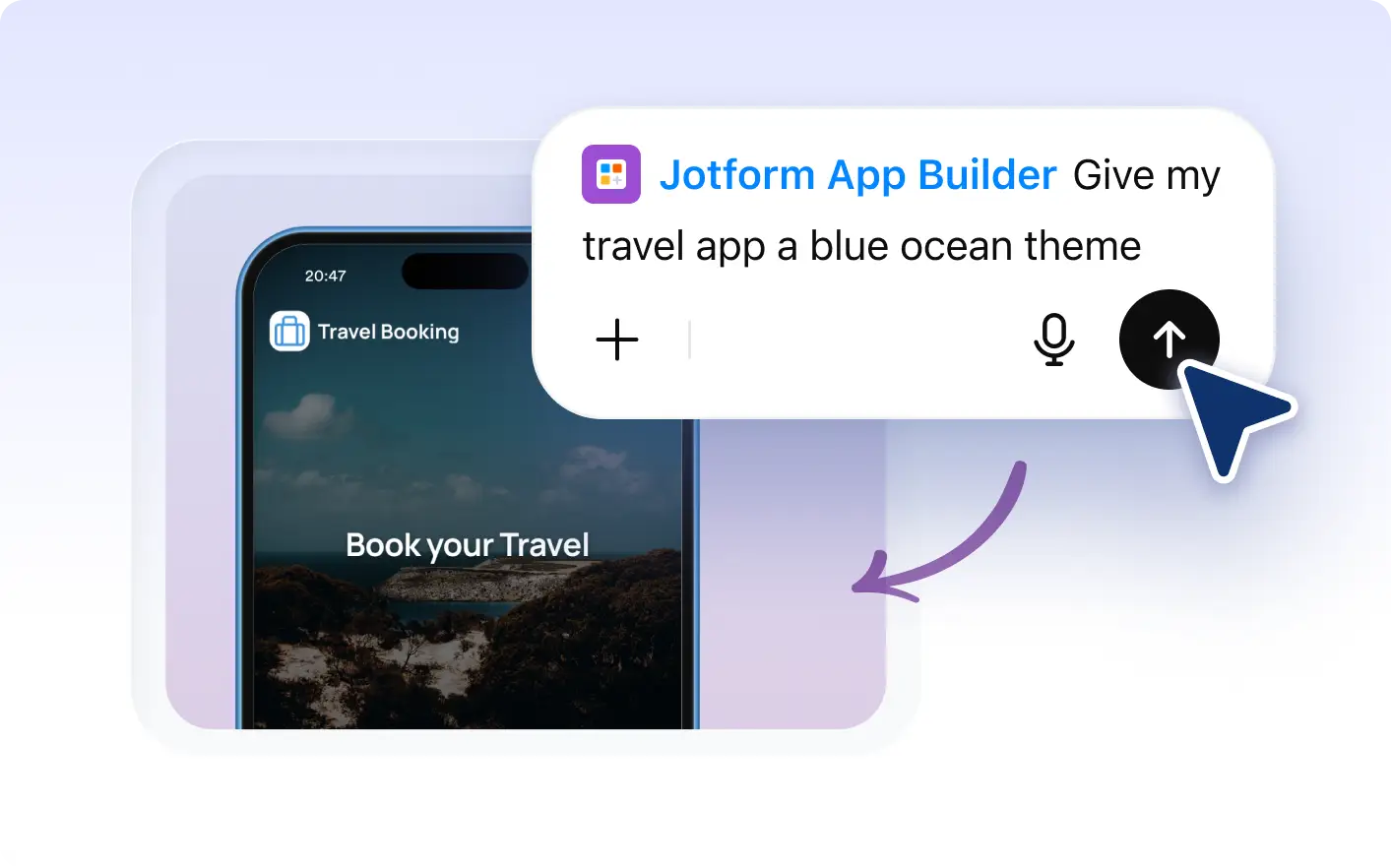
Describe the visual style you want, and watch as your app transforms. Update your app's colors, fonts, layouts, logos, and branding in seconds.
Design Your App by Describing
With Jotform Apps in ChatGPT, you can easily customize the appearance of your app. Just describe your desired visual style, and watch as your app adopts your specified colors, fonts, layouts, and more. Make your app truly yours, all within the comfort of ChatGPT.
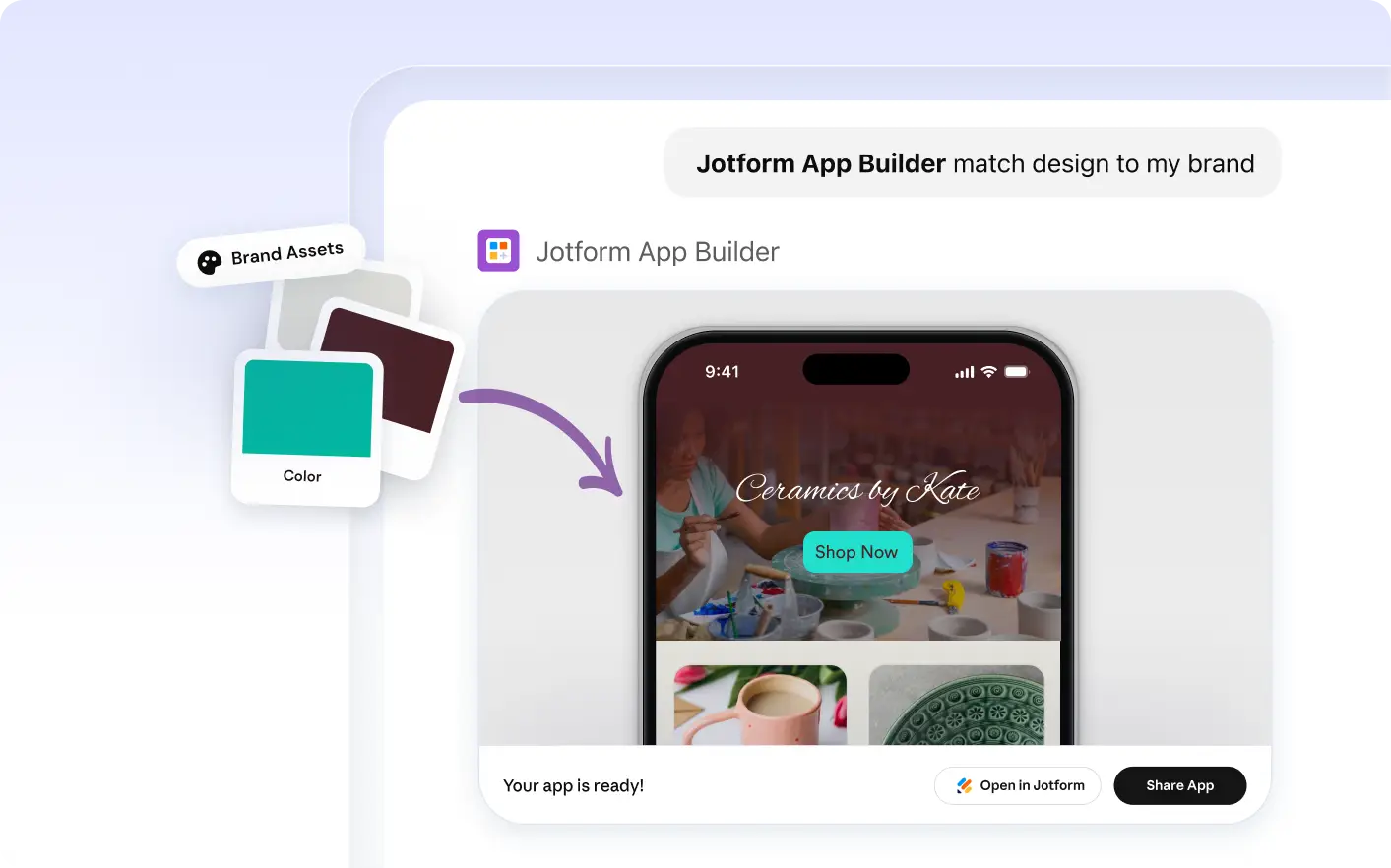
Match Your App to Your Company’s Branding
Describe your desired visual style and let Jotform AI App Builder in ChatGPT do the rest. Define your colors, fonts, layouts, and branding elements. Watch as your app transforms to match your unique style in seconds.
Frequently Asked Questions
Have questions about this feature? Explore the FAQs below for quick answers.
To modify your app's design in ChatGPT, simply describe the changes you want. For example, you can say, 'Change the font to Arial and the background color to blue.'
Yes, you can. Simply describe your preferred colors and fonts to ChatGPT. It will update your app's appearance based on your input, ensuring it aligns with your brand aesthetics.
Yes, with Jotform Apps in ChatGPT, you can request changes to your app's layout. Simply describe the modifications you want, and the AI will update your app accordingly.