Match Your Brand
Match your app to your brand with Jotform Apps in ChatGPT. Upload an image and ask the AI to extract its colors, giving your app a coordinated palette that reflects your visual identity.
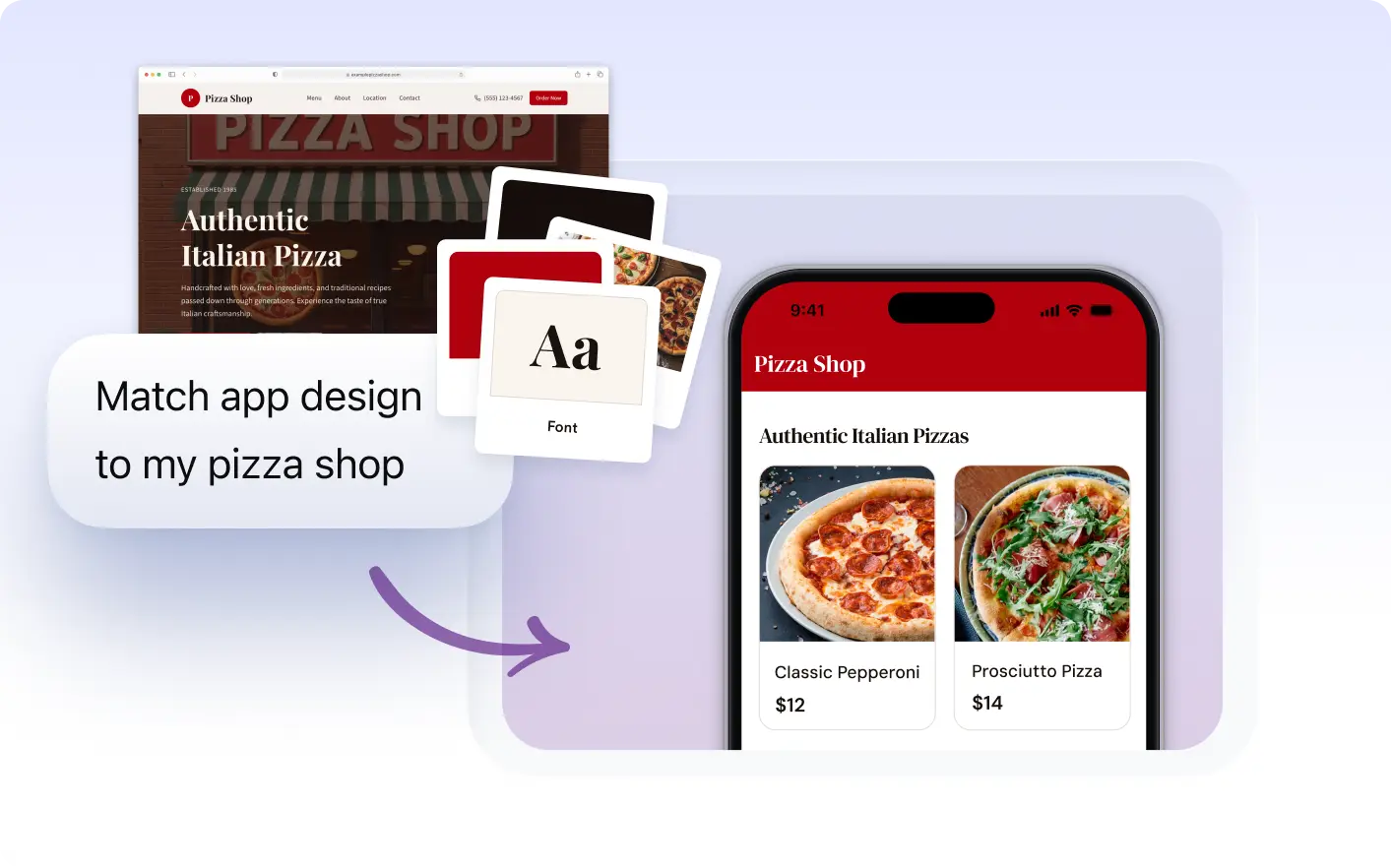
Experience seamless branding with Jotform Apps in ChatGPT. Simply upload an image and our smart AI will extract the colors to create a perfectly coordinated look for your app.
Bring Your Brand Colors Into Your App
Create a branded look from an image or website URL. Jotform Apps in ChatGPT extracts colors from your reference and applies them to your app, keeping its design aligned with your brand.
Keep Your App Design Consistent With Your Brand
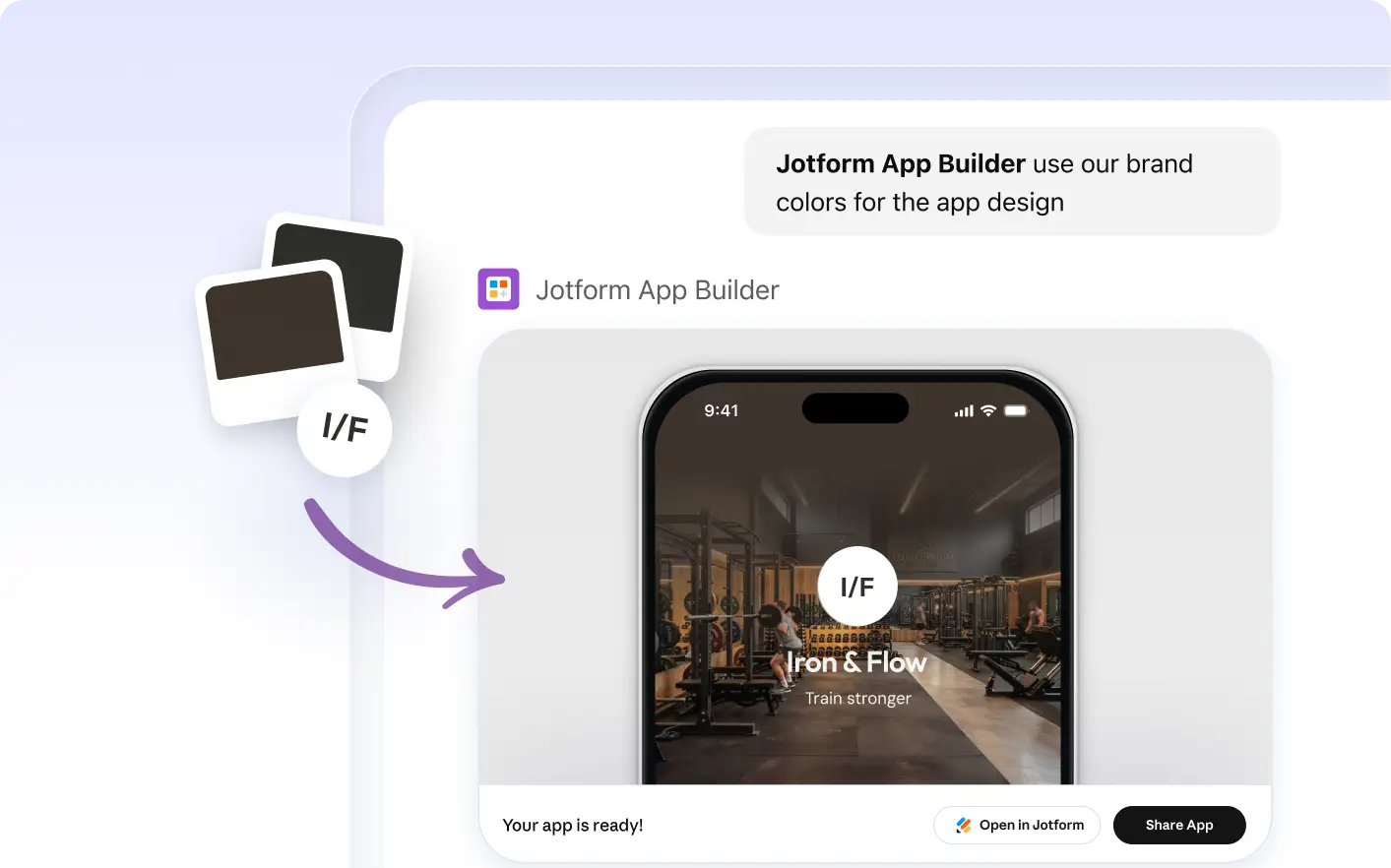
With Jotform Apps in ChatGPT, you can match your app’s colors to your brand using an image or website URL. Upload your image or share your URL, and Jotform AI App Builder extracts colors to create a coordinated look that reflects your company’s visual identity.
Frequently Asked Questions
Have questions about this feature? Explore the FAQs below for quick answers.
When you upload an image to Jotform Apps in ChatGPT, the AI App Builder analyzes the dominant colors in your image. It then extracts these colors and applies them to your app design, creating a harmonious color scheme that reflects your brand image. This process happens automatically, providing you with a visually appealing and consistent app design with minimal effort.
Yes, you can use any image for color extraction. The Jotform AI App Builder will analyze the dominant colors in your image and apply them to your app design. It's a simple and effective way to ensure brand consistency.
Absolutely! If you want to adjust the colors or apply a new color scheme, simply upload a new image or manually select your preferred colors. You're in control.