Add App Logo
Add or update your app logo with Jotform Apps in ChatGPT. Share the image URL and ask the AI to use it as your logo, helping people recognize your brand when they open your shared app.
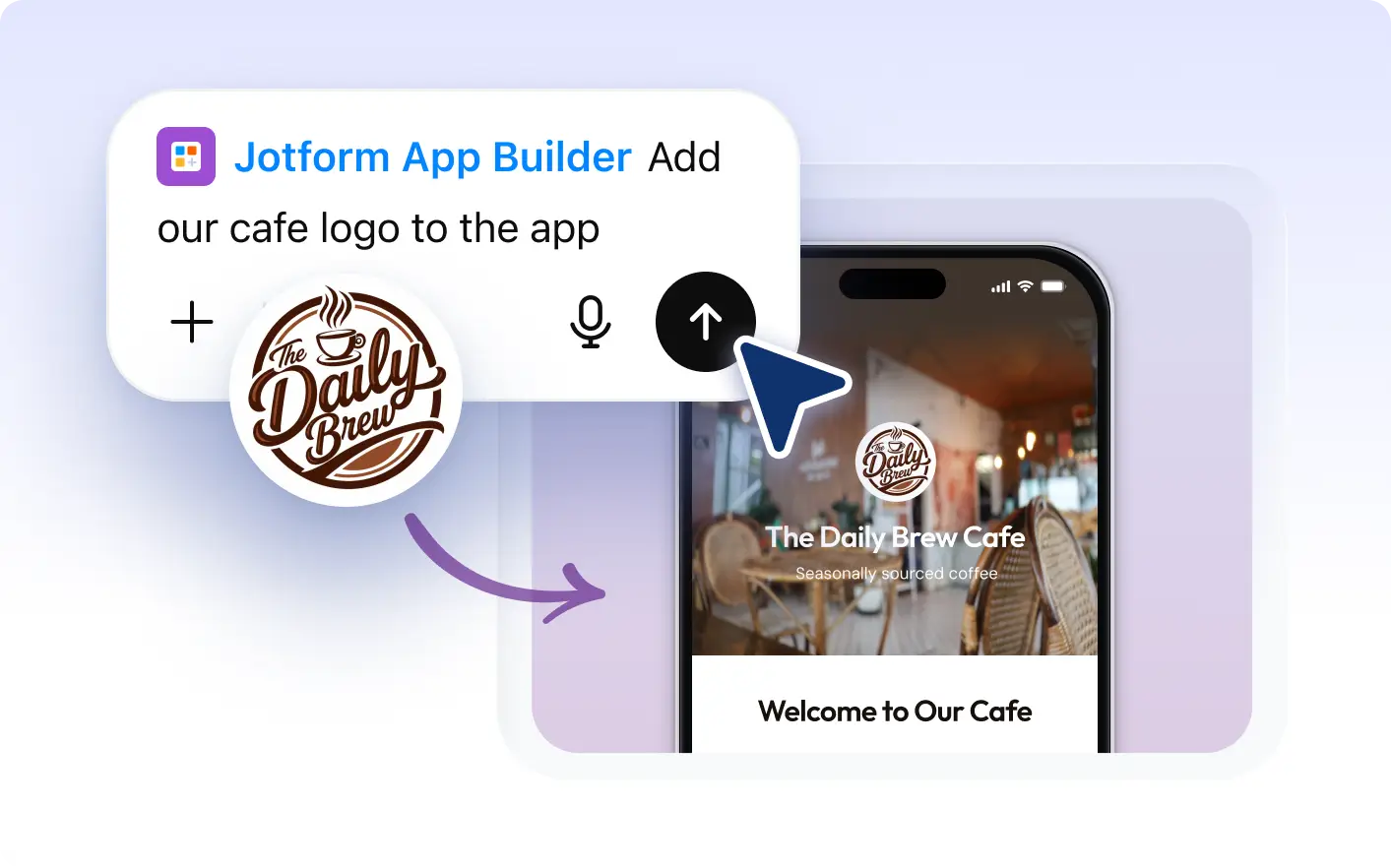
Update your logo anytime by simply providing the . Enhance your app's branding and maintain consistency across all platforms effortlessly.
Add or Update Your App Logo
With Jotform Apps in ChatGPT, you can effortlessly add a new logo or update an existing one in your app. Simply provide the URL of the image you want to use as your logo, and our AI will handle the rest.
Update Your App Logo to Match Your Brand
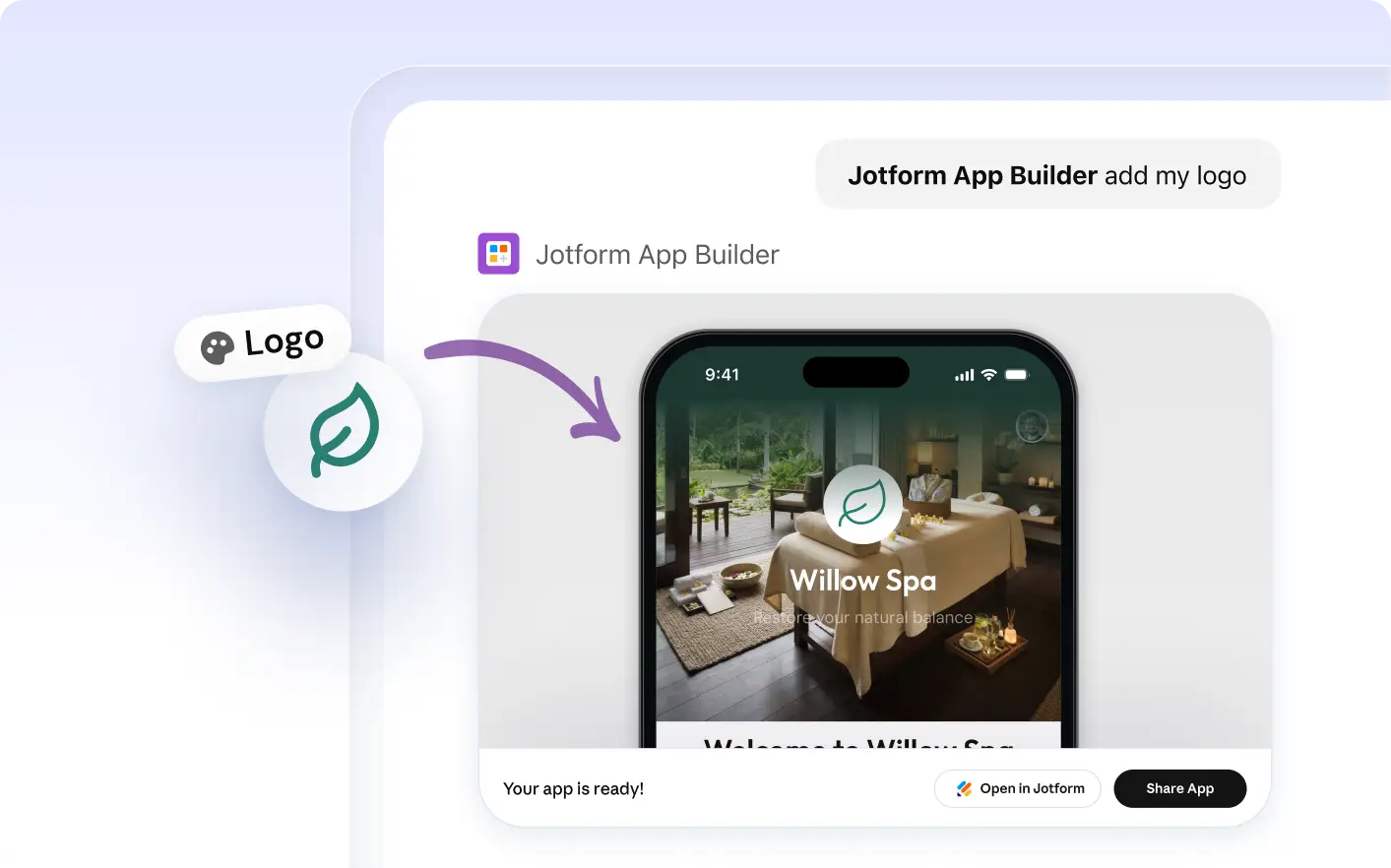
With Jotform Apps in ChatGPT, adding or updating your app logo has never been easier. Simply provide the image URL in a conversational prompt and the AI will handle the rest, ensuring your app always reflects your brand's identity.
Frequently Asked Questions
Have questions about this feature? Explore the FAQs below for quick answers.
You can add a logo to your app by providing the URL of your logo image in a simple instruction to Jotform AI App Builder within the ChatGPT interface. The AI will then add the logo to your app accordingly.
Yes, you can update the logo of your app at any time. Simply provide the URL of the new image you wish to use as your logo, and Jotform AI App Builder will replace the existing logo with the new one.
Jotform AI App Builder supports most common image formats for logos, including JPG, PNG, and SVG. Simply provide the URL of your desired image, and the builder will handle the rest.