Enable or Disable Apps
Control your app’s availability with Jotform Apps in ChatGPT. Ask the AI to enable or disable your app so you can make it available to users or temporarily pause access when needed.
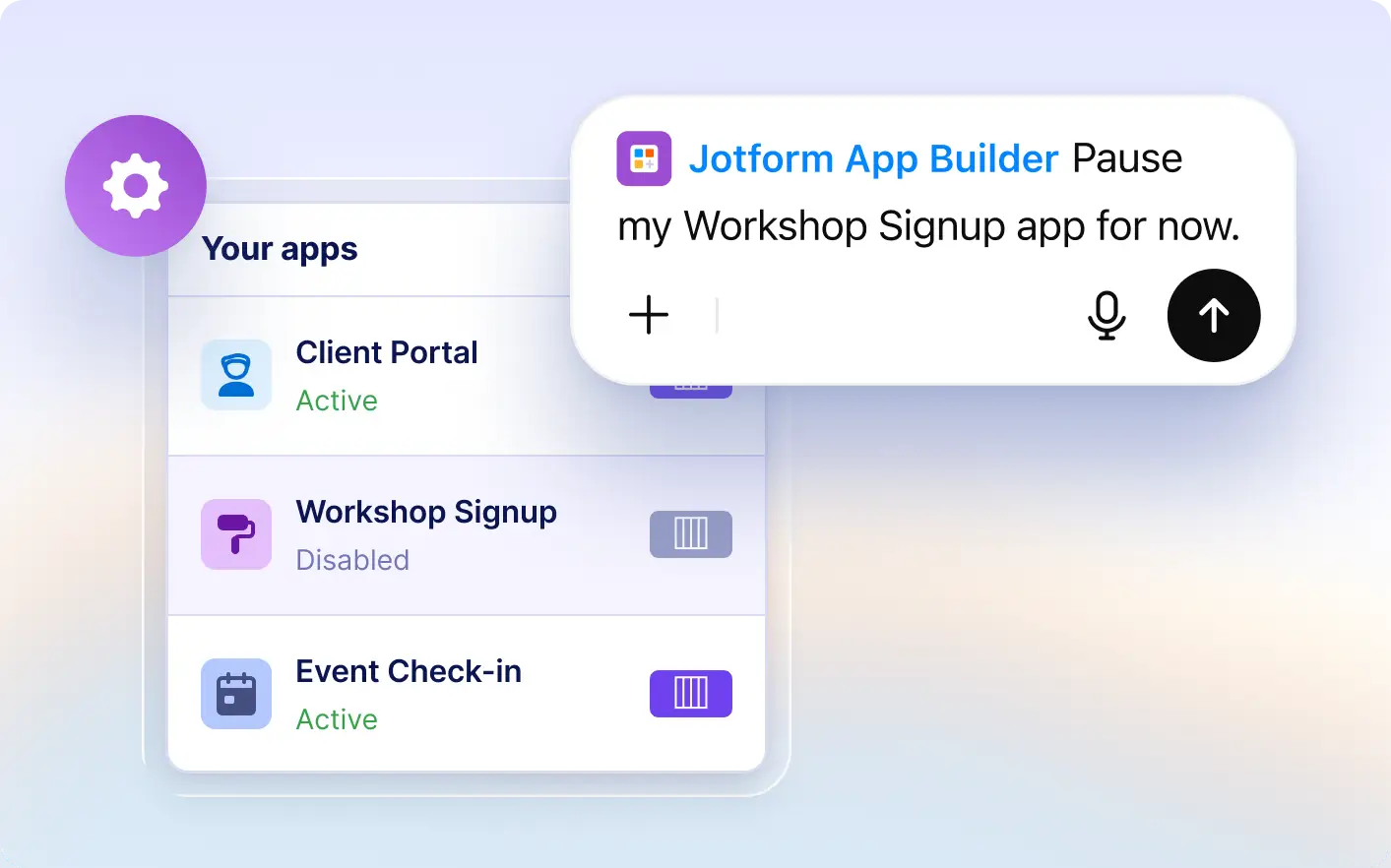
Take control of your app's availability with the Enable or Disable feature. With Jotform Apps in ChatGPT, you can instantly update your app's accessibility with a simple command.
Ask the AI to Enable or Disable Your App
Manage when people can access your app. Use Jotform Apps in ChatGPT to enable or disable it through conversation, giving you flexibility to pause availability and restore access when ready.
Enable or Disable Apps in ChatGPT
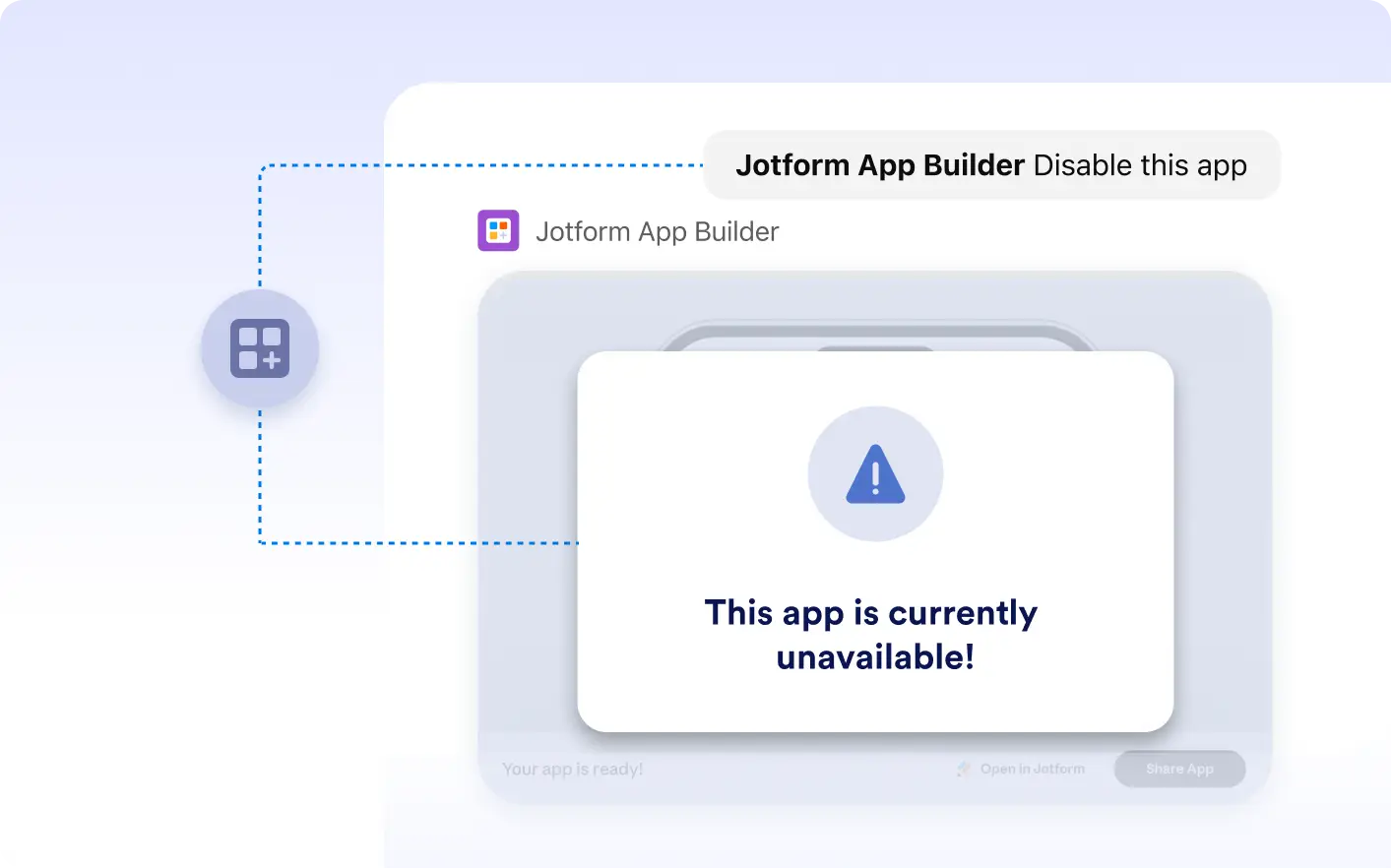
Tell Jotform Apps in ChatGPT which app you want to enable or disable. Jotform AI App Builder updates its availability, helping you manage access as your business or project needs change.
Frequently Asked Questions
Have questions about this feature? Explore the FAQs below for quick answers.
Simply tell ChatGPT to either 'enable' or 'disable' your app. For example, you can say 'Disable my summer camp app' and it will be done instantly.
No, the current functionality allows you to enable or disable your app instantly, but it does not support scheduling for future activation or deactivation.
No, the enable or disable feature in Jotform Apps in ChatGPT applies to the entire app. It does not support enabling or disabling specific sections of your app.