Add Forms to Your App
Add forms to your app with Jotform Apps in ChatGPT. Tell the AI which form to include and where it should appear, giving app users a convenient way to submit requests, registrations, or feedback.
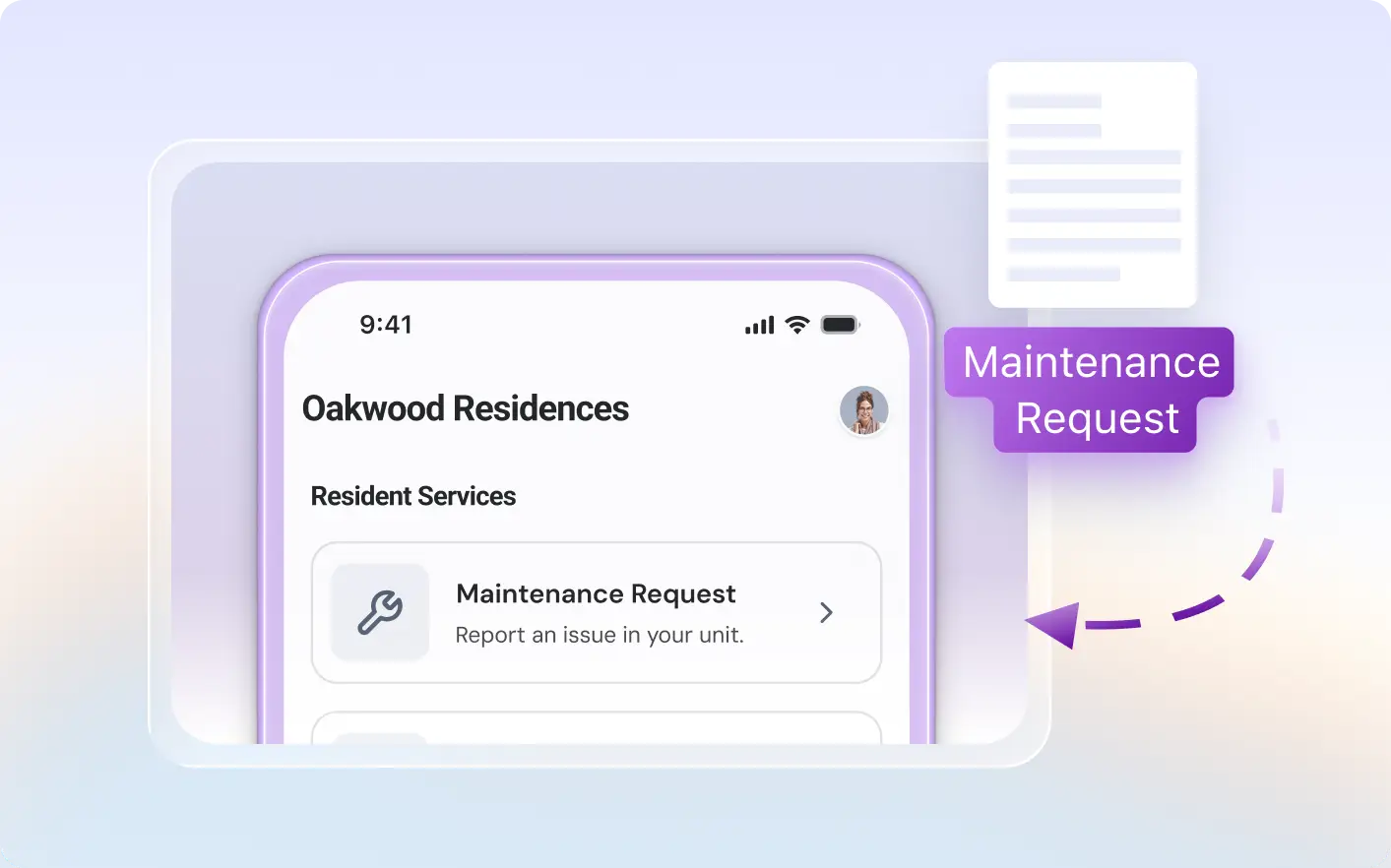
Bring the forms your users need into one app. Use Jotform Apps in ChatGPT to add forms through conversation.
Place Forms in Your App Through Conversation
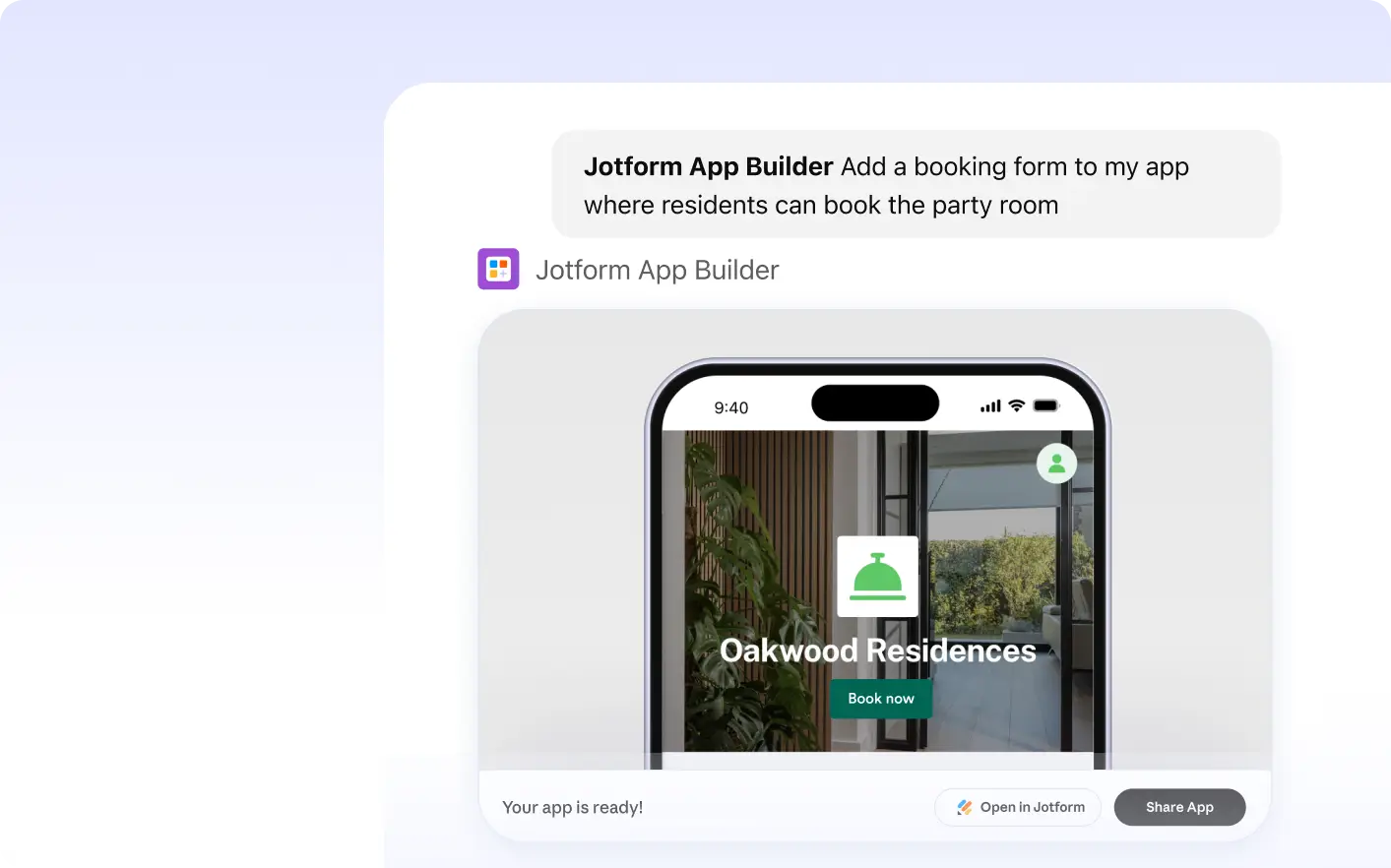
Tell Jotform Apps in ChatGPT which form you want to add and where it belongs. Jotform AI App Builder places it in your app, and you can preview the result directly in the conversation.
Embed Forms in Your App Easily
With Jotform's ChatGPT, adding forms to your app is as easy as describing what you need. Specify the form you want to add and its location in your app, and our AI will handle the rest. This feature simplifies app building, making it more efficient and user-friendly.
Frequently Asked Questions
Have questions about this feature? Explore the FAQs below for quick answers.
To add a form to your app in ChatGPT, simply specify which form you want to add and where it should be placed in your app. ChatGPT will handle the rest, integrating your chosen form at the specified location in your app.
Yes, you can specify the exact location where you want the form to appear in your app. Simply tell AI where to place the form during your conversation in ChatGPT.
Absolutely! You can add as many forms as you need to your app. Just specify the form and the location within the app where you want it to appear. This makes it easy to gather various types of information directly through your app.