Manage User Access
Manage content visibility with Jotform Apps in ChatGPT. Ask the AI to show or hide elements based on roles, inputs, or data to create a more focused interface.
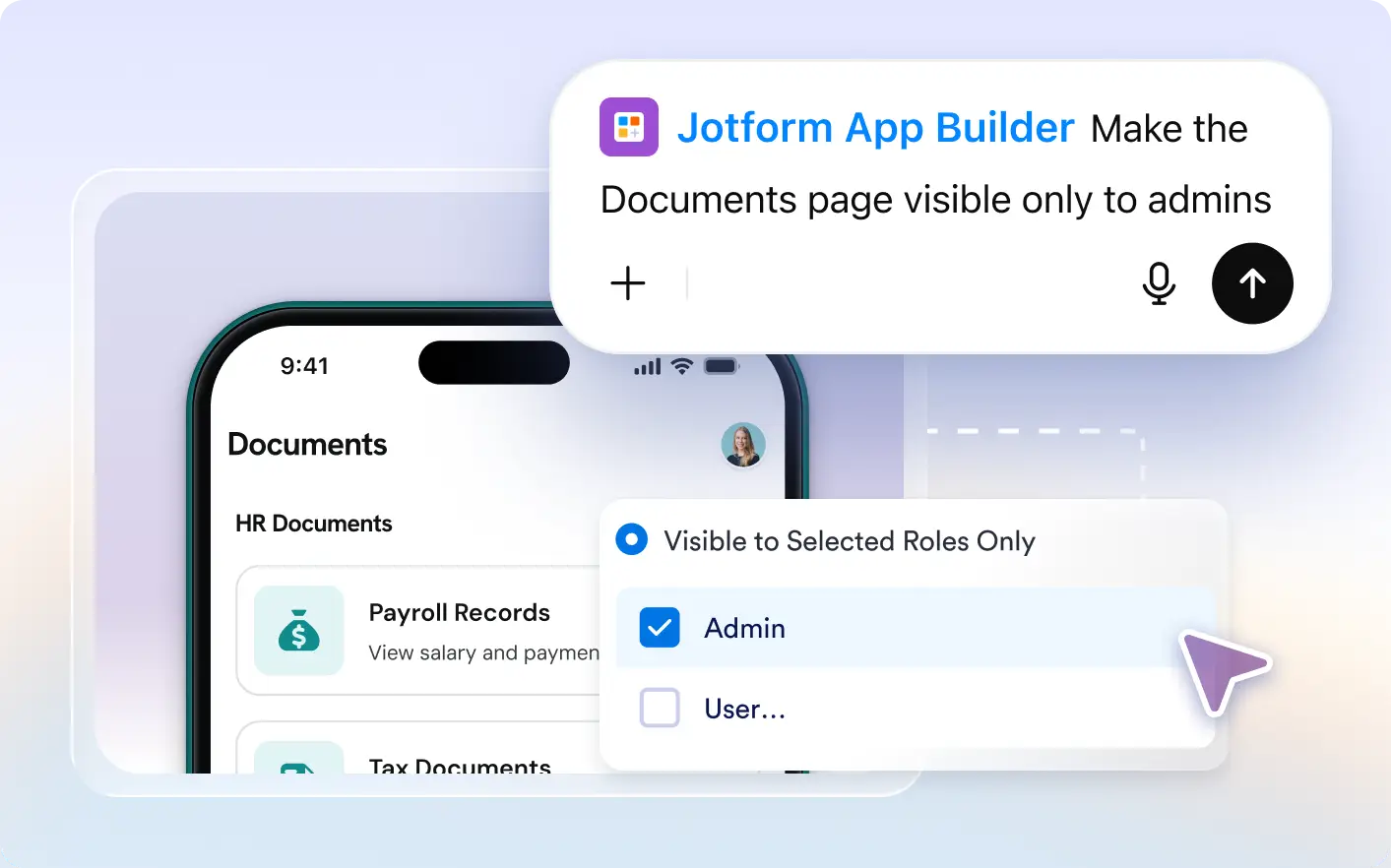
Use Jotform Apps in ChatGPT to define roles and visibility rules, helping app users find the sections they need without browsing unrelated content.
Set Visibility Rules for Your App Content
Take control of your Jotform Apps by managing access and content visibility. Define user roles and decide what they can view, creating a customized and secure user experience.
Show the Right Content to Each User Role
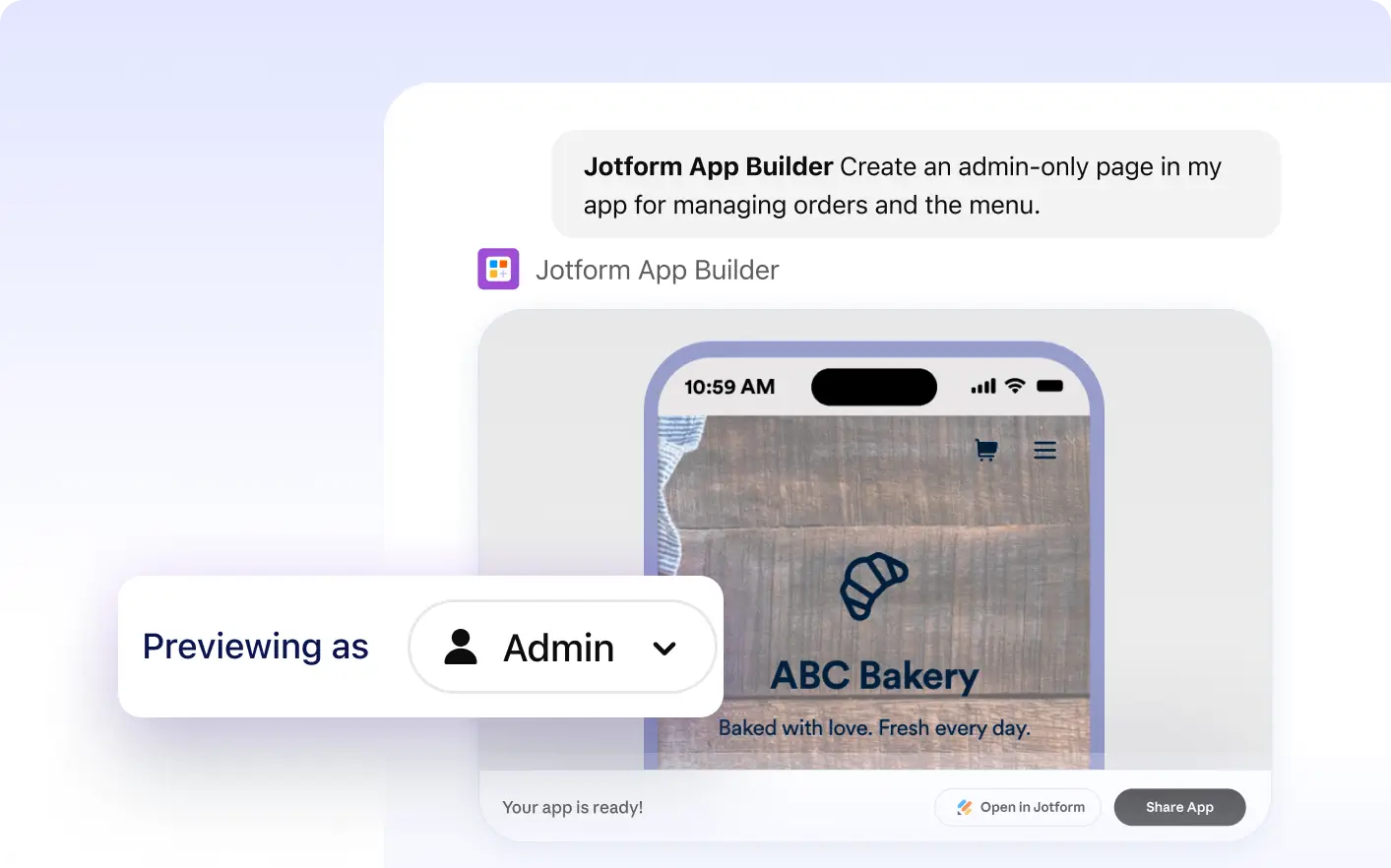
Make an admin section visible only to admins or tailor content for employees and customers. Describe your roles and visibility requirements in ChatGPT to customize what app users can see.
Frequently Asked Questions
Have questions about this feature? Explore the FAQs below for quick answers.
You can manage access and content visibility in your app by describing what roles can view which app sections in ChatGPT. This allows you to show or hide elements based on roles, inputs, or data, providing a clean, secure, and tailored interface for every user.
Yes, with Jotform's AI App Builder in ChatGPT, you can define user roles and hide specific elements or sections in your app based on these roles, providing a tailored user experience.
Yes, with Jotform Apps in ChatGPT, you can manage access and content visibility in your app. By describing your needs in plain language, you can specify which sections, pages, or elements should be visible to certain user roles, inputs, or data. This allows you to tailor the user experience for each role, enhancing usability and security.