Describe Your App
Describe your ideal app in Claude and get a tailored result. Share your requirements, content, and audience details Jotform Apps in Claude builds a ready-to-customize app based on your instructions, so you can quickly review and make updates.
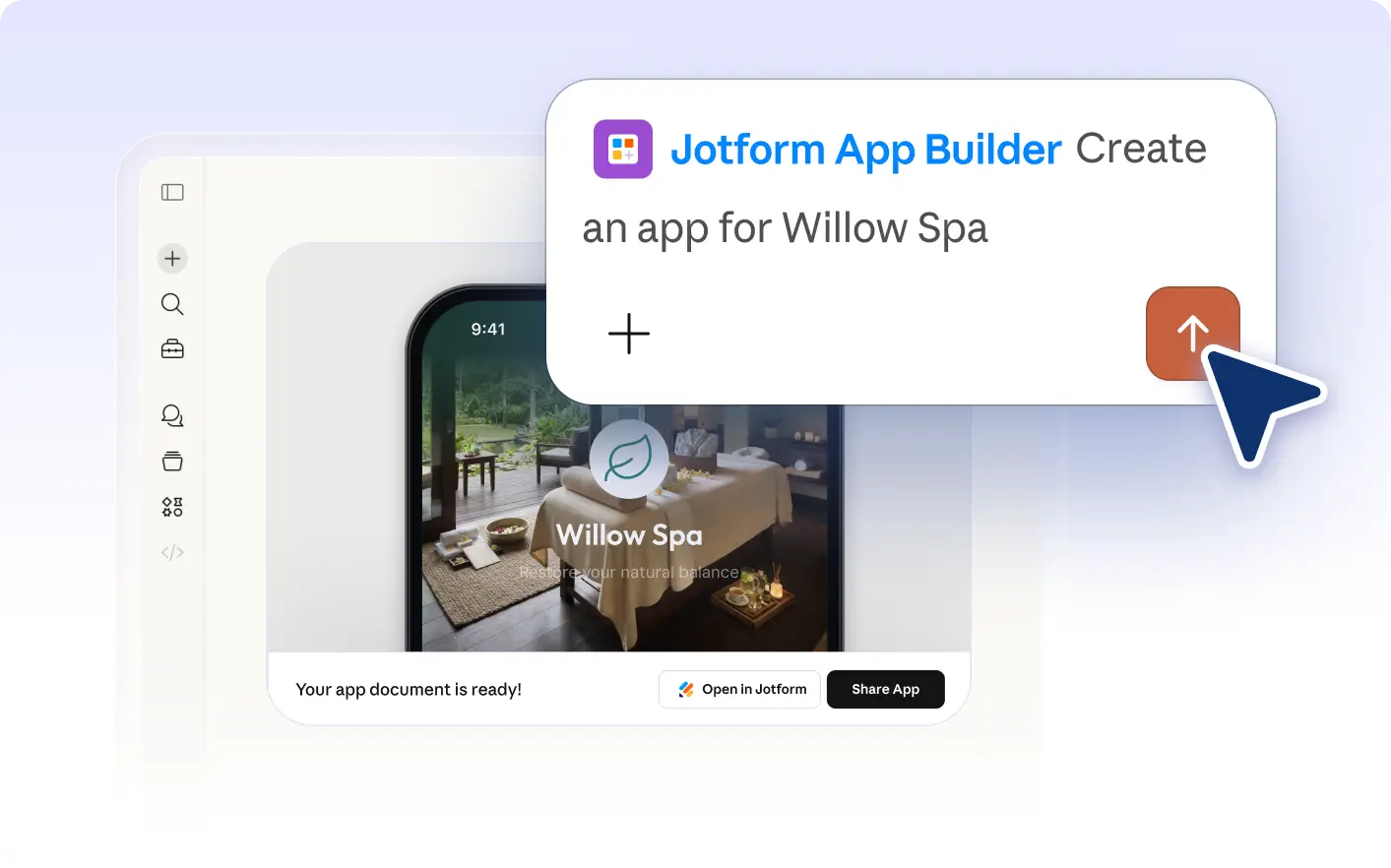
Quickly turn ideas into apps by describing your needs in Claude. The AI builds a custom app with forms, documents, and links for your specific audience. Easily review and update the result before sharing.
Describe Your App Idea and Let AI Build It
Share your app’s purpose, features, and intended audience directly in Claude. The Jotform AI App Builder interprets your description and creates a tailored app, so you can quickly review, customize, and share it with your team or customers.
Describe an App and Preview the Result
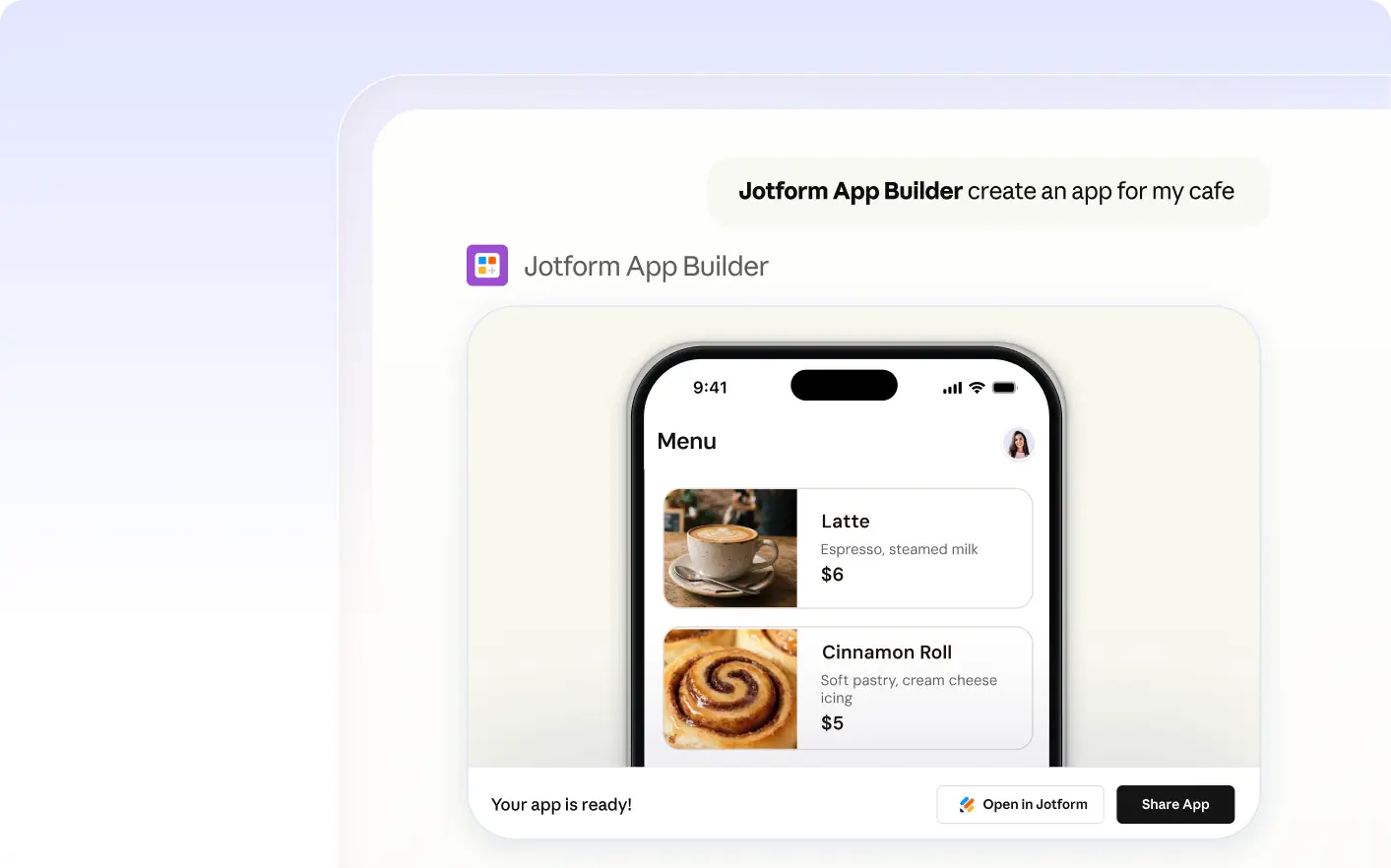
An HR manager types onboarding app requirements in Claude. The AI builds an app with leave request forms, company policies, and a branded welcome screen, ready for review and further customization.
Frequently Asked Questions
Have questions about this feature? Explore the FAQs below for quick answers.
To begin, open Claude and tell Jotform Apps what kind of app you want to create. Describe your idea, the content you need, and who will use the app. The Jotform AI App Builder will generate an app based on your description, ready for you to review and customize.
Include your app’s main purpose, key features, the types of content you want (such as forms or documents), and who will use the app. The more detail you provide, the more closely the Jotform AI App Builder can match your needs.
Yes, you can request changes at any time. Describe the updates or adjustments you want in Claude, and Jotform AI App Builder will modify your app based on your new instructions.