Add and Modify App Elements
Add, edit, or remove app elements by describing your changes in Claude. Update buttons, sections, or other components in your app with clear instructions and preview the results before sharing with your audience.
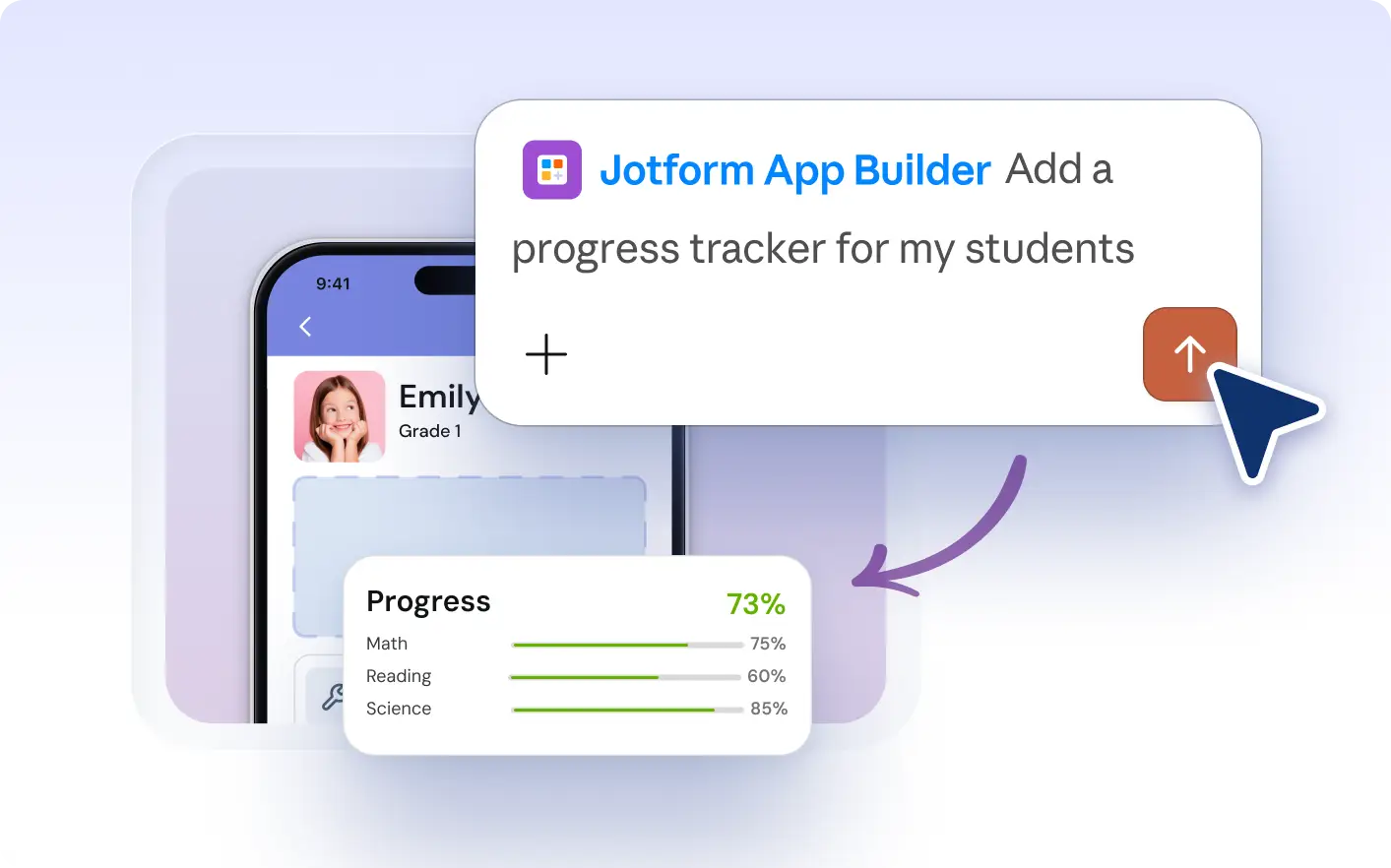
Quickly add, edit, or resize app elements in your project. Use plain language in Claude to update buttons, sections, and other components, so your app’s layout and content fit your needs as they evolve.
Customize App Elements With Simple Prompts
Describe the buttons, sections, or components you want to add, edit, or remove directly in Claude. Jotform Apps in Claude will update your app layout or content as you request, so you can quickly refine your app’s structure and appearance in plain language.
Add and Customize App Elements
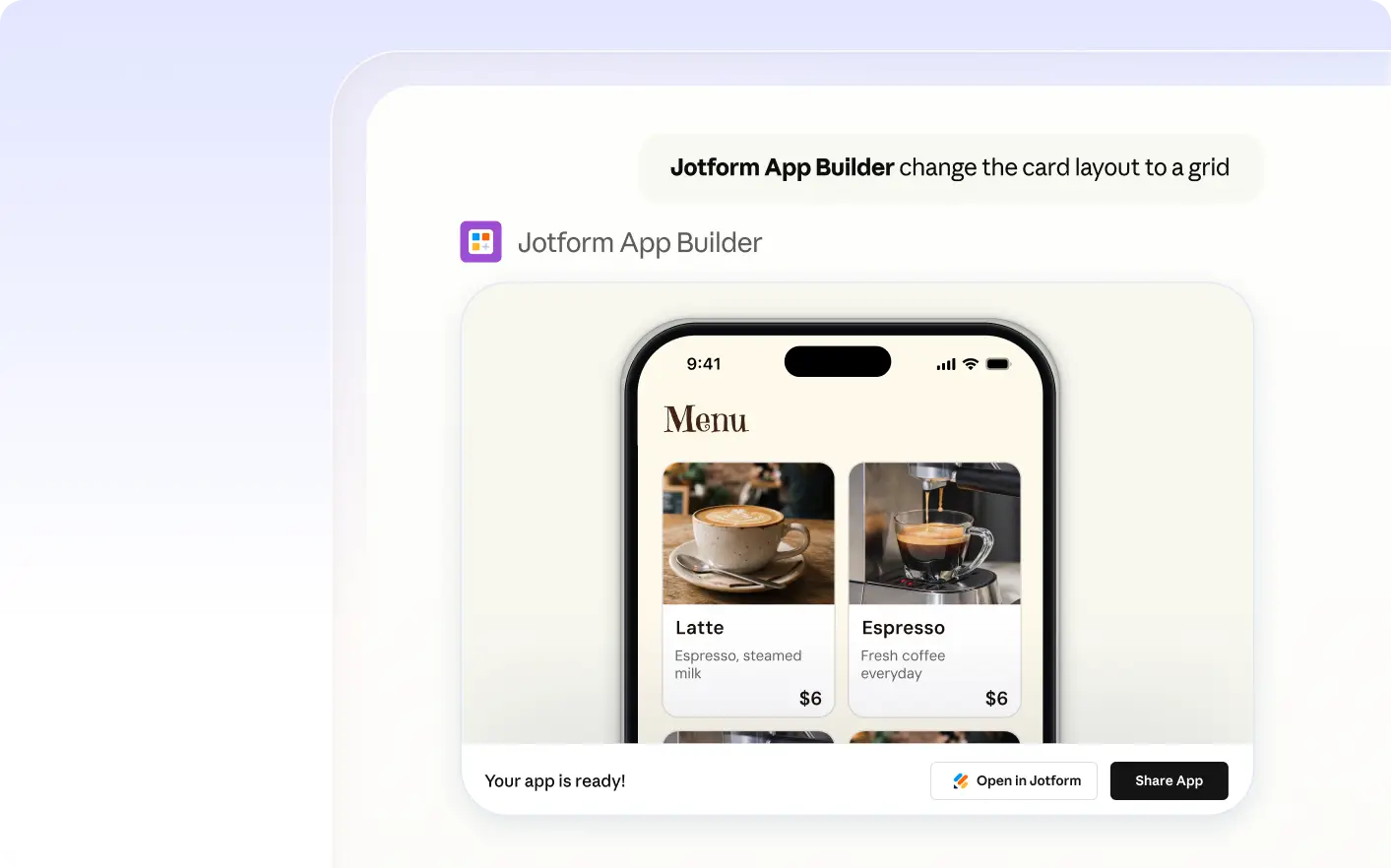
See how you can request a new button, update its color, or adjust a section’s size in Jotform Apps in Claude. The AI makes each change as described, so you can review and refine your app’s layout before sharing it with your audience.
Frequently Asked Questions
Have questions about this feature? Explore the FAQs below for quick answers.
Describe the buttons, sections, or other components you want to add, edit, or remove in your app directly in Claude. The Jotform AI App Builder interprets your request and updates the app layout or content as you specify.
Yes, you can ask Jotform Apps in Claude to resize sections, change colors, update content, or adjust layout for app elements. Describe the changes you want in plain language, and the AI will apply them to your app as requested.
You can manage buttons, sections, cards, lists, and other app components. Use Jotform Apps in Claude to add, edit, remove, or resize these elements by describing your changes in conversation.