Add, Delete and Edit Pages
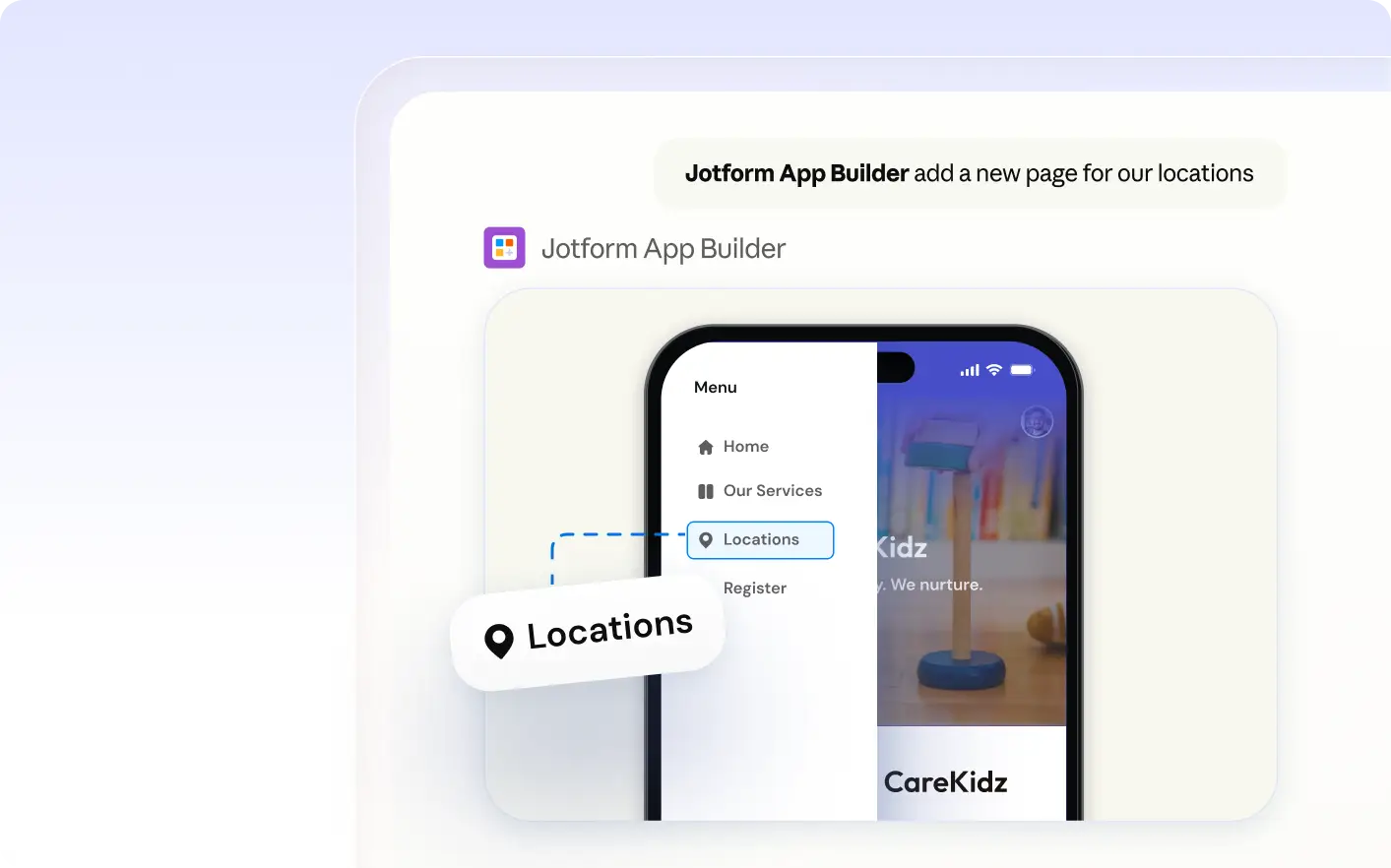
Easily organize your app’s pages by describing what you want to add, change, or remove in Jotform Apps in Claude. Specify which pages should be private or visible to guests, so your app structure matches your needs.

Easily add, edit, delete, or duplicate pages in your app by describing your needs in Claude. Organize content, set private pages, and ensure guests see only what’s relevant, all through a conversational workflow that adapts to your requirements.
Manage App Pages in Claude
Describe which pages to add, edit, delete, or duplicate in your app. Request private pages or specify content for guests, all through a simple conversation with Jotform Apps in Claude. Organize your app’s structure as you build and update it.
Organize Pages and Set Visibility
See how you can quickly add a new page, update its title, remove an old page, or make a section private for certain users. Visualize your app’s page structure and content flow as you build in Claude.
Frequently Asked Questions
Have questions about this feature? Explore the FAQs below for quick answers.
Tell Jotform Apps in Claude which pages you want to add, delete, or duplicate. Describe the page name and purpose, and the AI will update your app’s page structure based on your instructions.
Yes, you can request that a page be private for certain user roles or groups. Tell Jotform Apps in Claude which page should be restricted and specify the intended audience, such as admins or members.
To edit a page, specify which page you want to update and describe the changes needed, such as the new title, content, or visibility settings. Clear instructions help the AI make accurate updates to your app’s pages.