Design Your App Appearance
Describe your ideal app style to Jotform Apps in Claude. Ask the AI to update colors, fonts, layouts, and branding so your app looks familiar and fits your purpose or organization’s identity.
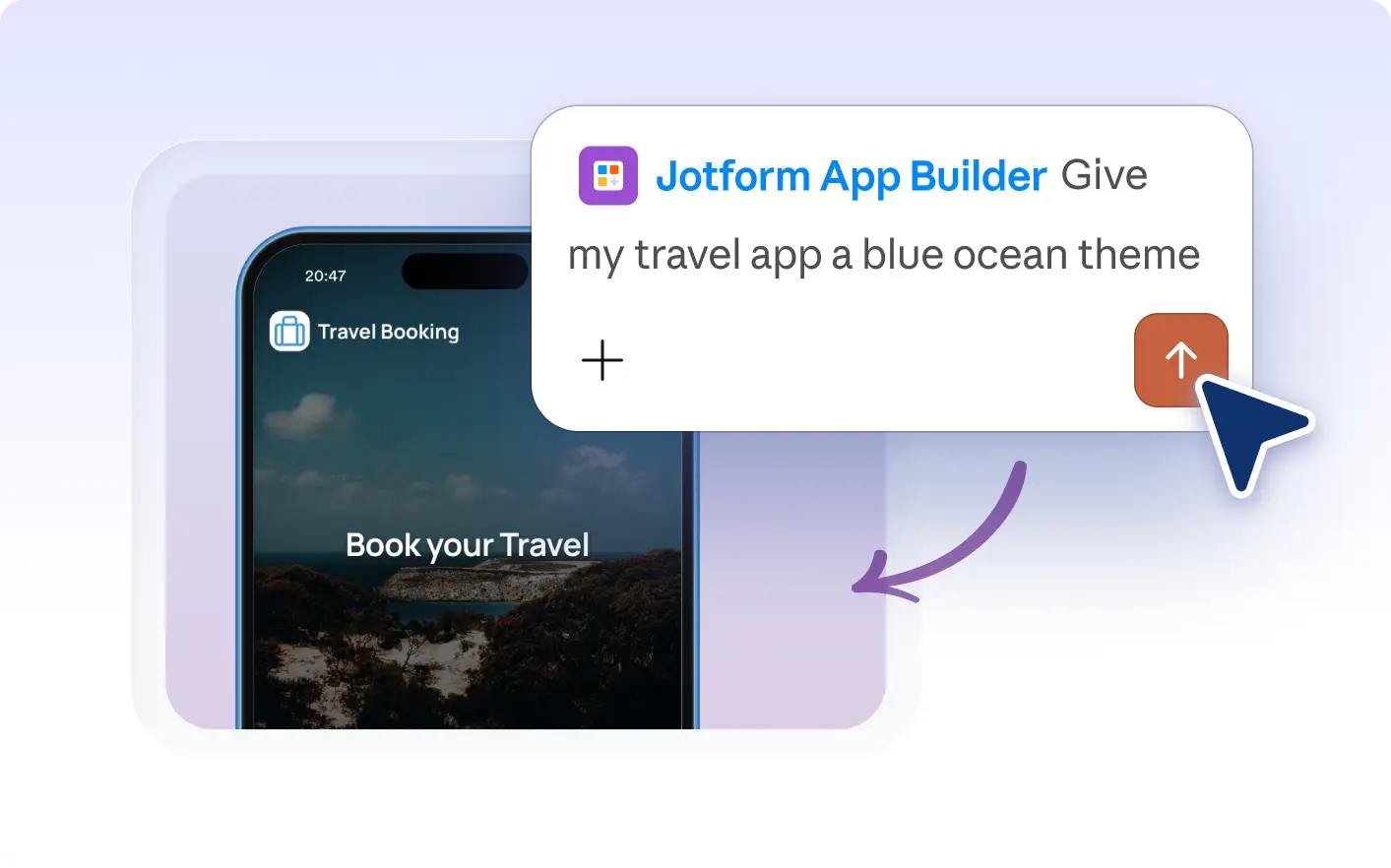
Refresh your app’s look with custom colors, fonts, and branding in Claude. Describe your preferred style, and Jotform Apps in Claude updates your app’s appearance so it feels and on-brand for your audience.
Describe Your Ideal App Look in Claude
Tell Jotform Apps in Claude how you want your app to look. Describe your preferred colors, fonts, layout, and branding so the AI can update your app’s appearance to match your organization or event style.
Apply Custom Colors, Fonts, and Branding
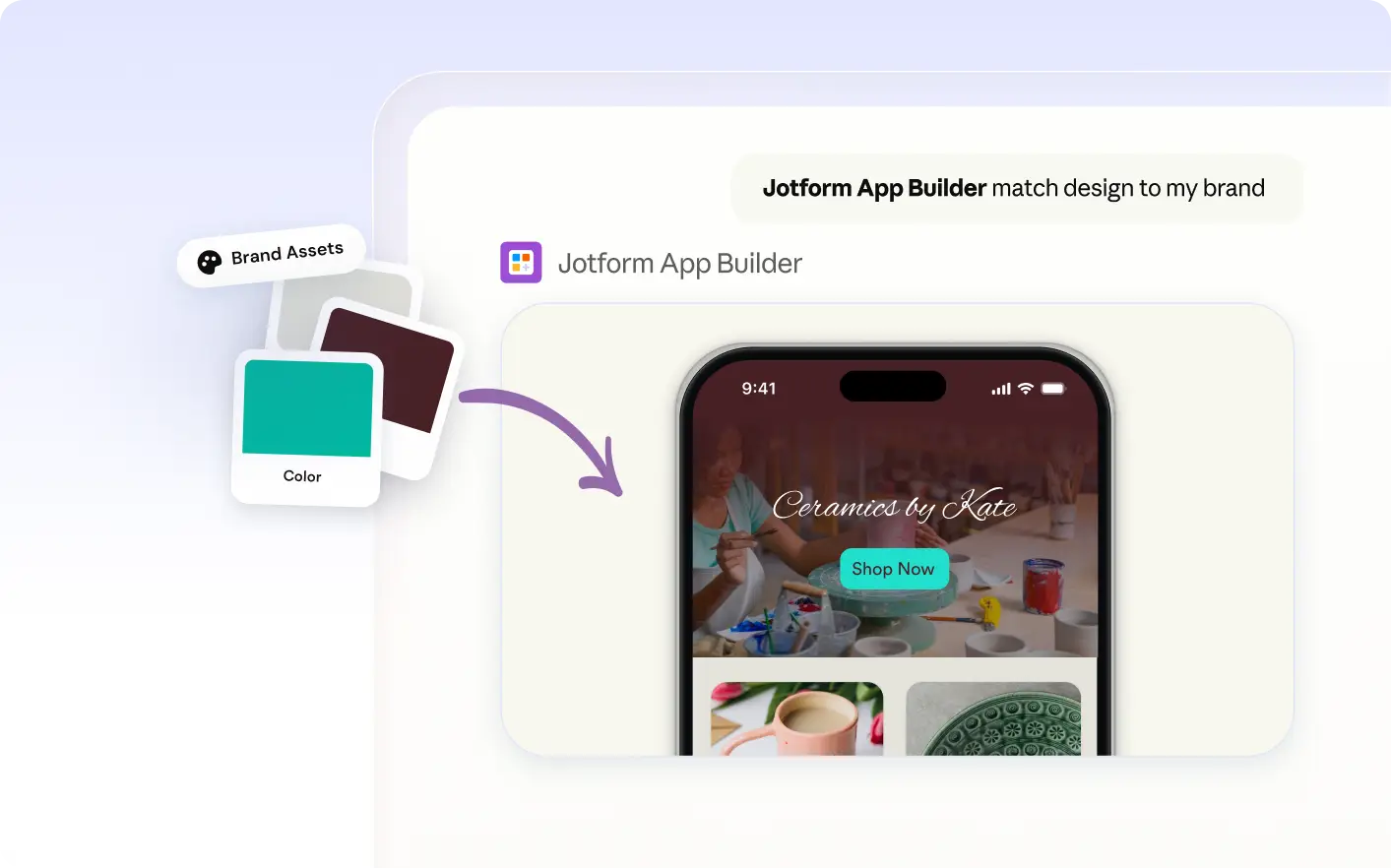
Describe your preferred colors, fonts, and layout to Jotform Apps in Claude. The AI updates your app’s appearance so it reflects your brand, event, or organization for a familiar experience.
Frequently Asked Questions
Have questions about this feature? Explore the FAQs below for quick answers.
Describe your preferred colors, fonts, layout, or branding to Jotform Apps in Claude. The AI will update your app’s appearance based on your instructions, making it easy to match your organization or event style.
You can customize your app’s colors, fonts, layouts, logos, and titles. Describe your preferences in Claude to update the appearance and branding so your app fits your organization or event style.
Yes, you can ask Jotform Apps in Claude to update your app’s colors, fonts, and branding so it aligns with your organization’s style or event theme. Describe the look you want, and the AI will apply those design choices to your app.