Match Your Brand
Give your app a consistent branded look with Jotform Apps in Claude. Upload your logo or provide a website URL, and the AI will extract your brand colors and apply them to your app’s buttons, backgrounds, and highlights automatically.
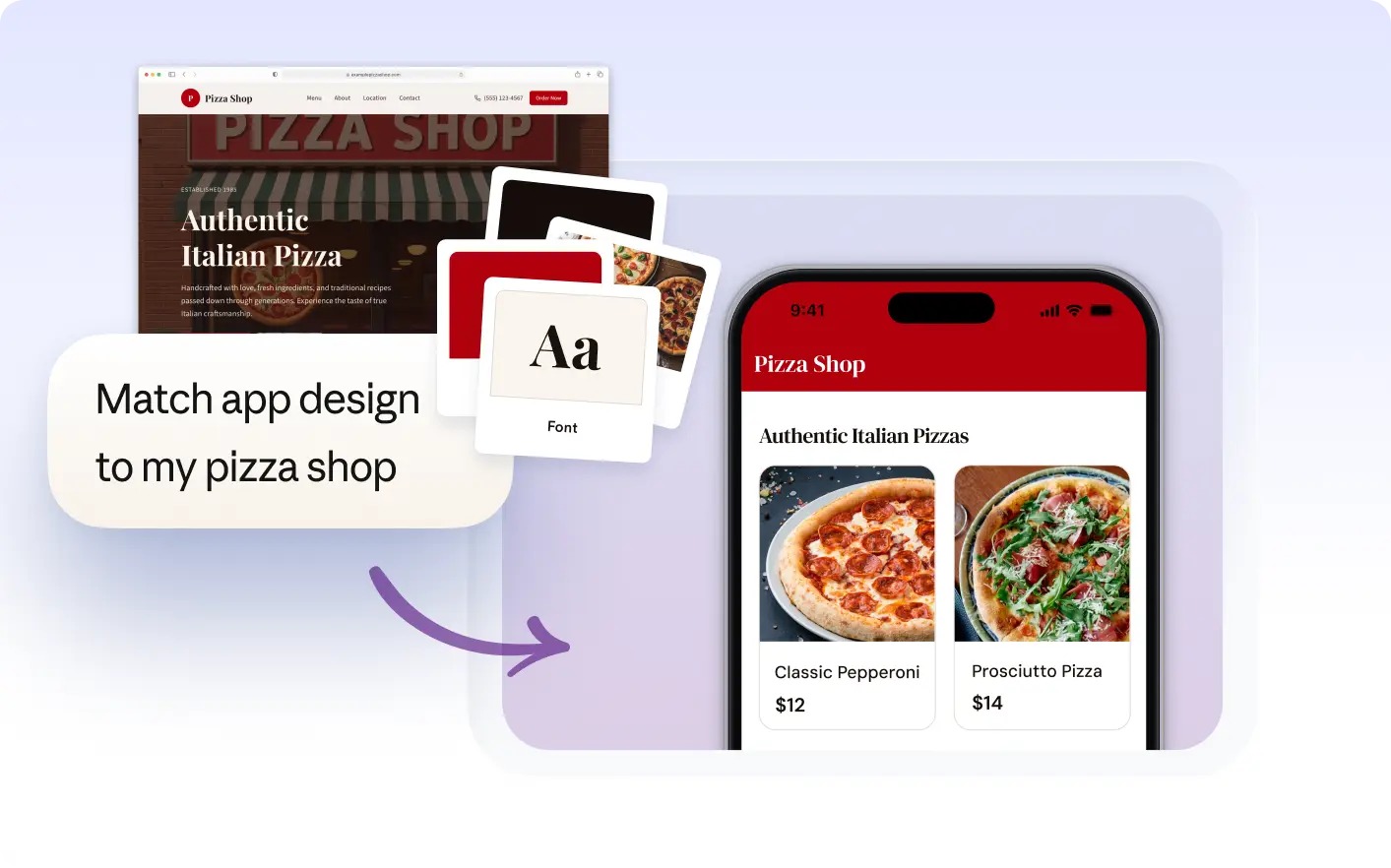
Create a cohesive look by having the AI extract colors from your logo, website, or brand image. Your app’s backgrounds, buttons, and highlights update to match your visual identity for a consistent experience.
Bring Your Branding Into Your App
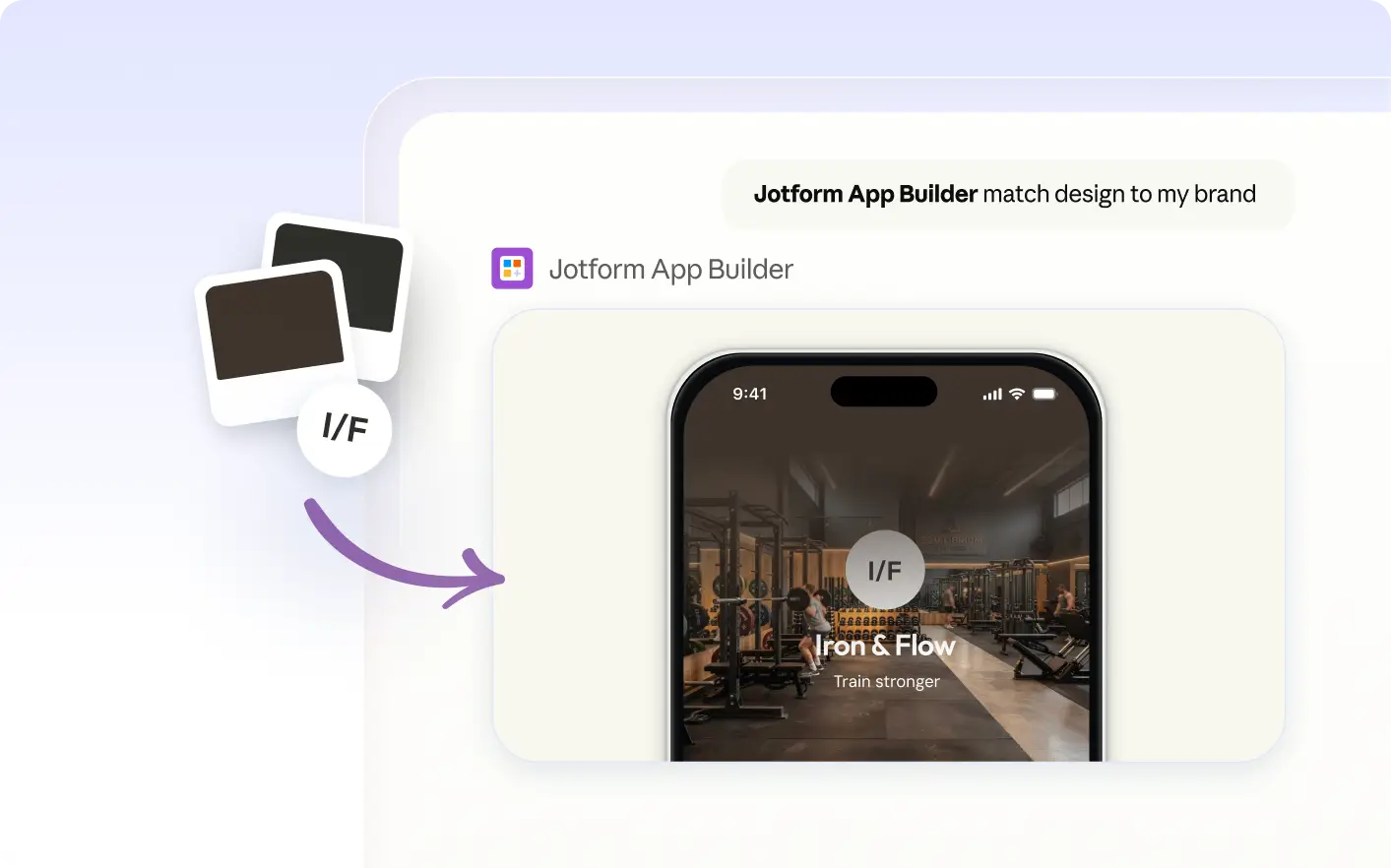
Describe your brand, upload a logo, or share your website URL in Claude. The Jotform AI App Builder extracts the color palette and applies it to your app, creating a consistent branded appearance for your audience.
Apply Brand Colors from Image or Website
Upload a logo or share your website URL in Claude to extract your brand’s color palette. The Jotform AI App Builder applies these colors to your app’s buttons, backgrounds, and highlights for a unified branded look.
Frequently Asked Questions
Have questions about this feature? Explore the FAQs below for quick answers.
Describe your brand, upload a logo, or provide a website URL in Claude. The Jotform AI App Builder extracts the color palette and applies it to your app, giving it a consistent branded look.
Yes, you can upload a logo or image or provide your website URL in Claude. The Jotform AI App Builder will extract the main colors and apply them to your app’s design for a consistent branded look.
When you match your app’s colors to your brand, the AI updates elements like backgrounds, buttons, cards, and highlights. These changes help your app reflect your brand’s style across pages and sections.