Multilingual Support with AI
Reach more people by translating your app’s fields, menus, and text with Jotform Apps in Claude. Simply tell the AI which languages you need, and your app will update so users can access it in their preferred language.
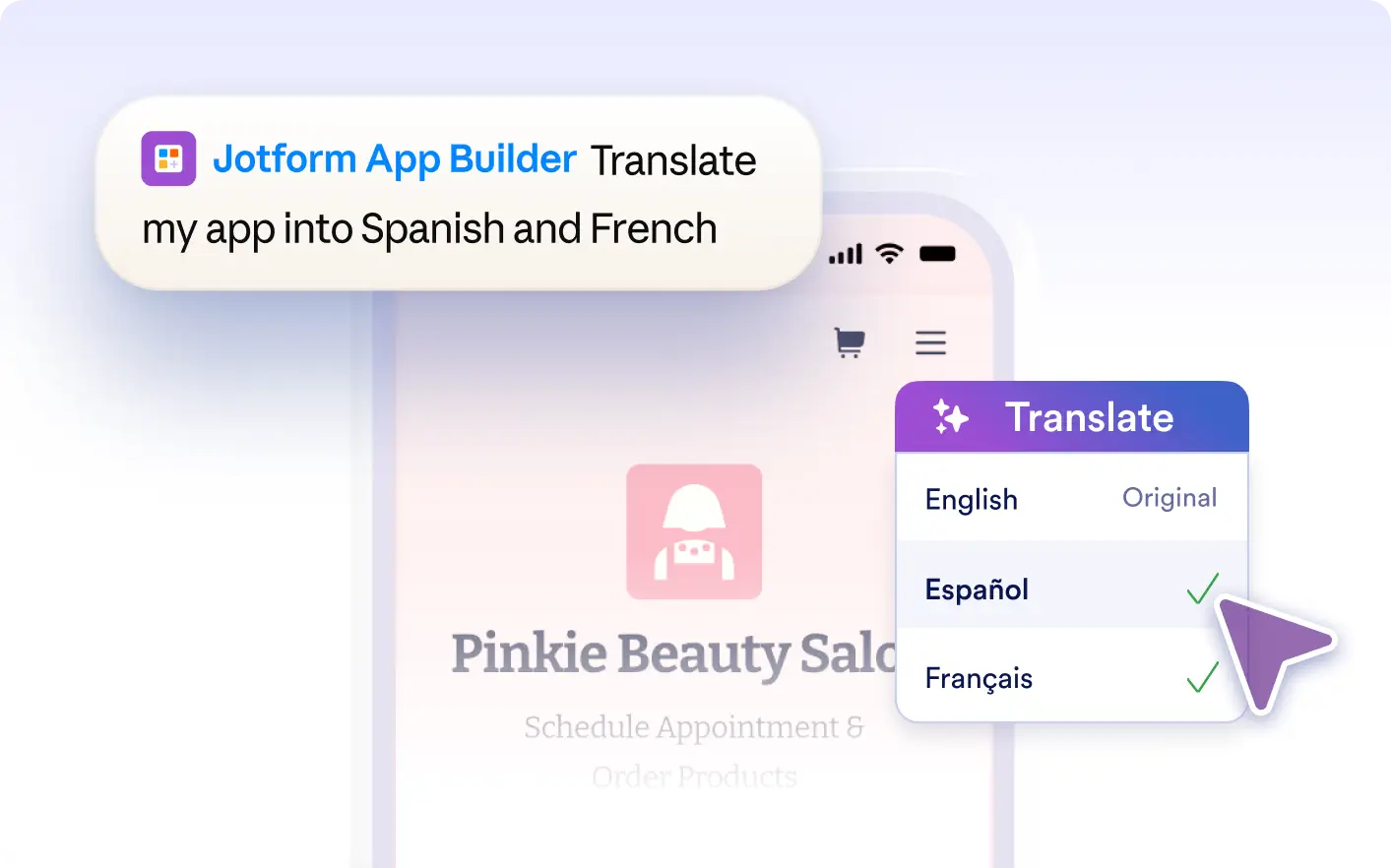
Reach more people by making your app available in multiple languages. Ask Jotform Apps in Claude to translate fields, menus, and text so your audience can use the app in their preferred language.
Add Languages to Your App With AI
Describe which languages you want your app to support directly in Claude. The Jotform AI App Builder translates fields, menus, and text so your app is accessible to a wider audience in their preferred language.
Preview Your App in Any Language
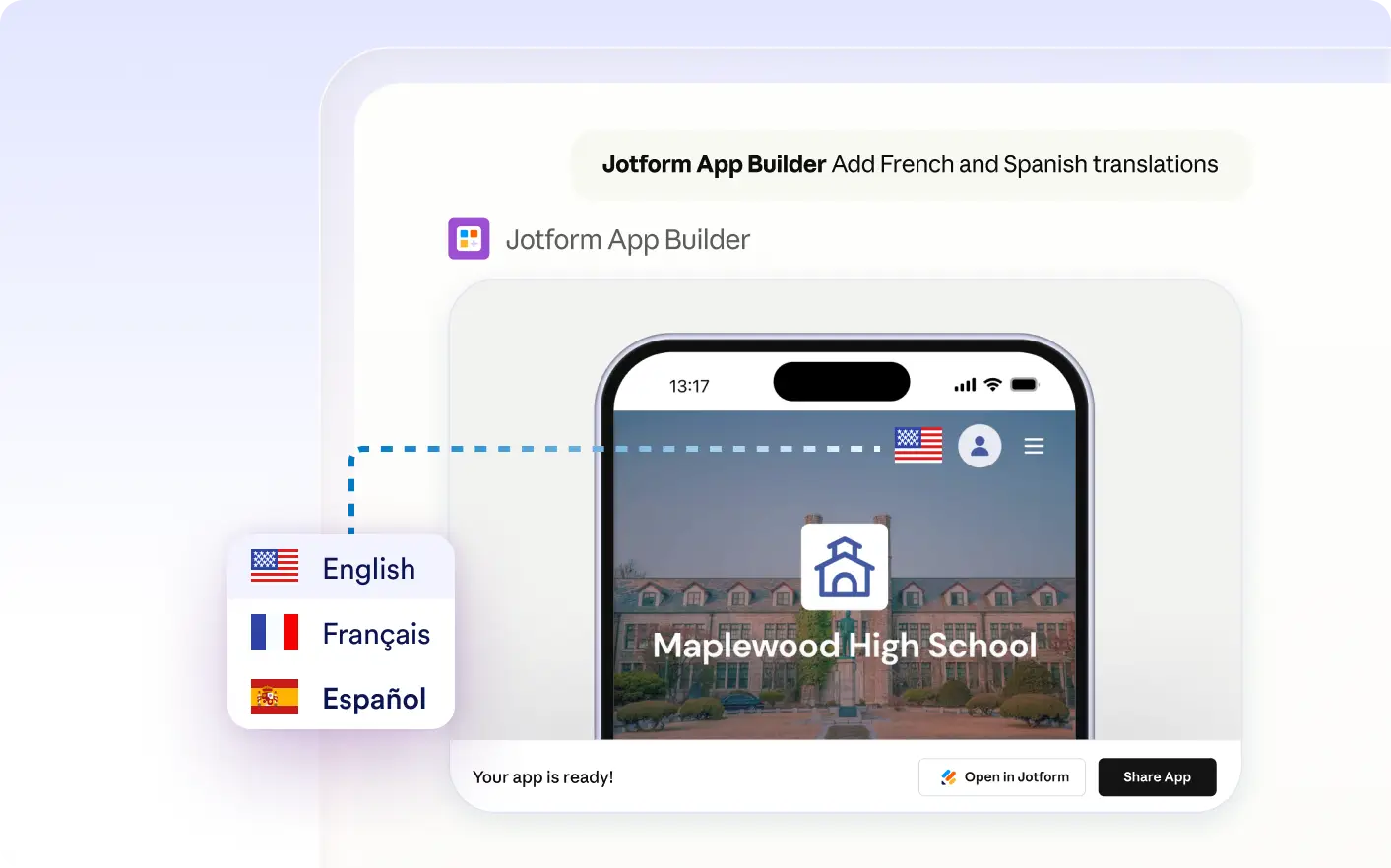
See how your app appears in each language you’ve added. The AI translates fields, menus, and text so your audience can use the app in their preferred language, improving accessibility for everyone.
Frequently Asked Questions
Have questions about this feature? Explore the FAQs below for quick answers.
Describe which languages you want your app to support in the Claude conversation. The Jotform AI App Builder will translate your app’s fields, menus, and text content as requested.
You can translate fields, menus, and visible text content in your app. This includes form labels, navigation items, and on-screen instructions, so your audience can use the app in their preferred language.
Yes, you can specify exactly which languages you want your app content translated into when using Jotform Apps in Claude. Just tell the AI your preferred languages, and it will translate the fields, menus, and text accordingly.