Add Forms to Your App
Add forms to your app by telling Jotform Apps in Claude which form to include and where it should be placed. Make it easy for your audience to find and complete key forms right alongside other resources in your custom app.
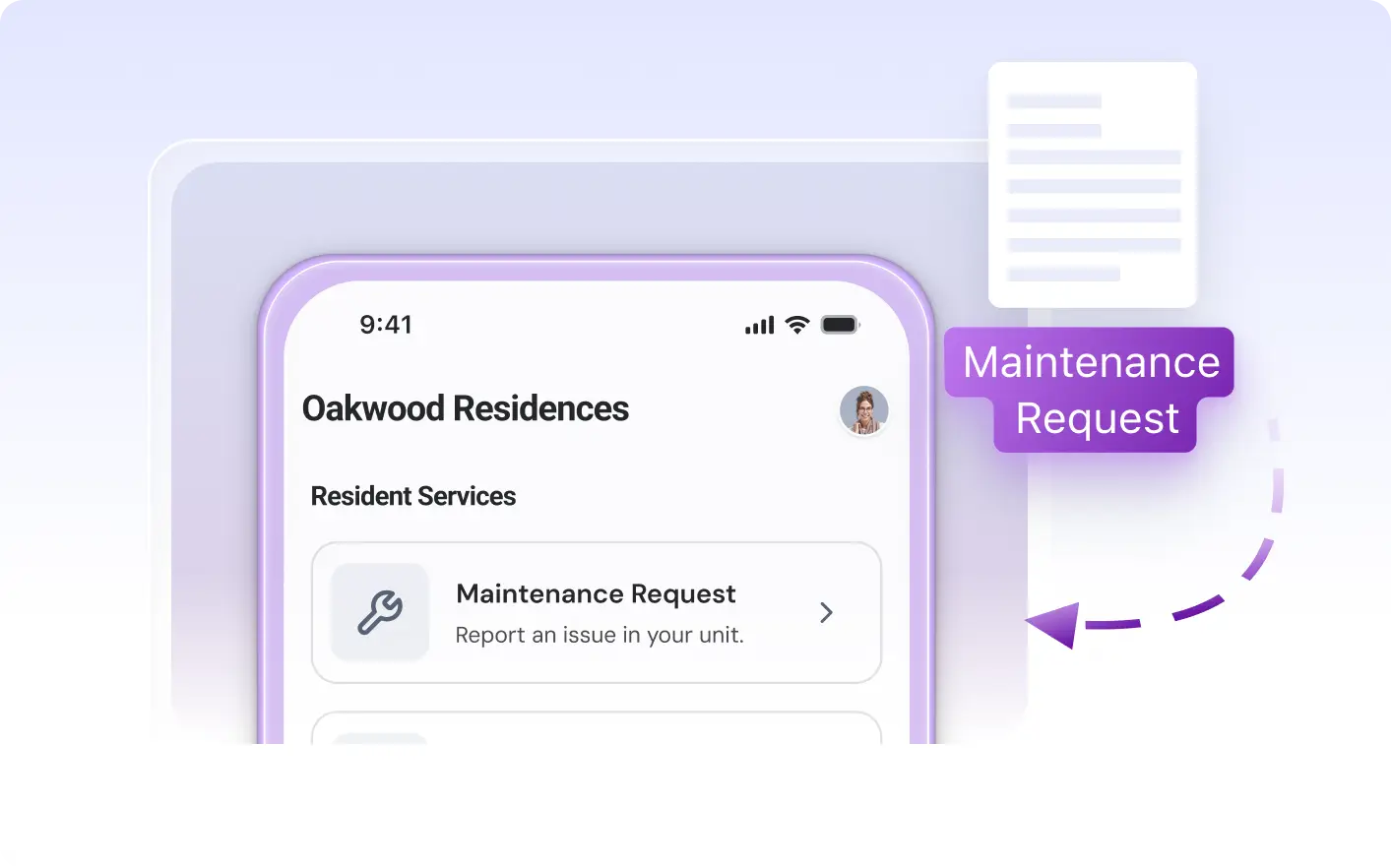
Bring existing forms into your app so your audience can find and complete important tasks alongside other resources. In Claude, describe which form to add and for a seamless experience.
Add Forms to Your App in Claude
Describe which form you want to include and specify its placement within your app using Jotform Apps in Claude. The AI will add your chosen form where you need it, so your audience can easily find and complete important forms alongside other app content.
Add a Form to an App Page
A leave request form is added to an employee portal app. Team members open a dedicated page, fill out the form, and submit requests directly within the app alongside other company resources.

Frequently Asked Questions
Have questions about this feature? Explore the FAQs below for quick answers.
Describe which form you want to include and where it should appear in your app. Jotform Apps in Claude will add the selected form to your app layout based on your instructions.
Yes, you can specify exactly where you want the form to appear by describing the placement in your request. Jotform Apps in Claude will add the form to the location you choose, such as a specific page or section.
Yes, app users can open and complete the included form directly within the app. Once you add a form using Jotform Apps in Claude, it becomes accessible as part of the app experience for your audience.