Add AI Agents to Your App
Add an AI agent to your app in Claude by describing the type of support your audience needs. Help users get answers to questions or guidance as they use your app, making it easier for them to find information and complete tasks.
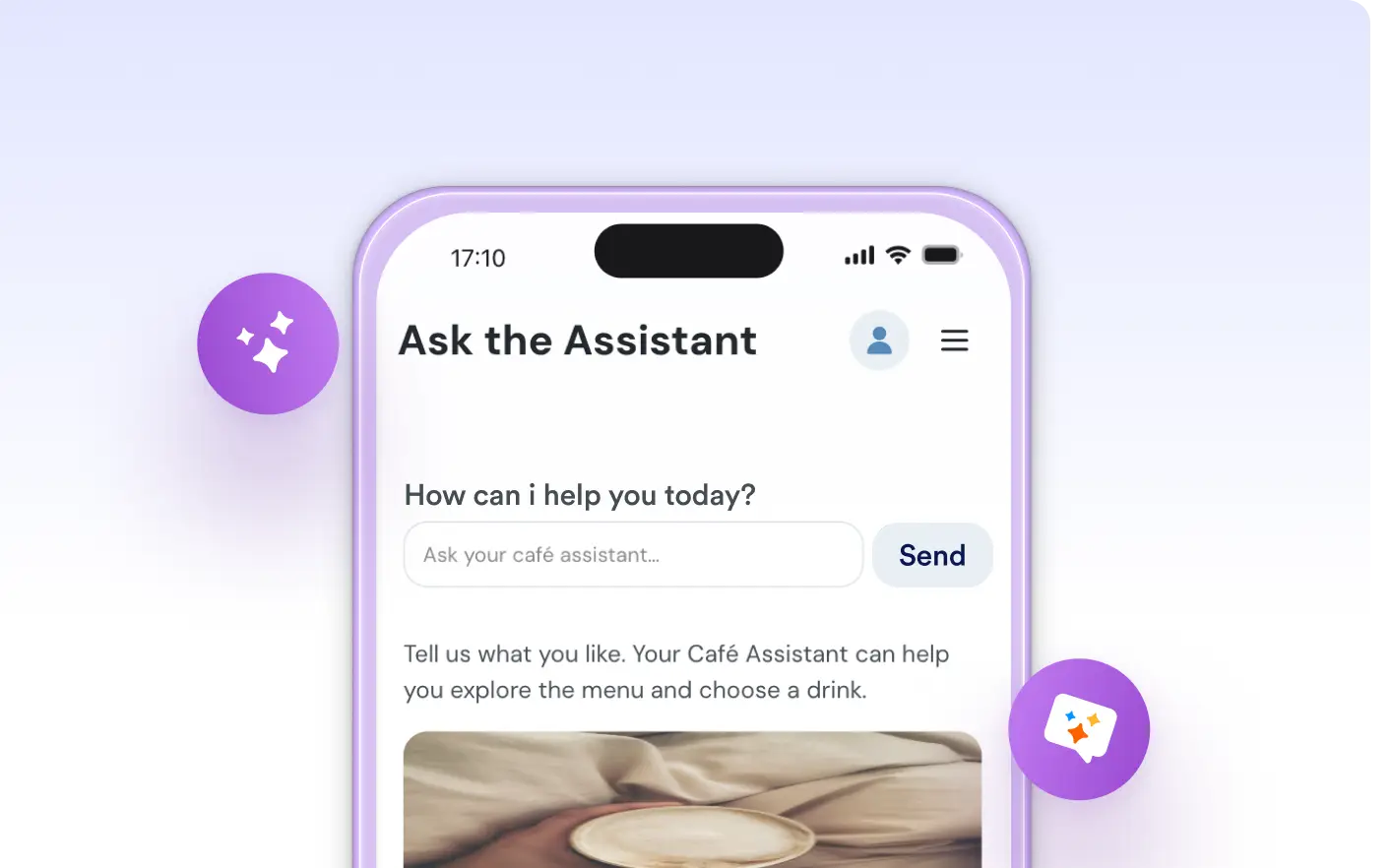
Give your app users instant answers and support with an AI agent built right into your app. Just describe the help you want in Claude, and the AI agent will be added where you need it, so users get guidance as they explore your content.
Guide App Users with AI
Tell Jotform Apps in Claude what kind of help your users need, such as answering questions about your services or guiding them through forms. AI agent is added where you request, so your audience can get support right inside the app.
Add an AI Agent for User Support
Place an AI agent in your app to answer user questions or provide guidance. Show the agent on a support page, where it can help users with information about your business or assist as they complete forms and explore content.
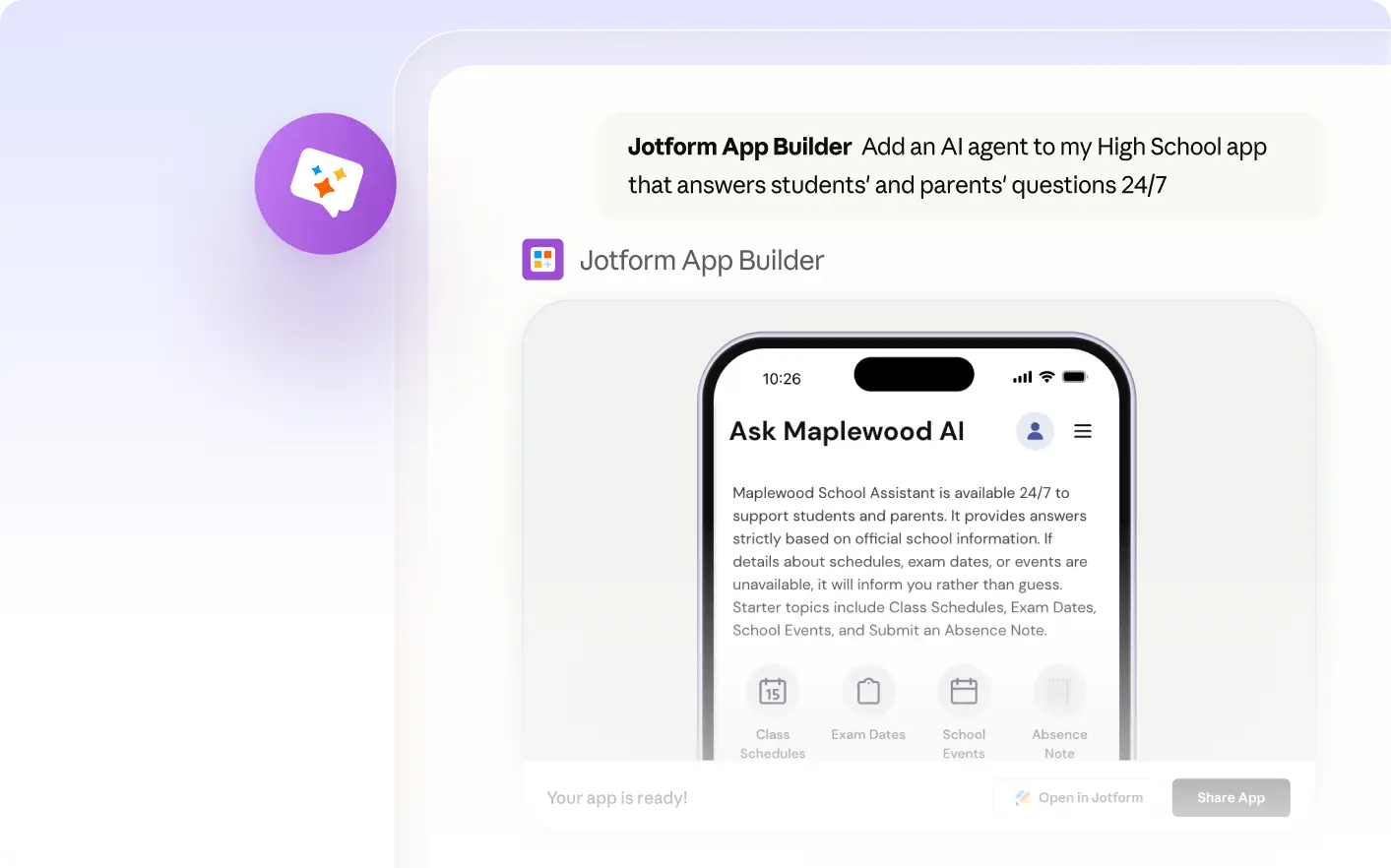
Frequently Asked Questions
Have questions about this feature? Explore the FAQs below for quick answers.
Describe the type of assistance your app users need directly in Claude. Request the AI agent and specify where you want it placed. Jotform Apps in Claude will add the agent to your app based on your instructions.
The AI agent can answer questions about your services, guide users through forms, or provide helpful information based on the instructions you describe when adding it in Claude. This helps your audience get support directly within your app.
You choose the location for the AI agent when building your app in Claude. The agent can be placed on any page you specify, such as a support page or next to a form, so your audience can access help where it’s most useful.