Display List Data
Show live lists or tables in your app by describing the data you want to display in Claude. Jotform Apps in Claude adds an up-to-date list from Jotform Tables so your users always see the latest records as items are added or removed.
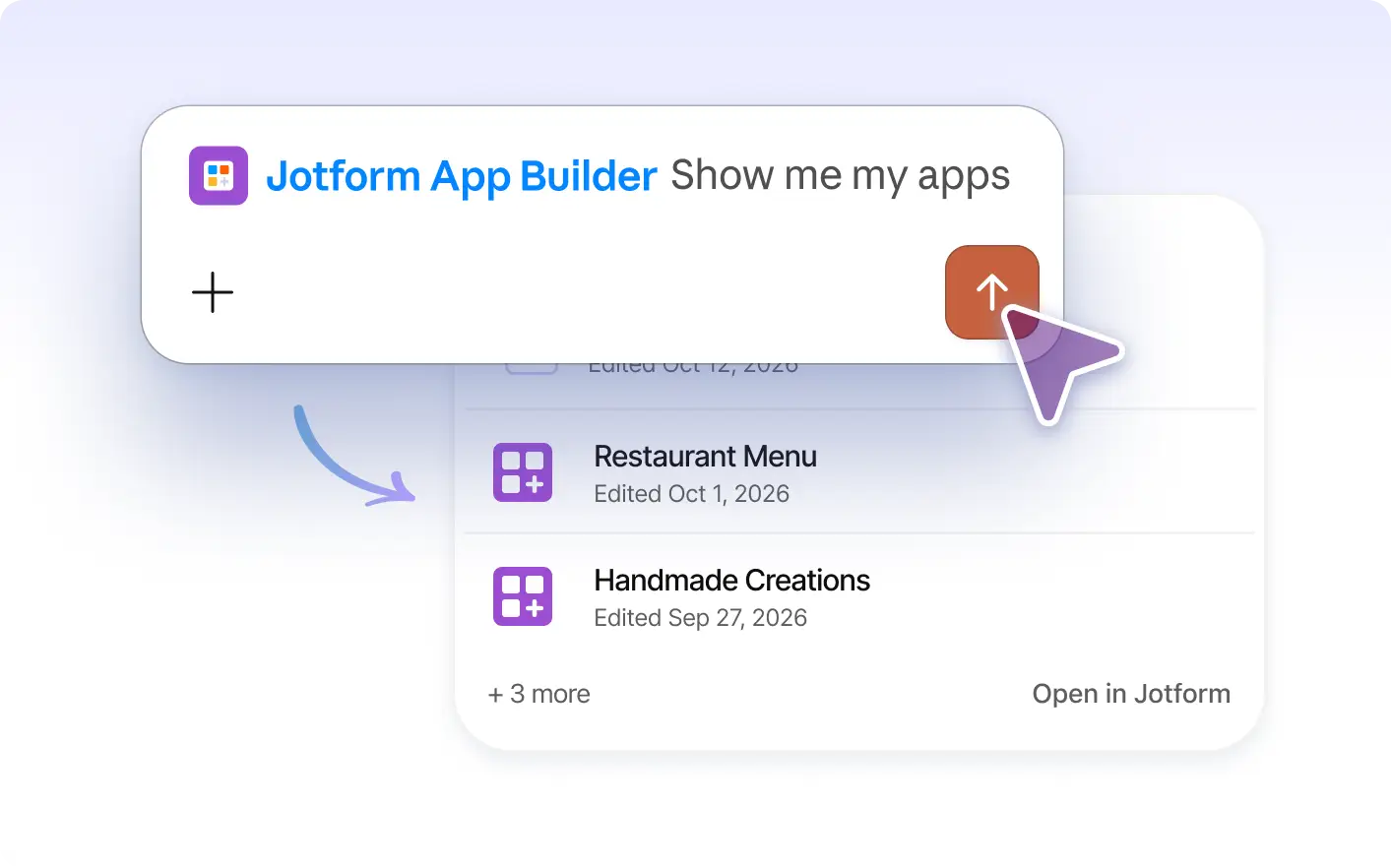
Keep your app’s lists up to date as you work. Jotform Apps in Claude lets you to display, so app users always see the latest records and changes appear automatically whenever items are added or removed.
Show Dynamic Lists and Tables in Your App
Describe which list or Jotform Tables data you want to display in Claude. The AI adds a live list or table to your app, so your audience always sees current records as items are added or removed.
Display a Live List from Jotform Tables
Show a list of records from Jotform Tables in your app. As items are added or removed, the list updates automatically so app users always see the most current information without needing to refresh or reload the app.
Frequently Asked Questions
Have questions about this feature? Explore the FAQs below for quick answers.
Describe the data you want to show in Claude, such as a specific list or Jotform Tables records. Jotform Apps in Claude adds a dynamic list or table to your app for users to view.
You can display selected lists or data from Jotform Tables. Choose records, entries, or other structured information to help your app users browse, review, or reference current data.
Yes, when you display a list or table using Jotform Apps in Claude, the list updates automatically. As items are added or removed in Jotform Tables, your app will always show the most current information to users.