Manage User Access
Define user roles and decide exactly who sees each page or section of your app. Describe visibility rules in Jotform Apps in Claude to tailor the experience for employees, customers, or specific groups as your needs change.
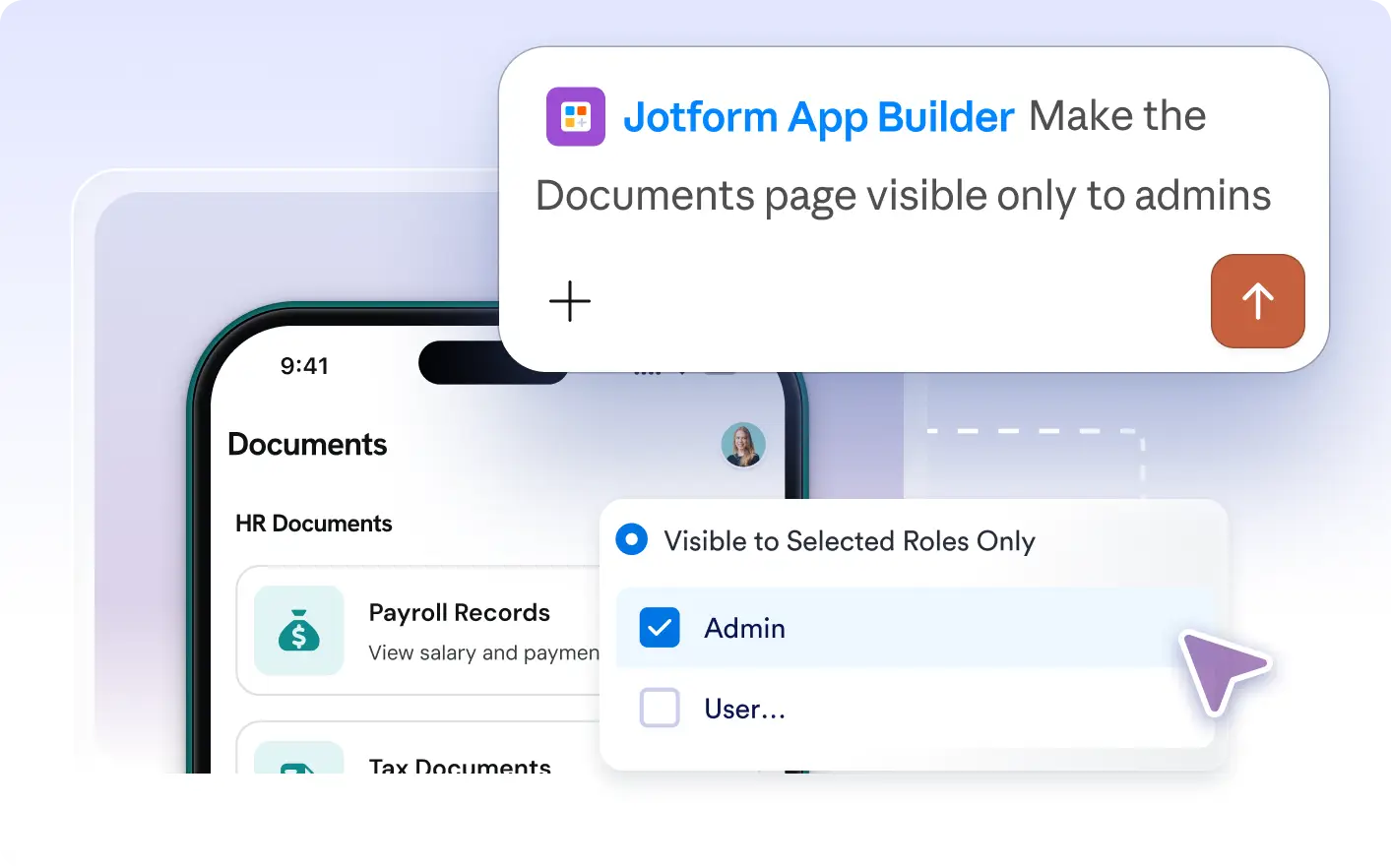
Control who sees what in your app by defining user roles and custom visibility rules. Ask Jotform Apps in Claude to show or hide specific pages or sections so each audience finds relevant content and sensitive info stays protected.
Manage App Permissions in Claude
Describe which users can view each page, section, or element in your app. Request changes to user roles or visibility rules in Claude to tailor what different audiences see, ensuring every person accesses only the relevant content they need.
Show or Hide Content by Role
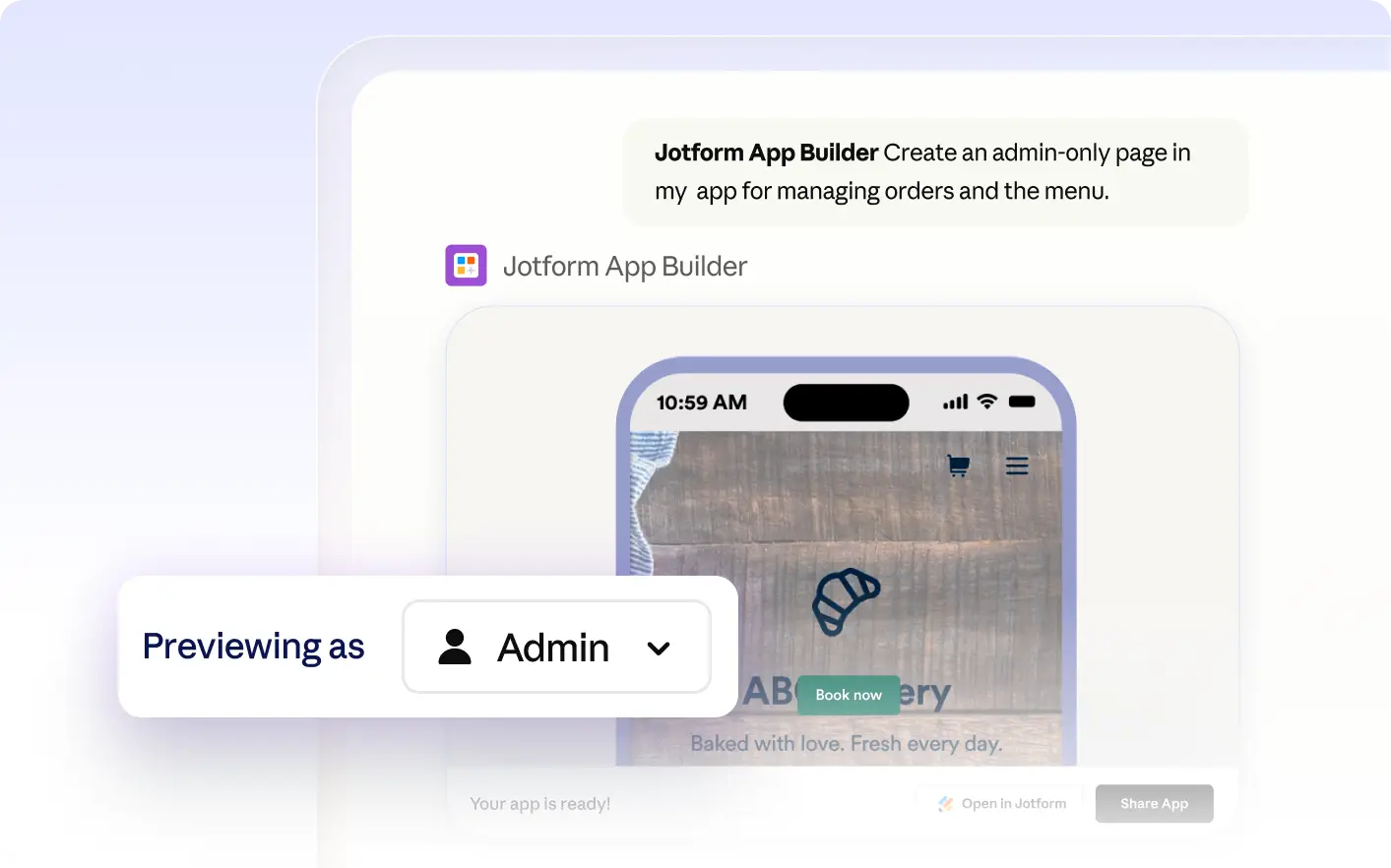
Set visibility rules in Jotform Apps in Claude so only selected user roles see specific pages or sections. For example, restrict admin dashboards or sensitive forms, and preview how the app appears to each audience before sharing.
Frequently Asked Questions
Have questions about this feature? Explore the FAQs below for quick answers.
Describe the user roles you need and specify what each role should see or access in your app. The Jotform AI App Builder will apply these roles and visibility rules as you request during your conversation.
You can set visibility rules for pages, sections, cards, or individual elements based on user roles. This lets you display admin dashboards, hide sensitive forms, or show custom content to specific groups within your app.
Yes, you can preview your app in Claude to see what each user role will see. Request a preview for a specific role, and the app will display only the pages or sections visible to that audience.