Preview Apps
See how your app will look and work as you build it with Jotform Apps in Claude. Request a preview in your conversation to check the latest layout and content, then decide what to update before sharing your app.
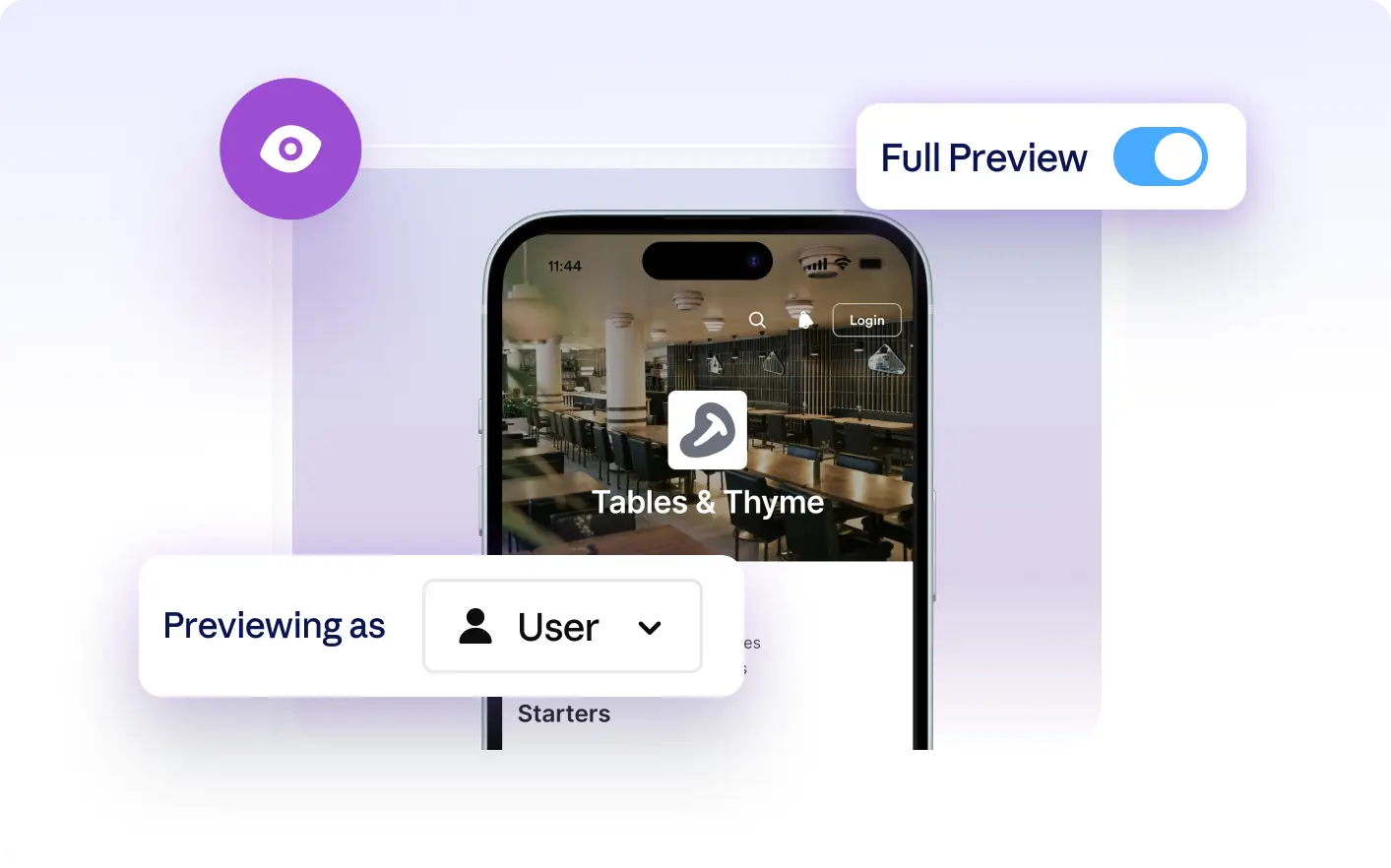
Quickly review your app’s layout and see updates as you build. Request a preview in Claude to check changes and make adjustments before sharing your app with your audience.
Preview Your App as You Build It
Ask for a preview in Claude to see your app’s current layout and content at any stage. Review updates as you work, spot areas to refine, and decide what to adjust before sharing the app with your audience.
See Live App Previews in Claude
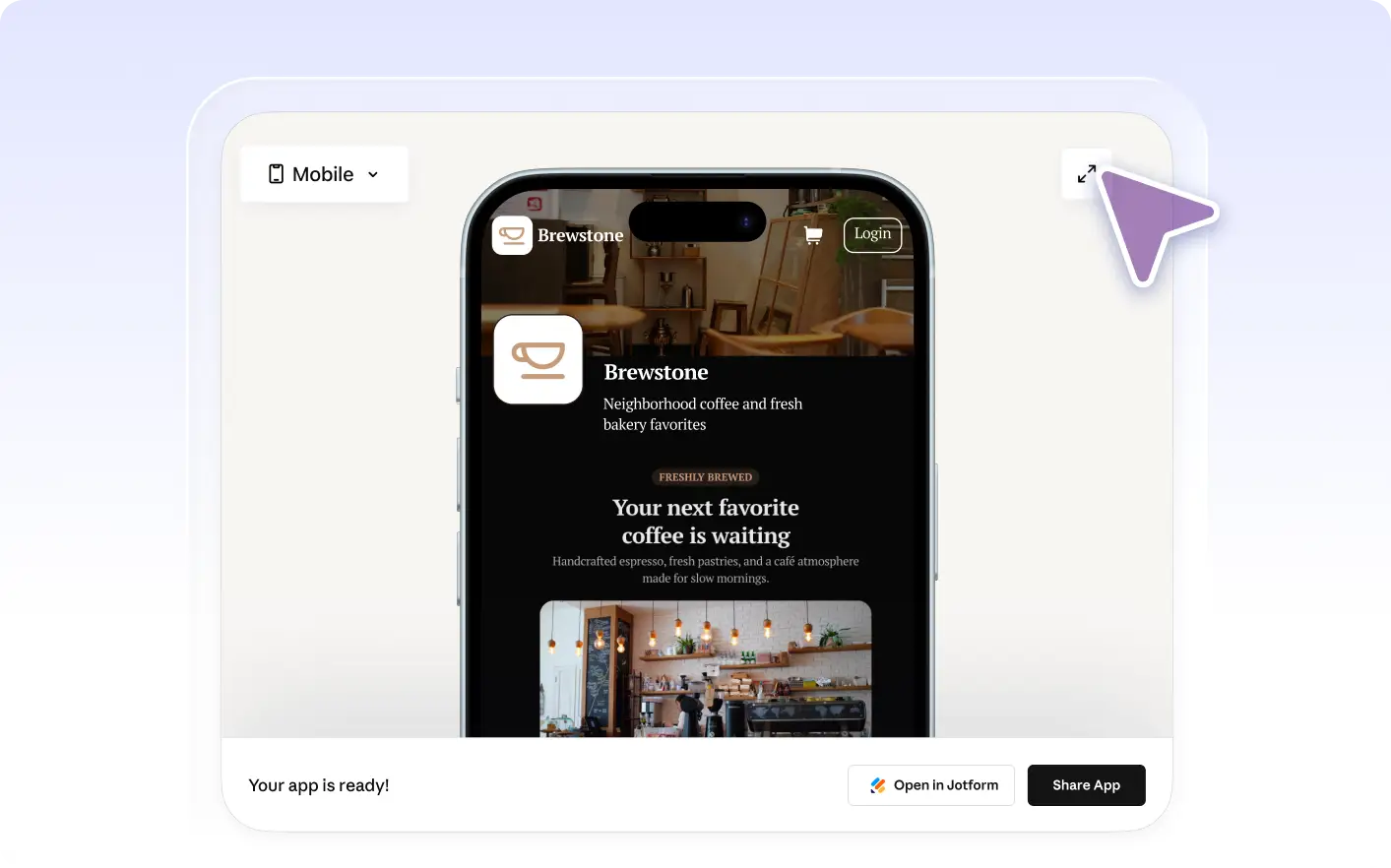
Request a preview in Claude to view your app’s current layout, colors, and content as you build. Check how updates appear and confirm the app looks the way you want before sharing it with your audience.
Frequently Asked Questions
Have questions about this feature? Explore the FAQs below for quick answers.
To preview your app, simply ask for a preview in the Claude conversation. The Jotform AI App Builder will display your app’s current layout and content so you can review it as you build.
Yes, after previewing your app in Claude, you can describe any changes you want. The Jotform AI App Builder will update your app based on your instructions, and you can request another preview to review the adjustments.
Yes, when you request a preview in Claude, you see your app’s current layout and content, including your most recent changes. This helps you confirm updates and make adjustments before sharing your app.