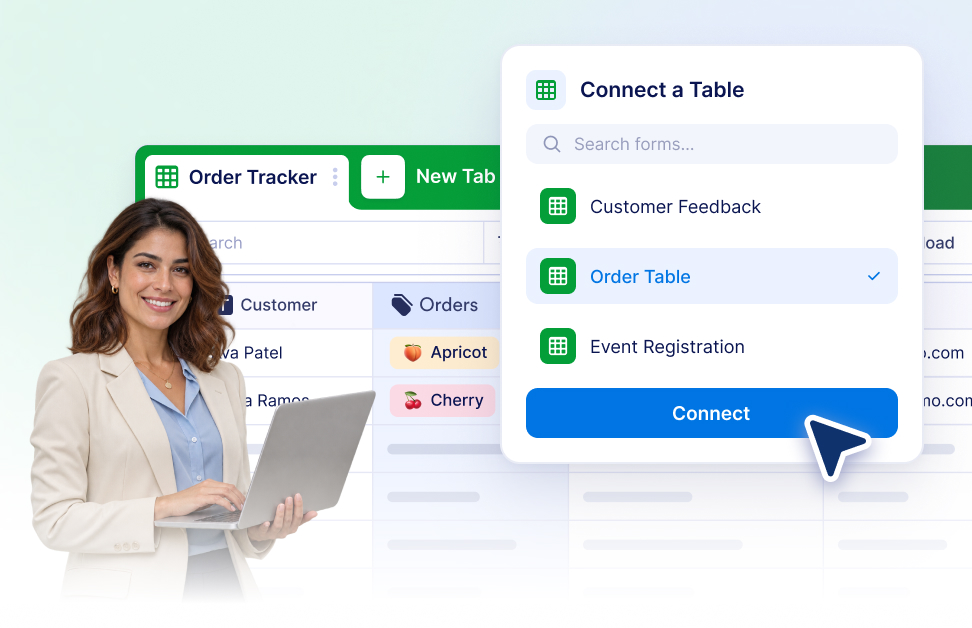

Connect Form Data to Your Table Columns
Connect forms to Jotform Tables columns to populate selection options with data from other form submissions. Reuse existing information and keep your choices updated automatically.
Create dynamic selection lists using values from another form, reduce manual entry, and keep available options current as new submissions arrive.
Dynamic Selection Lists from Form Data
Connect a form and choose a field to populate your table's selection options. Allow single or multiple selections and keep your available choices updated with incoming form responses.
Populate Columns with Connected Form Data
Select a form and one of its fields to create a dynamic list of options. New submissions automatically update the available choices, keeping your table connected to current form data.
Customize Options and Default Values
Choose between single or multiple selections from connected form data. Set a default value for new entries to simplify data entry and keep commonly used choices consistent.
FAQ
Add a connected column, select the form you want to use, and choose a field from its submissions. The values from that field become selectable options in your table.
Yes. When the connected form receives new submissions, the available selection options update automatically, helping you keep your table data current.
Yes. Connected form columns support single or multiple selections. You can also define a default selected value for new entries to simplify your workflow.
