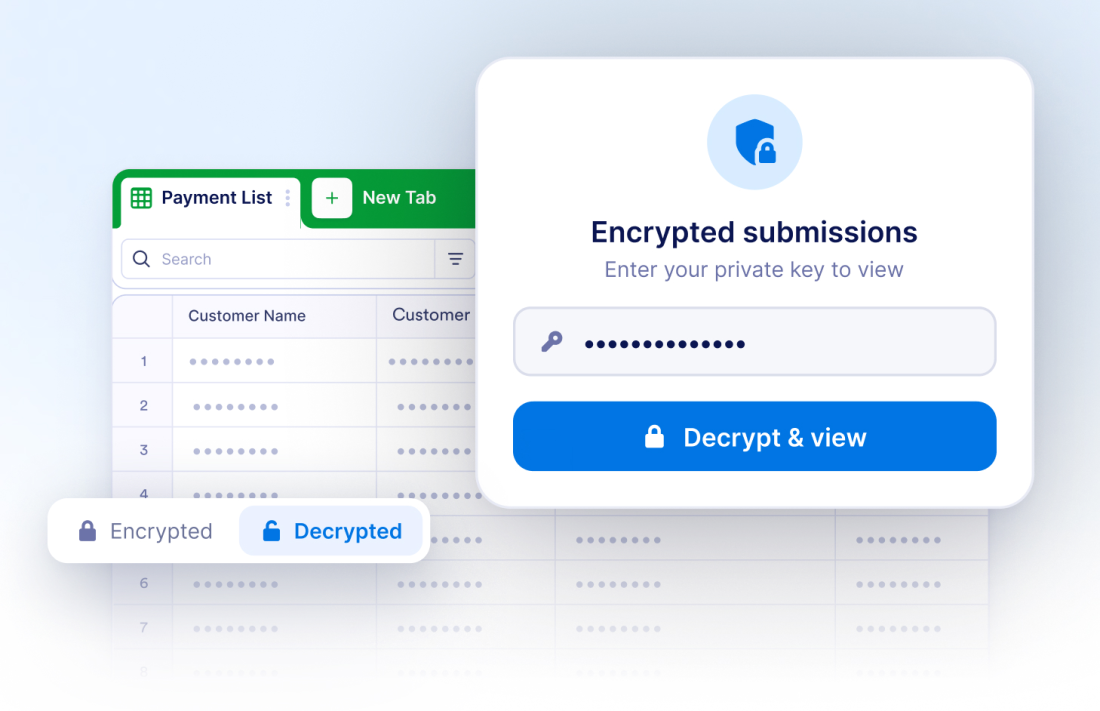

Securely Access Encrypted Submissions
Access encrypted form submissions in Jotform Tables using your personal access code. Securely reveal protected information when needed and keep sensitive data private between sessions.
Review sensitive submission details without compromising data protection. Decrypt entries with your access code, work with the information you need, and re-encrypt records when finished.
View Encrypted Data with Your Access Code
Keep sensitive form responses protected with end-to-end encryption. Enter your access code to securely view submission details and control when encrypted information becomes readable.
Decrypt Form Submissions Securely
Enter your encryption access code to reveal protected submission data in Jotform Tables. View sensitive responses when authorized without permanently disabling form encryption.
Re-Encrypt Entries to Protect Your Data
Use Encrypt Entries when you've finished reviewing sensitive information. Return submission data to its protected view to help prevent unwanted access while keeping encryption enabled.
FAQ
Open Jotform Tables for your encrypted form and enter the access code you created when enabling form encryption. Select Access to decrypt and view the protected submission data.
Yes. Select Encrypt Entries in Jotform Tables to return your submission data to its encrypted view. This helps keep sensitive information protected when you're no longer reviewing it.
Jotform uses end-to-end encryption, so it cannot recover or reset an access code to unlock previously encrypted submissions. Keep your access code stored securely to maintain access to your data.