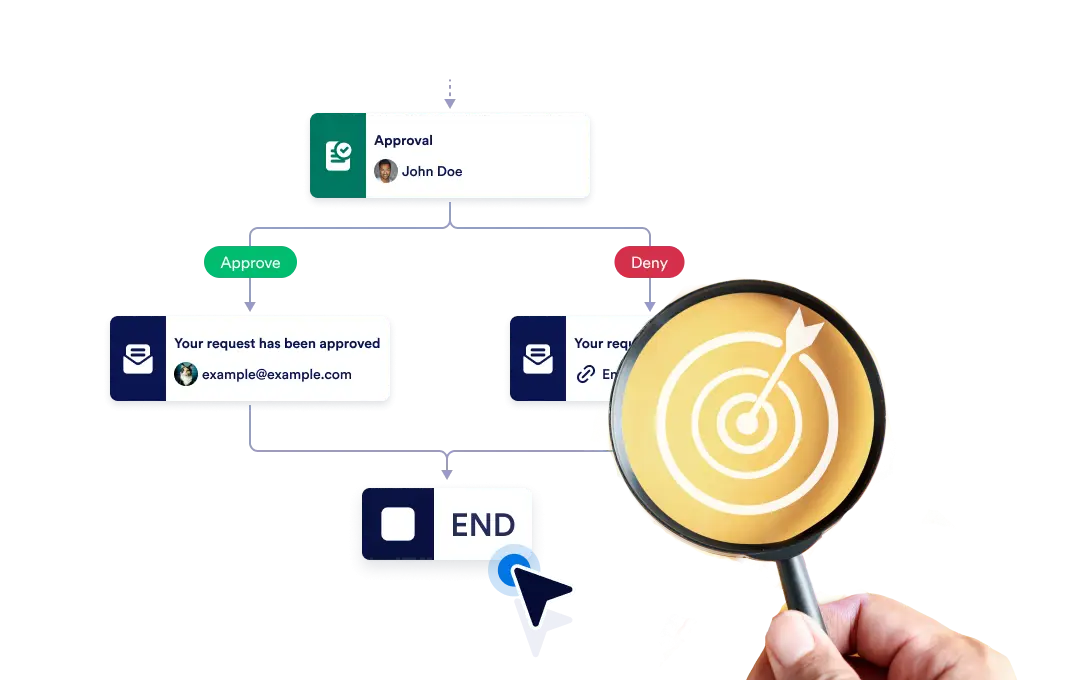
Beëindig de hele workflow direct wanneer een specifieke vertakking eindigt, of laat elke vertakking onafhankelijk doorgaan totdat deze is voltooid, zodat je flexibiliteit en controle over je proces behoudt.
Bepaal hoe je workflow eindigt
The End element lets you define how your workflow concludes once it reaches a finishing point. You can choose to terminate the entire workflow as soon as a specific branch ends, or allow other branches to continue running until they complete on their own.
Eenvoudige drag-and-drop-installatie
Om het eindgedrag van je workflow in te stellen, sleep je het eindelement naar de gewenste plek in de stroom en configureer je de gewenste beëindigingsregel.
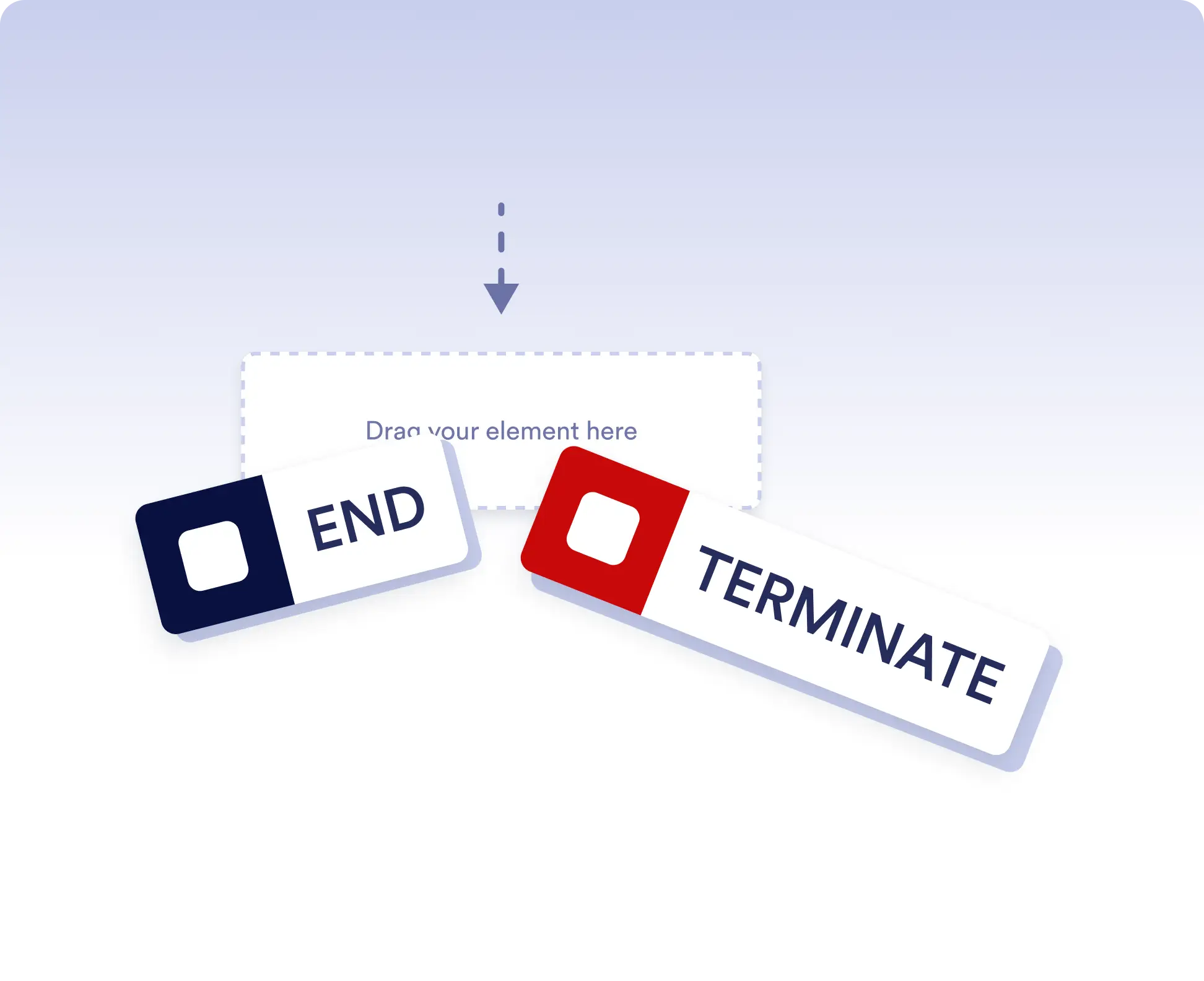
Avoid running extra actions
Terminate the entire workflow as soon as a specific branch is completed. This is ideal for rejection paths, final approvals, or scenarios where no further actions should run once a decision is made.
Allow independent branch completion
Allow branches to finish independently when parts of your workflow can run in parallel or are optional. This keeps your process flexible without forcing unnecessary synchronization.
Veelgestelde vragen
Heb je vragen over deze functie? Bekijk de veelgestelde vragen hieronder voor snelle antwoorden of neem contact op met ons ondersteuningsteam voor meer informatie.
End acts as a visual signal that a branch has completed, while Terminate stops the entire workflow immediately when that step is reached.
When a workflow is terminated, all remaining active steps and branches stop immediately and no further actions are executed.
Yes. You can place multiple End elements in different branches to define how and when each path should finish.