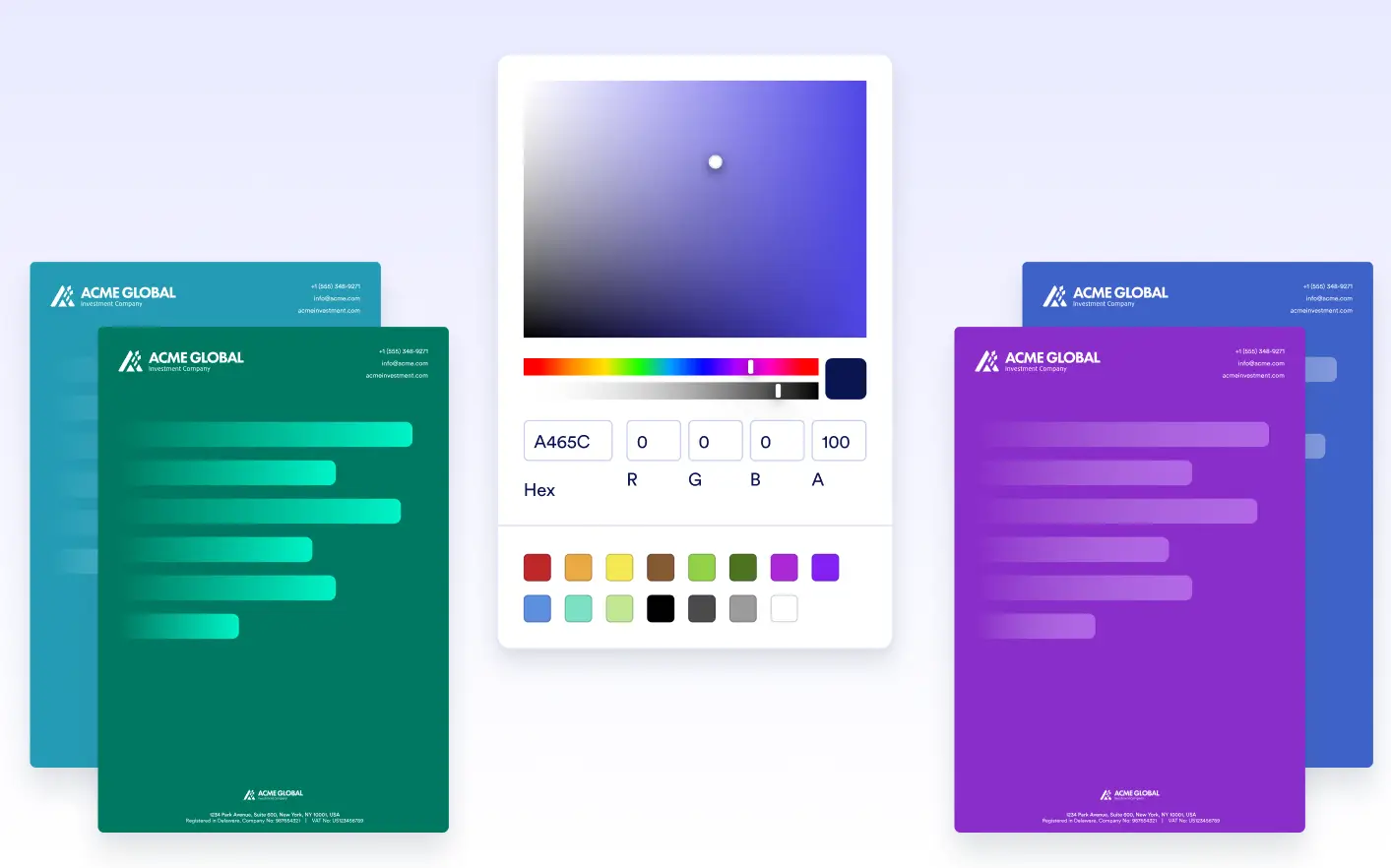
Personalize your documents by adding , or images that match your brand or design style. From subtle tones for professional reports to eye-catching visuals for certificates or , custom backgrounds help your while staying polished.
Apply a Uniform Background to Every Page
Set a background color or upload an image that appears consistently on every page of your PDF. This feature makes it easy to align your document design with company branding or thematic needs
Use Box Elements for More Flexible Styling
Need more flexibility? Box elements allow you to style smaller areas within your document. Apply different background colors to specific sections to create emphasis, visual separation, or highlight content.
