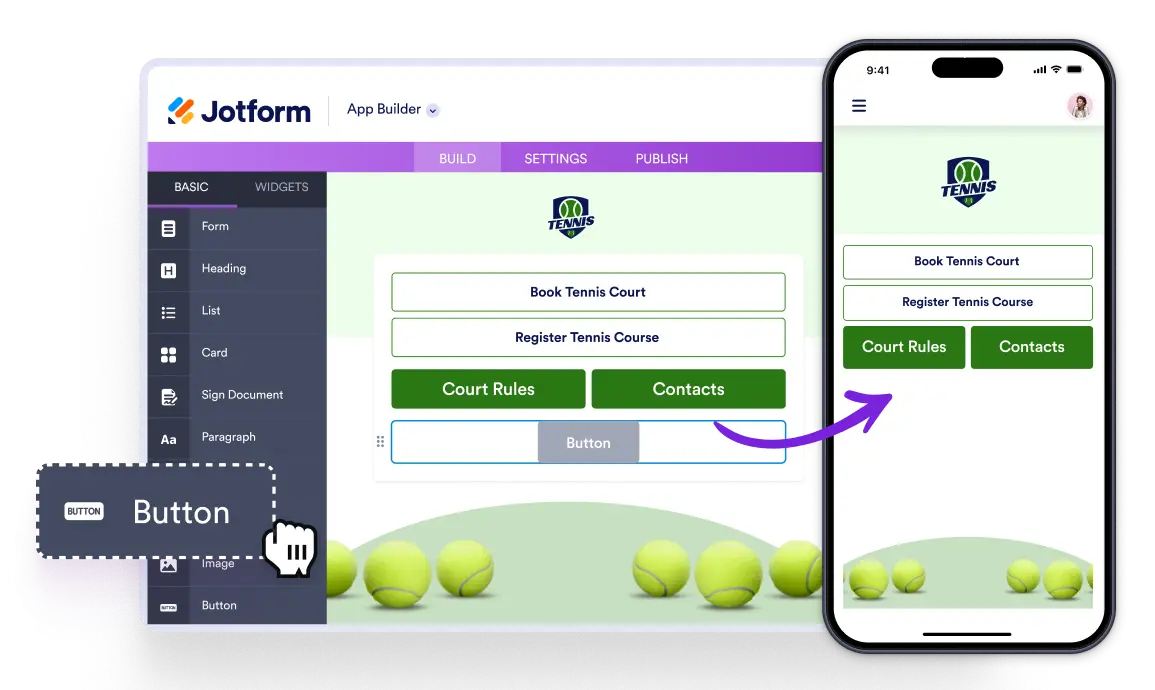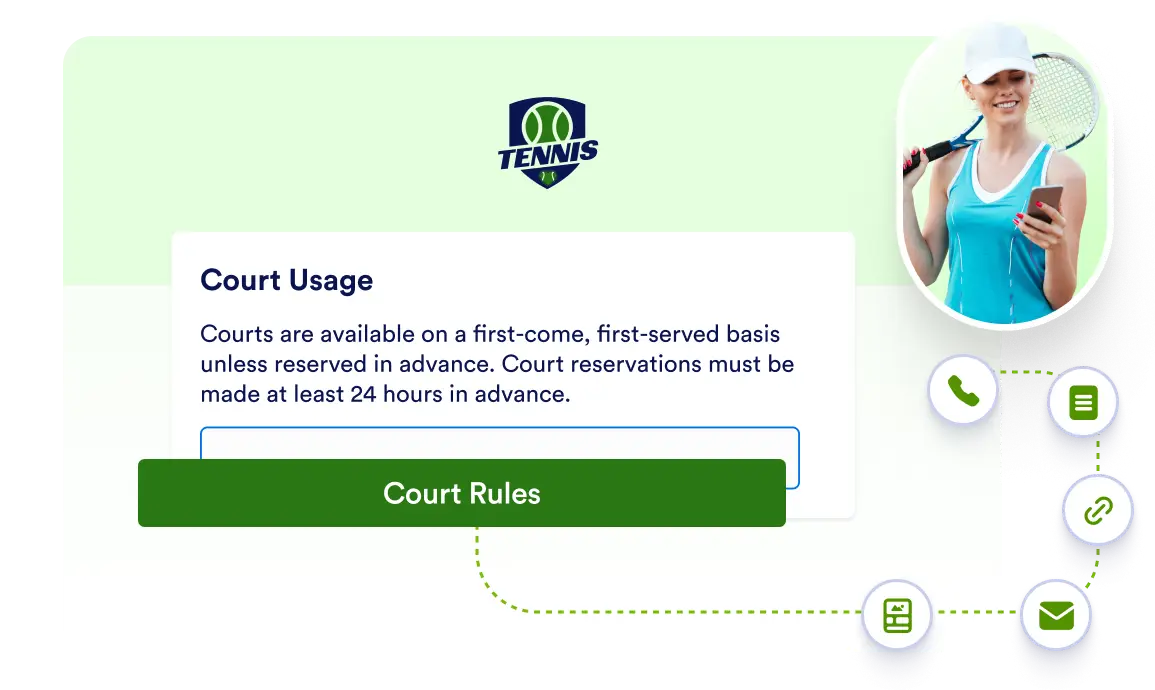
Create engaging buttons in your app that guide users to , send emails, make calls, navigate pages, all styled your way with the free Button element.
Drive action with custom app buttons
Voeg knoppen met acties toe aan je app om gebruikers met belangrijke functies te verbinden. Je kunt links naar URL's toevoegen, communicatie activeren of tussen pagina's navigeren met volledig aanpasbare knoppen die naadloos in je app passen.
Create interactive buttons for seamless navigation
Use Button element to add interactive buttons that guide users to external sites, start emails or calls, switch between app pages, or launch other apps—all with styling options that match your design.