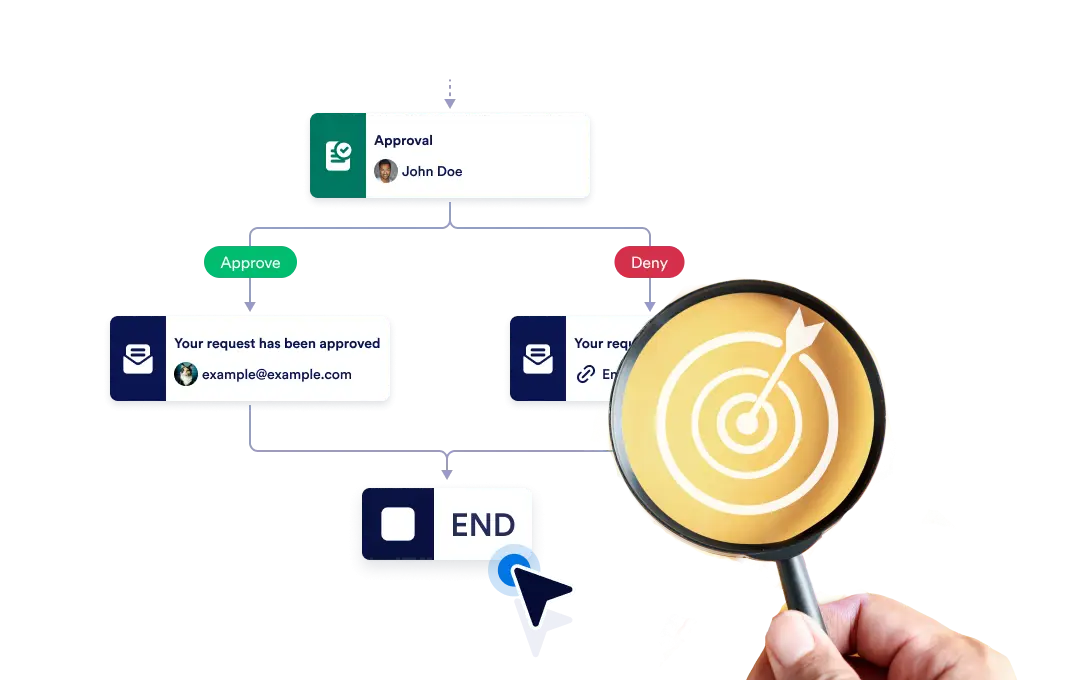
Você pode encerrar todo o fluxo de trabalho instantaneamente quando um ramo específico terminar ou permitir que cada ramo continue de forma independente até ser concluído, garantindo flexibilidade e controle no seu processo.
Controle o Fim do seu Fluxo de Trabalho
The End element lets you define how your workflow concludes once it reaches a finishing point. You can choose to terminate the entire workflow as soon as a specific branch ends, or allow other branches to continue running until they complete on their own.
Configuração simples com recurso arraste-e-solte
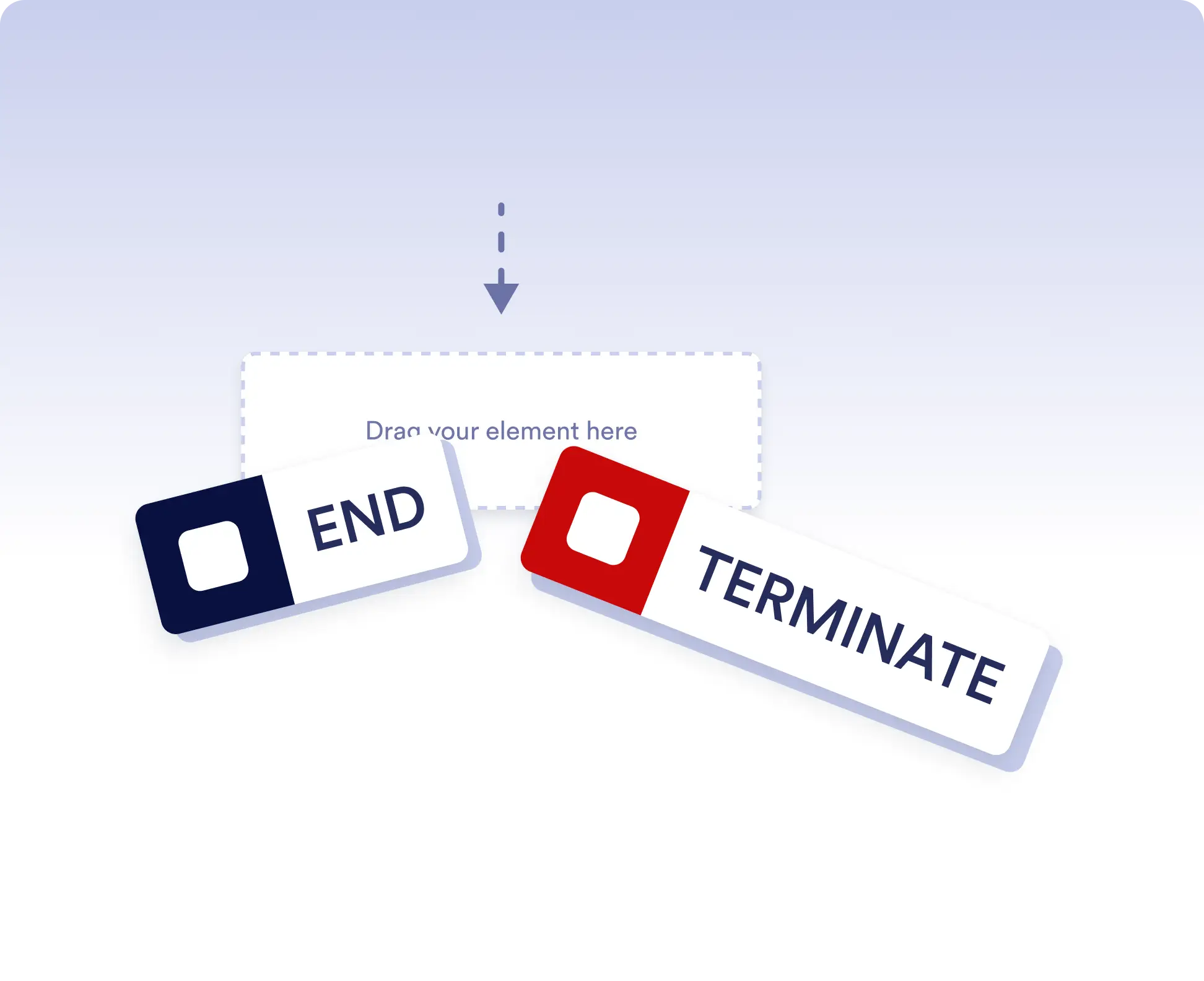
Para definir o comportamento de encerramento do seu fluxo de trabalho, basta arrastar o elemento Encerrar para o local escolhido no fluxo e configurar sua regra de encerramento preferida.
Avoid running extra actions
Terminate the entire workflow as soon as a specific branch is completed. This is ideal for rejection paths, final approvals, or scenarios where no further actions should run once a decision is made.
Allow independent branch completion
Allow branches to finish independently when parts of your workflow can run in parallel or are optional. This keeps your process flexible without forcing unnecessary synchronization.
Perguntas Frequentes
Tem dúvidas sobre este recurso? Confira as perguntas frequentes abaixo para respostas rápidas ou entre em contato com nossa equipe de suporte para mais detalhes.
End acts as a visual signal that a branch has completed, while Terminate stops the entire workflow immediately when that step is reached.
When a workflow is terminated, all remaining active steps and branches stop immediately and no further actions are executed.
Yes. You can place multiple End elements in different branches to define how and when each path should finish.