Website Chatbot for Instant AI Assistance
Enhance the user experience by adding an AI-powered chatbot to your website that provides real-time assistance and engagement. Whether for customer support, lead generation, or answering inquiries, this chatbot keeps your audience engaged without disrupting their browsing.

Make your website more interactive with a chatbot that greets, assists, and responds in real time. With customizable settings, you can create an engaging experience that keeps users informed and connected.
Interactive Chatbot Popover
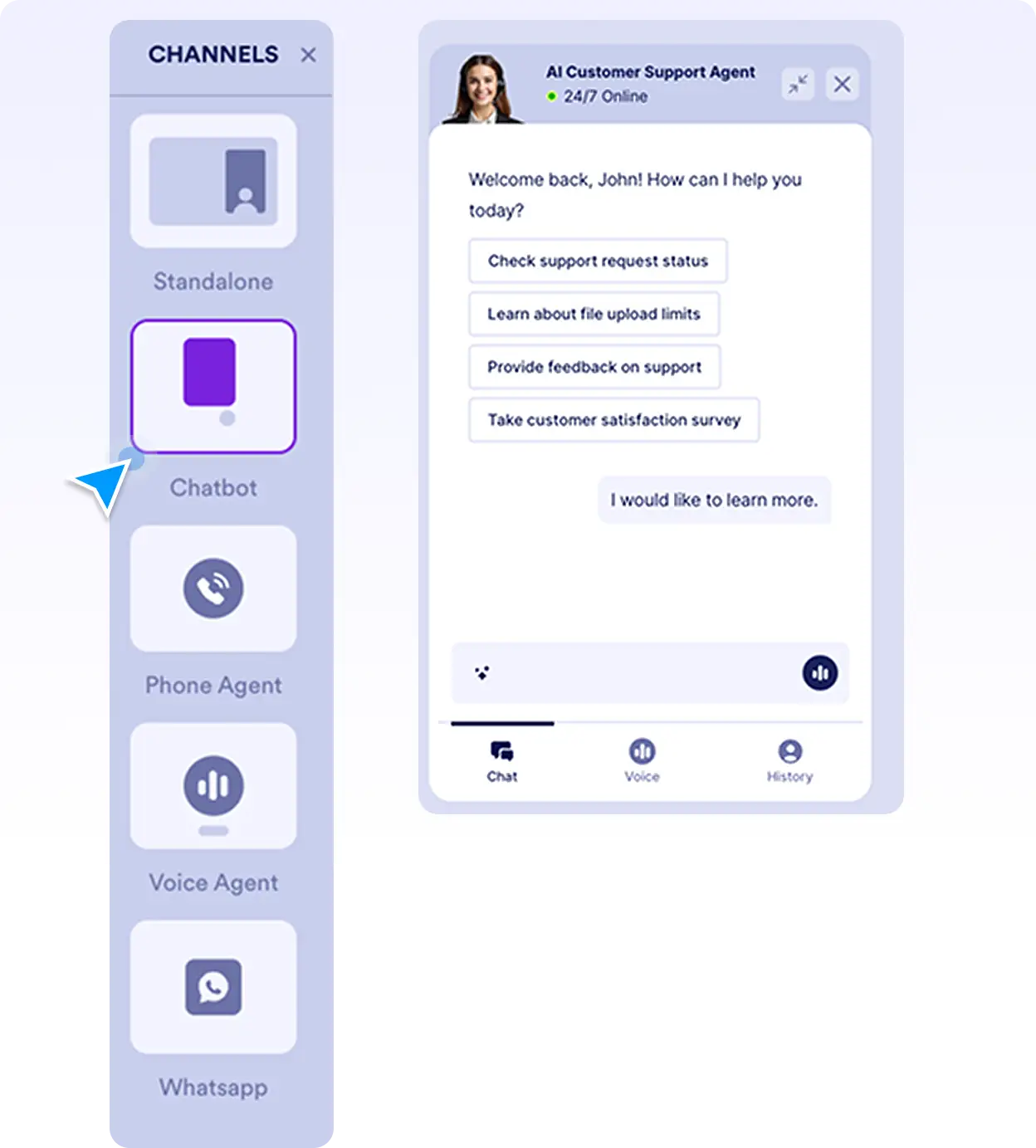
Keep your AI chatbot easily accessible on your website with a chat popover that users can engage with at any time. Whether visitors need support, have a question, or want to explore your services, they can interact instantly without navigating away from the page. This feature ensures continuous engagement, improving user retention and satisfaction.
AI Chat Widget
Make your AI assistant easily accessible on your website with a floating chat widget that users can access anytime. Whether they need assistance, have inquiries, or want to learn more about your offerings, they can start a conversation without leaving the page. This keeps visitors engaged, enhances their experience, and boosts interaction rates.
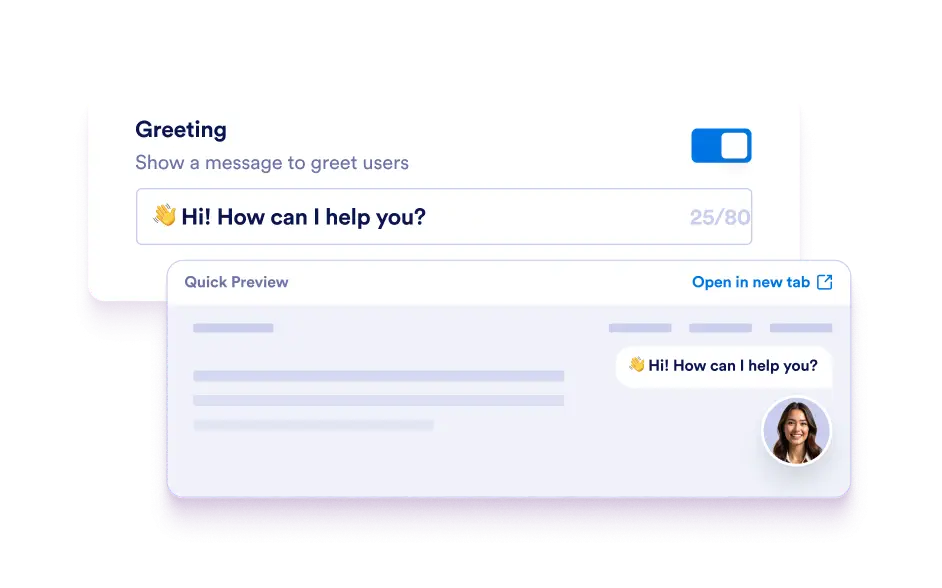
Customizable Greeting Message
Create a personalized welcome message to make conversations more engaging and friendly. A well-crafted greeting sets the tone for interactions, making users feel valued and guiding them toward the right information or support.
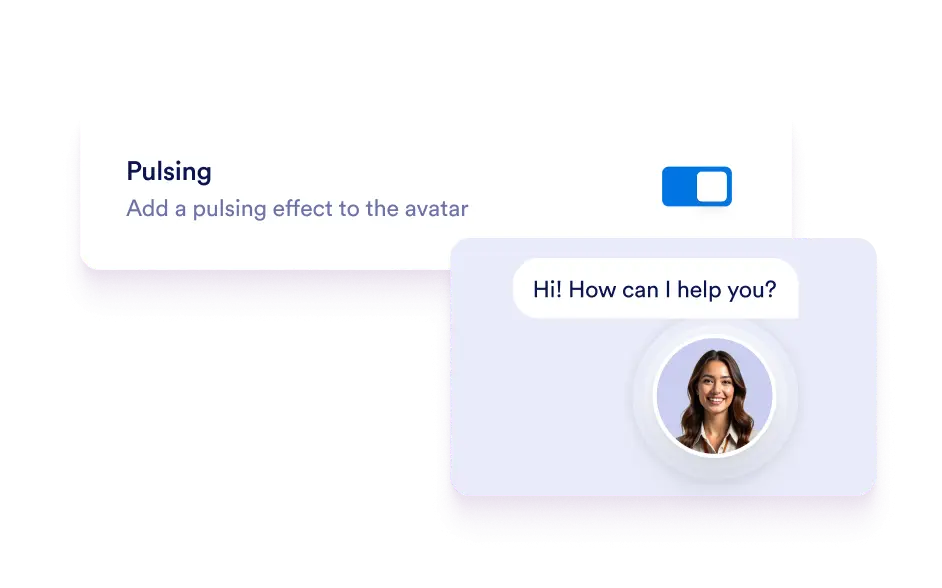
Pulsing Avatar Effect
Draw attention to your chatbot with a subtle pulsing effect on its avatar, making it more noticeable without being intrusive. This feature encourages users to interact by signaling that live AI assistance is available. It’s a gentle yet effective way to capture user interest and increase engagement.
Flexible Chatbot Positioning
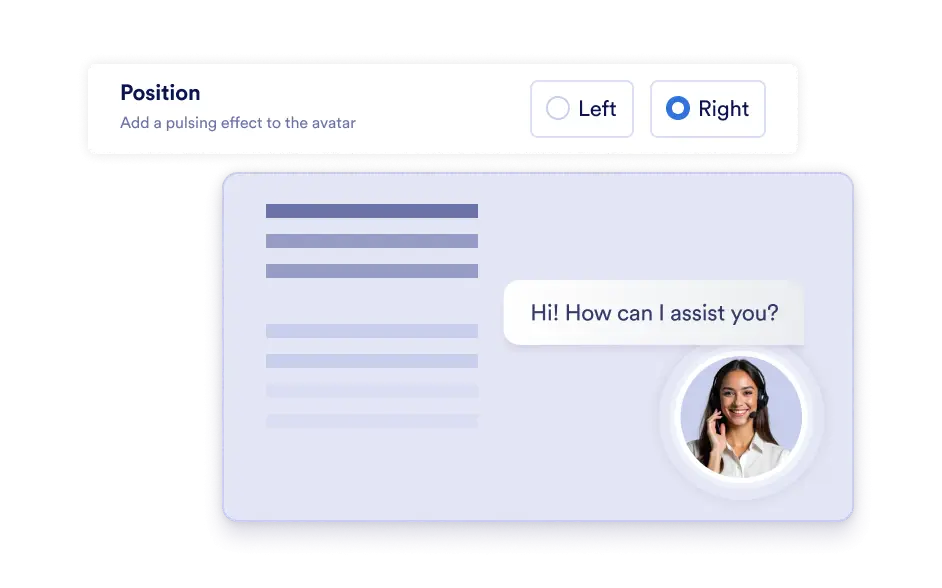
Adjust where your chatbot appears on the screen to ensure it fits seamlessly into your website’s layout. Whether you prefer it on the left or right corner, flexible positioning helps create a non-disruptive, intuitive user experience. You can test different placements to determine what works best for your visitors.
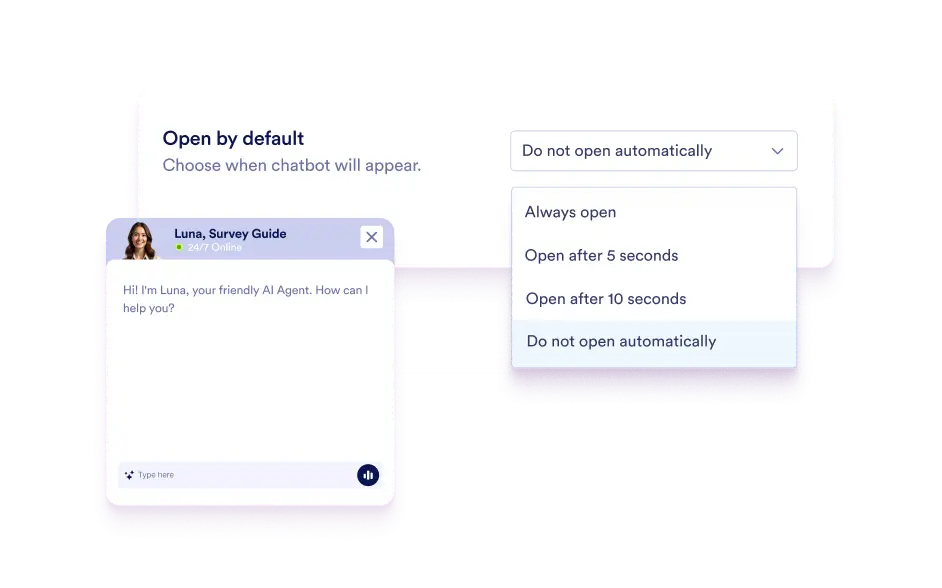
Always Open Option
Enable the Always Open setting to transition your website chatbot into full conversation mode immediately when a visitor arrives. This ensures that important announcements, promotions, or proactive customer assistance are visible right away. It’s an excellent way to increase interaction rates and provide instant AI-driven assistance without requiring users to take action first.