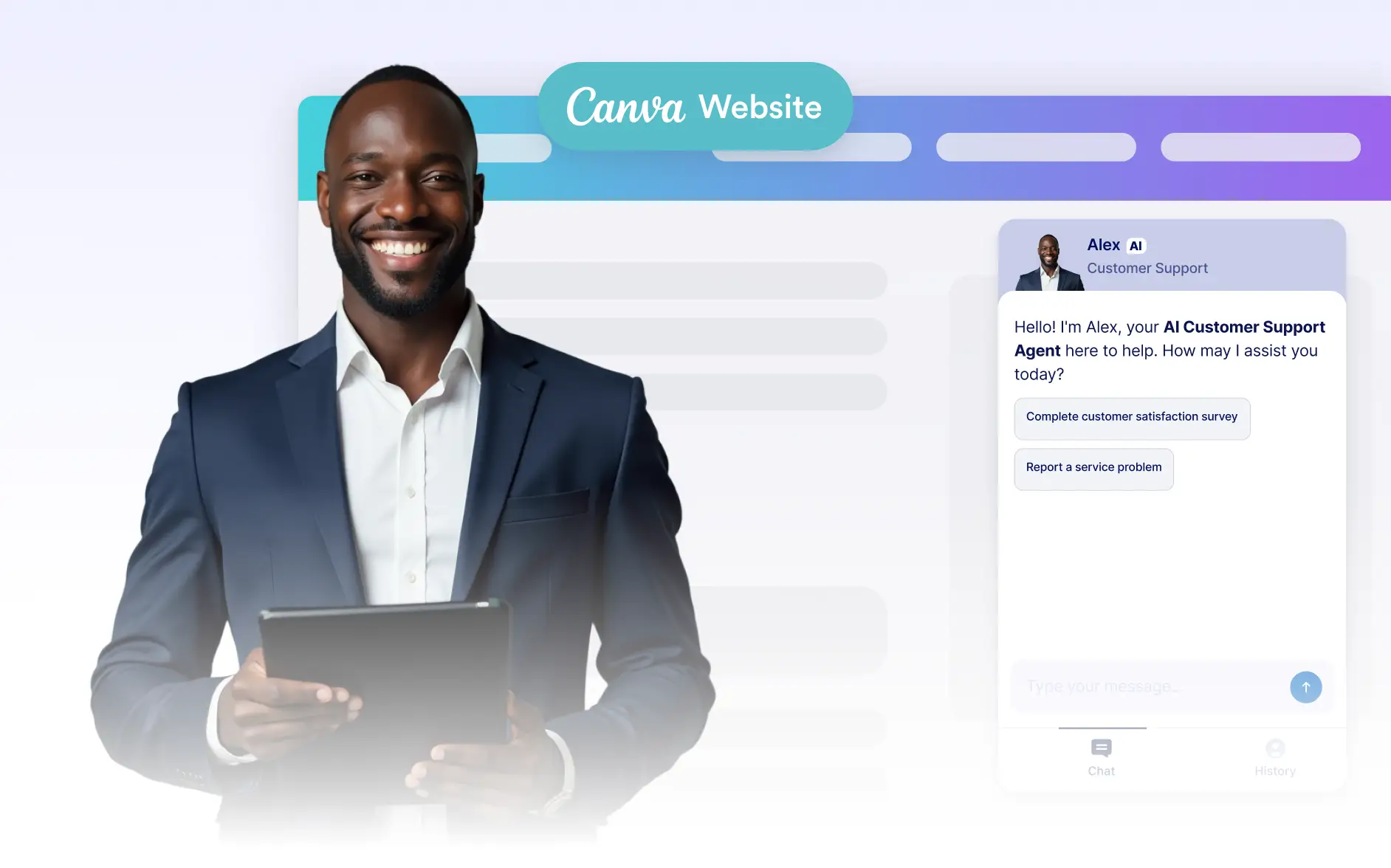
Website-ready AI Chatbots simplify design by aligning layout and functionality, letting teams focus on placement and user experience without extra setup.
Build and Place Your Website Chatbot
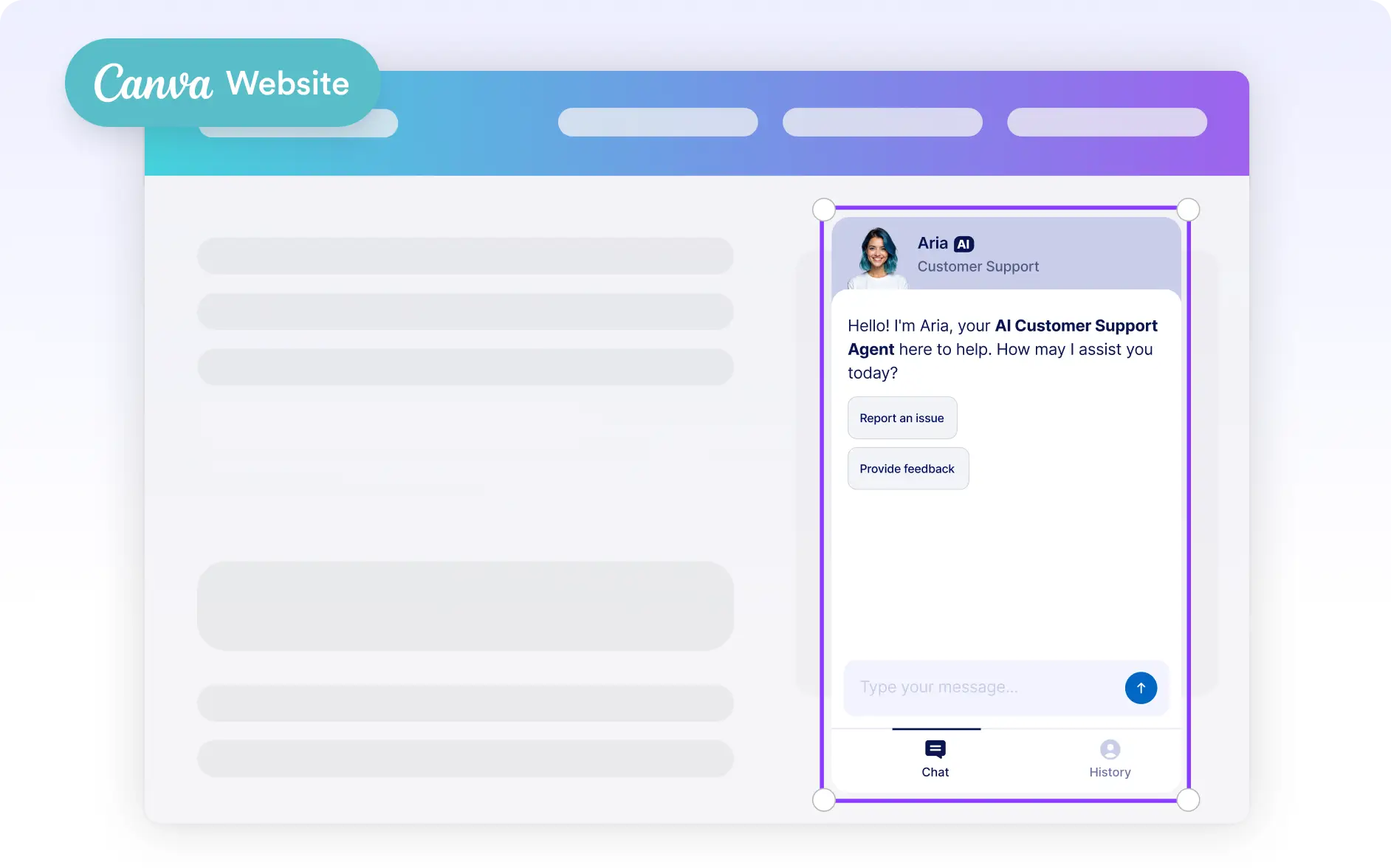
Generate a chatbot optimized for websites and add it directly to your Canva design. This makes it easy to combine visual storytelling with real-time interaction, all within a single workspace.
Website-Optimized Chatbot Creation
Create AI Chatbots designed specifically for website use, ensuring smooth embedding and visitor-friendly interactions.
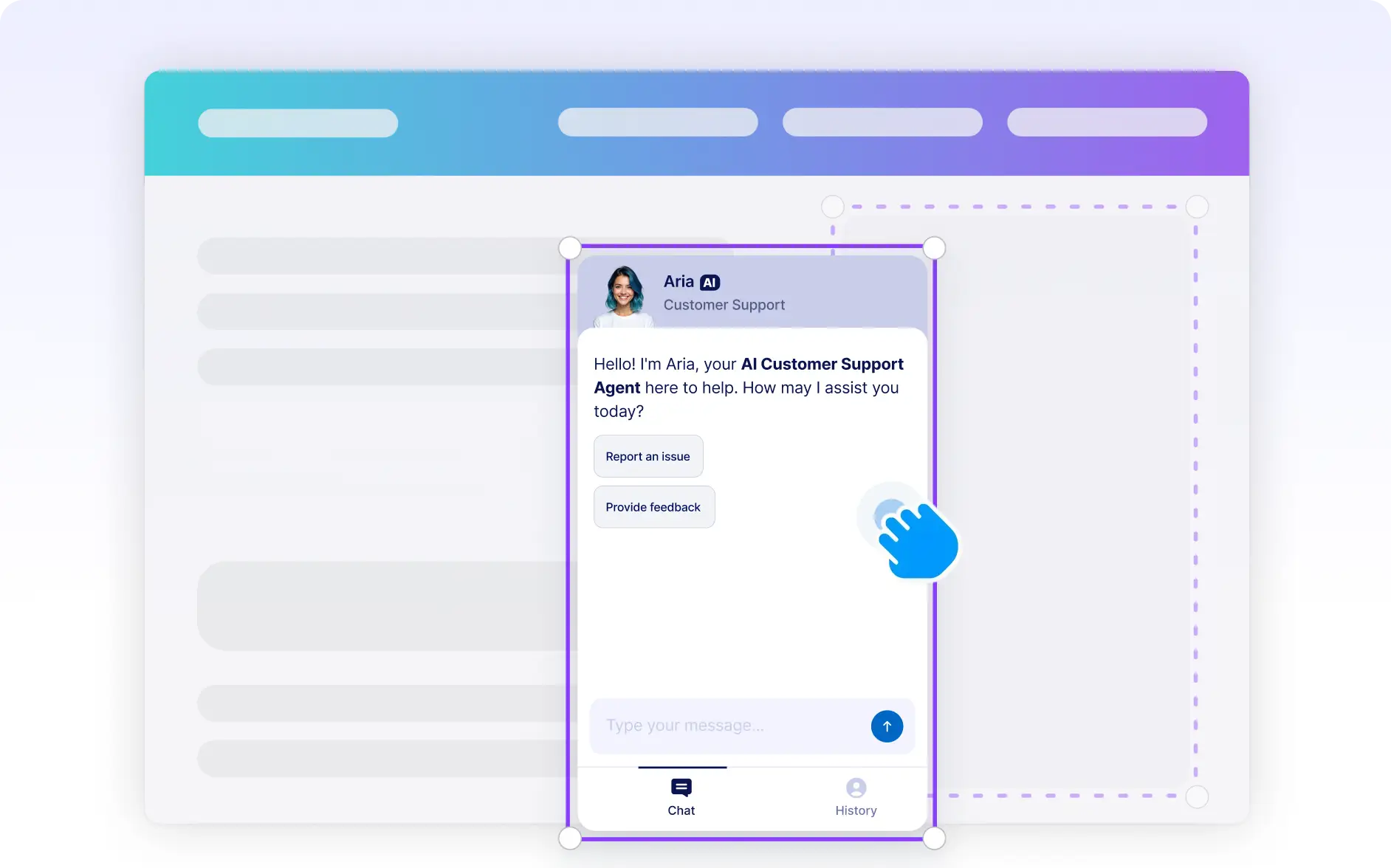
Drag and Drop into Your Design
Place the chatbot visually on your page to match your layout, hierarchy, and user journey.
Ready for Publishing
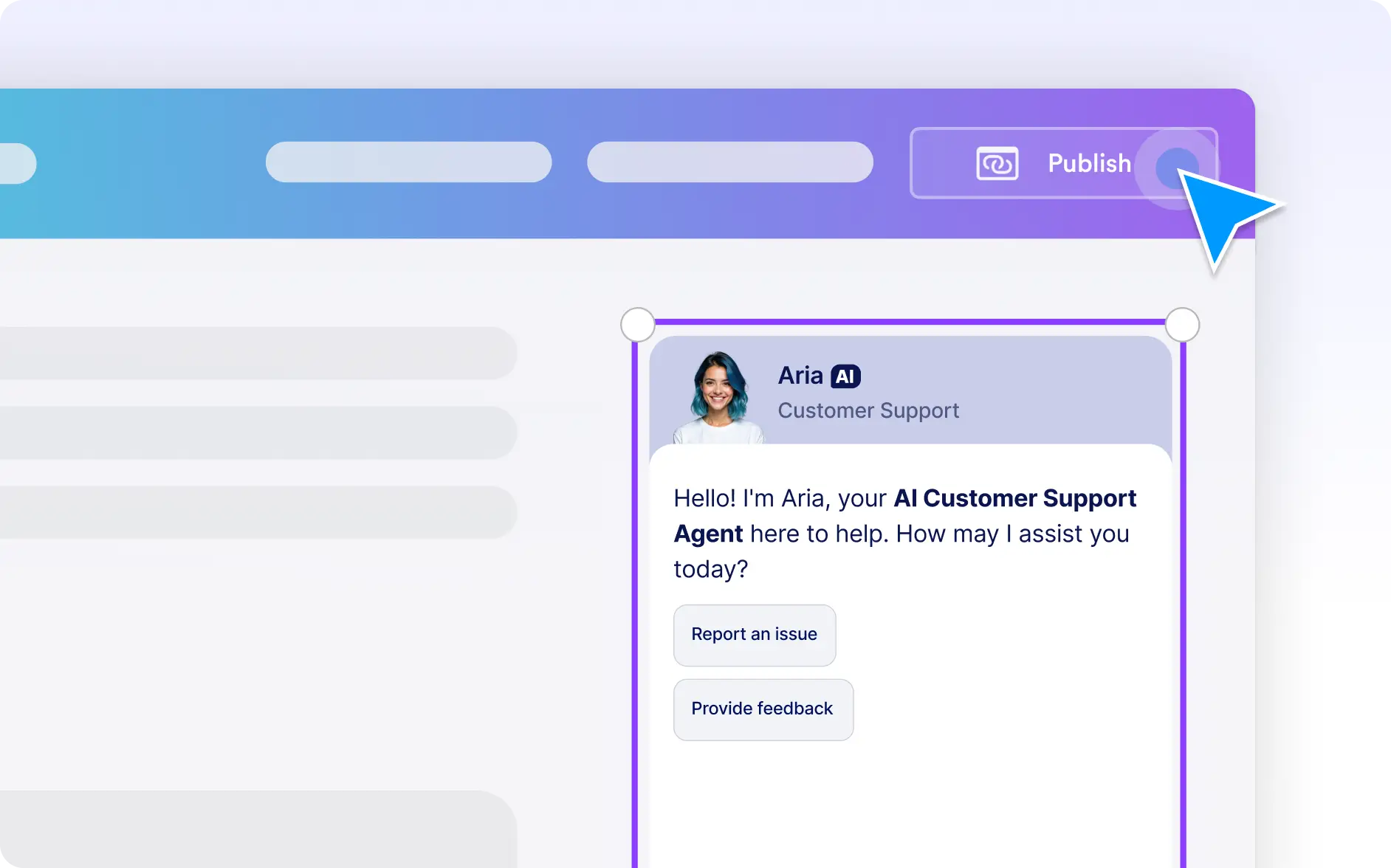
Once placed, your chatbot is ready to go live as part of your website without additional setup.