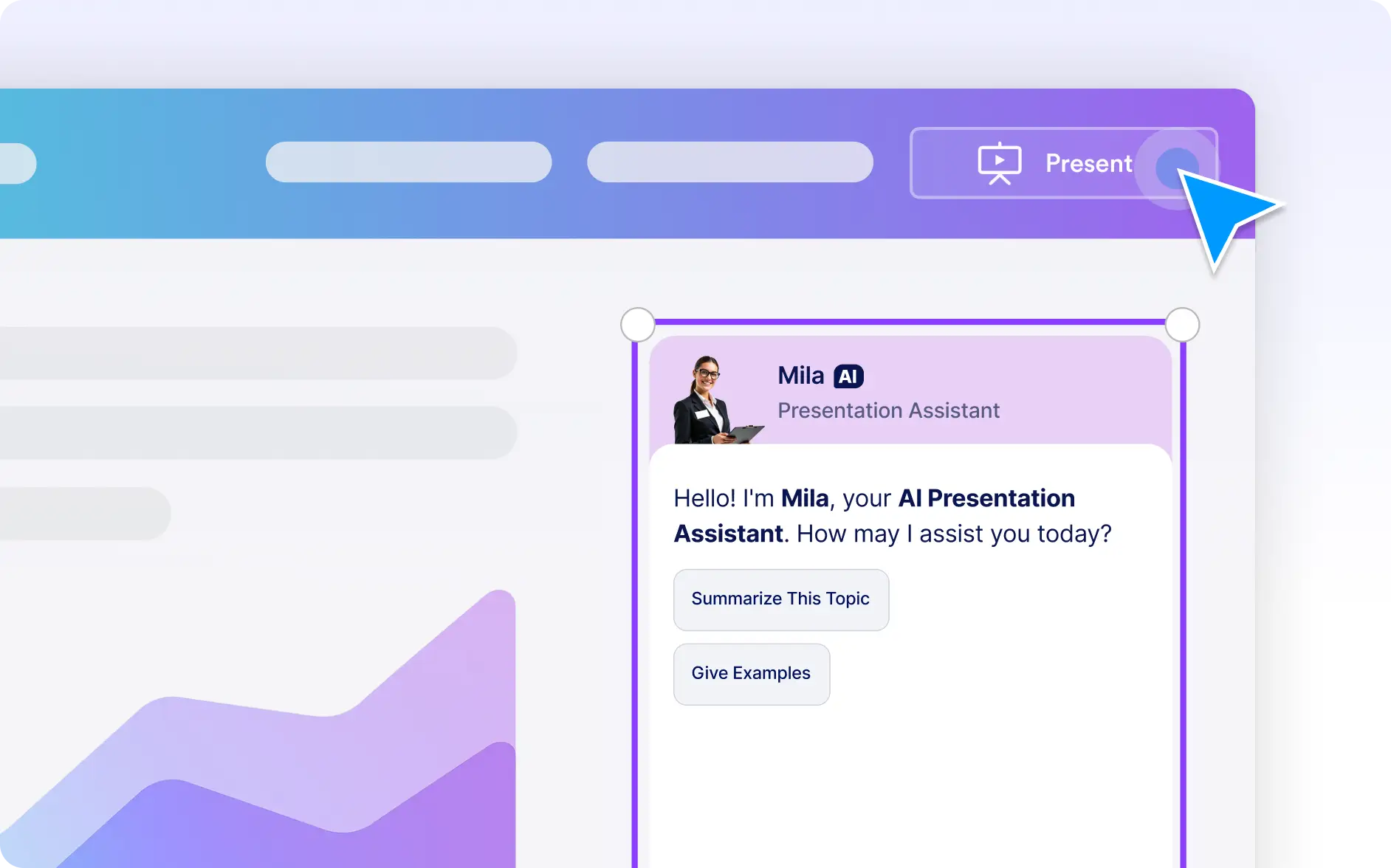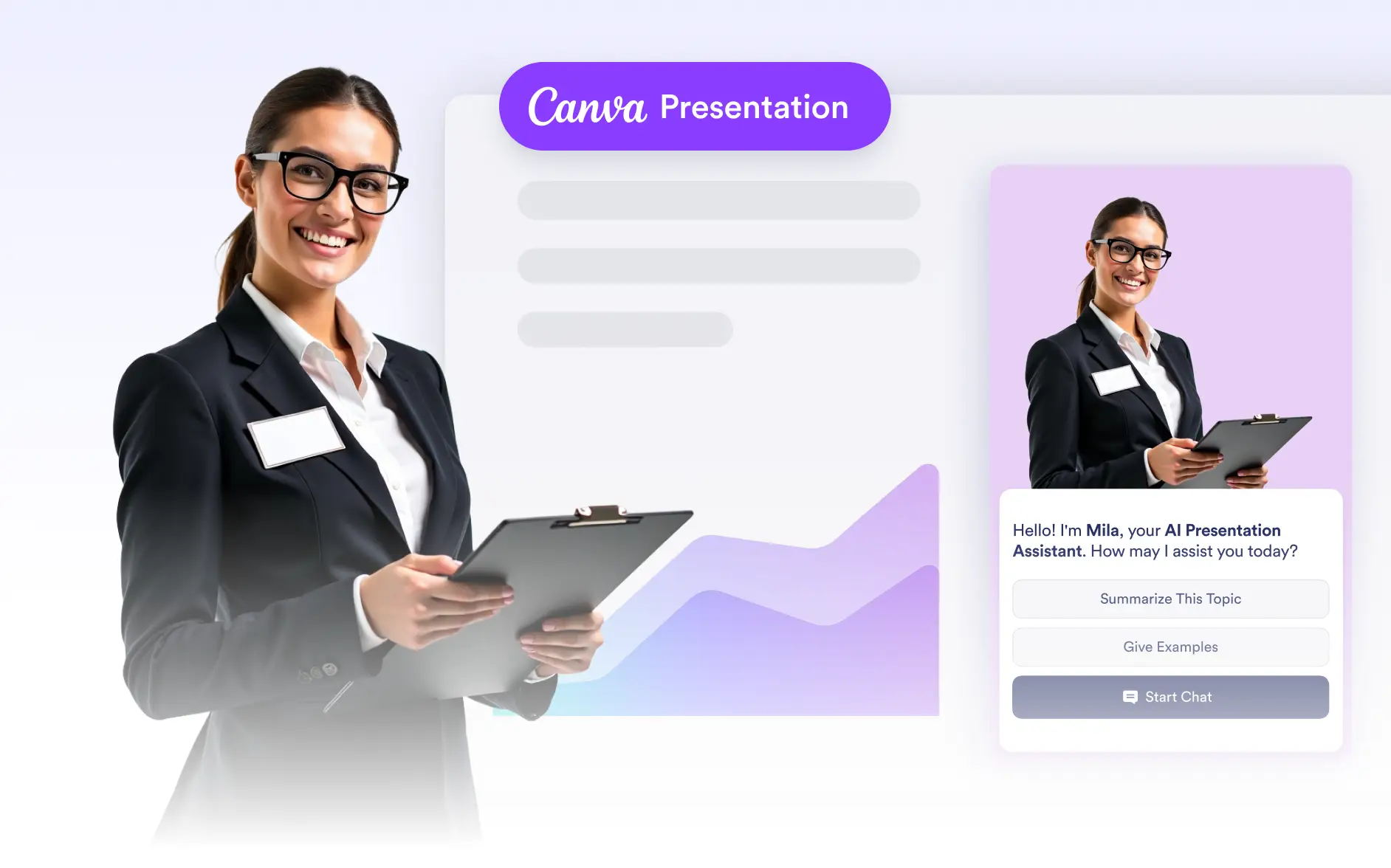
Adding an AI Chatbot to presentations enables real-time interaction, helping audiences get instant answers without interrupting the presentation flow.
Create an AI Chatbot for Presentations
Build or select an AI Chatbot designed specifically for presentations and add it directly to your Canva slides. This allows you to combine visual storytelling with interactive support, making presentations more dynamic and audience-focused.
Presentation-Ready Chatbot Creation
Create AI Chatbots optimized for live presentations, ensuring clear responses and smooth audience interaction.
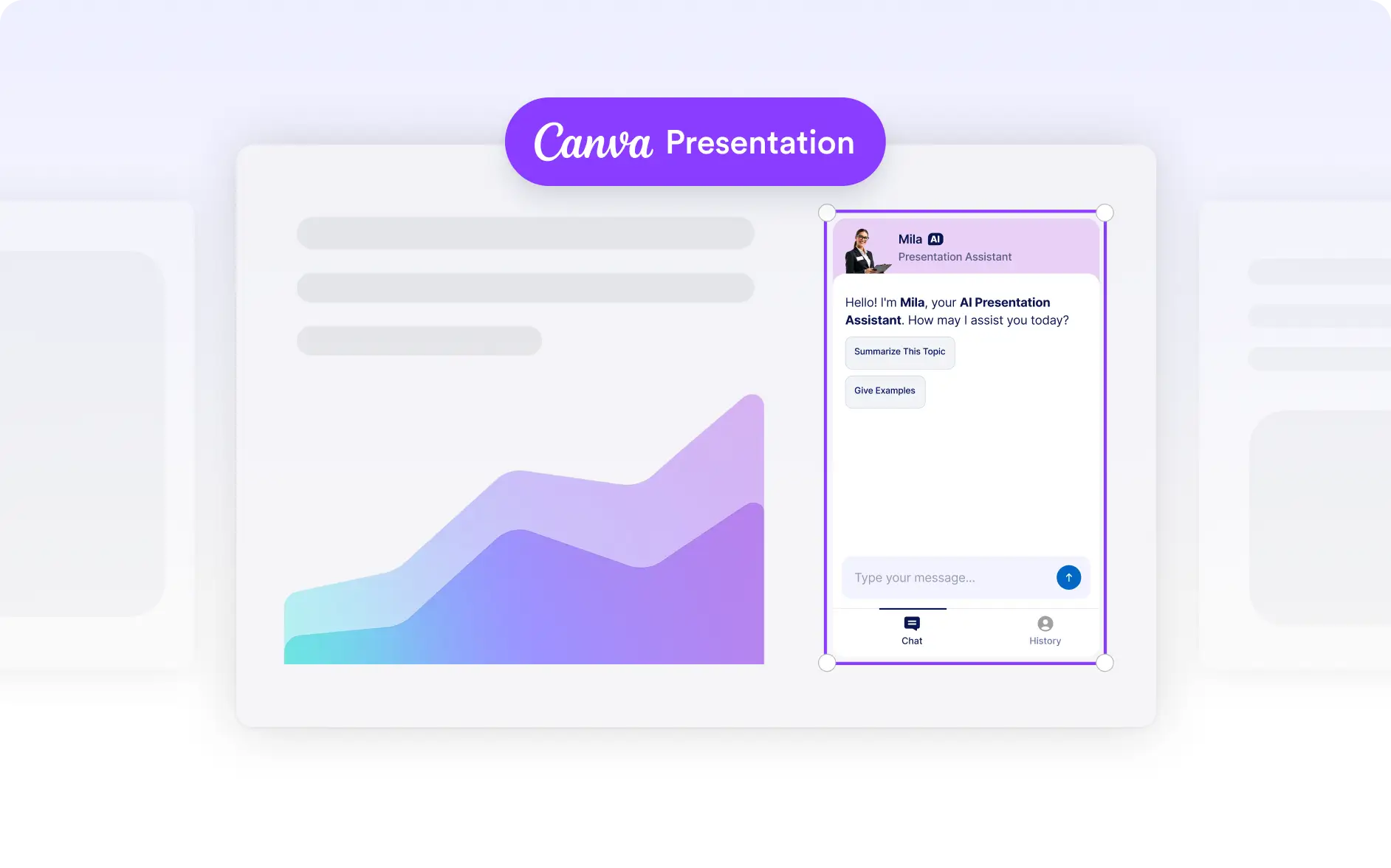
Drag and Drop onto Slides
Place the chatbot visually alongside your presentation content to match layout, hierarchy, and design flow.
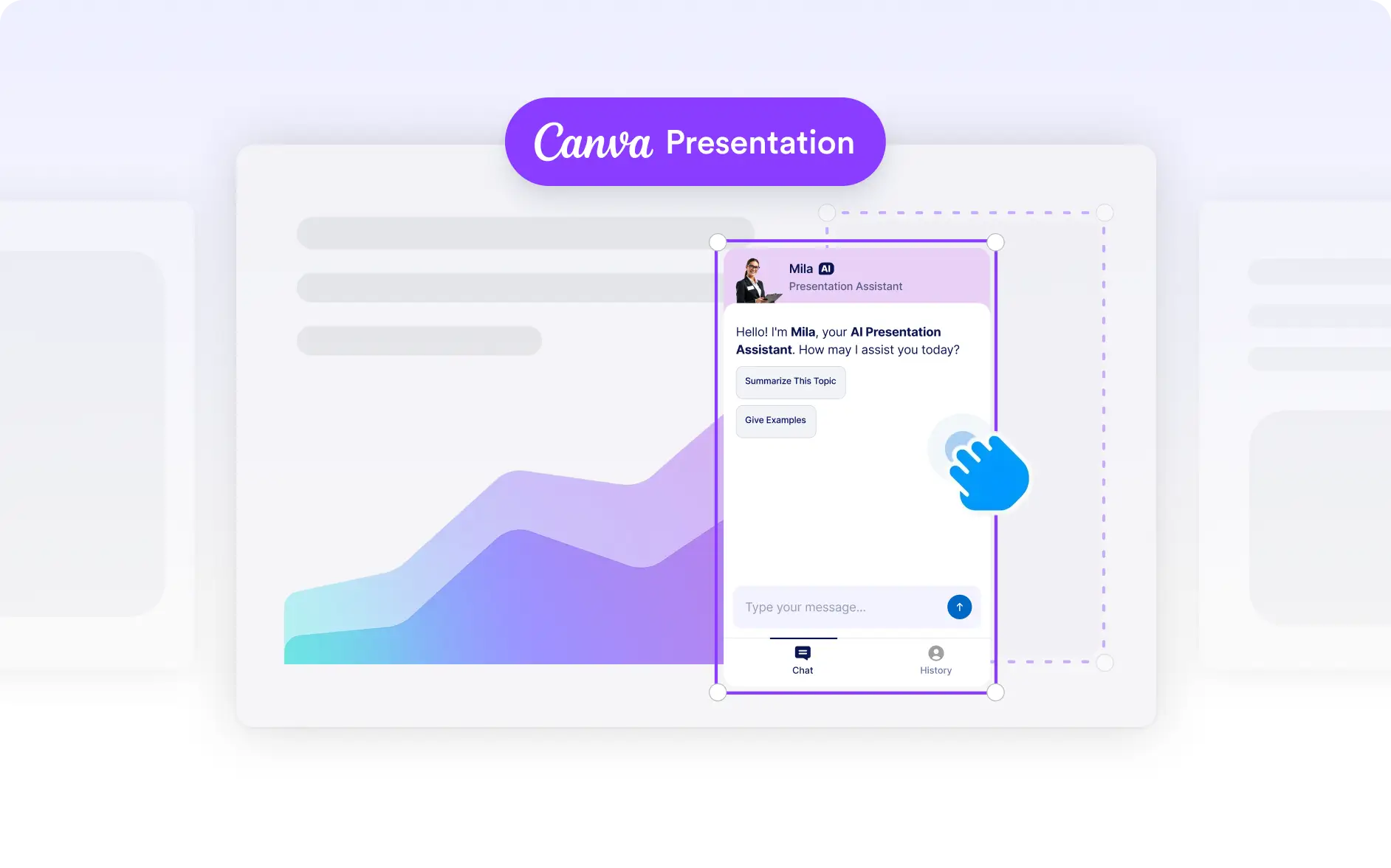
Real-Time Audience Engagement
Let viewers ask questions and receive instant answers during the presentation without interruptions.