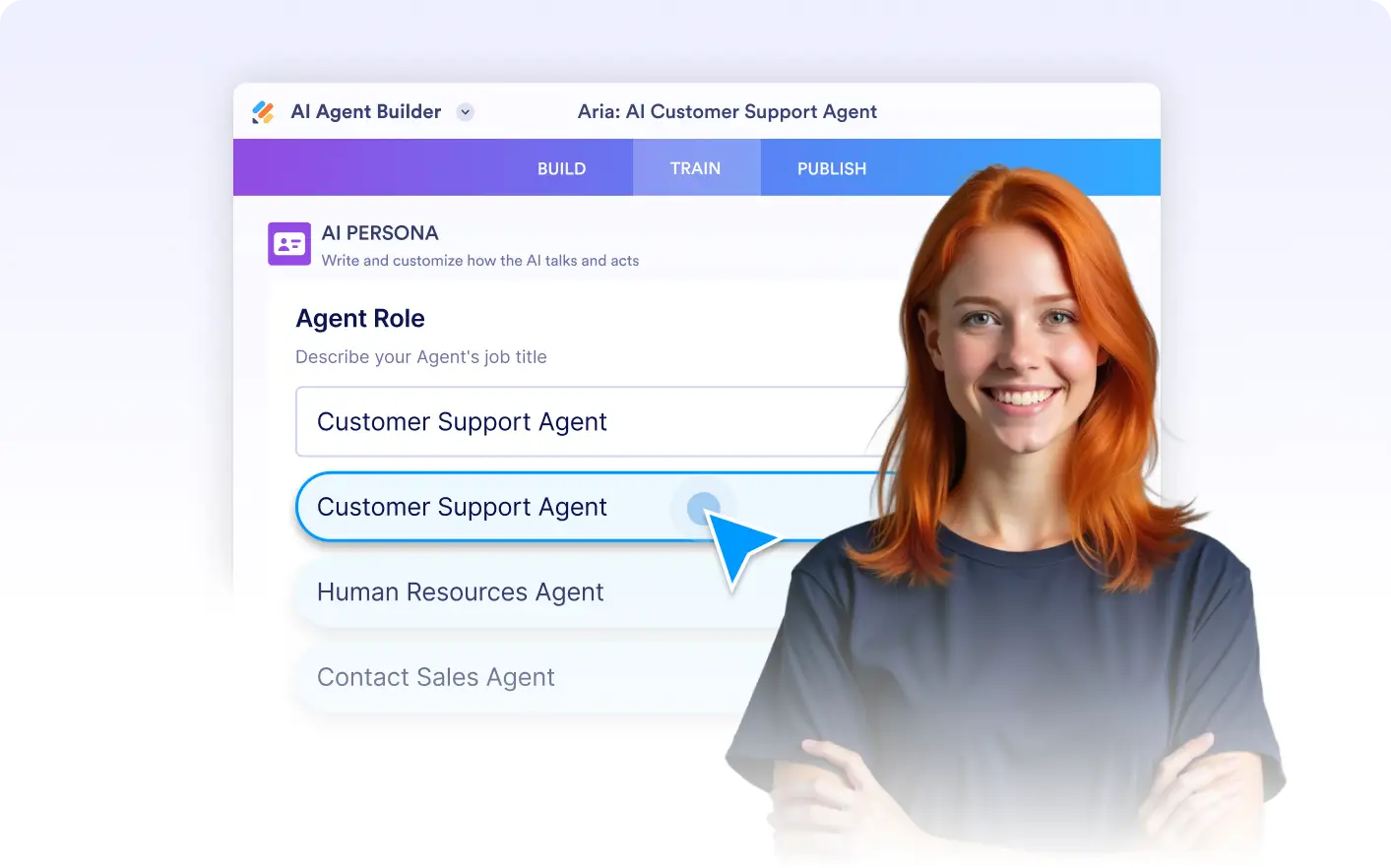
Canva Agent Persona
Give your Canva Chatbot a clear personality and purpose. Agent Persona lets you define how your assistant communicates, how much detail it shares, and how it supports users, so every interaction feels intentional and on brand. Whether users need quick answers or creative guidance, your chatbot adapts to how they work.
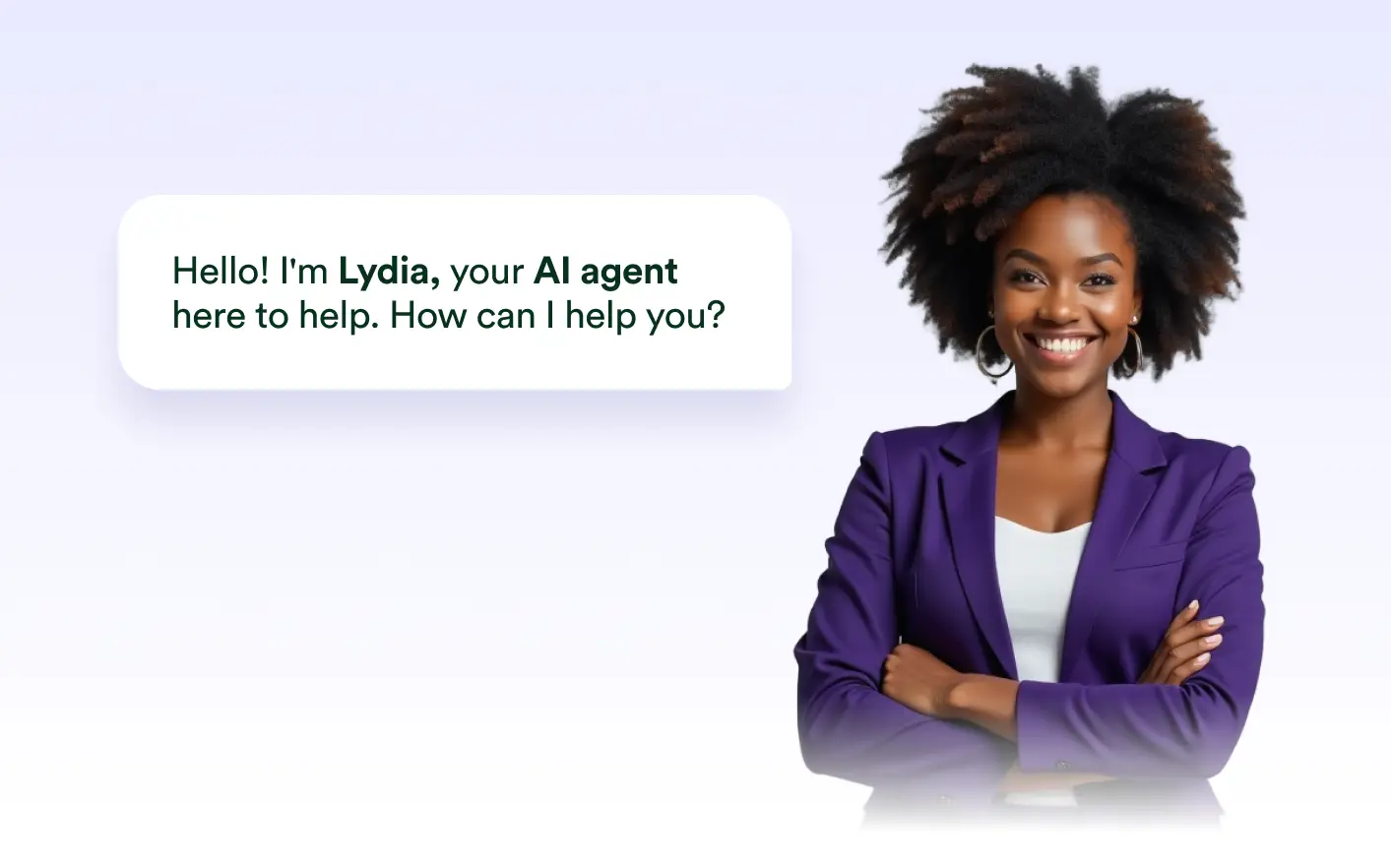
Define how your chatbot talks, how much it explains, and how it engages with users. Keep answers short and efficient when needed, or make them more expressive and conversational for deeper creative support.
Create a chatbot users instantly understand
Design your chatbot’s identity so it feels familiar, helpful, and aligned with your brand. By shaping its role and communication style, you ensure every response feels purposeful and consistent.
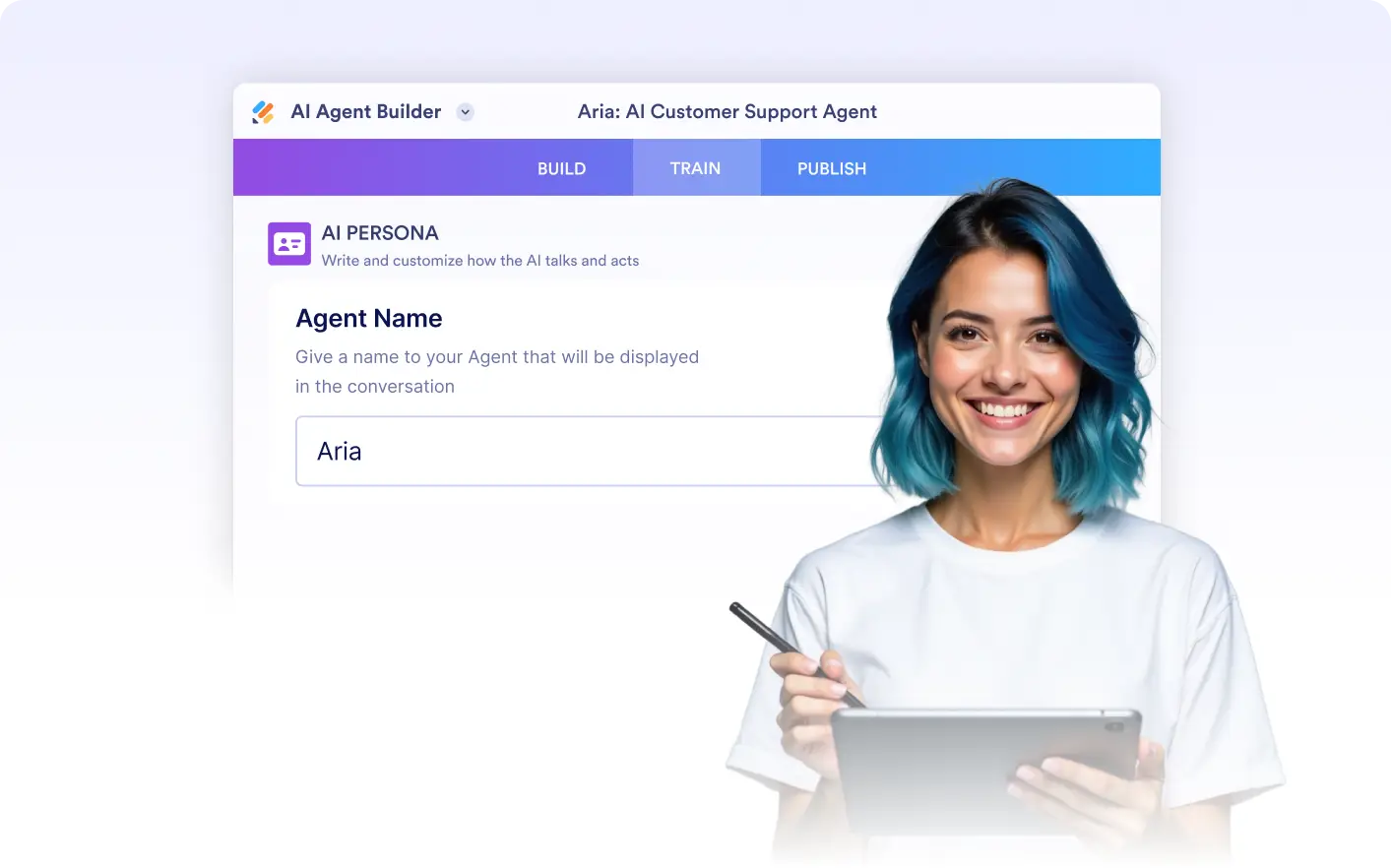
Identity
Assign a name and role that clearly reflect what your chatbot is here to do. A defined identity helps users understand how the chatbot can help them, whether that is design guidance, product help, or creative inspiration.
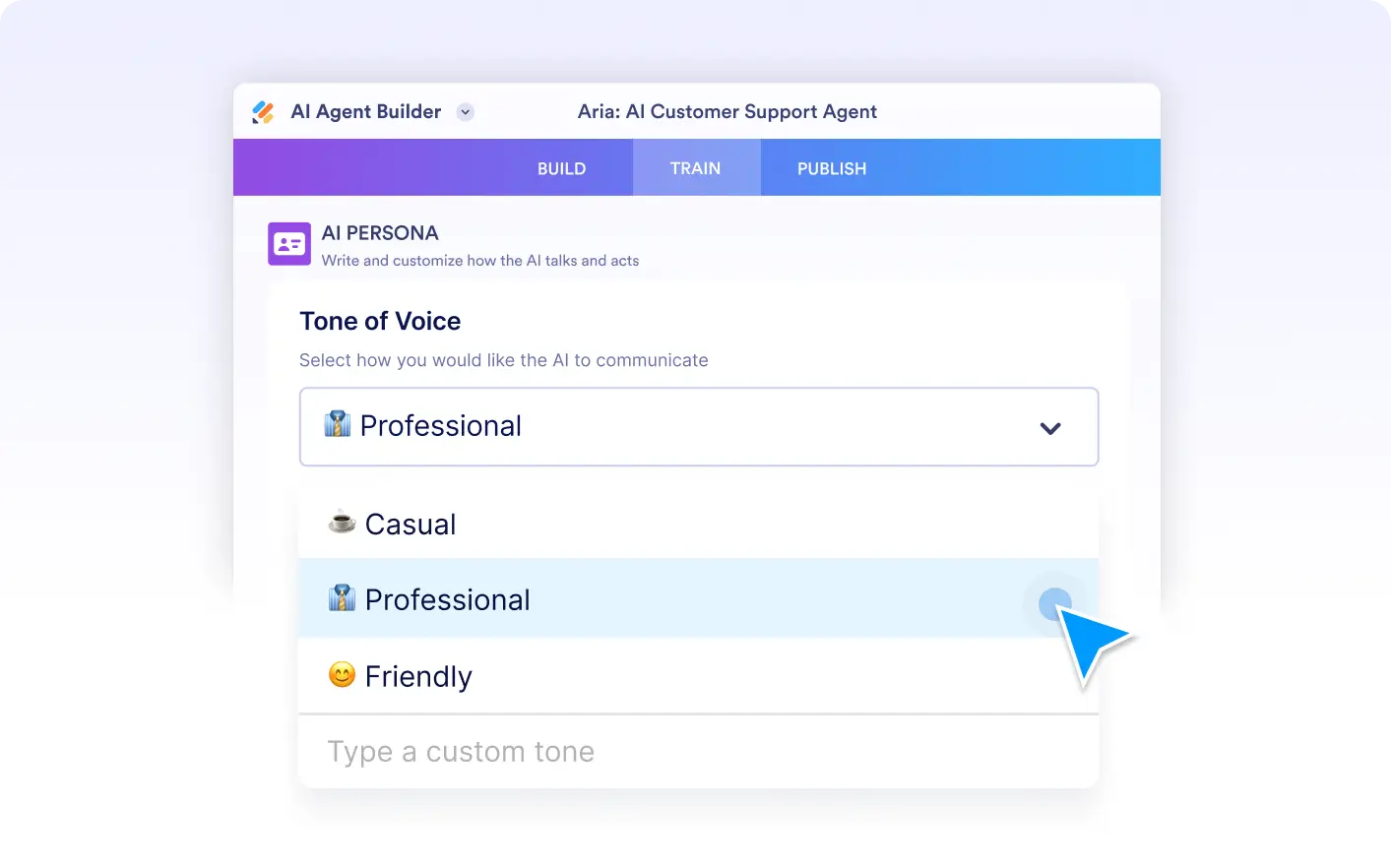
Tone of Voice
Choose how your chatbot sounds in conversations. Set a friendly, professional, or casual tone, or customize your own, to keep responses natural and consistent with your brand voice.
Улога
Define your chatbot’s role to match your use case. Whether it acts as a design assistant, onboarding guide, or support helper, a clear role keeps responses aligned with user expectations.