Customize colors, typography, and layout to create a chat experience that feels seamless and native.
A fully branded chat experience
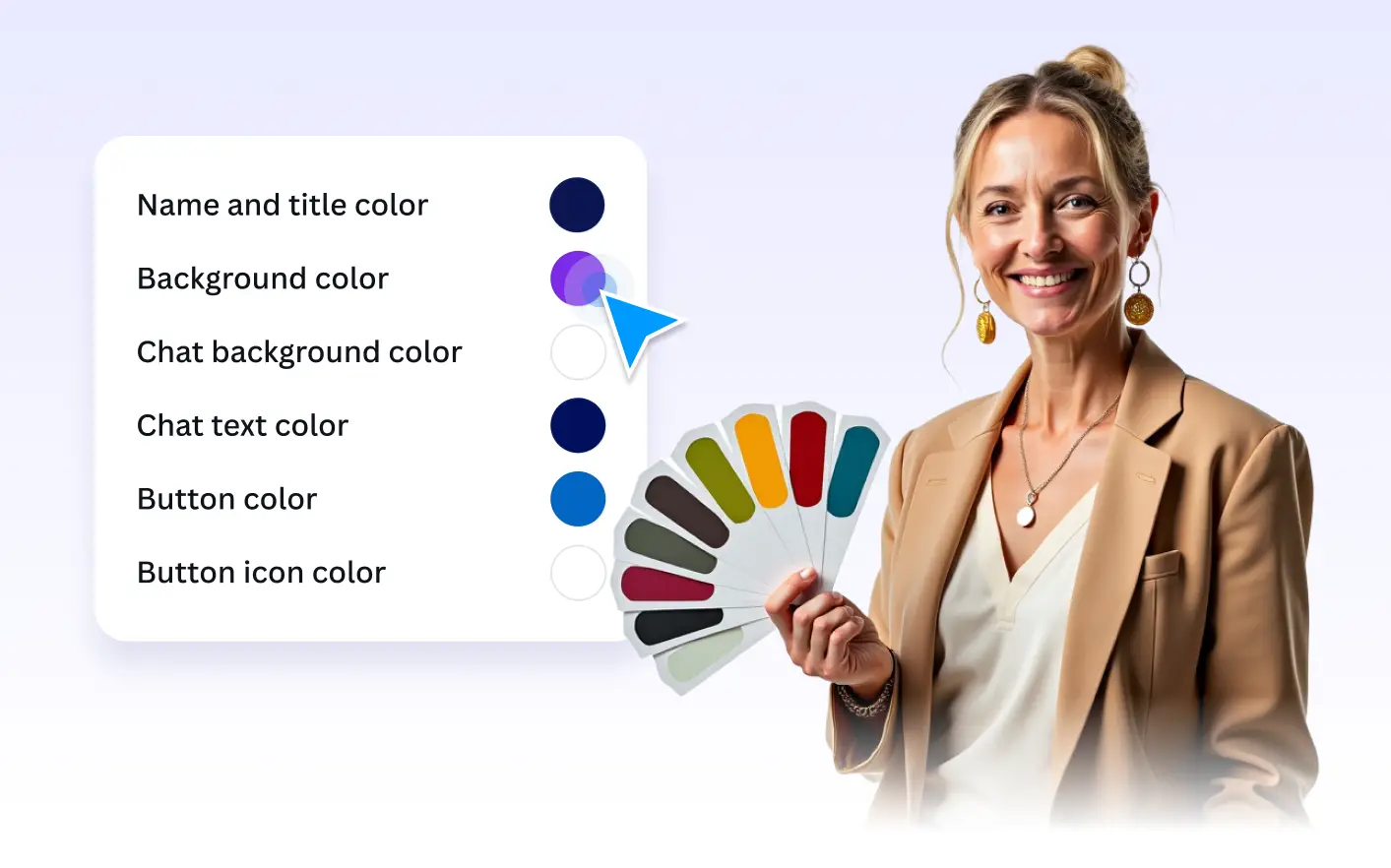
From background gradients to typography choices, Agent Style gives you full control over how your chatbot looks. Every visual detail is designed to help conversations feel consistent with your brand and your creative environment.
Color Customization
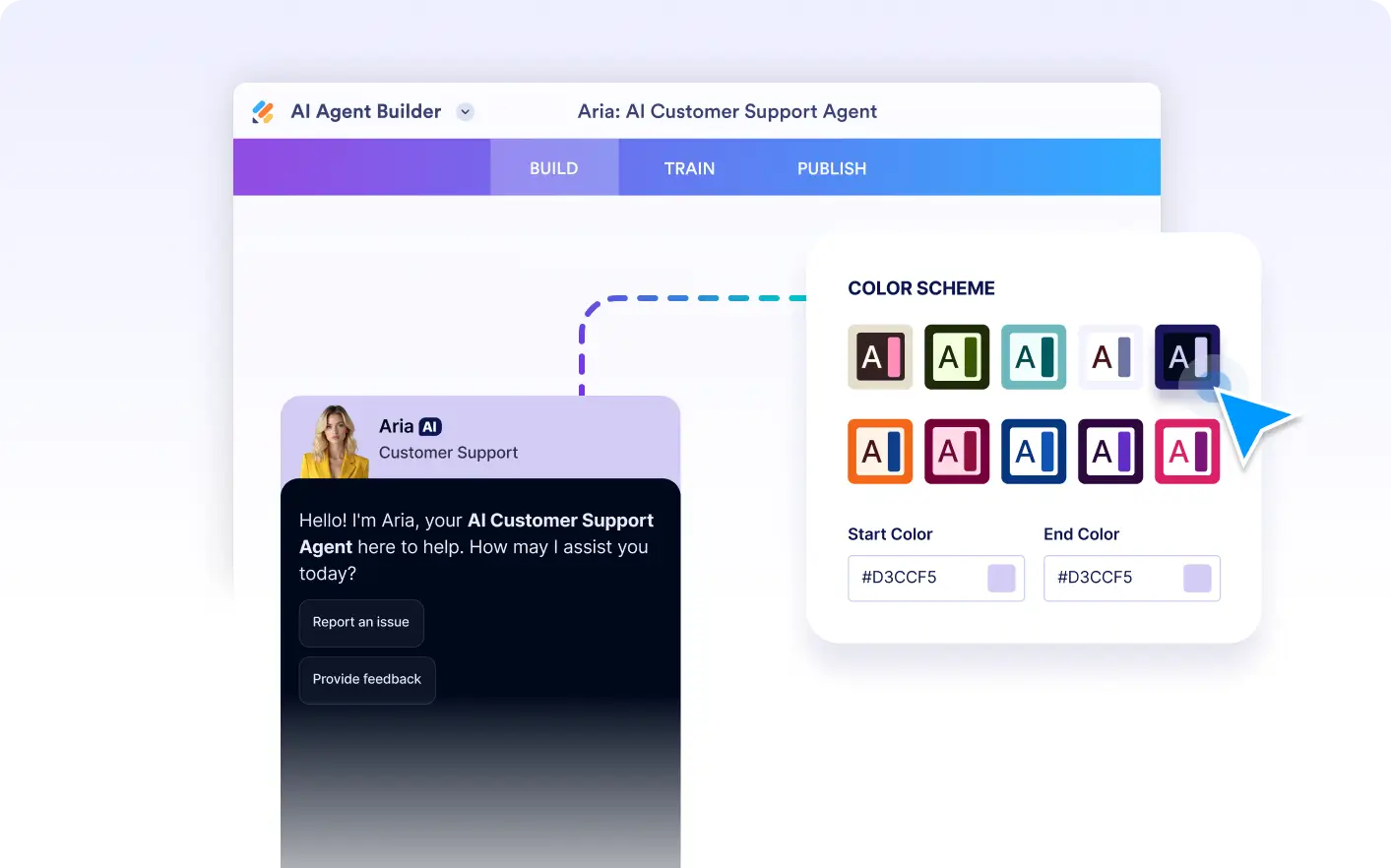
Choose a preset color scheme or define your own start and end colors to create custom gradients. This ensures your chatbot visually aligns with your brand palette and feels at home in your designs.
Font and Text Styling
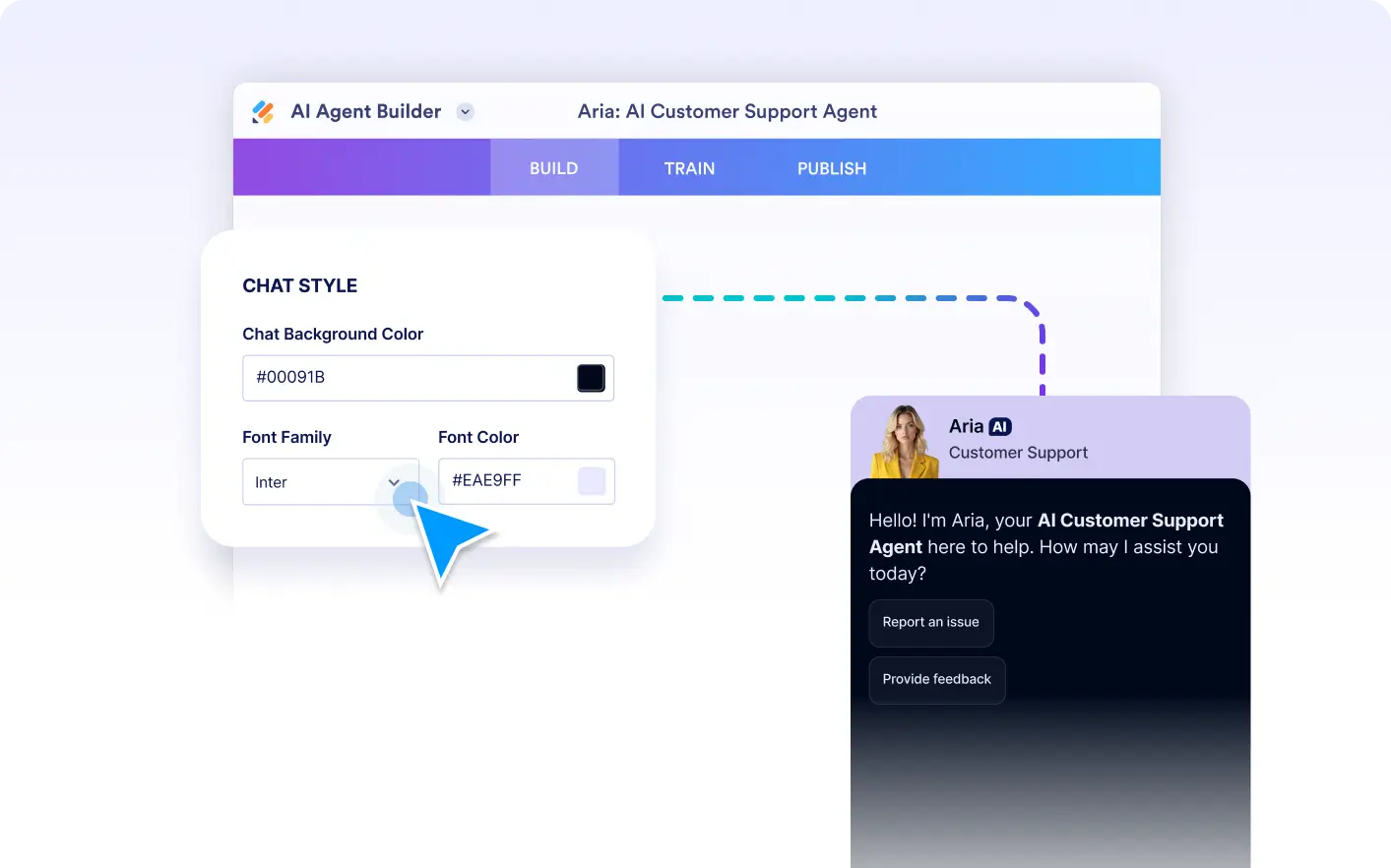
Select the font family and text color that best match your brand style. Consistent typography helps your chatbot feel cohesive with the rest of your Canva experience while keeping conversations clear and easy to read.
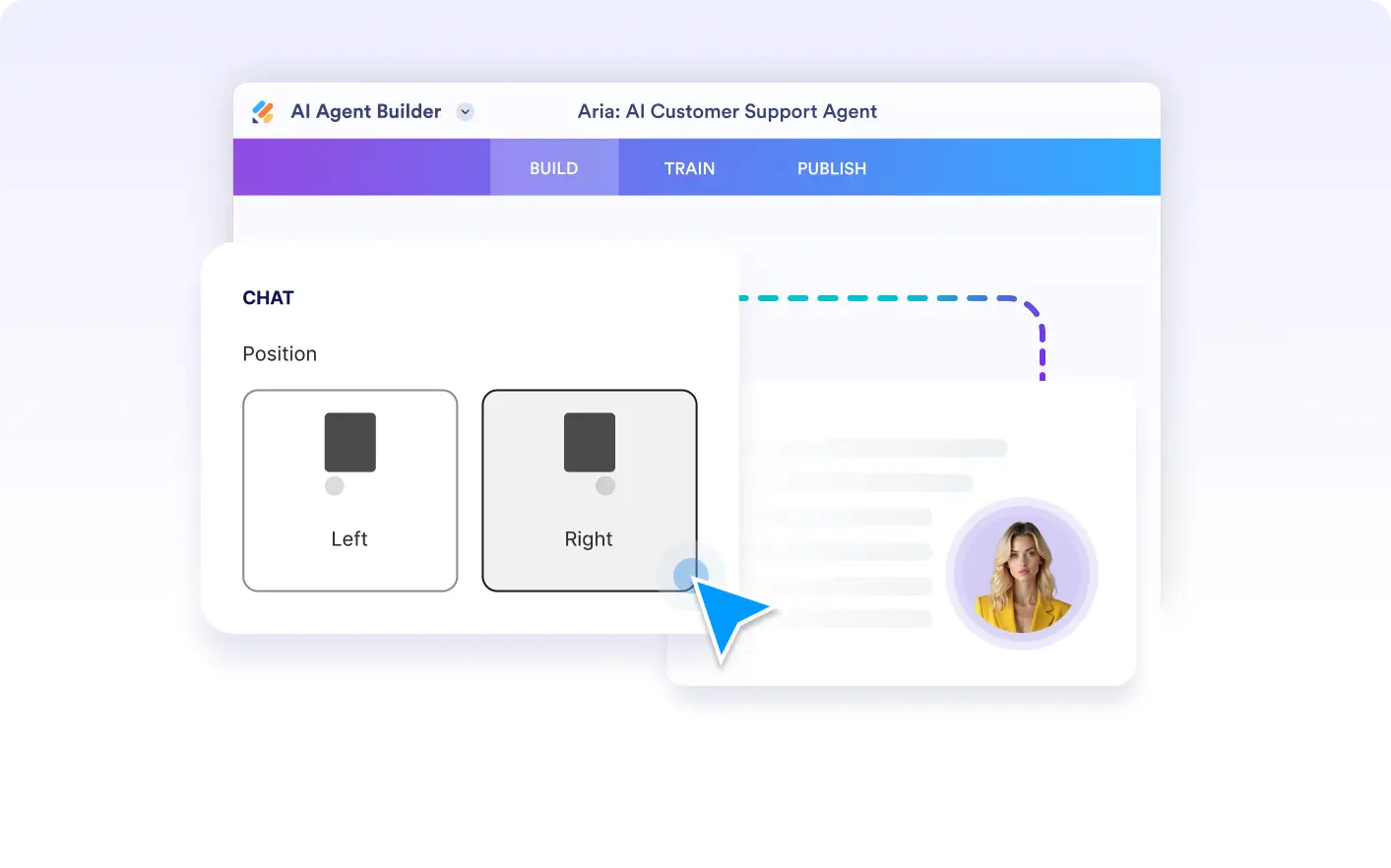
Chat Window Positioning
Decide whether the chat opens on the left or right side of the screen. Positioning gives you flexibility to fit different layouts and ensures the chatbot never disrupts the creative flow.
Avatar Animation
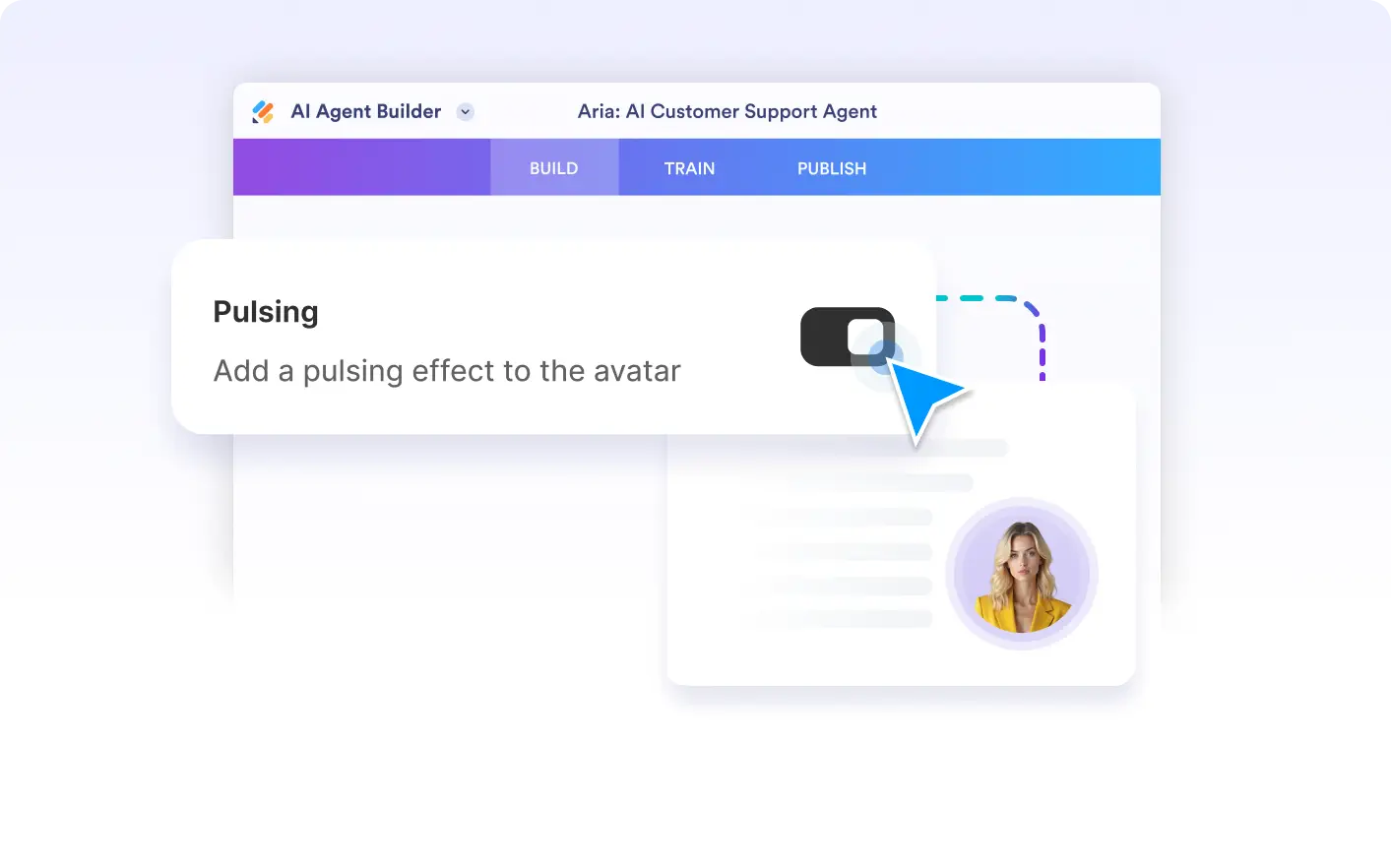
Enable a gentle pulsing animation on your chatbot’s avatar to increase visibility and engagement. The motion is designed to be noticeable without feeling distracting, helping users discover support naturally.