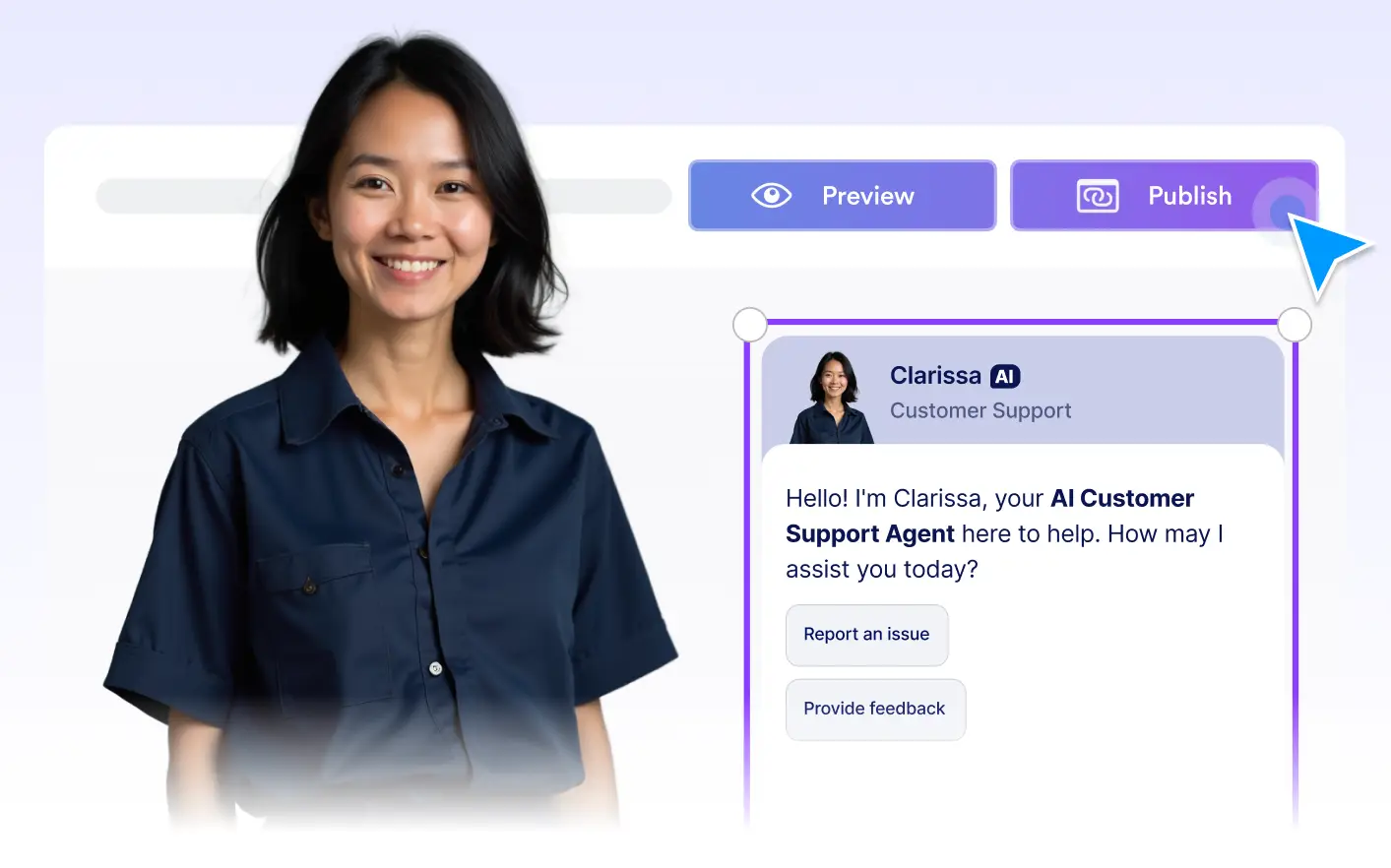
Publish your chatbot instantly. Preview it first, then turn it on with a single click.
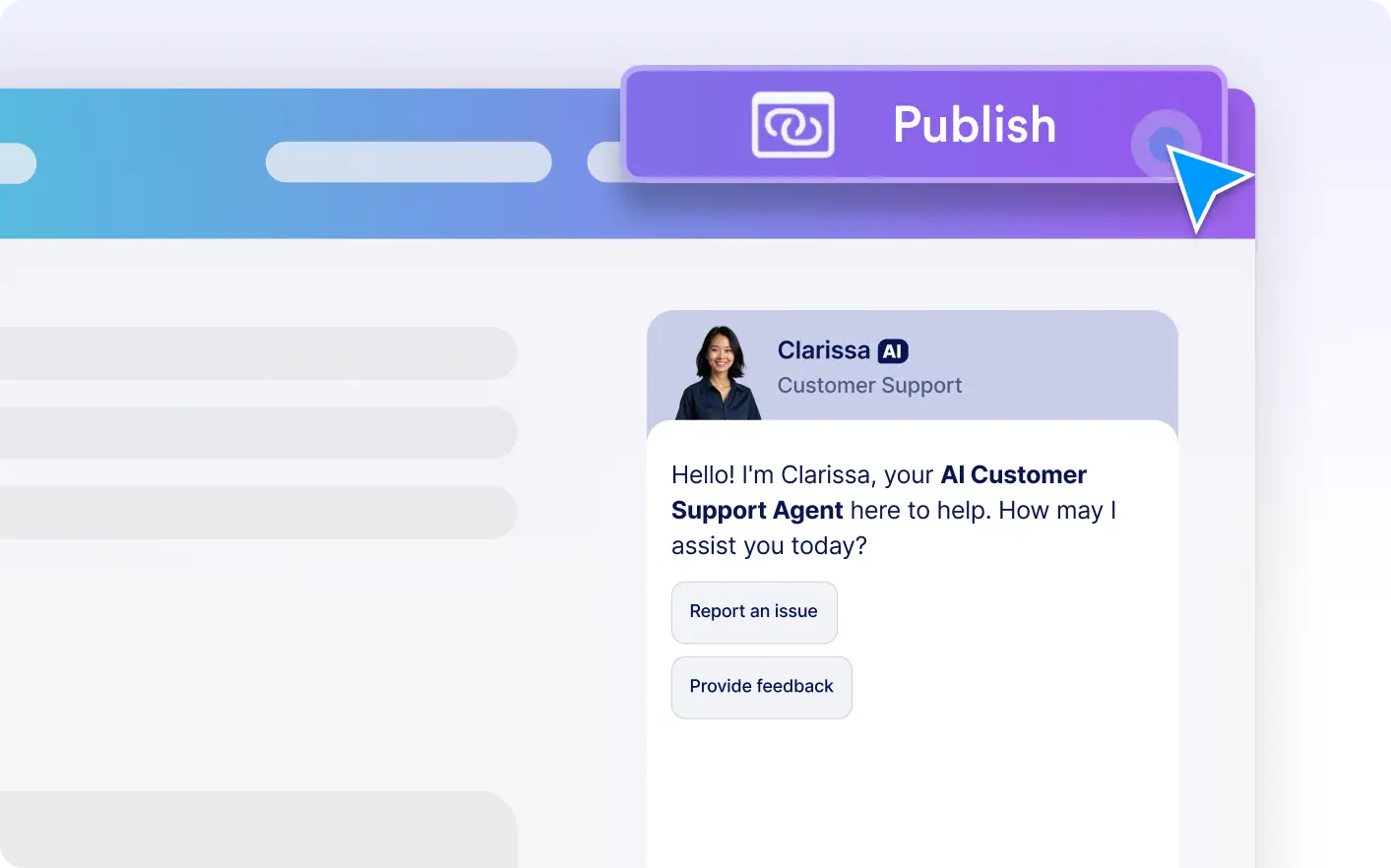
Publish with one click
Once everything looks right, publishing your chatbot is as simple as turning it on. There is no waiting period or complex configuration. Your chatbot is live as soon as you are ready.
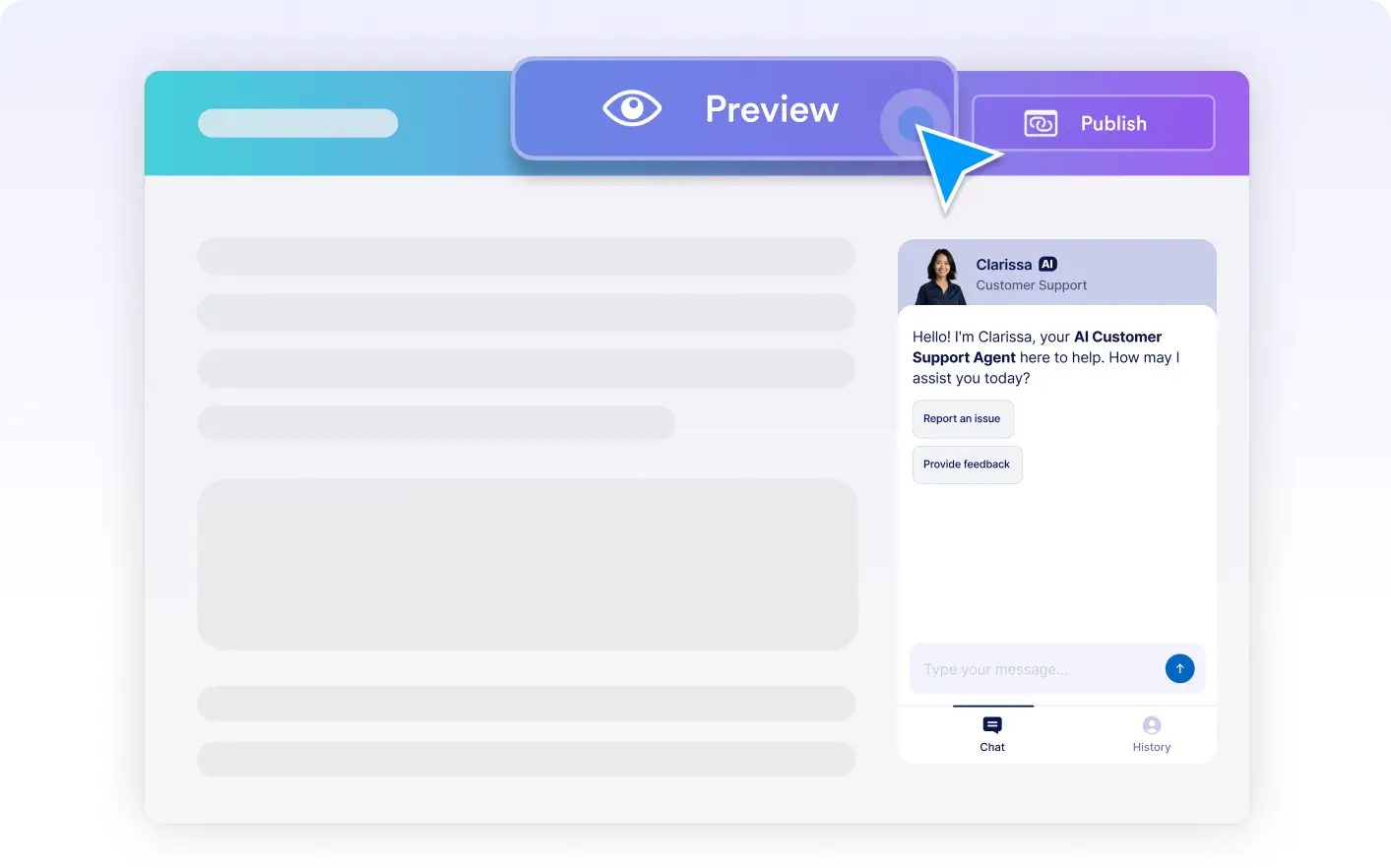
Preview Before Going Live
See exactly how your chatbot will look and feel before publishing. Preview its position, avatar, and tone directly in the interface so there are no surprises once it goes live.
Instant Canva Integration
Your chatbot appears immediately in Canva, ready to guide and support users. Once published, it becomes part of the experience without any extra steps or delays.
No Code Required
You do not need any technical knowledge to publish your chatbot. Everything works through simple controls, with no setup scripts or developer support needed.