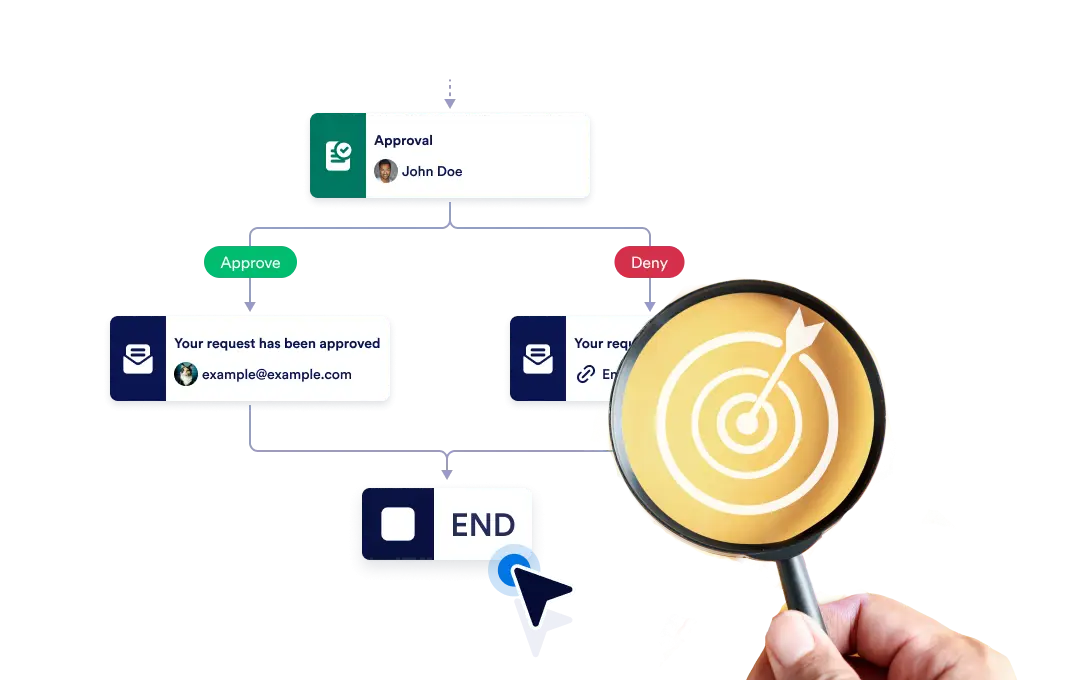
Belirli bir dal sona erdiğinde tüm iş akışını anında sonlandırın veya her dalın bağımsız olarak tamamlanmasına izin verin; böylece sürecinizde esneklik ve kontrol sağlayın.
İş Akışınızın Sonunu Kontrol Edin
The End element lets you define how your workflow concludes once it reaches a finishing point. You can choose to terminate the entire workflow as soon as a specific branch ends, or allow other branches to continue running until they complete on their own.
Basit Sürükle-Bırak Kurulumu
İş akışınızın bitiş davranışını ayarlamak için Bitiş elemanını akışta seçtiğiniz yere sürükleyin ve tercih ettiğiniz sonlandırma kuralını yapılandırın.
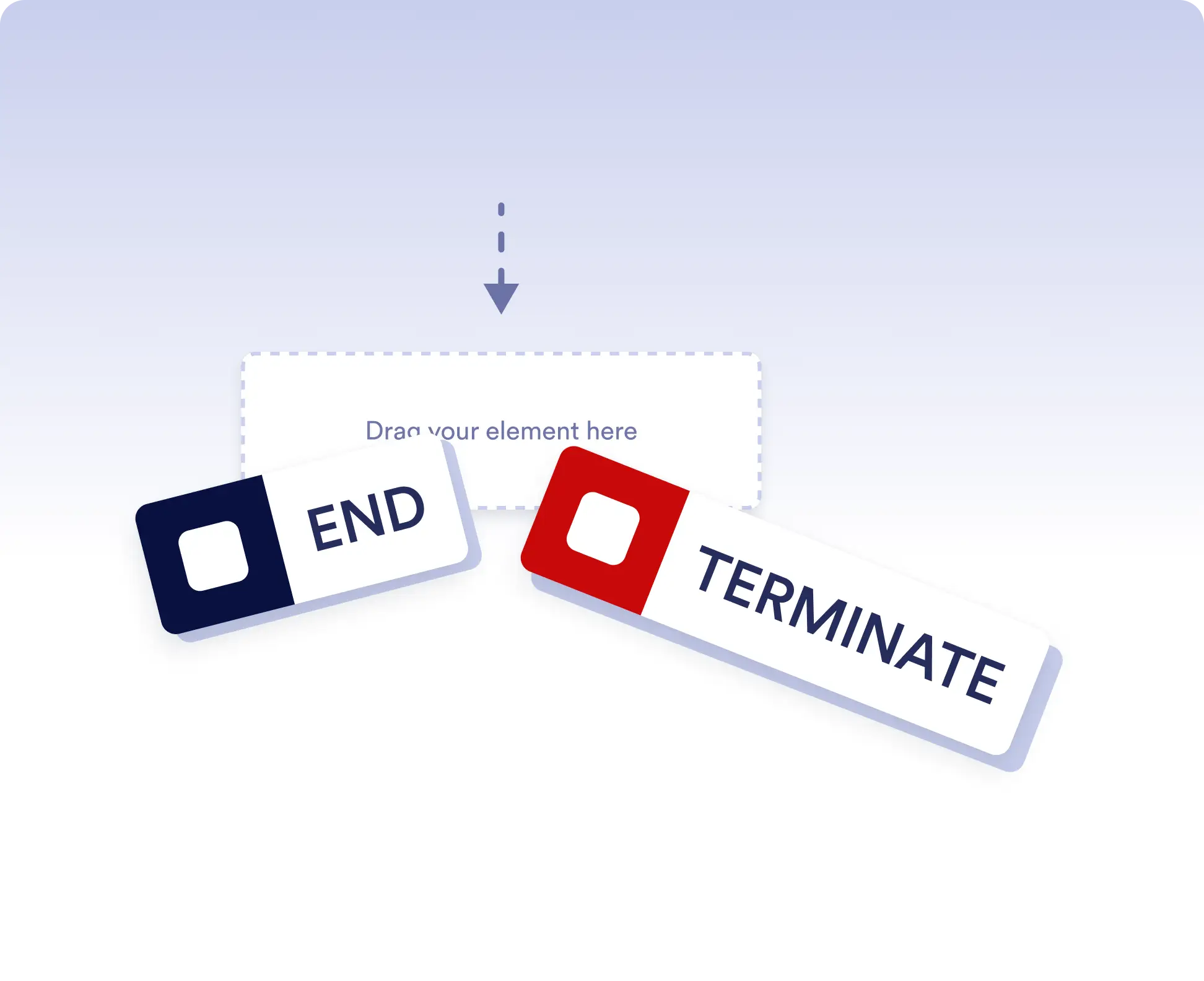
Avoid running extra actions
Terminate the entire workflow as soon as a specific branch is completed. This is ideal for rejection paths, final approvals, or scenarios where no further actions should run once a decision is made.
Allow independent branch completion
Allow branches to finish independently when parts of your workflow can run in parallel or are optional. This keeps your process flexible without forcing unnecessary synchronization.
Sıkça Sorulan Sorular
Bu özellik hakkında sorularınız mı var? Hızlı yanıtlar için aşağıdaki SSS'leri inceleyin veya daha fazla ayrıntı için destek ekibimizle iletişime geçin.
End acts as a visual signal that a branch has completed, while Terminate stops the entire workflow immediately when that step is reached.
When a workflow is terminated, all remaining active steps and branches stop immediately and no further actions are executed.
Yes. You can place multiple End elements in different branches to define how and when each path should finish.