İmzalayan Durumunu Kontrol Edin
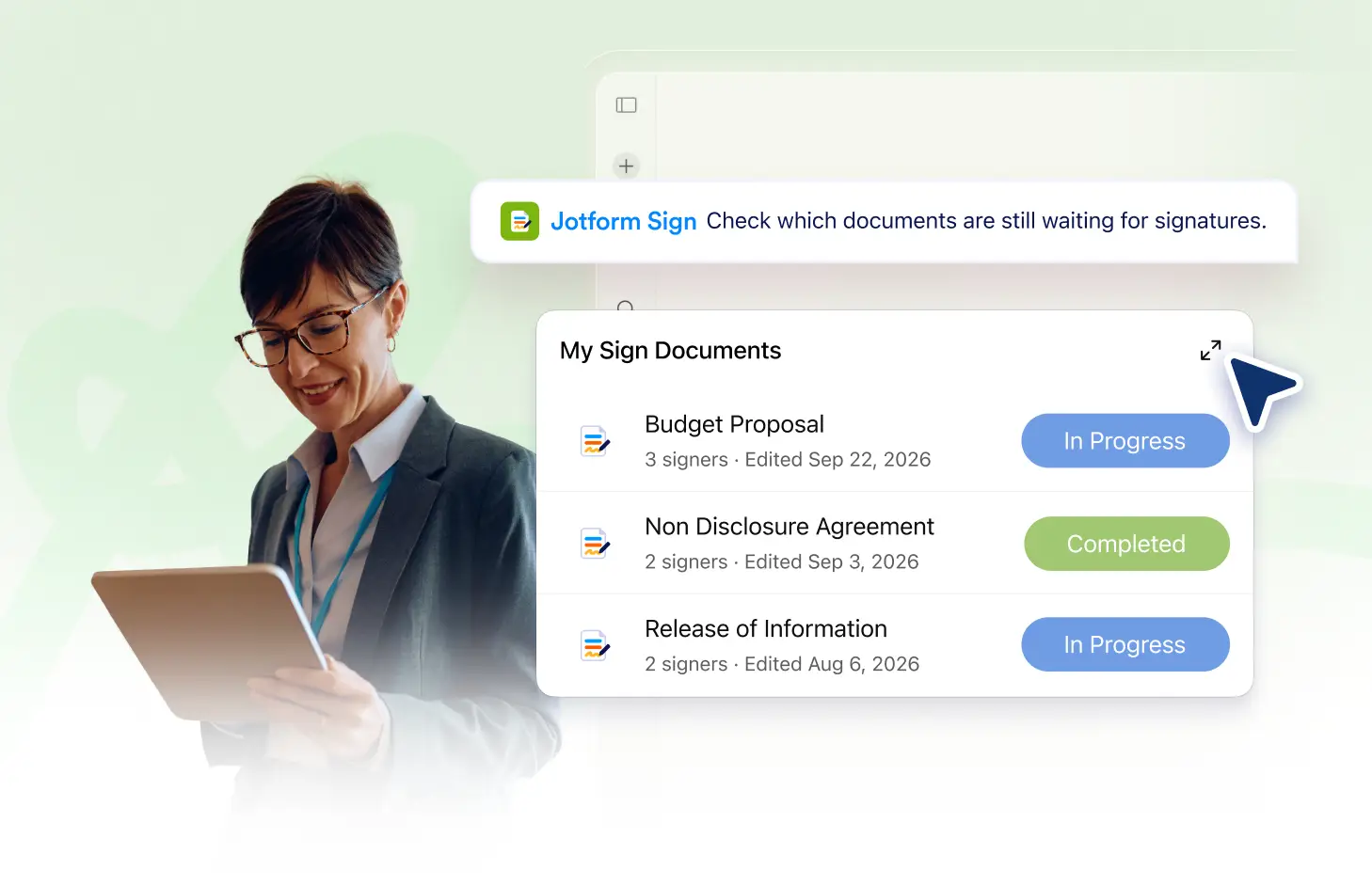
Stay informed about your document's progress with the Jotform Sign Claude App's Check Signer Status feature. It allows you to see whether each signer has been sent, viewed, signed, or declined your document in real-time. This feature gives you the control and peace of mind you need when managing important documents.
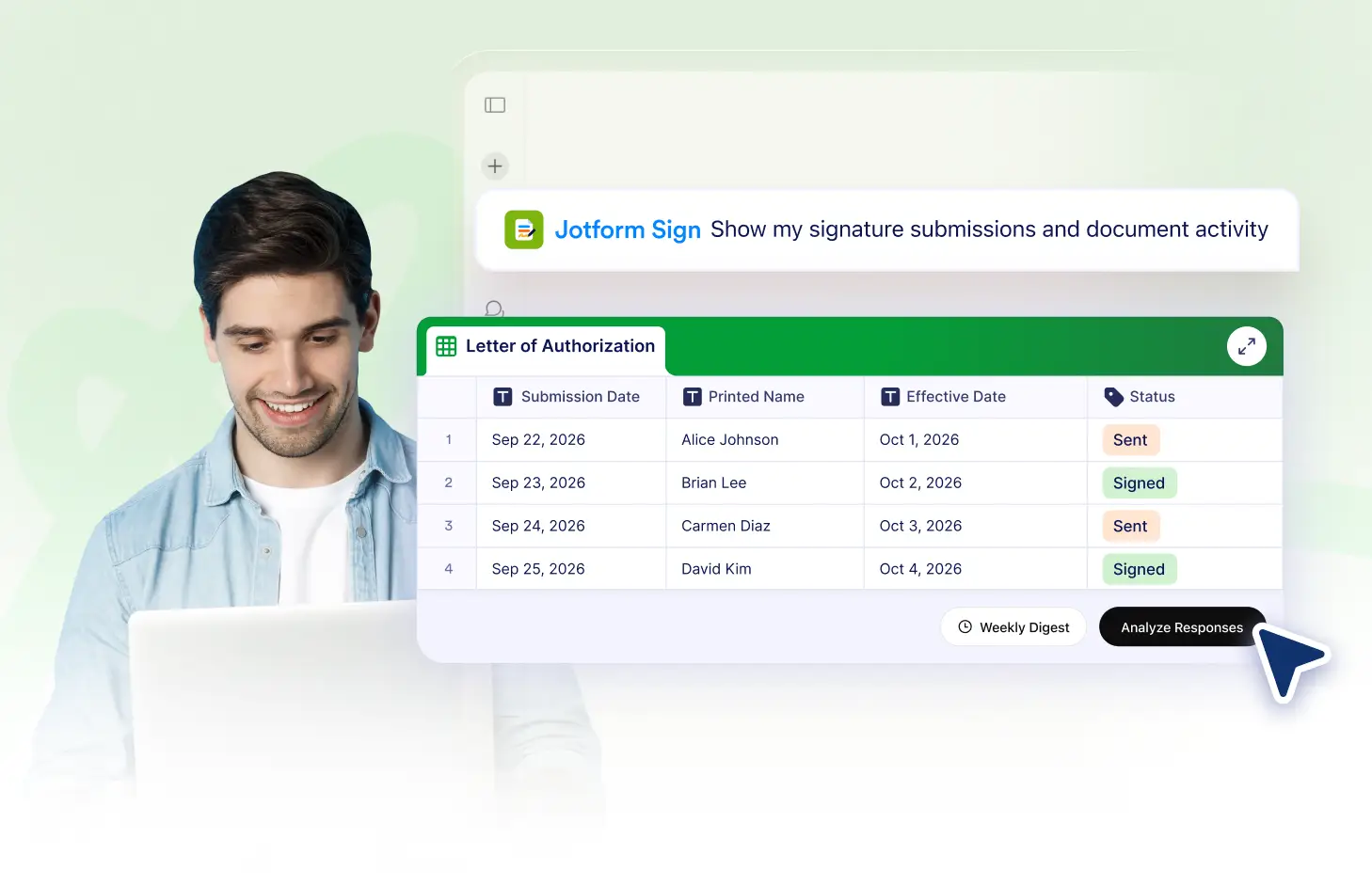
Keep track of your document's progress with the Jotform Sign Claude App. Easily and see if the document has been sent, viewed, signed, or declined. Stay informed and manage your signing workflows effectively.
Monitor Your Signers' Progress
Keep track of each signer's actions with the Jotform Sign Claude App. Know when your document has been sent, viewed, signed, or declined, all in real-time.
Stay Updated with Signer Status
With the Jotform Sign Claude App, you can keep track of your signers' actions in real-time. Know if your document has been viewed, signed, or declined instantly.
Sıkça Sorulan Sorular
Bu özellik hakkında sorularınız mı var? Hızlı yanıtlar için aşağıdaki SSS'leri inceleyin.
You can ask the Jotform Sign Claude App to show the current status of a signer. It will provide information whether the signing request has been sent, viewed, signed, or declined by the signer.
The 'declined' status means that the signer has chosen not to sign the document. You might need to reach out to them for further clarification.
Currently, the Jotform Sign Claude App does not support automatic notifications for signer status changes. You can manually check the status of each signer within the app at any time.