Make your forms accessible to all website visitors, including users with disabilities. Create accessible online forms that comply with Section 508 and WCAG 2.1 standards.
Kepatuhan Bagian 508
Create Section 508 compliant online forms and surveys for your organization. Agencies that receive federal funding are required to be Section 508 compliant.
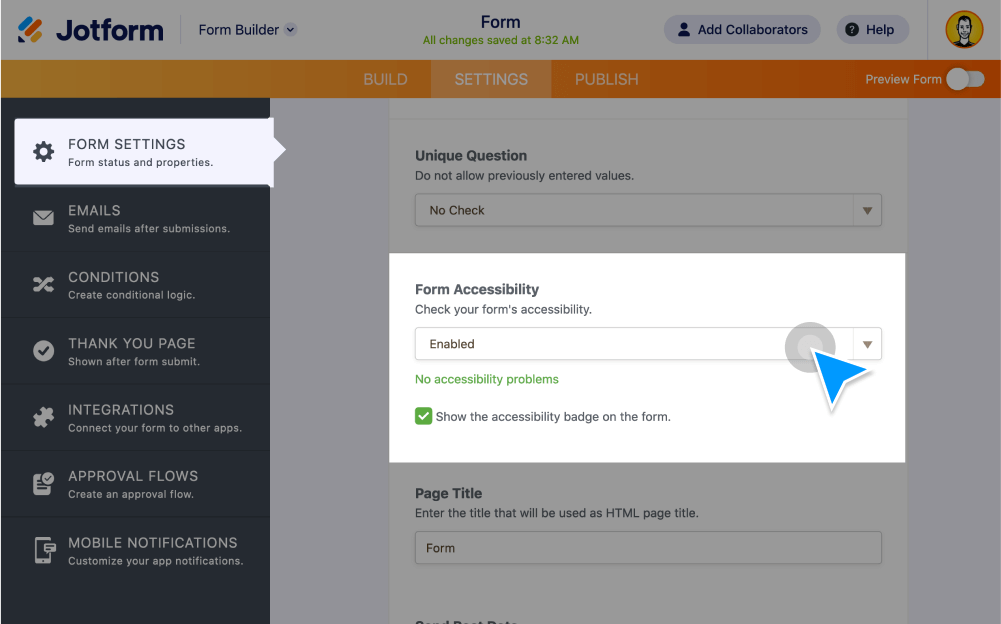
Enable Form Accessibility
Turn on Jotform’s form accessibility checker to be notified about potential accessibility issues while building your form.
Add accessible form features
Give your forms robust accessibility features, such as alt-text descriptions and accessible color schemes. Jotform also supports text-to-speech via third-party voice recognition software.
Detect accessibility issues
Jotform’s built-in accessibility checker instantly warns you if you add a form field or widget that isn’t Section 508 compliant.
WCAG Compliance
Make sure your organization’s web content meets WCAG 2.1 criteria with accessible online forms.
Level A and AA compliant
Make your site more accessible to visitors with disabilities. All Jotform form elements offer alternative text for users with visual impairments or cognitive disabilities.
Review Jotform’s VPAT
See how Jotform follows Section 508 and WCAG compliance standards in our Voluntary Product Accessibility Template (VPAT).
Learn more about Jotform’s accessibility features
Learn how Jotform enables you to create accessible forms by reviewing our VPAT, referring to our user guide, or contacting our support team.