Single Sign-On (SSO)
Connect Jotform Enterprise with your preferred SSO provider and let employees access everything with one secure login.
With SSO, you can authenticate users through single or multiple identity providers — offering flexible login options for organizations using Microsoft, Google, Okta, Duo, OneLogin, and more.
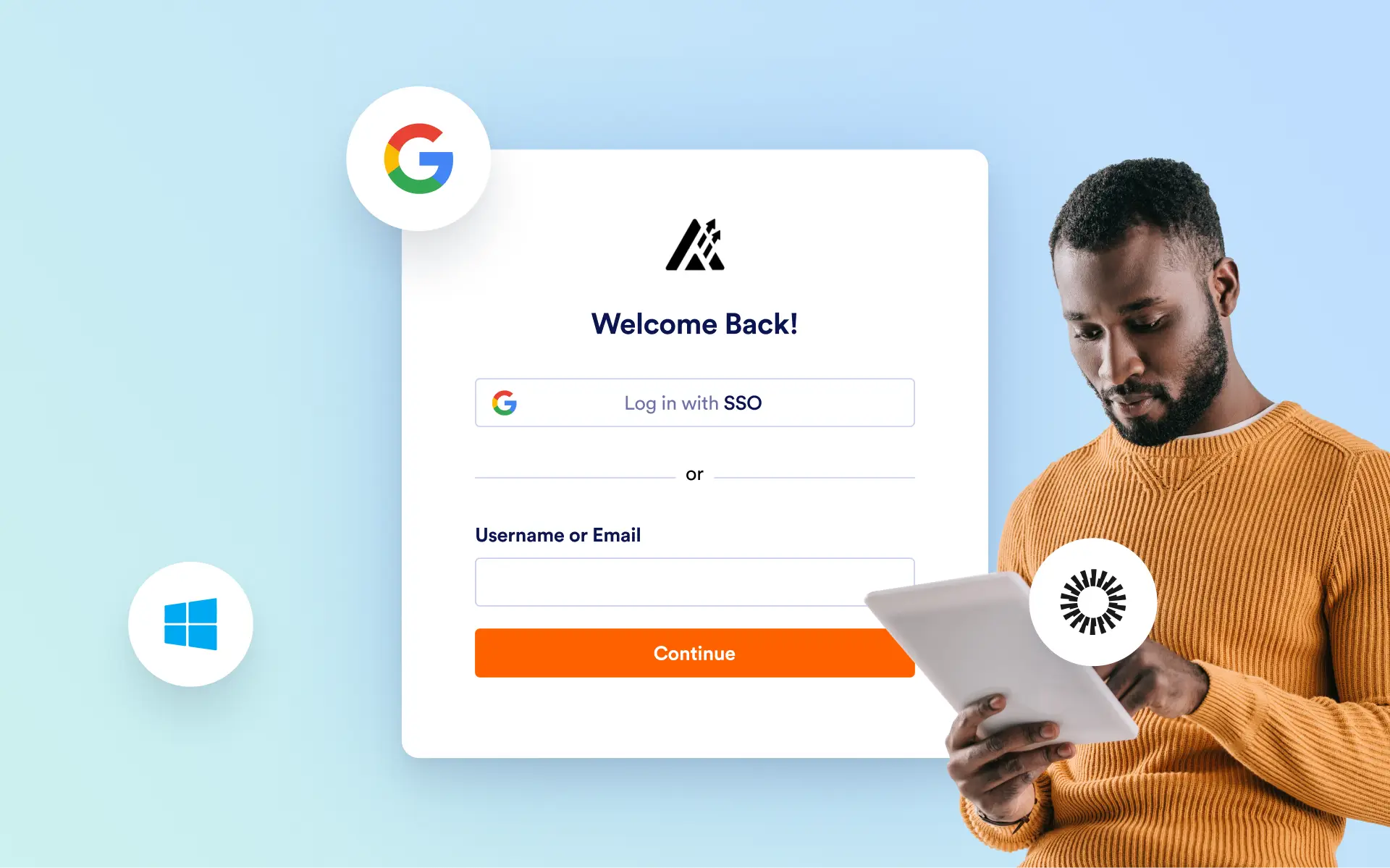
With Jotform Enterprise, you can enable SSO login for users to view and submit forms, edit responses, or . You can also set up SSO prefill to ensure form field completion and accuracy.
Enable SSO Login
Jotform Enterprise integrates with identity providers such as Microsoft, Google, Okta, Duo, and OneLogin, allowing users to access their forms through their organization’s dedicated SSO portal.
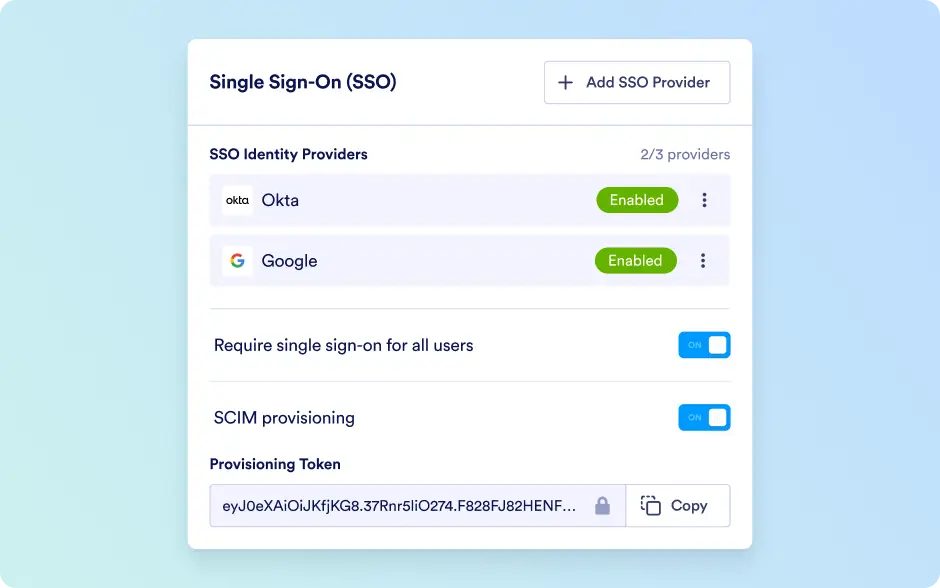
Multiple SSO
Enable seamless login through multiple identity providers, such as Microsoft, Google, Okta, Duo, and more, using multiple single sign-on. This feature streamlines and secures access to forms, submission data, and other resources.
SSO Prefill for Okta IdP
Confirm form field information by syncing users with the credentials stored on their Okta IdP SSO server.
SSO Prefill for Google Workspace (G Suite)
Improve form security by enabling form prefill for your organization’s Google SAML-based SSO.
SSO Prefill for Azure
Ensure form field accuracy with prefilled syncing through an already-configured Microsoft Azure SSO application.
SSO Prefill for AD FS
Enable SSO prefill for your forms if your organization uses Active Directory Federation Services (AD FS) for Windows Server.
OneLogin SAML Configuration
Use SAML authentication to eliminate passwords, increase security, improve convenience
SCIM Provision
Simplify user management by automatically provisioning and deprovisioning users through your organization’s identity provider. Keep your Jotform Enterprise accounts always in sync with your company directory.
JIT User Creation
Streamline secure onboarding by automatically creating user accounts at first SSO login. Ensure authorized access without manual setup, keeping user management fast, scalable, and aligned with your identity provider’s policies.
Give access to your forms via Single Sign-On (SSO)
Assign login details with Jotform Enterprise to give employees an easy and secure way to fill out your forms. Choose custom permission settings to let users view, edit, or save and continue form submissions later.
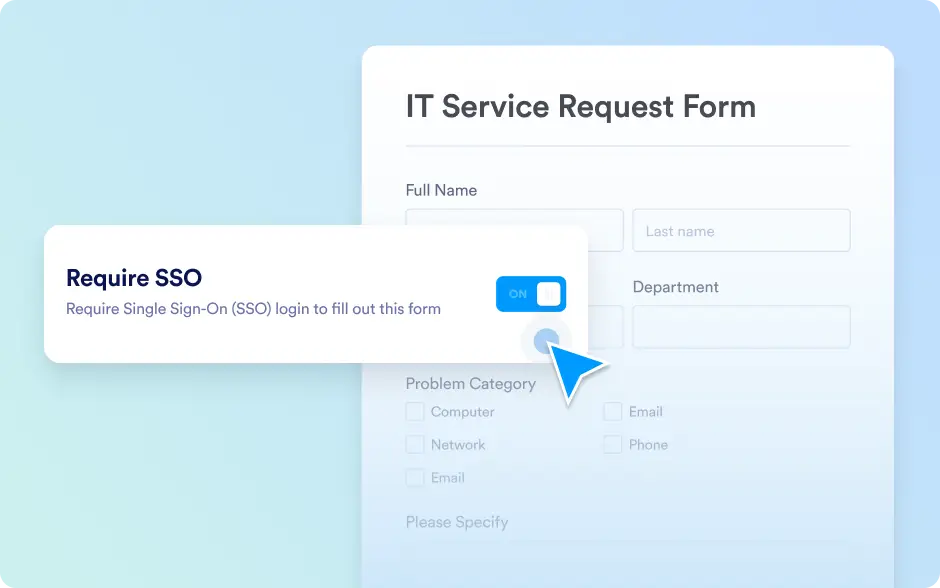
Require SSO login to fill out forms
Keep your forms secure by requiring login credentials. With the Jotform Enterprise Single Sign-On (SSO) feature, every user will have to log in to view and submit your form — ensuring you receive responses only from preapproved members of your organization.
Save draft and continue later
If you have a lengthy form that needs to be filled out, let your users save their form submission as a draft and continue it later. After a user saves a form, they will receive an email with a link to continue where they left off.
Automate user management with SCIM and JIT
Enhance your organization’s identity management with automatic user provisioning and instant account creation at first login. SCIM and JIT User Creation work together with SSO to keep your Enterprise workspace secure, consistent, and effortlessly managed.
Multiple SSO Support
Empower your organization with flexibility by connecting multiple identity providers under one Enterprise account. Whether your teams use Okta, Azure, Google, or OneLogin, Multiple SSO keeps login seamless, secure, and unified across all departments.