Agent Persona
Create a unique identity for your AI Agent with the Agent Persona feature. Tailor your agent’s role to reflect your brand’s voice and values, delivering consistent and authentic user experiences. Adjust the agent's chatiness settings to control the level of detail in responses, ranging from minimalist to engaging and chatty, ensuring every conversation meets user needs.

Customize your AI agent’s role and communication style to align perfectly with your brand's identity. Control the level of detail in your agent's responses to strike the right balance between concise and conversational.
Personalize Your Agent’s Identity
Craft a distinct identity for your AI Agent by personalizing its name, role, and tone of voice. This ensures that your agent not only delivers accurate responses but also reflects the personality and professionalism you want to convey.
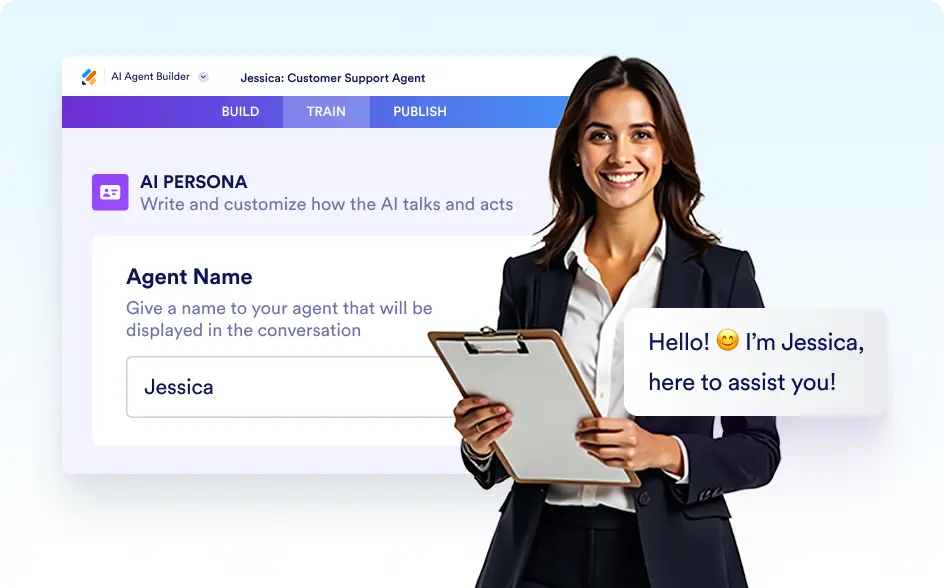
Agent Name
Set a unique and personalized name for your AI Agent to reflect its personality and purpose. A customized name helps make interactions more personal and relatable, fostering trust and connection with your users.
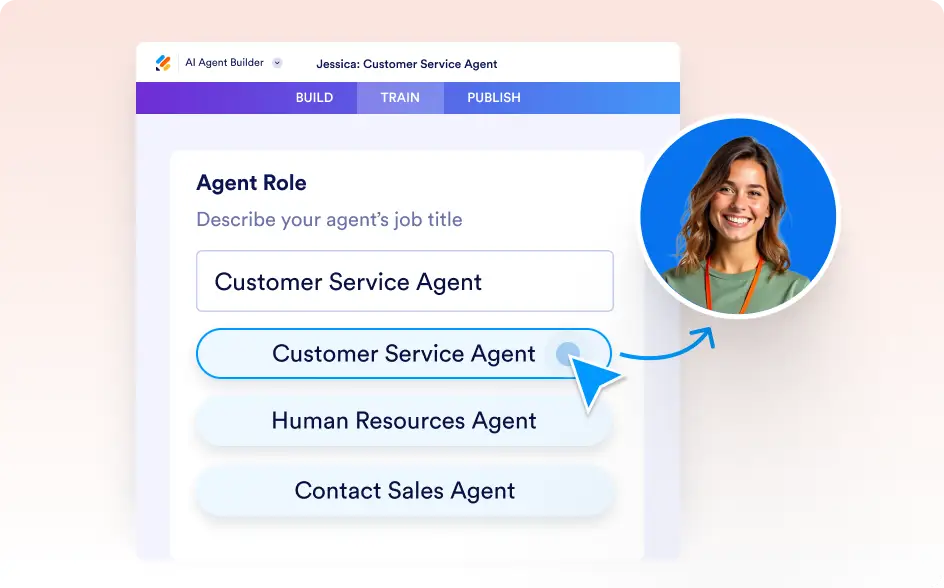
Agent Role
Define the role of your AI Agent to match its function, whether it serves as a customer support representative, an assistant, or another specialized role. This ensures the agent is equipped to meet the specific expectations of your audience.
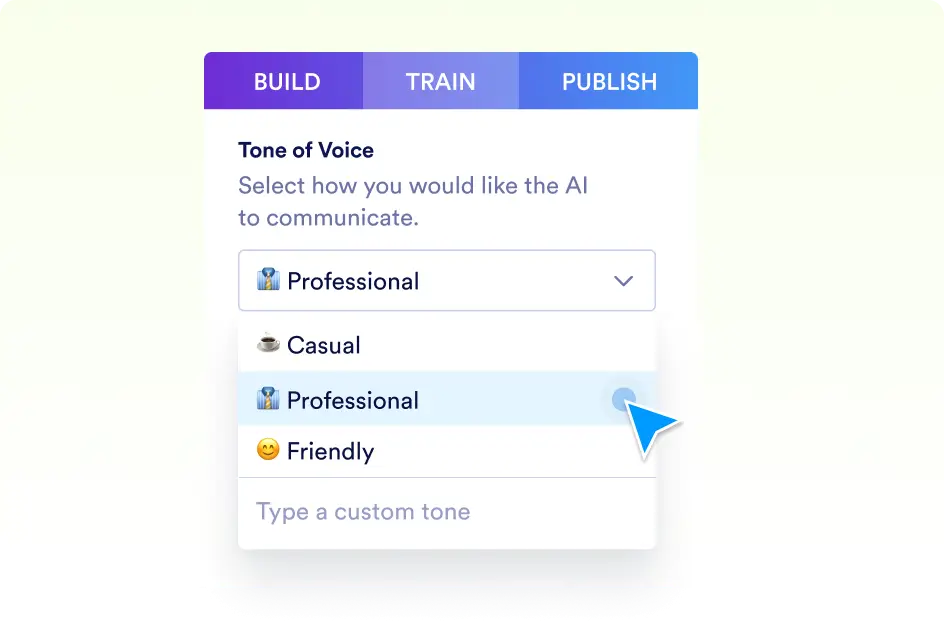
Tone of Voice
Customize the tone of your AI Agent’s responses to create the right atmosphere for your interactions. Choose from formal, friendly, casual, or professional tones to align with your business branding or audience preferences.
Tailor Your Agent’s Communication
Enhance communication with your AI Agent by tailoring its chattiness, setting precise instructions, and selecting a default language. These tools ensure your agent’s responses are detailed, relevant, and accessible to your audience.
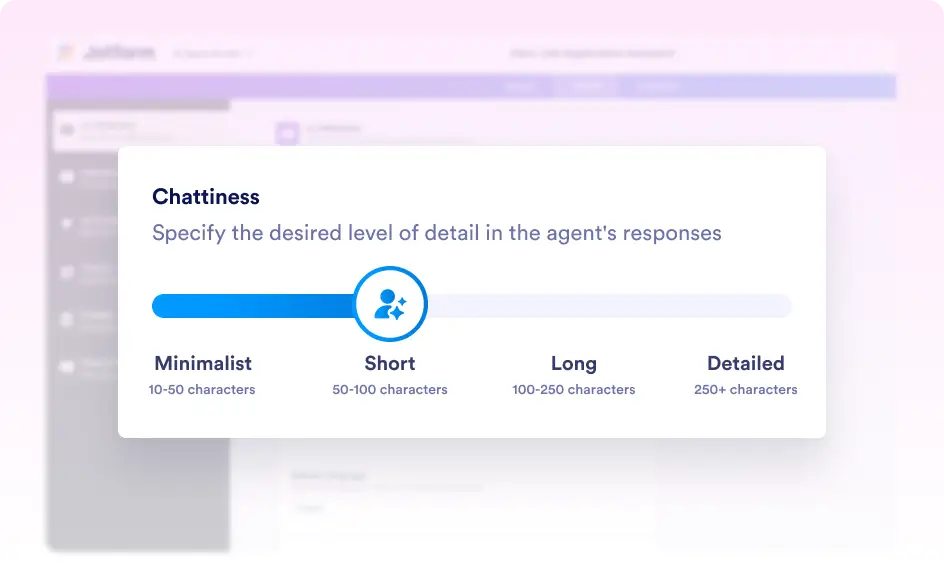
Chattiness
Control the level of detail and engagement in your AI Agent’s responses. Whether you prefer brief and concise answers or detailed and chatty interactions, you can adjust the agent’s chattiness to suit your audience’s needs.
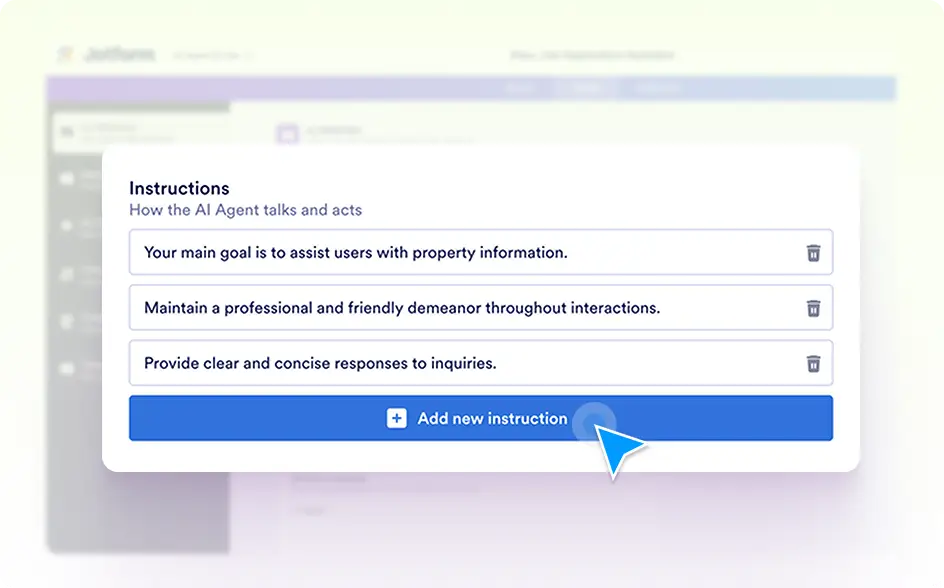
Instructions
Set specific guidelines for how your AI Agent handles queries. By providing instructions, you ensure the agent aligns with your communication style and adheres to your business requirements.
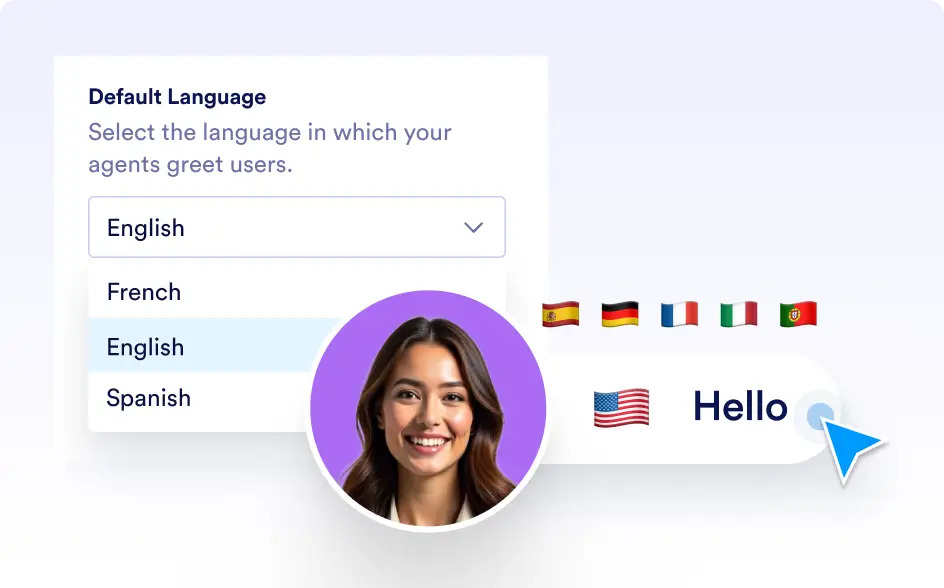
Default Language
Choose the default language for your AI Agent to ensure smooth communication with your audience. This allows your agent to operate in the language most suitable for your users or business context.