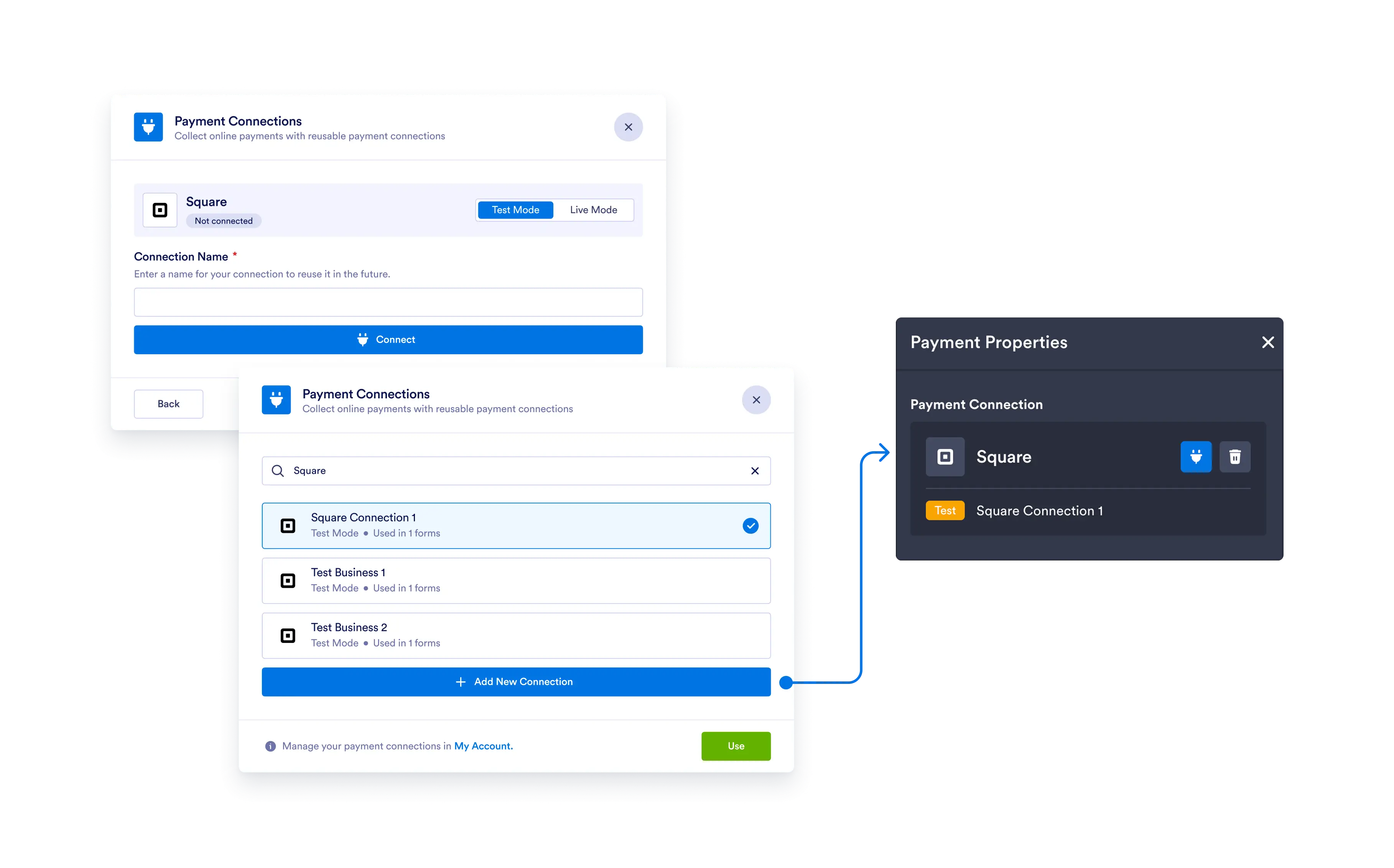
All of integrated gateways like Square, PayPal, Stripe and Authorize.net support sandbox mode; test without impacting your customers or finances.
Test Your Payment Workflow
Simulate transactions in a risk-free environment to ensure everything works as expected before your form goes live.
Ensure that your payment integration is successful by testing payments with sandbox mode. Create a secure environment that simulates the payment experience on your form so you can detect any errors.
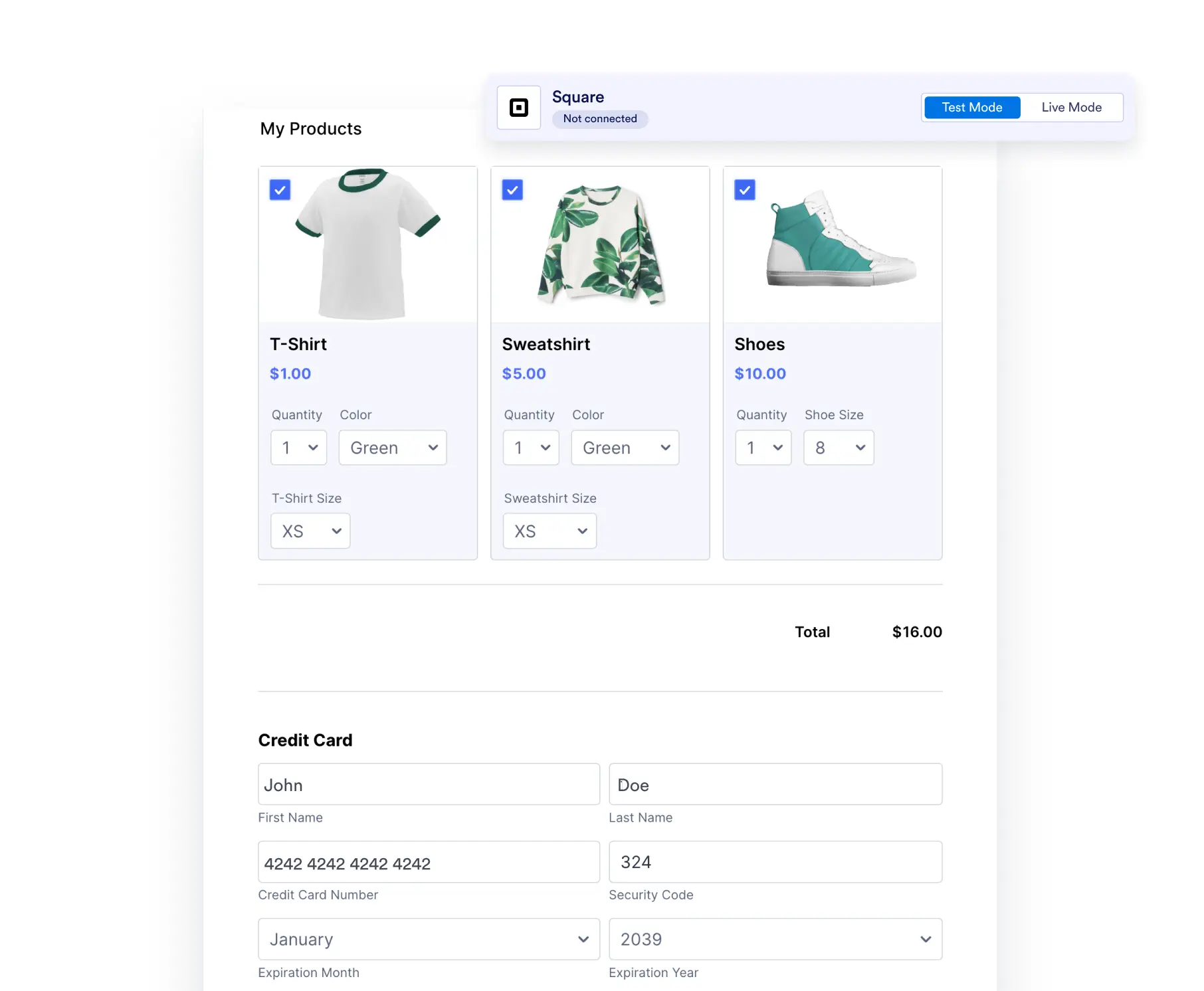
Test Payment Integrations
Enable Sandbox Mode in your form’s settings so you can securely test your payment processor integration without actually sending money.
See Error Messages
When Sandbox Mode is enabled, you’ll be able to see how your form processes payments and which error messages pop up if there are any issues.
Compatible with 40+ Payment Integrations
Sandbox Mode is fully compatible with nearly all of Jotform’s 40+ payment processor including Square, Stripe, PayPal, Authorize.Net integrations.
Go Live and Get Paid
Once you’ve successfully tested a payment integration, simply disable Sandbox Mode and start getting paid right away.
Add Collaborators
Adding collaborators to your forms allows them to help you test payment integrations while Sandbox Mode is enabled.
Secure Payments
All Jotform forms are protected by robust security features like 256-bit SSL; so you can process payments with peace of mind.