Customize Tasks with Flexible Field Types
Tailor each task to your team’s unique needs by adding custom fields in Jotform Boards. Whether it's a single choice, multiple choice, text, date, file, image, or URL — you decide what information your tasks should carry. Define your own field names and structures to match your workflow perfectly.
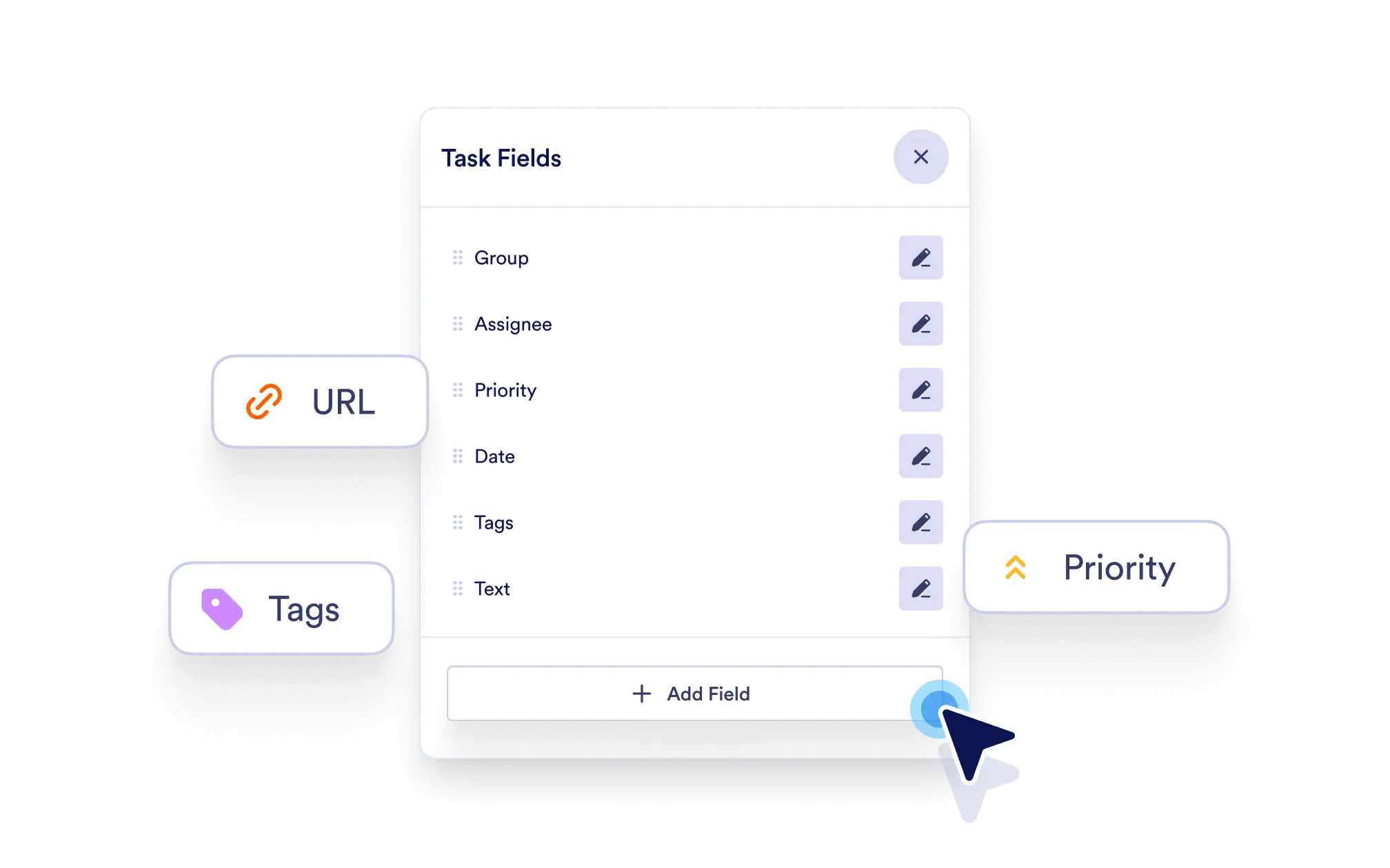
Make every task more meaningful and aligned with your process by adding the exact data you need. Custom fields bring flexibility, structure, and clarity to task management.
Build Tasks That Fit Your Workflow
Add custom fields to any task to reflect your team’s priorities, processes, and data requirements.
Increase Task Relevance and Clarity
Ensure every task includes the precise information needed for decision-making, collaboration, or execution.
Adapt as You Grow
Add or update fields any time without disrupting your board. Easily modify your setup to match evolving project needs.
Choose from Multiple Field Types
Select from single choice, multiple choice, text input, date picker, file upload, image, or URL — and label them exactly as you need.