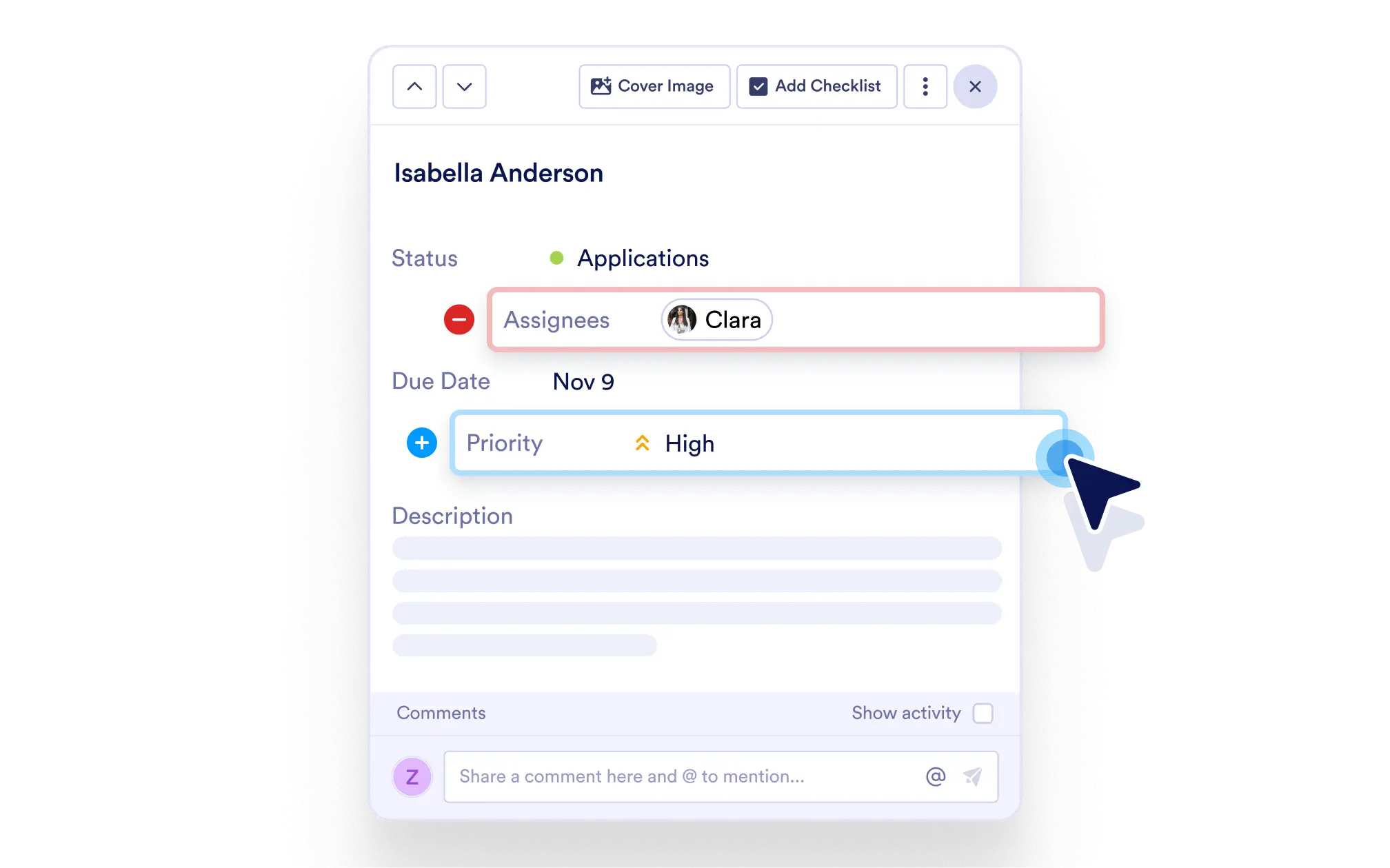
Design a task layout that matches your process. Tailor fields to your project needs, ensure clarity, and streamline how your team inputs and views task data.
Keep Tasks Clean and Relevant
Avoid clutter by showing only what matters. Clean layouts mean faster onboarding and quicker task completion.
Add, Remove, or Hide Fields as Needed
Need a new field for a deadline, category, or location? Add it instantly. Don’t need a default field? Hide it with a click.
Rename for Better Understanding
Make task fields clear and relevant by renaming them to match your team’s terminology — like changing “URL” to “Client Website.”
Reorder with Drag-and-Drop
Prioritize the most important details at the top of each task. Reorder fields easily with a simple drag-and-drop interface.
Build the Perfect Task Template
Design tasks to match your exact process. Whether you're managing a software sprint, client requests, or HR onboarding, your fields can reflect your unique needs.