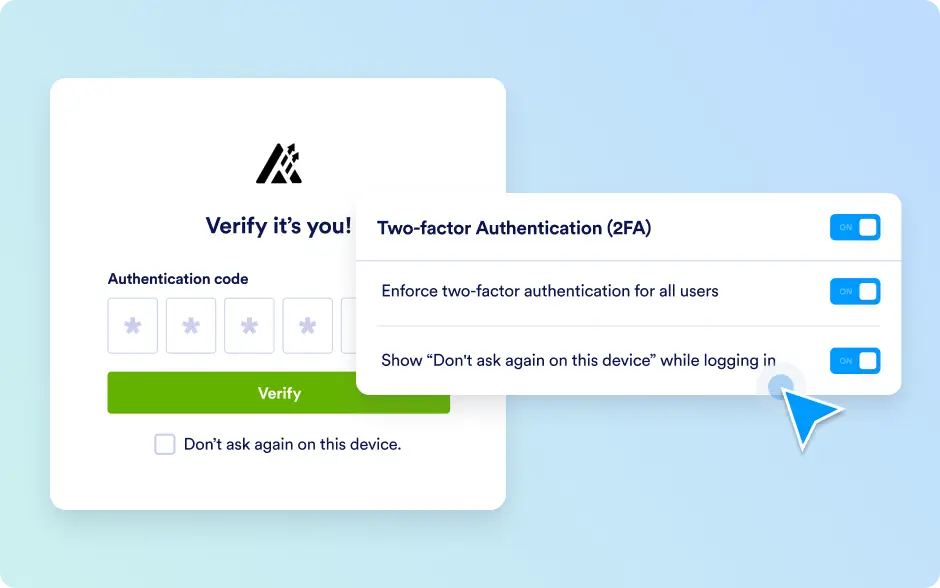
Two-Factor Authentication (2FA)
Jotform works with Enterprise customers to strengthen account security through Two-Factor Authentication (2FA). With 2FA enabled, users verify their identity using a time-based one-time code (TOTP) generated by an authenticator app. Jotform Enterprise allows organizations to add an extra layer of protection to their accounts with a simple and secure configuration flow.
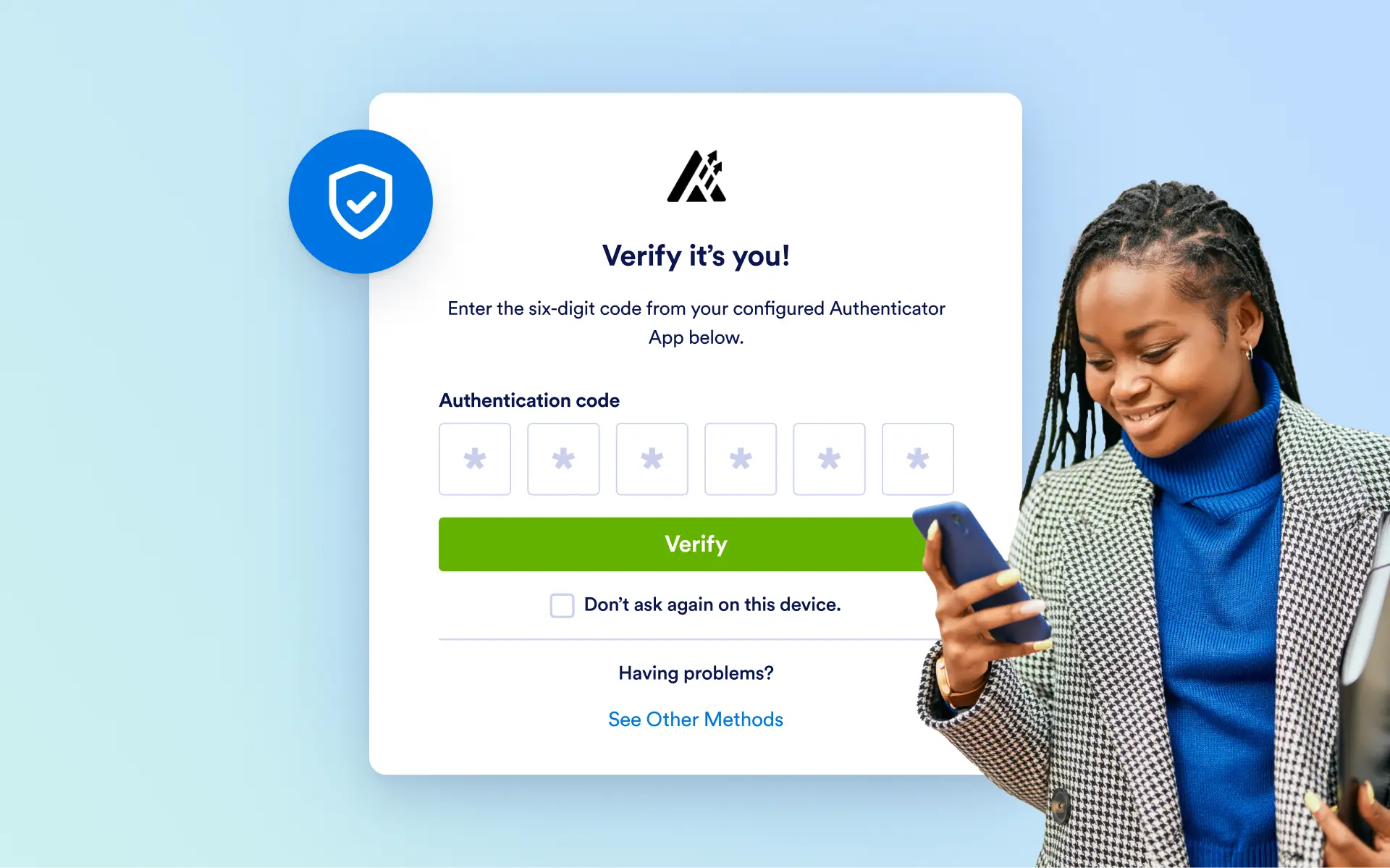
With Jotform Enterprise, enable two-factor authentication to verify user identities with authenticator apps and add an extra layer of security. Admins can also enforce server-wide 2FA when needed.
Server-wide 2FA Enforcement
Ensure consistent security across your organization by requiring all users to enable two-factor authentication. When this policy is enforced, users are prompted to configure 2FA with an authenticator app during their next login.
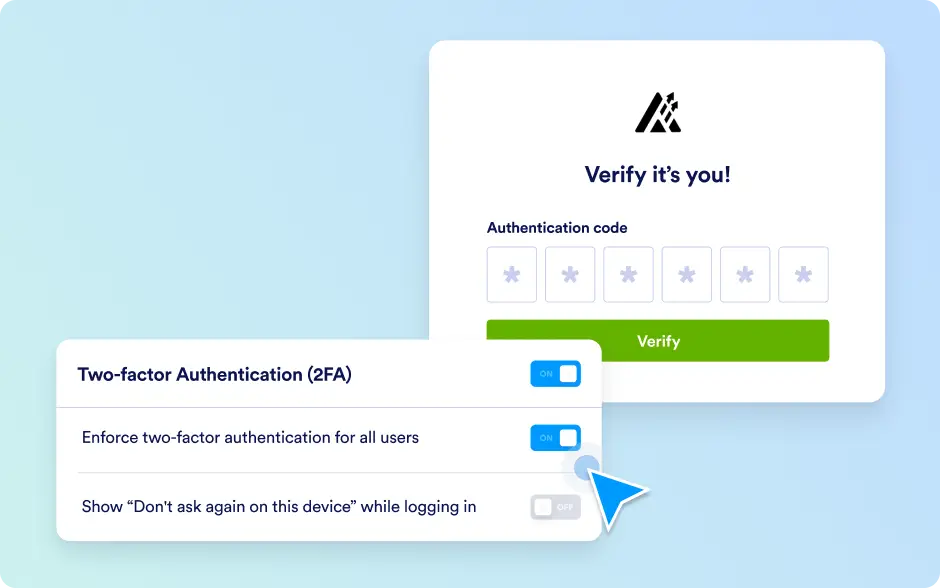
App-based Verification Only
Jotform Enterprise supports secure, app-based 2FA using time-based one-time passwords (TOTP). Users can pair their accounts with any compatible authenticator app to complete their login with an additional verification step.
User-based 2FA Controls
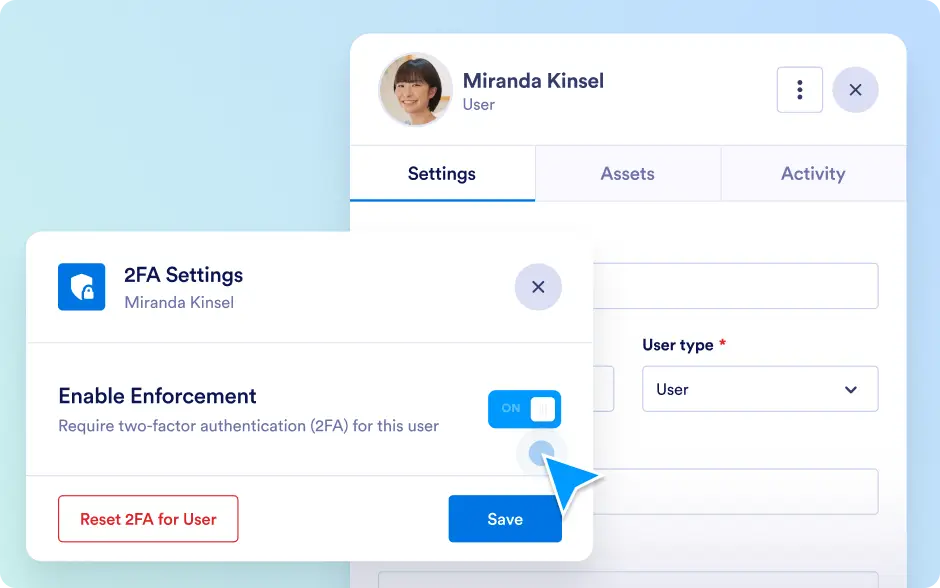
Allow users to enable two-factor authentication individually. Users can add an authenticator app and secure their accounts with time-based verification codes, providing an extra layer of protection without server-wide enforcement. Admins can also enforce 2FA for specific users and reset their 2FA configuration when needed, ensuring full administrative control over account security.
Seamless Authentication Flow
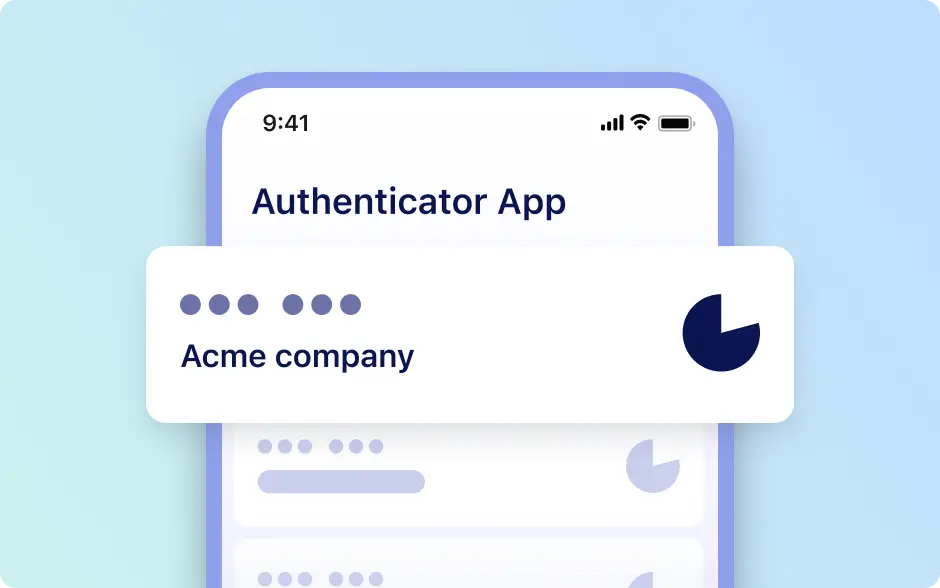
Improve user experience while maintaining security by allowing admins to enable or disable the “Don’t ask again on this device” option. When disabled, users must enter a verification code at every login, even on trusted devices.