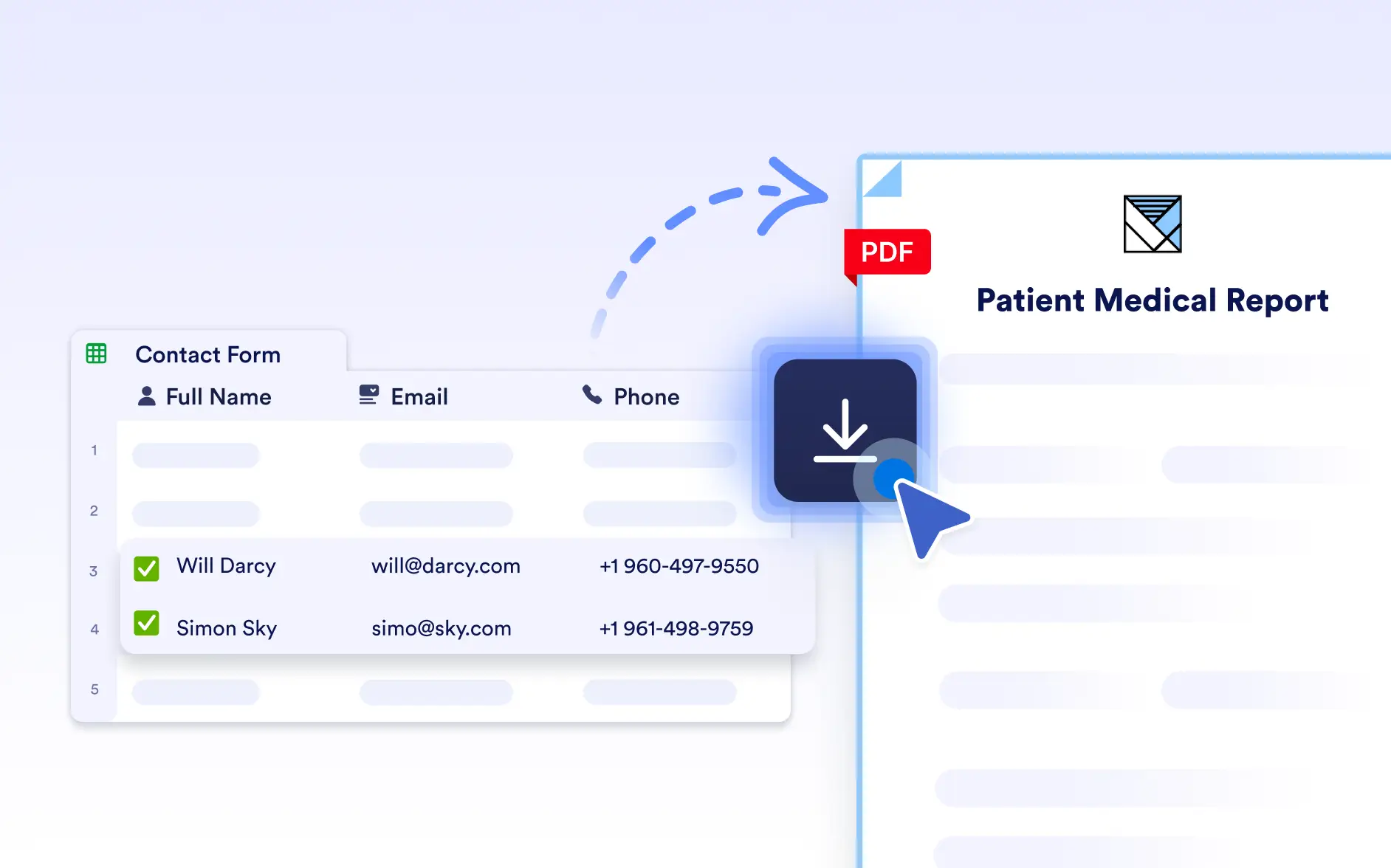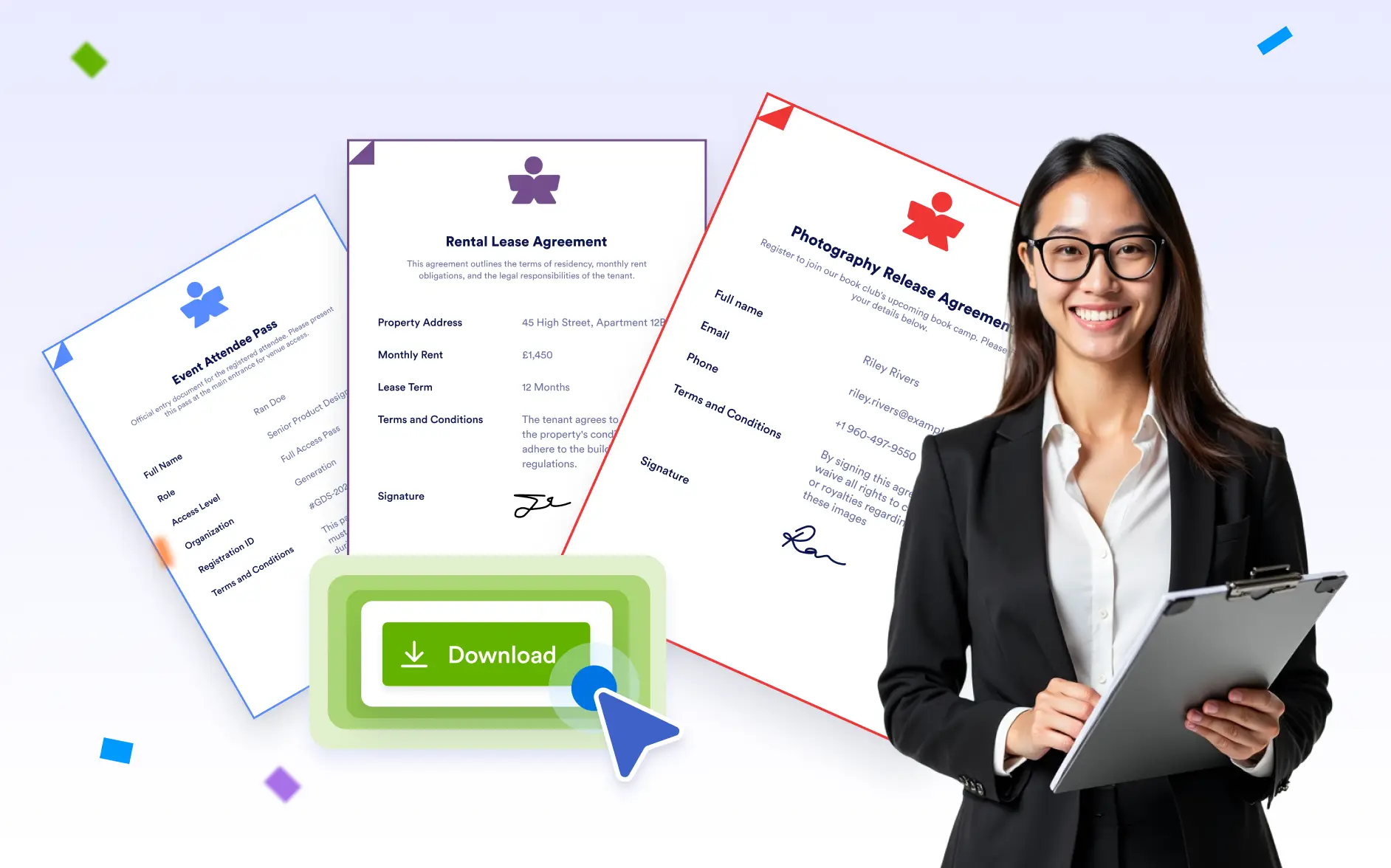
Download PDFs wherever you work, whether you need or a bulk export. Access the right files quickly without interrupting your workflow.
Multiple Ways to Download Your Documents
Choose how and where to download your PDFs based on your needs. Download individual documents or multiple files at once from the PDF Editor, Jotform Tables, or Jotform Inbox, and select the right PDF template for quick and efficient access.
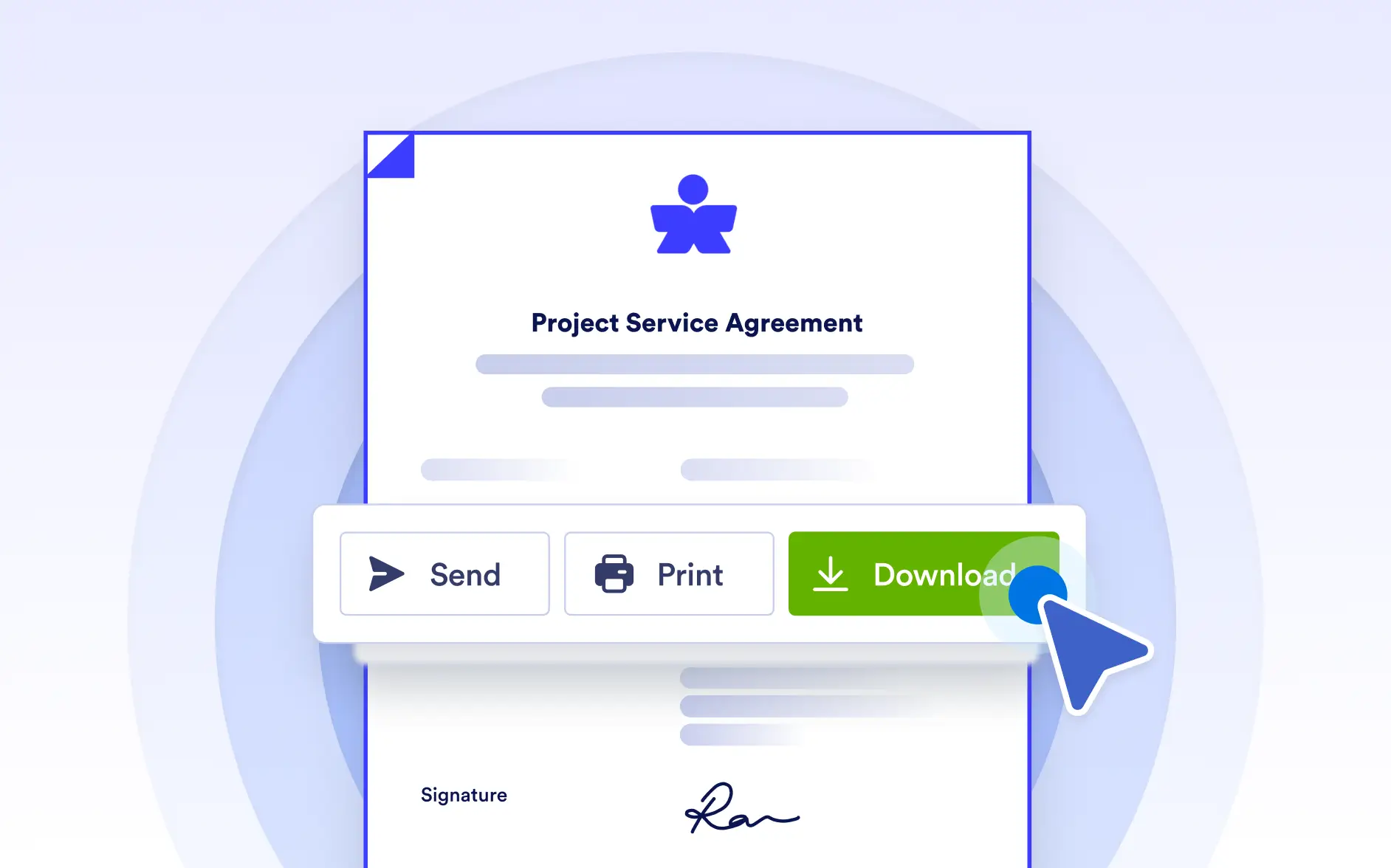
Download PDFs Directly in the PDF Editor
Download documents straight from the PDF Editor using real submission data. Switch between submissions, select the data you want, and instantly download the finalized PDF without switching tools.
Download PDFs from Jotform Tables
Access and download documents directly from Jotform Tables by selecting a submission and choosing the document you need. Instantly download the correct PDF without opening the editor or switching between tools.
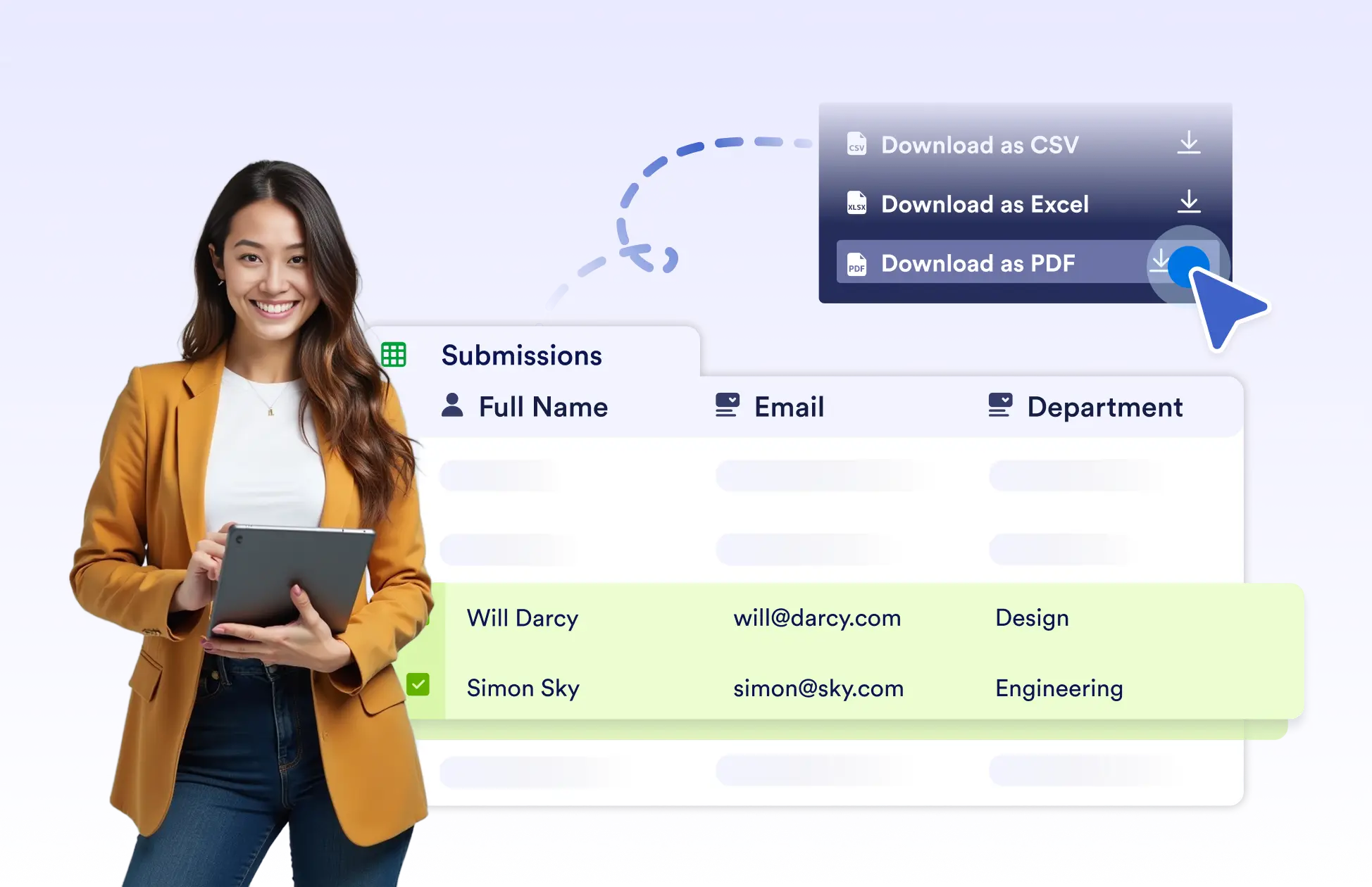
Download PDFs from Jotform Inbox
Download generated PDFs directly from Jotform Inbox while reviewing submissions. Quickly access attached documents alongside submission details for faster review and follow-up.
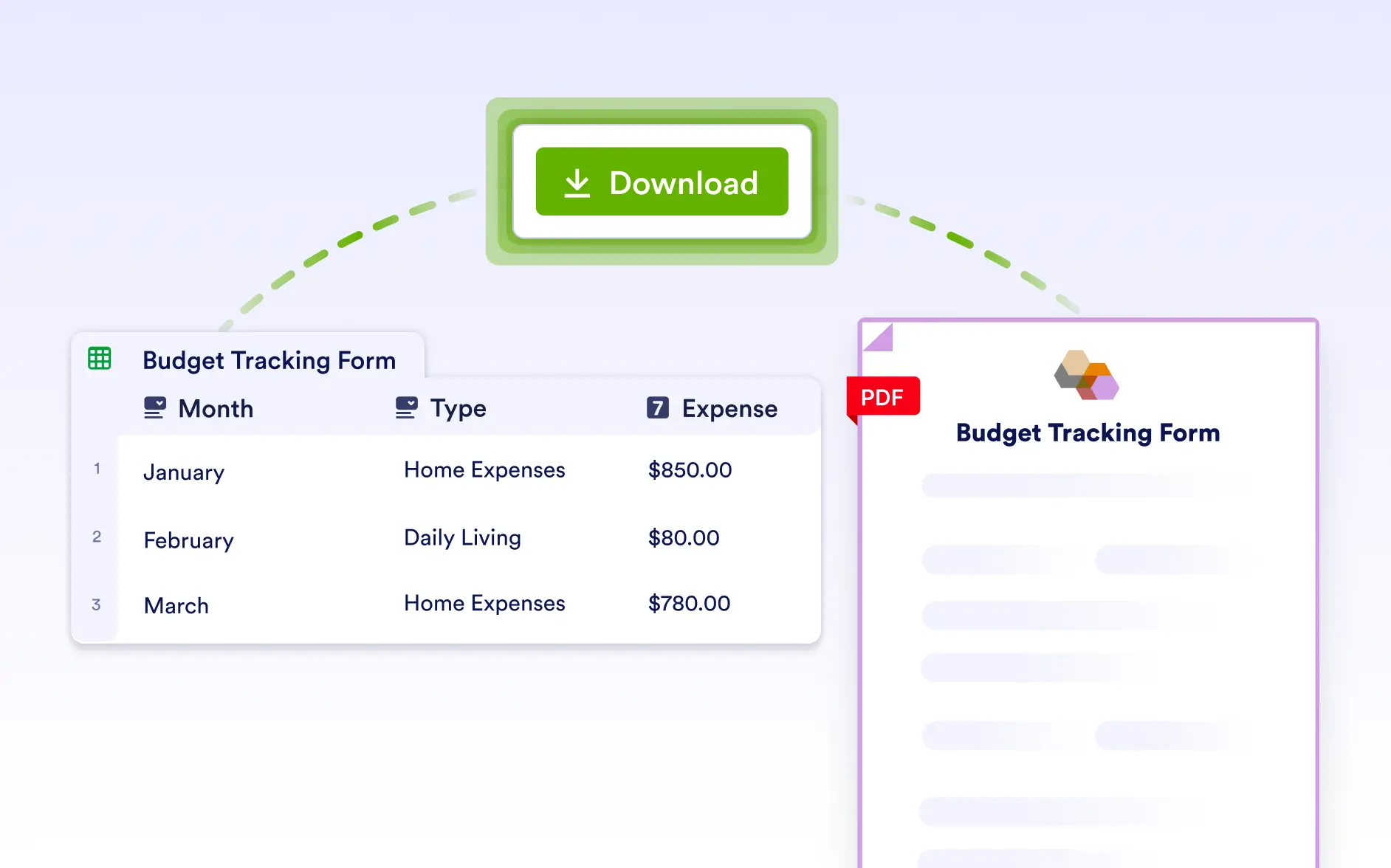
Download PDFs for Selected Submissions
Select multiple rows in Jotform Tables and download PDFs for only those submissions. This makes it easy to export documents for specific records without downloading everything.

Download All Documents in Bulk
Download all documents listed in Jotform Tables in one action. When exporting large volumes, files are prepared in the background and sent as a secure download link via email; so you don’t have to wait.