Users Management
User Management in the Admin Console gives admins centralized visibility and control over everyone who can access the organization. From a single place, admins can manage licensed users and guest accounts, monitor activity, and maintain security and access standards across teams and assets.
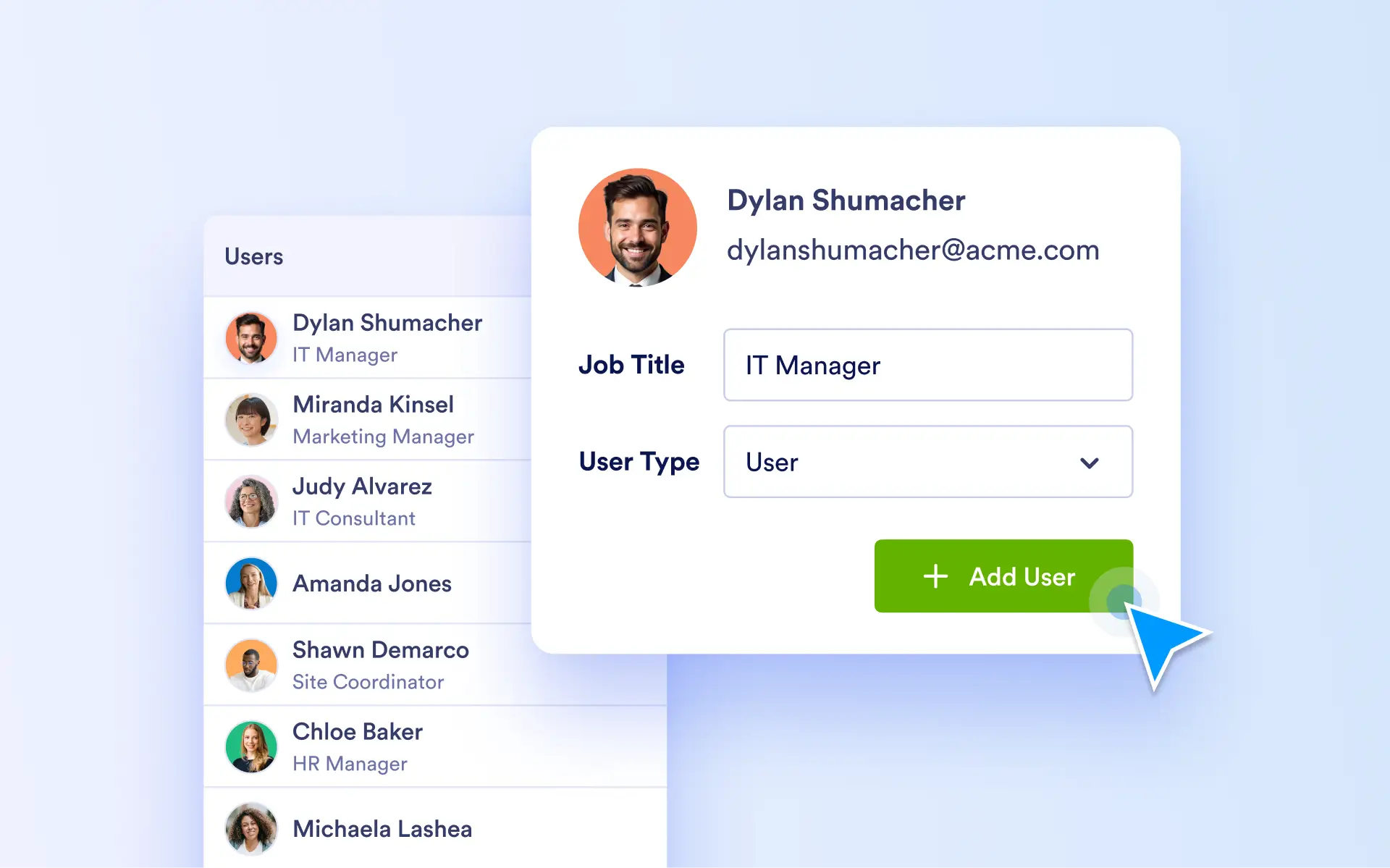
Keep user access organized and secure by managing roles, permissions, and team associations in one place, with visibility into user actions and engagement.
Users
View and manage all licensed users with clear visibility into roles, permissions, activity, and team memberships. Admins can control access, update permissions, and review user activity to ensure accountability, security, and continuity as teams evolve.
User Account & Asset Control
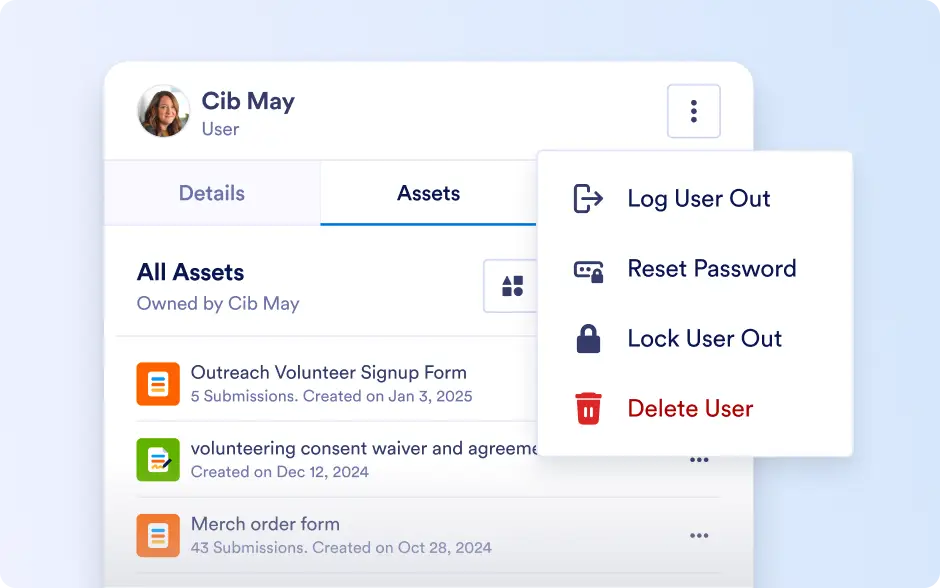
Manage user accounts and associated assets from one place. Admins can assign or revoke access, manage asset ownership, and maintain proper control over forms, workflows, apps, agents, and sign documents throughout the user lifecycle.
Activity Tracking & Filtering
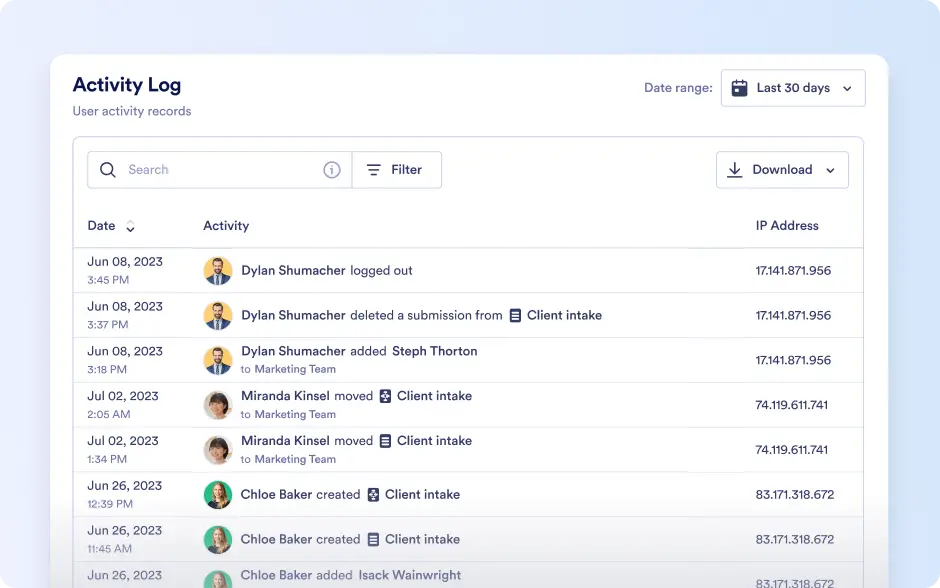
Track user activity at a high level to understand engagement and usage across the organization. Advanced filtering helps quickly identify inactive users, review security status, and manage large user bases efficiently.
Guest Accounts
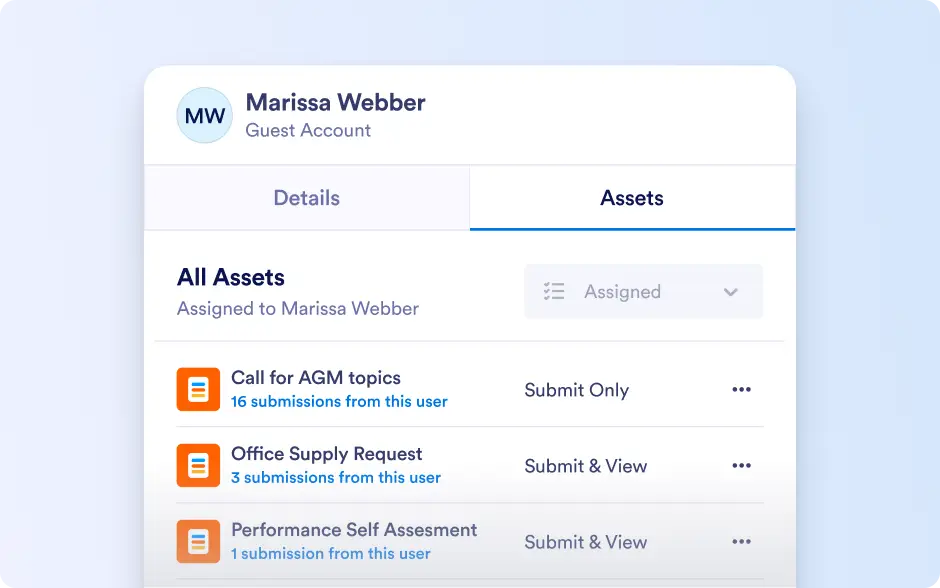
Enable secure collaboration with guest users without requiring a license. Admins can manage guest access, monitor assigned assets and activity, and quickly adjust or revoke permissions to maintain compliance and security.
Guest Asset Management & Filtering
Maintain visibility into assets shared with guest users and control access as collaboration needs change. Use advanced filters to identify inactive or high-access guest accounts and ensure proper oversight.