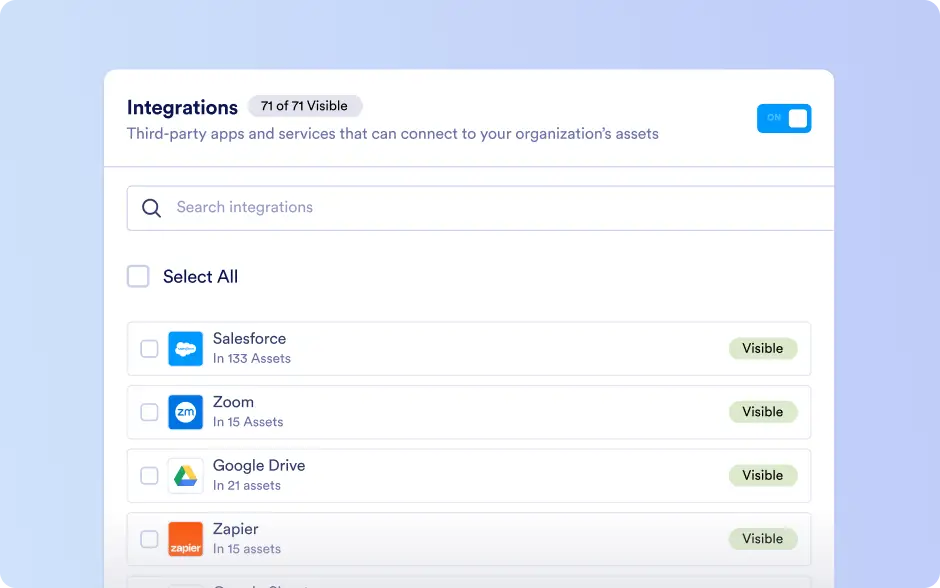
Integrations
In the Admin Console, admins can access and manage all integrations connected to assets across the organization. This centralized section provides visibility into how different integrations are used and how they perform.
Admins can review the total number of integration calls, monitor failed call counts, and identify which integration caused specific failures. This ensures seamless tracking and control over connected systems, improving integration reliability and overall workflow efficiency.
Take full control of your integrations by monitoring performance, identifying issues in real time, and ensuring every connected system runs reliably and efficiently across your organization.
Assets with Integrations
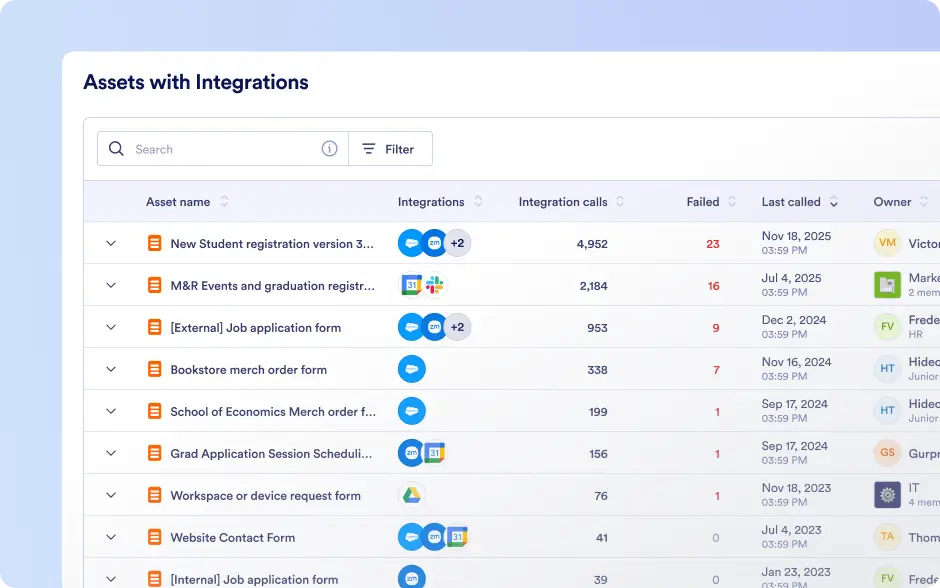
All assets with at least one active integration are listed with clear visibility into integration usage and performance. Admins can view call and failure counts, identify the integration responsible for errors, and navigate directly to filtered integration logs. Quick access to asset settings, analytics, and submissions enables faster investigation and resolution.
Logs
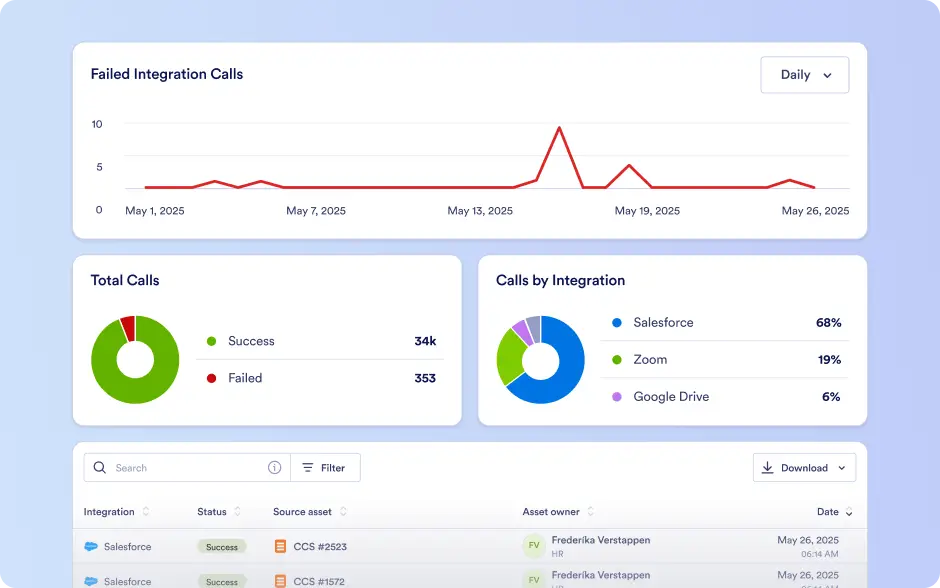
Integration Logs offer organization-wide insight into every integration call. Admins can review detailed call histories, detect failed or successful requests, and filter results by integration type, asset, owner, status, or date range. These insights help identify recurring issues and monitor integration health over time.
Settings
Admins can control integration visibility and access across the organization. Integrations can be shown or hidden for end users or restricted organization-wide, supporting governance, security, and consistent integration usage.