Security
With the Security section in the Admin Console, admins can manage all organization-wide security settings to protect data and assets while maintaining smooth operational control. You can configure authentication methods, session policies, network access, and more, ensuring secure and compliant operations across your organization.
Set up powerful security policies to safeguard access and keep your organization protected at every level.
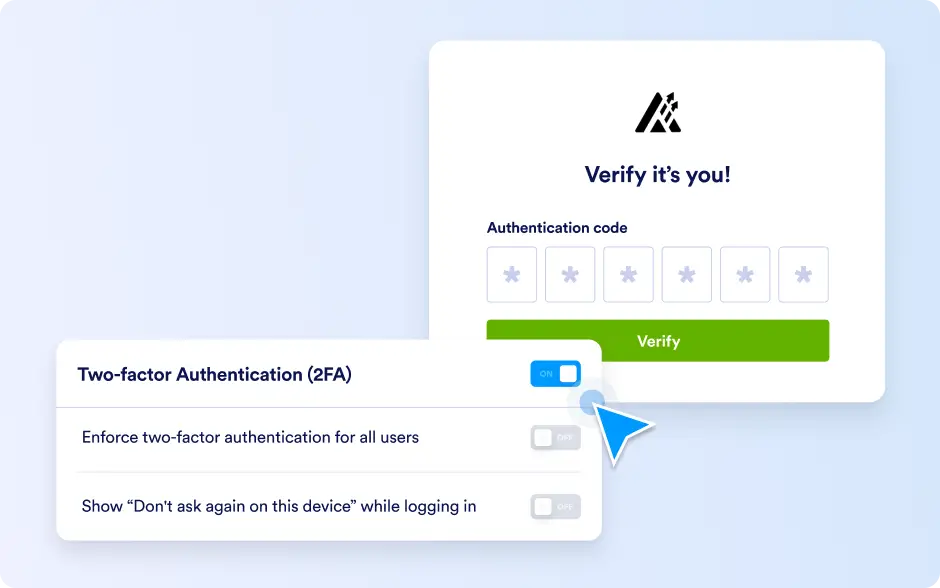
Two-Factor Authentication (2FA)
Admins can enable 2FA for the entire organization and enforce it for all users, enhancing account security. 2FA can also be configured individually for specific users, giving flexibility while maintaining strong protection for organizational data.
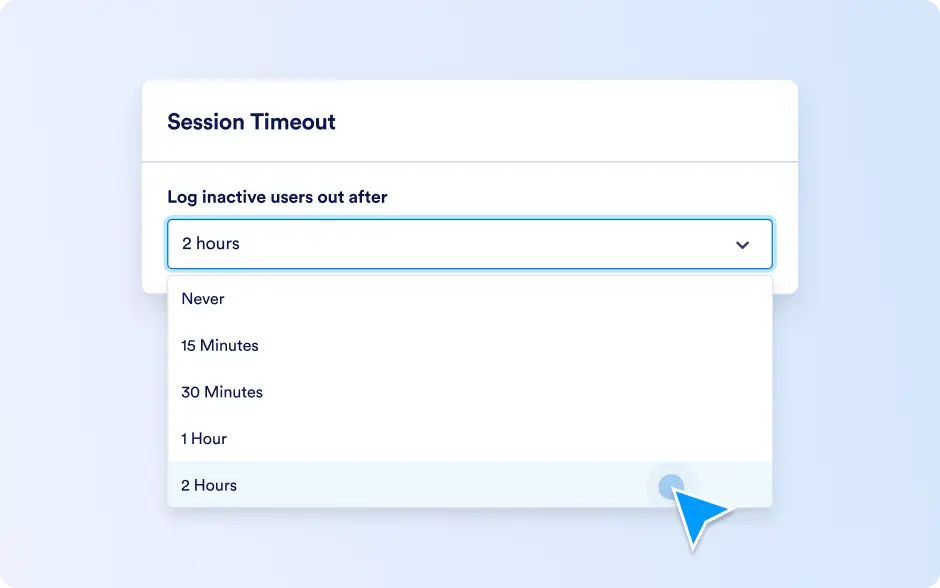
Session Timeout
Session timeout settings allow admins to automatically log users out after a defined period, including options like 15 Minutes, 30 Minutes, 1 Hour, 2 Hours, or Never. This feature helps manage user activity and reduces the risk of unauthorized access.
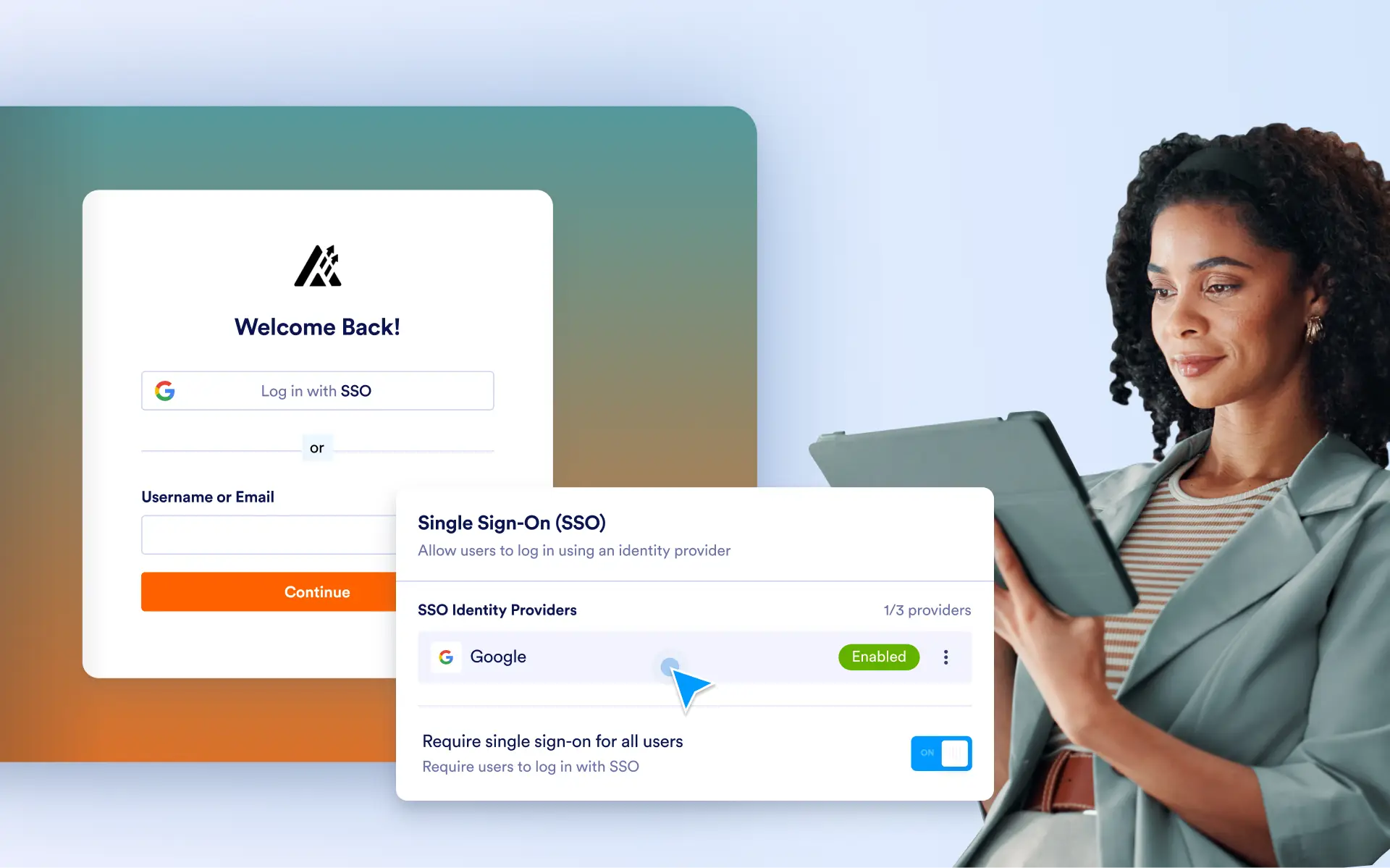
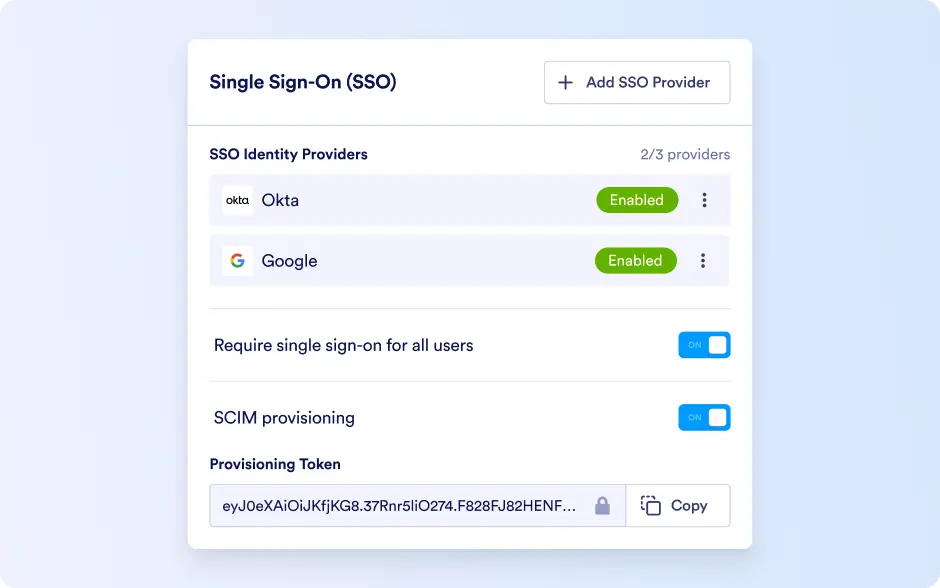
Single Sign-On (SSO)
Admins can configure SSO once it is activated for the account, allowing users to log in via a centralized identity provider. This simplifies access management, ensures secure authentication, and maintains consistent organizational control.
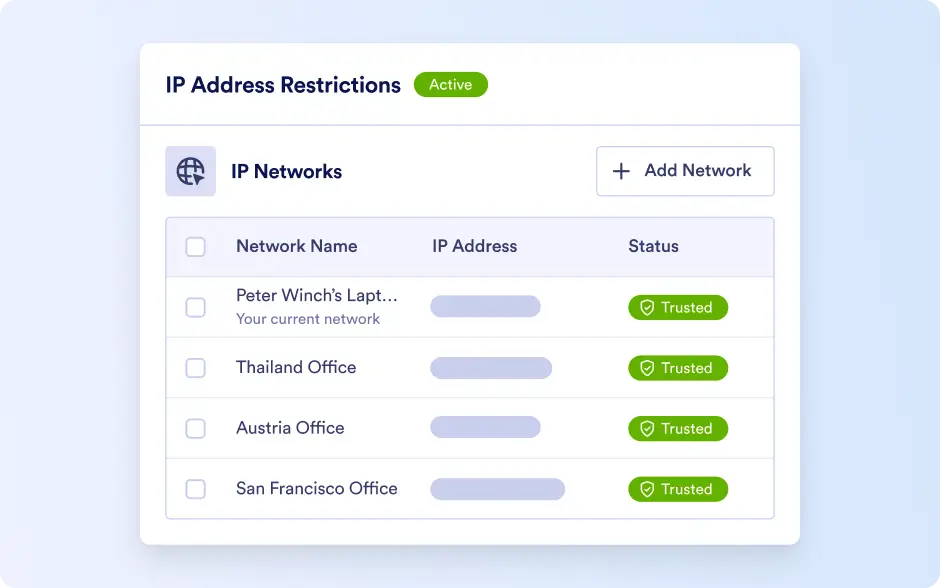
IP Address Restrictions
Admins can restrict network access by marking specific IP addresses as Trusted or Restricted. This feature provides control over server access, helps enforce network security policies, and protects organizational assets from unauthorized connections.