Customization
With the Customization section in the Admin Console, admins can personalize the look and feel of their organization’s workspace, login, and error pages. This centralized control ensures a consistent and branded interface across the organization while reflecting your organization’s visual identity.
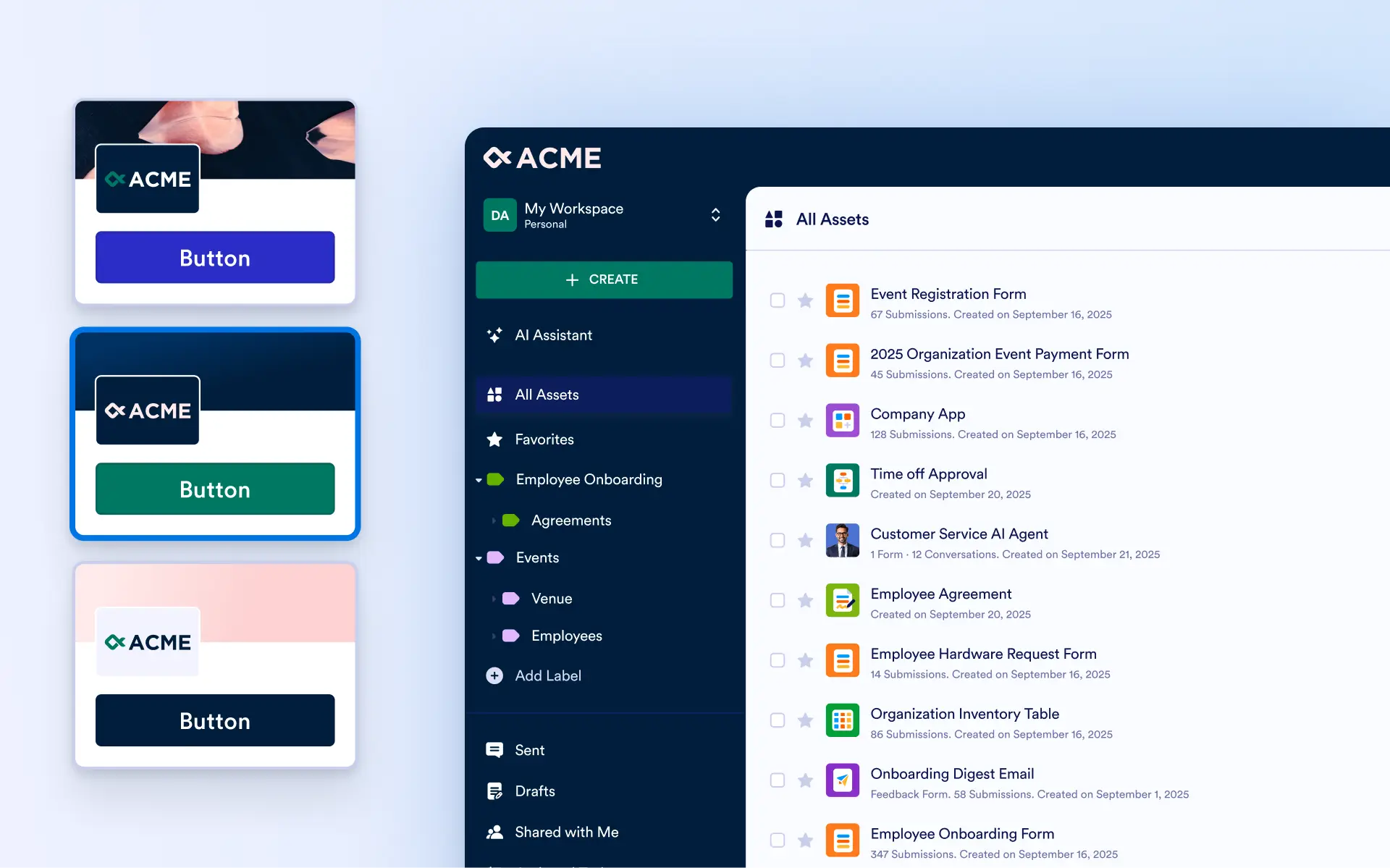
Create a consistent, professional experience across every touchpoint by customizing your workspace, pages, and brand elements from one centralized Admin Console.
Brand Kit
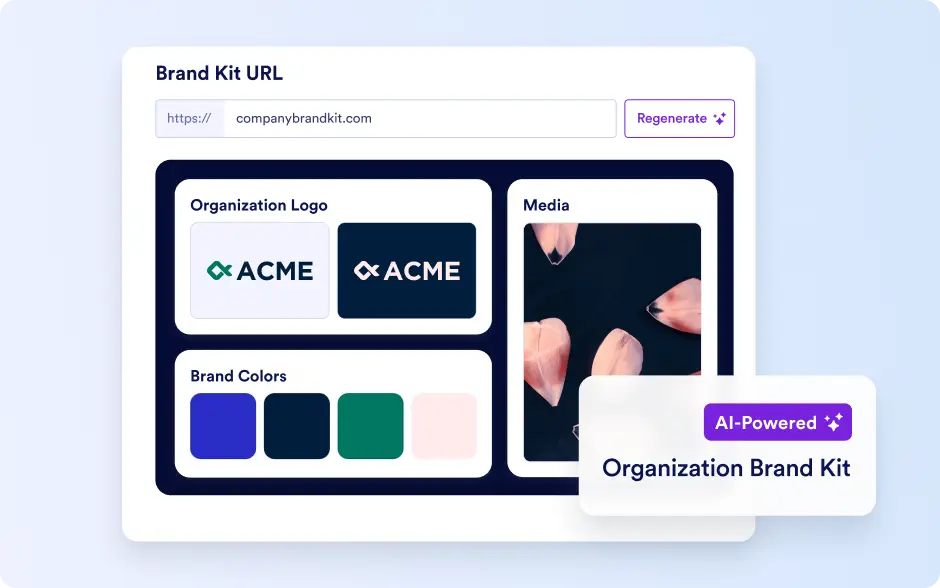
The Brand Kit allows admins to create a cohesive visual identity for the organization by generating brand colors, fonts, and styles from logos or website URLs. Suggested designs can be customized and then applied across login pages, workspaces, and system pages to deliver a consistent, professional experience.
Organization Logos
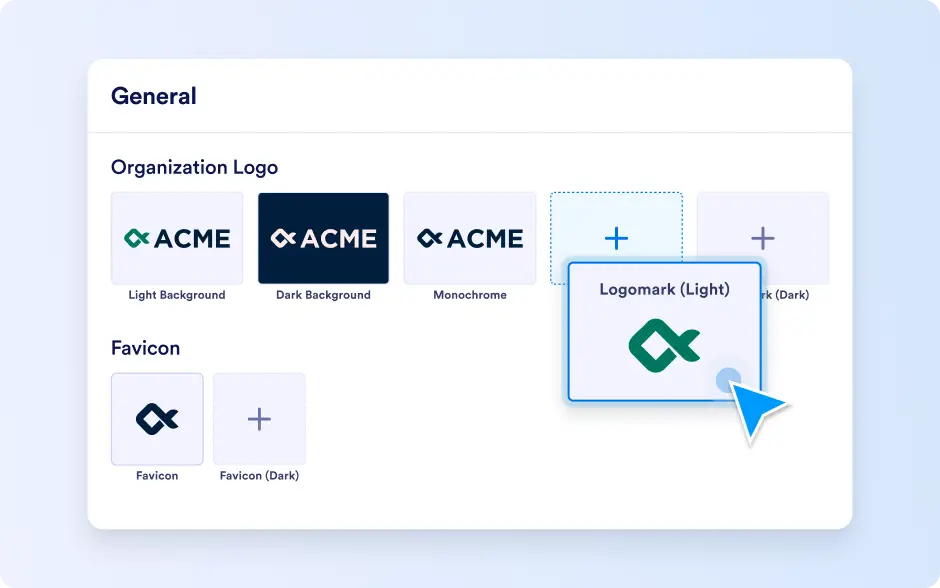
Admins can manage all logos and favicons used across the organization, including uploading new logos or favicons for the builder, support, workspace, login, and error pages.
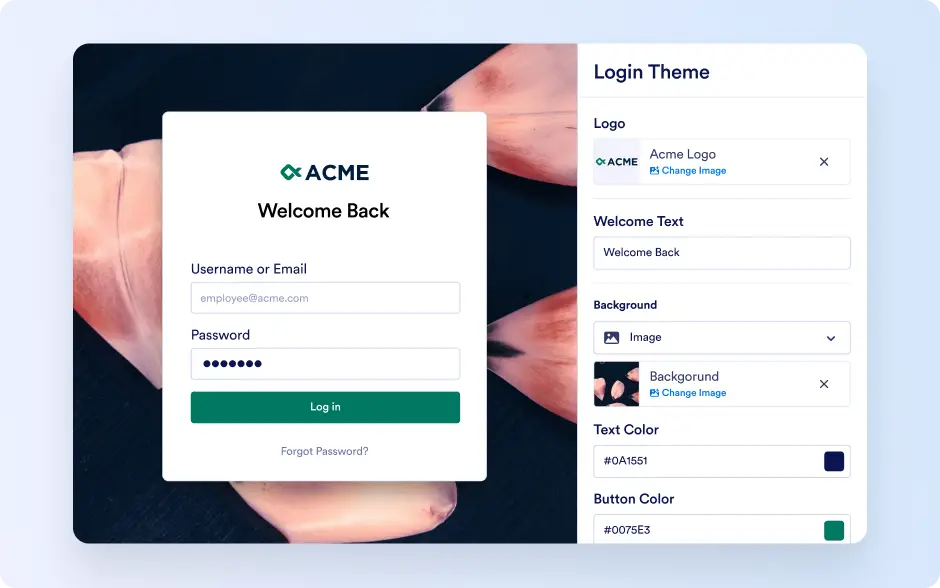
Login Pages
Admins can tailor backgrounds, colors, logos, and login messaging to provide a consistent and welcoming entry point for users.
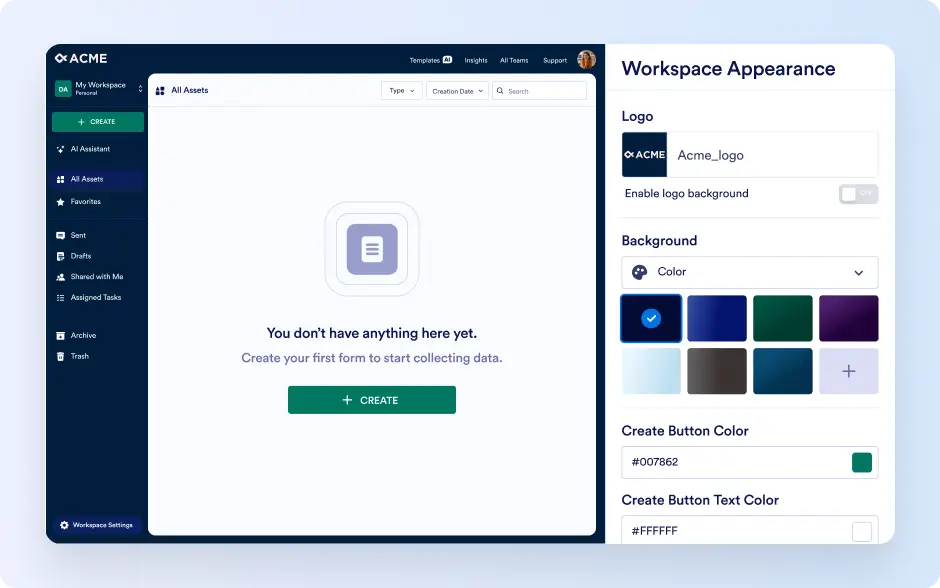
Workspace Pages
Admins can customize layouts, colors, logos, and text to create a branded and user-friendly workspace interface.
Error Pages
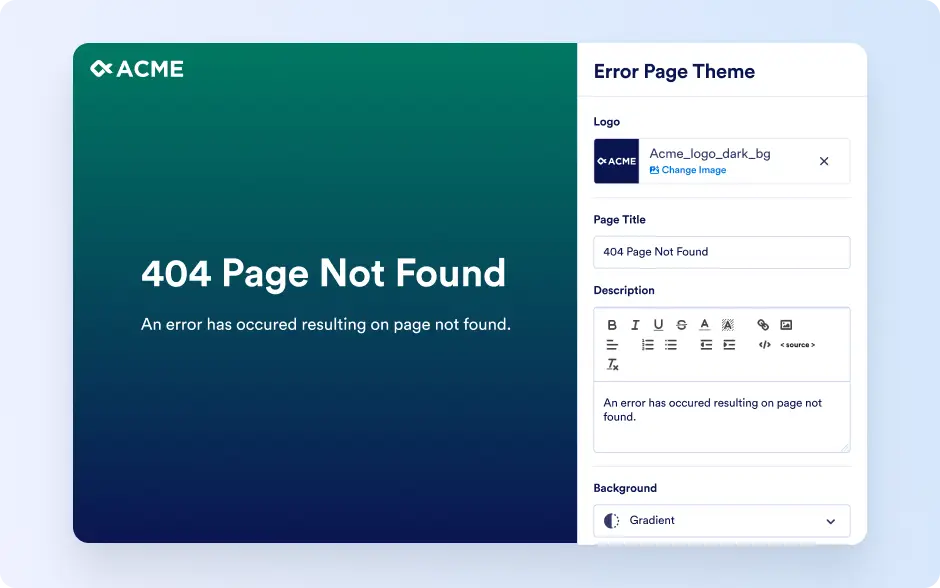
Admins can design error pages with custom styles and messages to maintain branding and guide users during any issues.