Support
With the Support section in the Admin Console, admins can monitor and manage all support tickets submitted within the organization. This centralized view allows admins to track ticket status such as opened, resolved, or canceled, and see which user submitted each ticket. Admins can also create new support tickets.
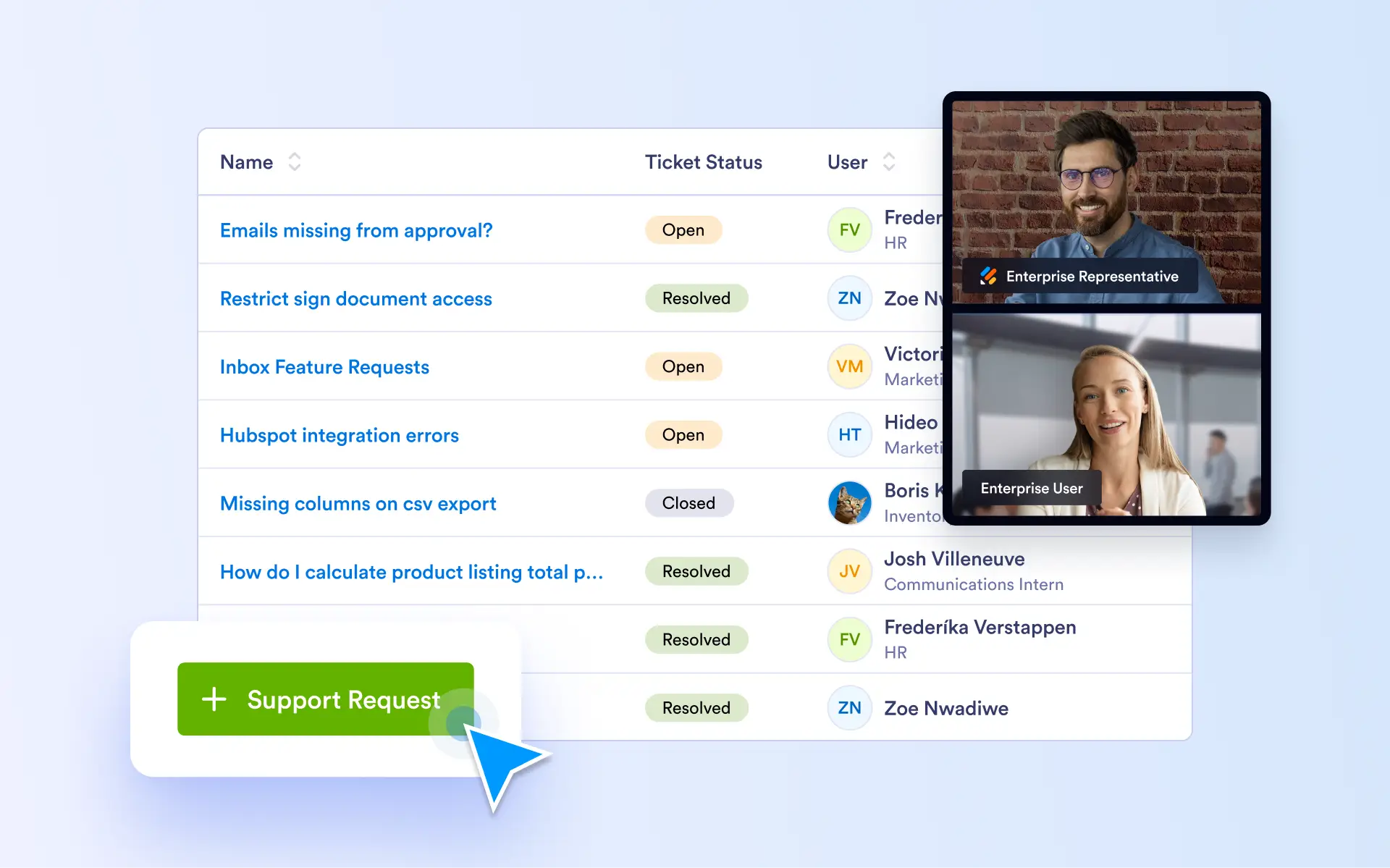
Streamline support workflows, resolve issues faster, and deliver a more responsive support experience by managing tickets and real-time assistance from one centralized Admin Console.
Create Support Tickets
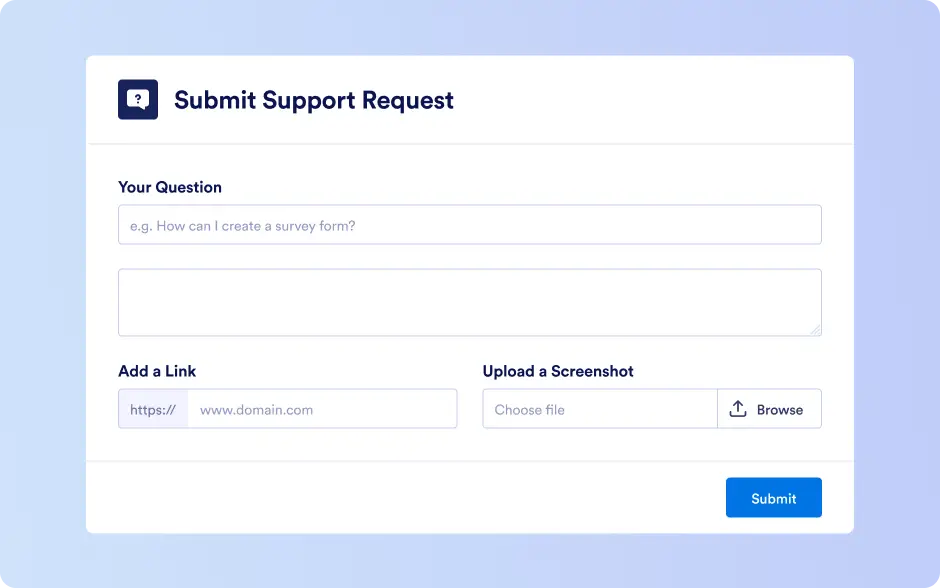
Admins can create new support tickets directly from the Admin Console. This allows issues to be logged on behalf of users, internal teams, or specific use cases, ensuring faster reporting, clearer context, and more efficient issue tracking.
Direct Assistance via Zoom
Admins can create new support tickets directly from the Admin Console. This allows issues to be logged on behalf of users, internal teams, or specific use cases, ensuring faster reporting, clearer context, and more efficient issue tracking.

Support Settings
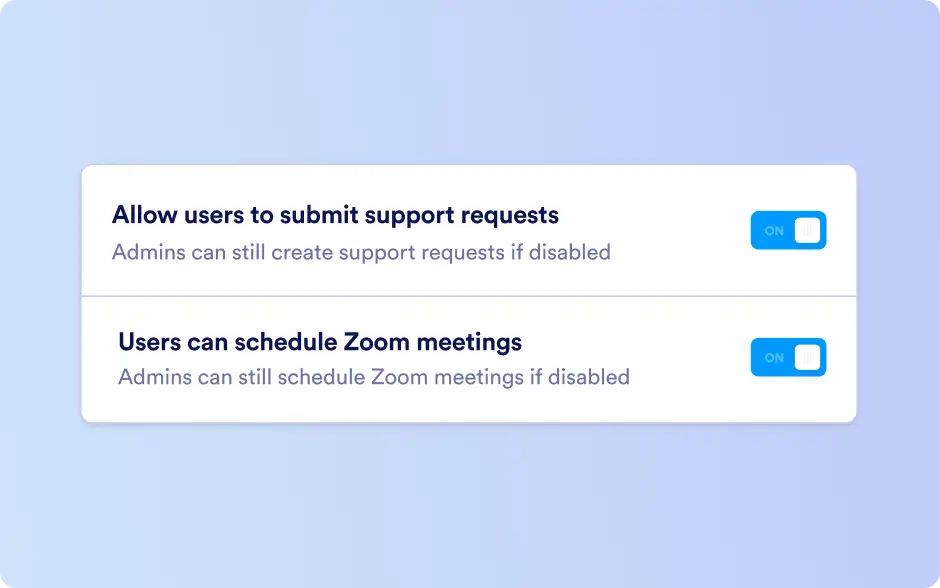
From the Support Settings, admins can enable or disable the ability for users to submit support tickets and schedule Zoom meetings.