Submissions
View and manage all form submissions across the organization from a single, centralized area in the Admin Console. This organization-wide visibility helps admins track activity, maintain compliance, and take action when needed.
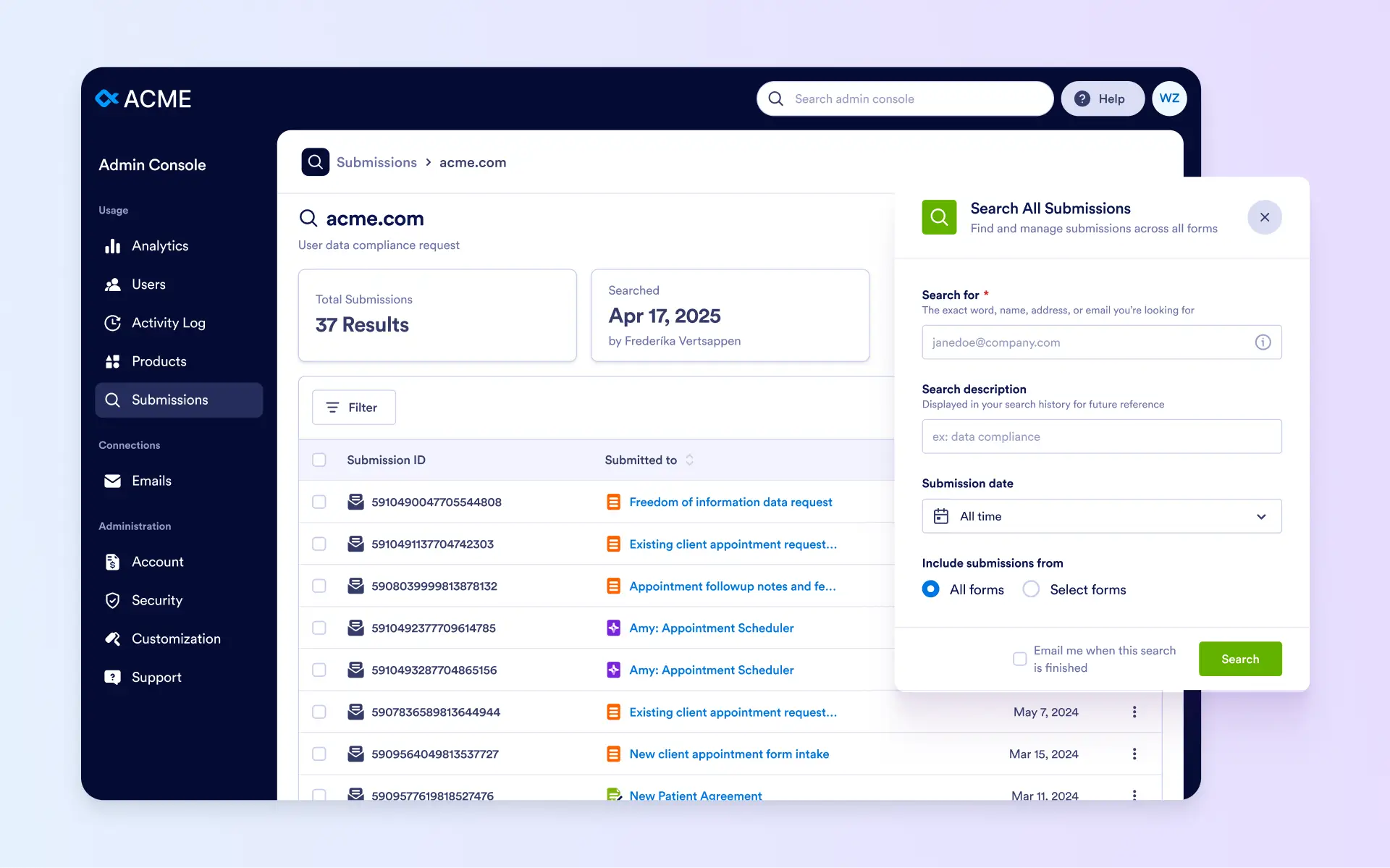
Easily track, manage, and act on all organization-wide form submissions from a single Admin Console, ensuring compliance, full visibility, and efficient workflow management.
Search Submissions
Admins can search submissions by email, username, or keyword. Searches automatically scan all organizational submissions and collect matching results in a dedicated list, while clearly showing which asset each submission belongs to.
Manage Results
From the search results, admins can open submission details, access the related form for context, download or print submissions as PDFs, and delete individual or bulk submissions when required.
Repeat & Filter Searches
Admins can rerun saved searches to include newly added submissions and apply filters such as submission date, search owner, or creation date, ensuring an always up-to-date and organized view of form data.