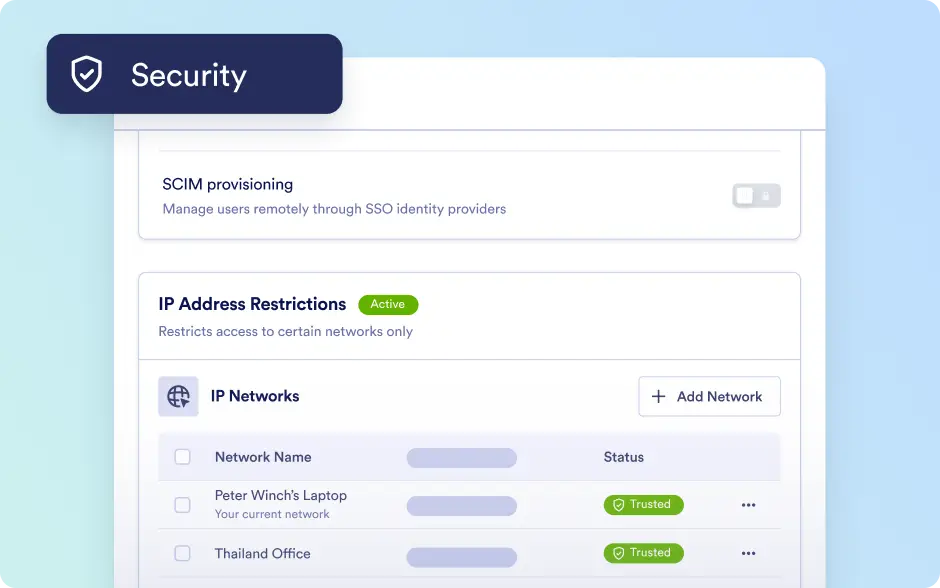
IP Address Restriction
Control network access organization-wide with IP Address Restrictions in the Admin Console. Admins can designate IPs as Trusted or Restricted to strengthen security and prevent unauthorized access.
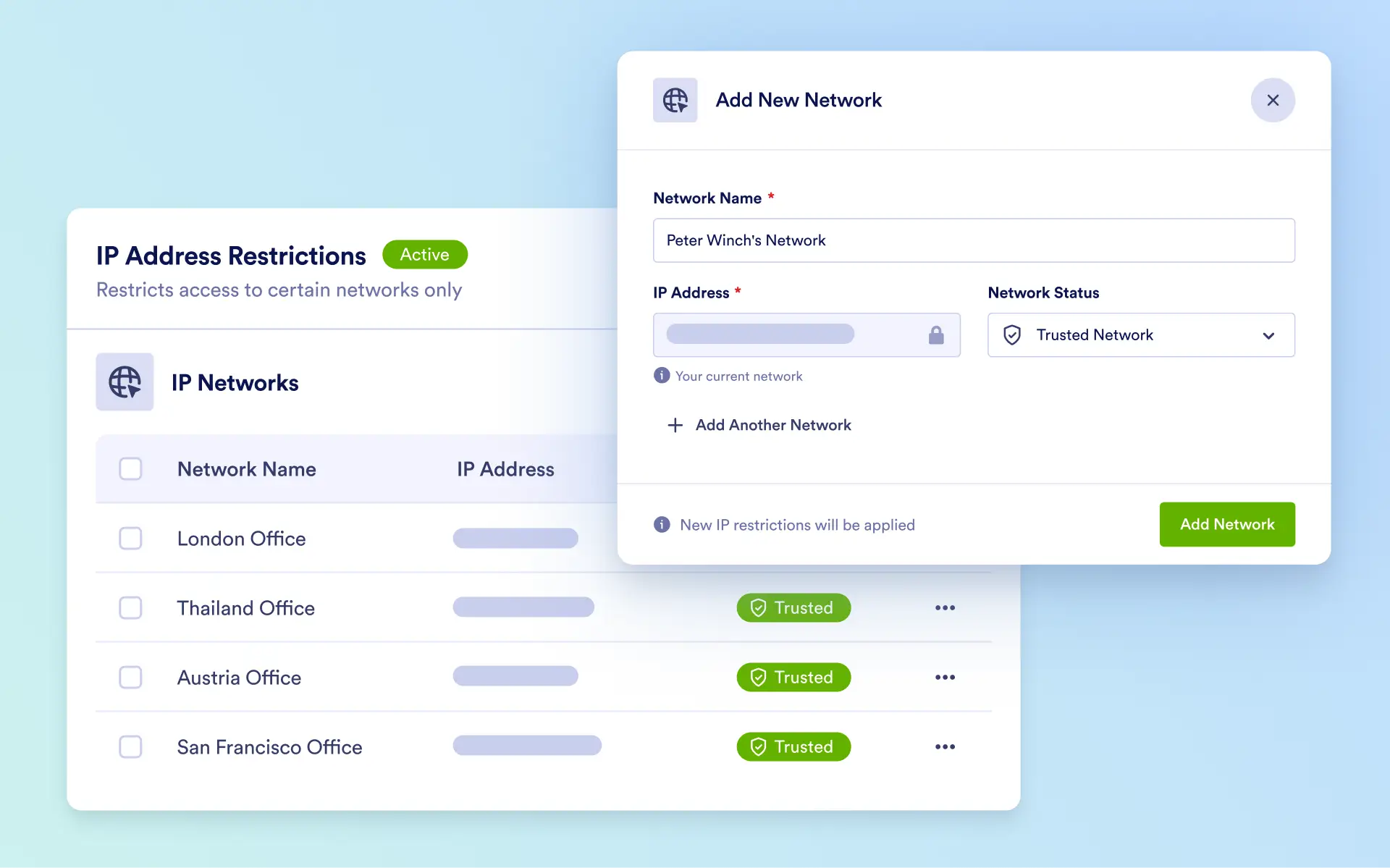
Secure your organization’s network by managing IP access, enforcing Trusted and Restricted rules, and maintaining full visibility and control across all systems from the Admin Console.
Manage Networks
Admins can specify a Network Name, IP Address, and assign its status as Trusted or Restricted. Configurations are applied automatically, and existing networks can be reviewed, updated, or removed at any time.
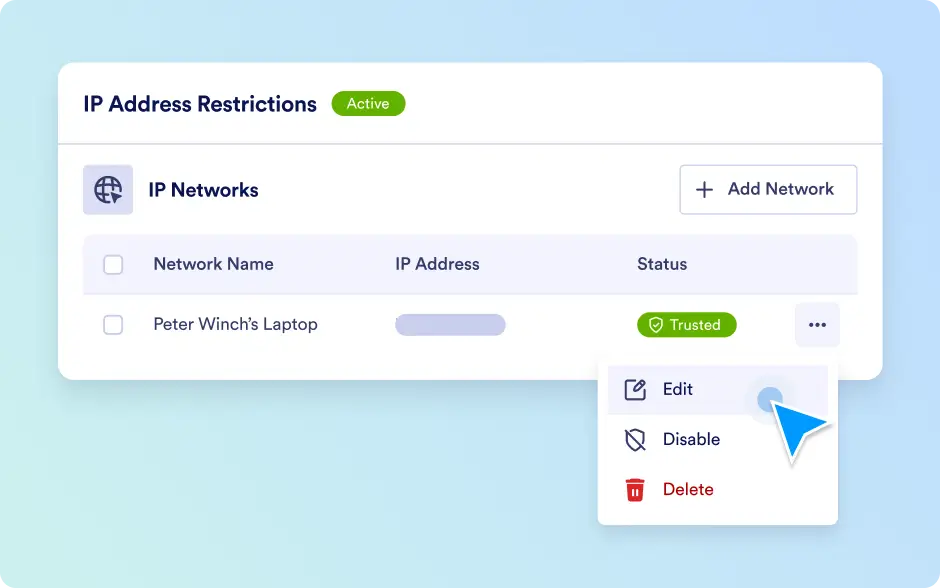
Organization-Wide Security
Centralized IP management ensures a secure environment while enforcing consistent access policies across all systems, giving admins full control and visibility.