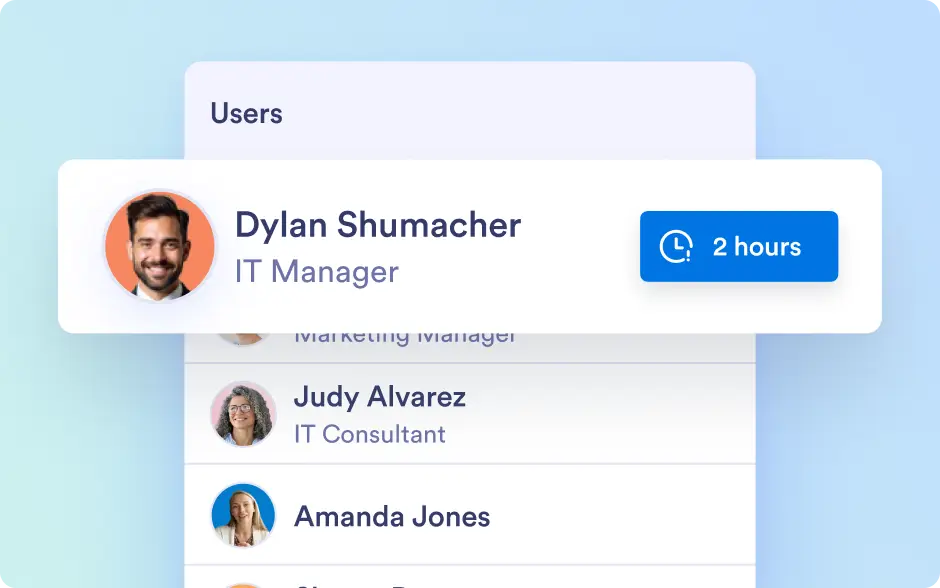
Session Timeout
Maintain organizational security by automatically logging out users after periods of inactivity. This prevents unauthorized access and ensures sensitive information and assets remain protected.
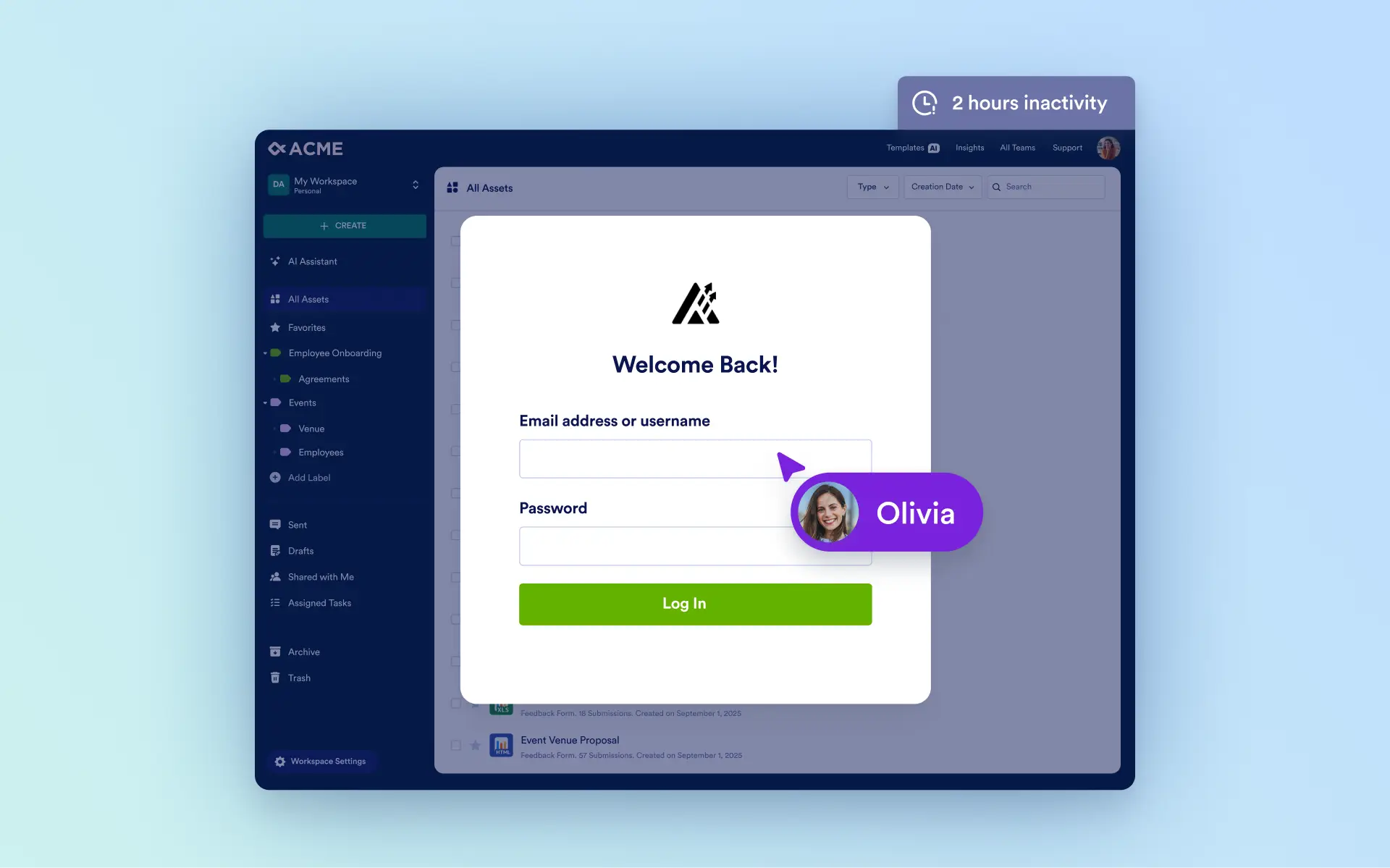
Automatically end inactive sessions to protect data, maintain compliance, and give admins full control over user access across the organization.
Timeout Options
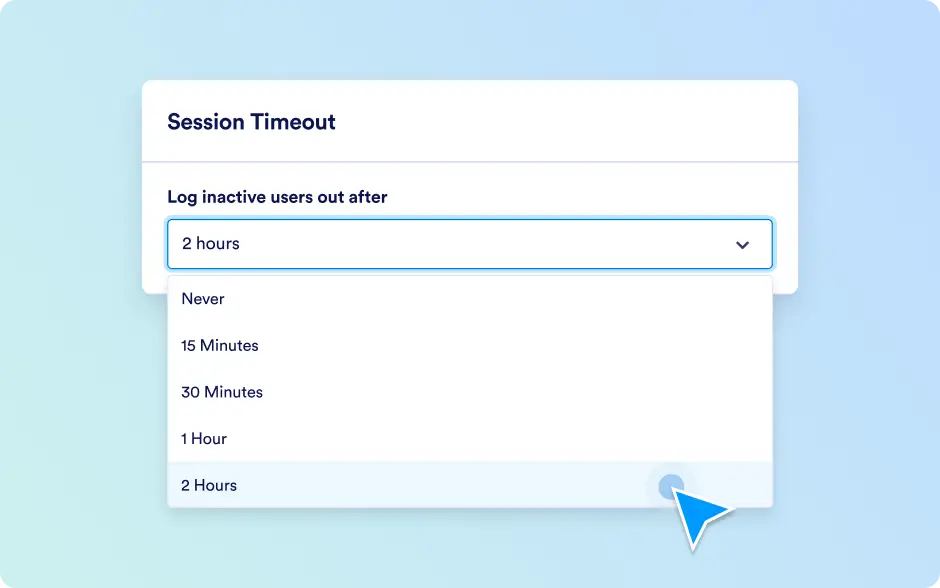
Admins can configure session timeout settings to balance security and user convenience, automatically logging out users after 15 minutes, 30 minutes, 1 hour, 2 hours, or keeping sessions active until manual logout.
Organization-Wide Control
This feature ensures granular control over user sessions, maintaining security while supporting productivity and seamless access across the platform.