Insights
The Insights feature gives Enterprise users a centralized view of their activity and performance across Jotform products. Users can monitor forms, workflows, apps, sign documents, and AI agents they’ve created or collaborated on, helping optimize usage and make data-driven improvements. Built-in filters allow focusing on specific assets, tracking trends, and visualizing key metrics without needing organization-wide access.
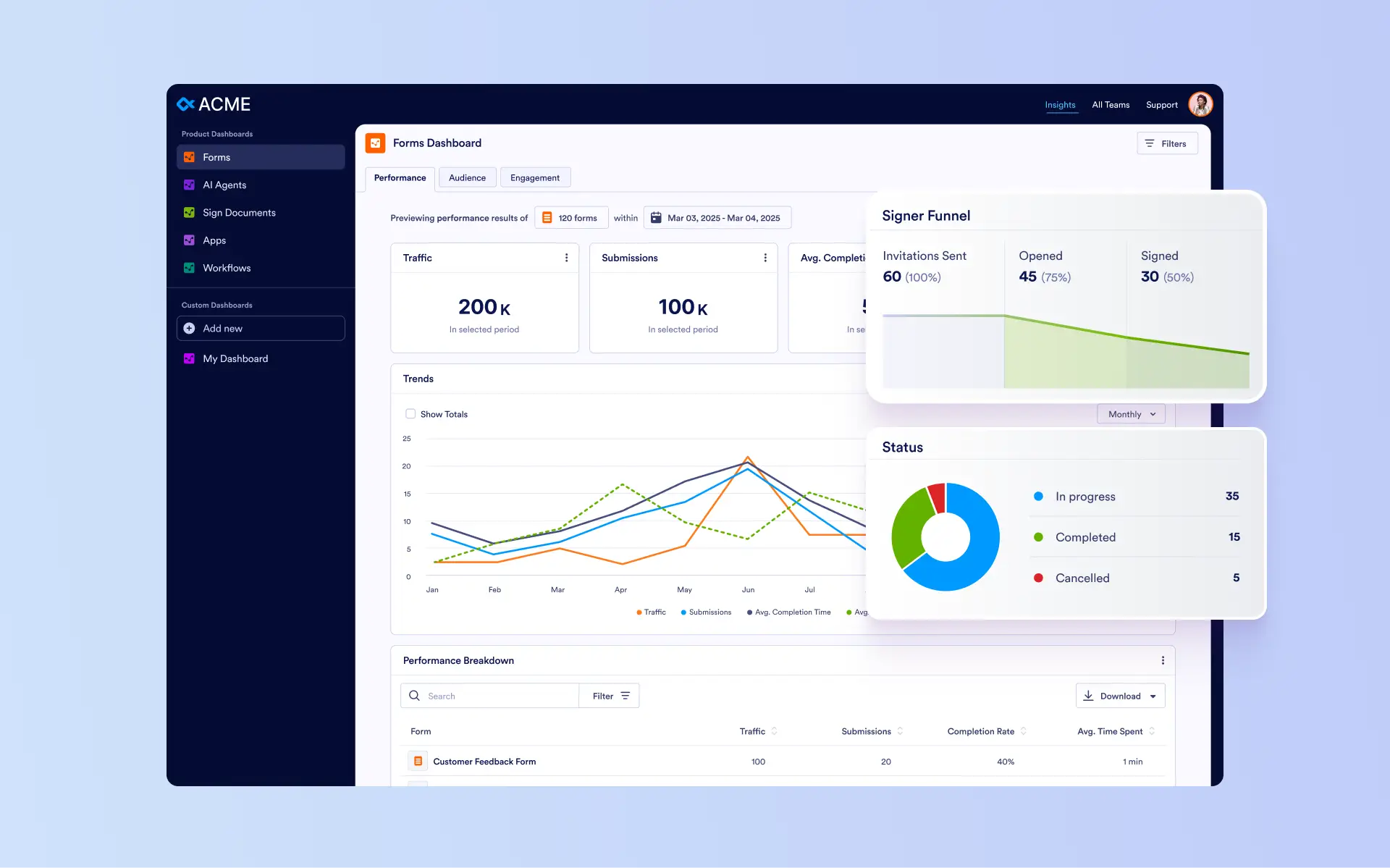
Explore Insights to track performance across all your assets, uncover trends, and create custom dashboards that help you make smarter, data-driven decisions.
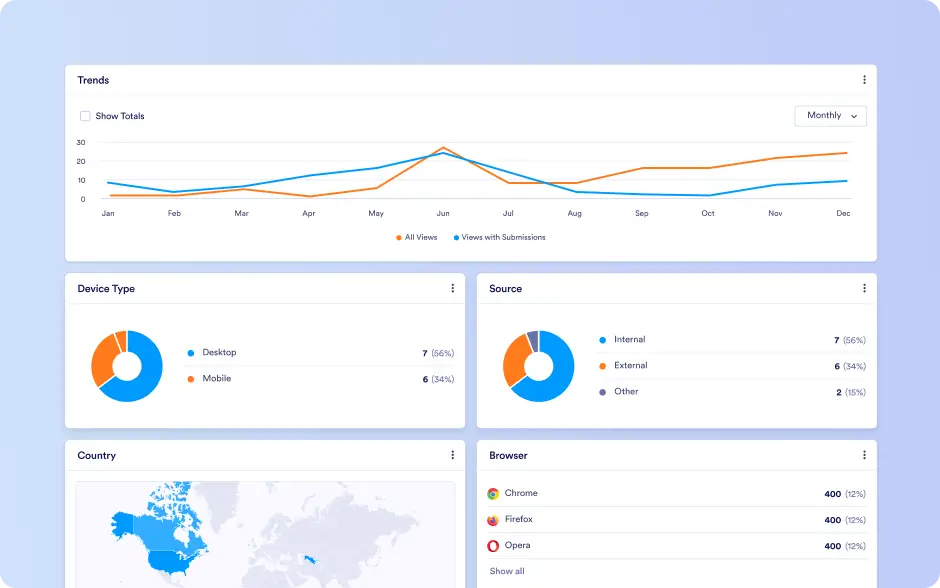
Forms Insights
Track form engagement through metrics like completion rates, submissions, time spent, and traffic trends. Analyze audience by device, source, country, OS, and browser to optimize form experience, accessibility, and submission rates.
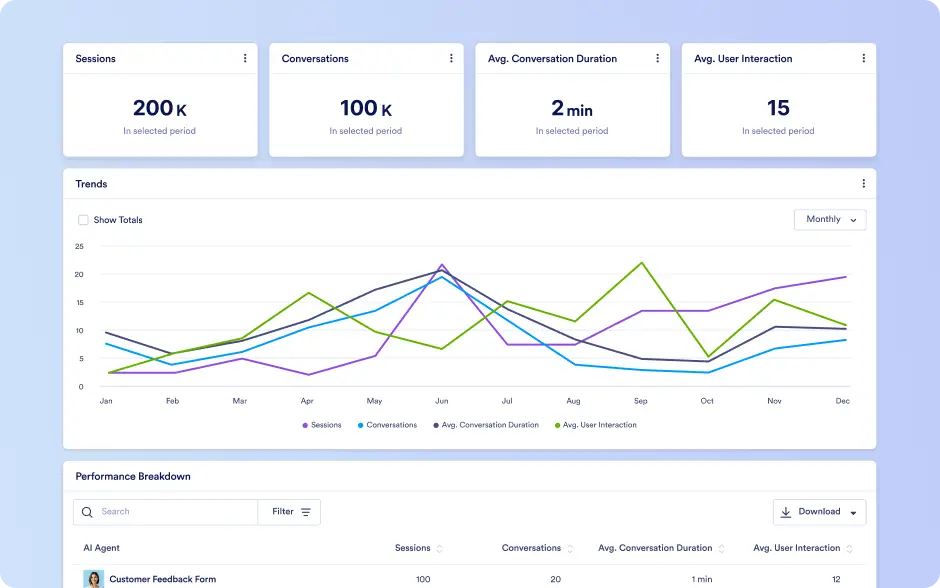
AI Agents Insights
Monitor AI agent performance including total sessions, conversations, and interaction types. Evaluate automated versus human-handled interactions and refine agent responses based on engagement.
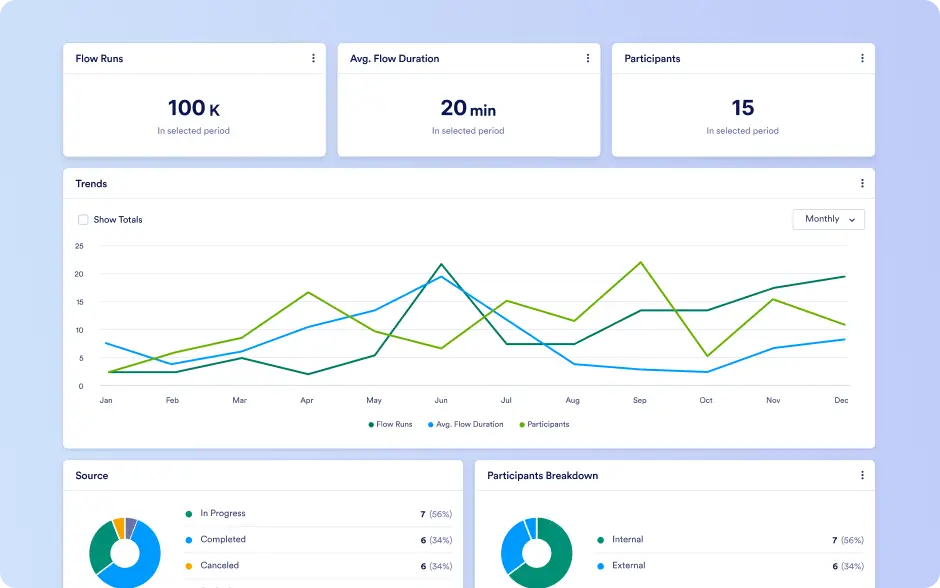
Workflows Insights
Measure workflow efficiency by tracking flow runs, duration, participants, and status. Identify bottlenecks, analyze collaboration patterns, and optimize automation across workflows.
Sign Documents Insights
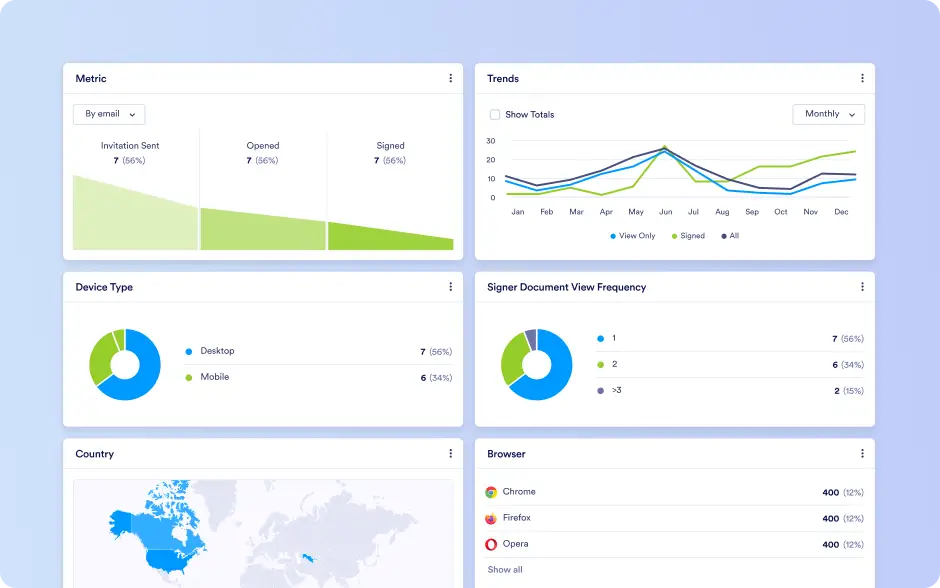
Track signing performance, including completed, pending, and incomplete documents. Understand signer behavior by device, browser, OS, and country, and analyze share types to improve completion rates.
Apps Insights
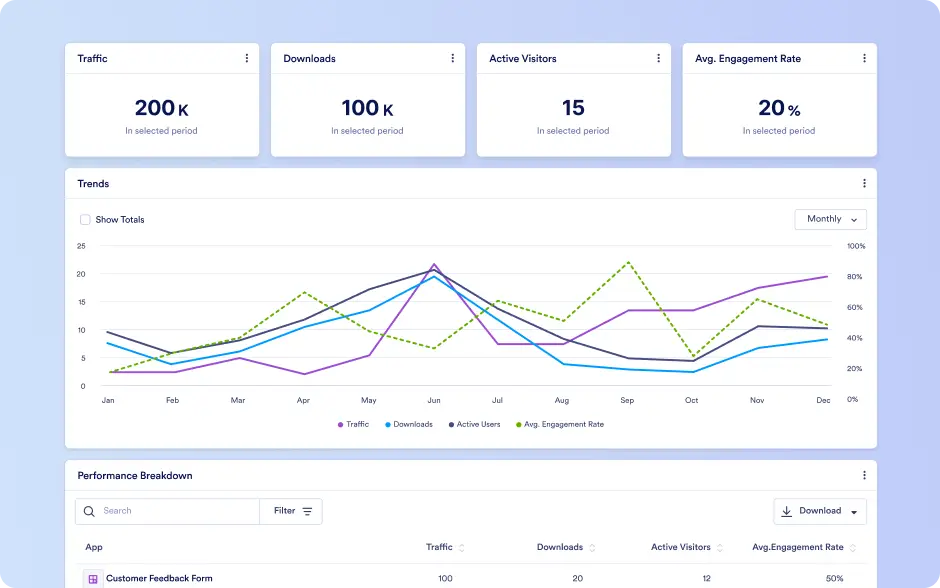
Monitor app engagement, including traffic, downloads, active users, and usage trends. Analyze user activity by device, browser, OS, installation method, and location to optimize app performance.
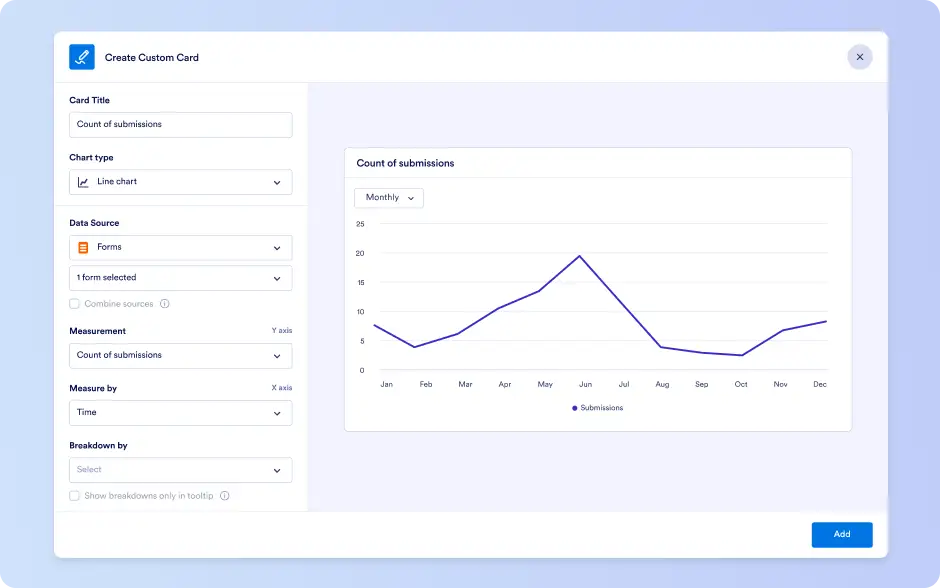
Custom Dashboard
Create your own dashboards by combining metrics from forms, workflows, apps, sign documents, and AI agents into a single, personalized view. Select the assets and data points that matter most to you, track performance in one place, and tailor dashboards to your goals without relying on predefined views.