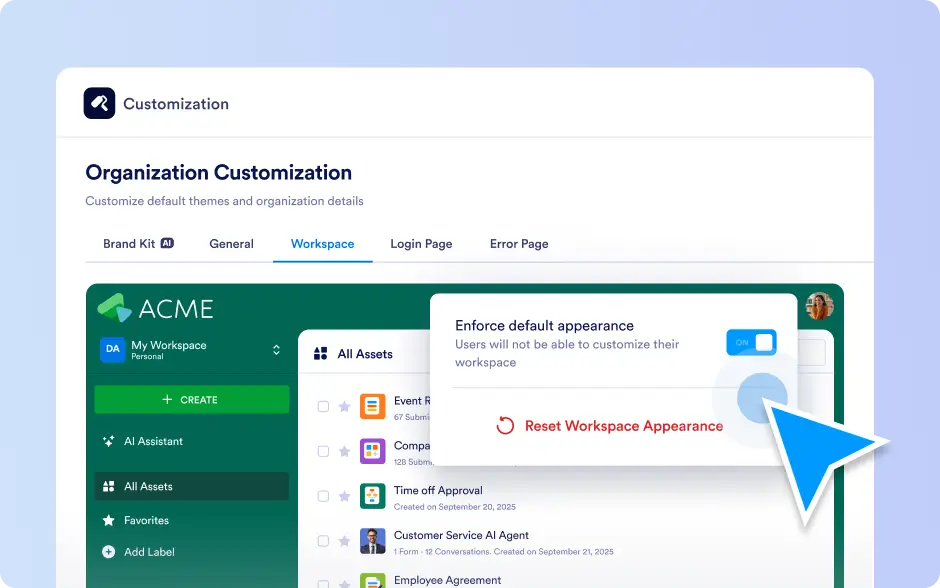
Workspace Appearance Customization
Make your Jotform Enterprise workspace feel like home, polished, recognizable, and aligned with your organization’s brand. With flexible appearance controls, you can balance personalization with consistency so everyone works in a workspace that looks professional and stays unmistakably on-brand.
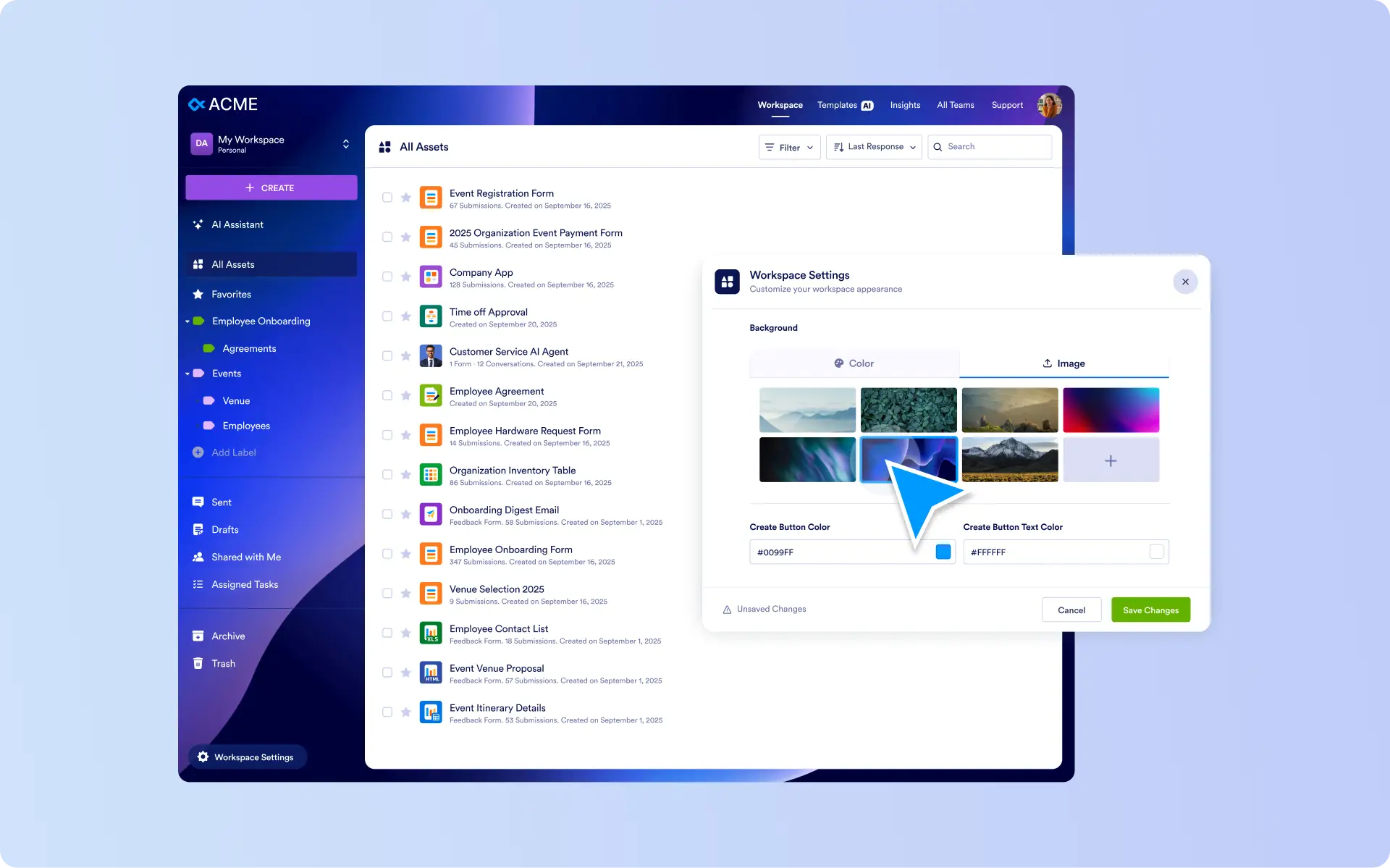
Make your Workspace unmistakably yours by setting backgrounds, matching UI accents, and applying an on brand look across the whole organization.
Personalize Workspace Background
Choose a clean, branded look with a solid color or set a custom background image, with the option to upload your own visuals for a more tailored feel.
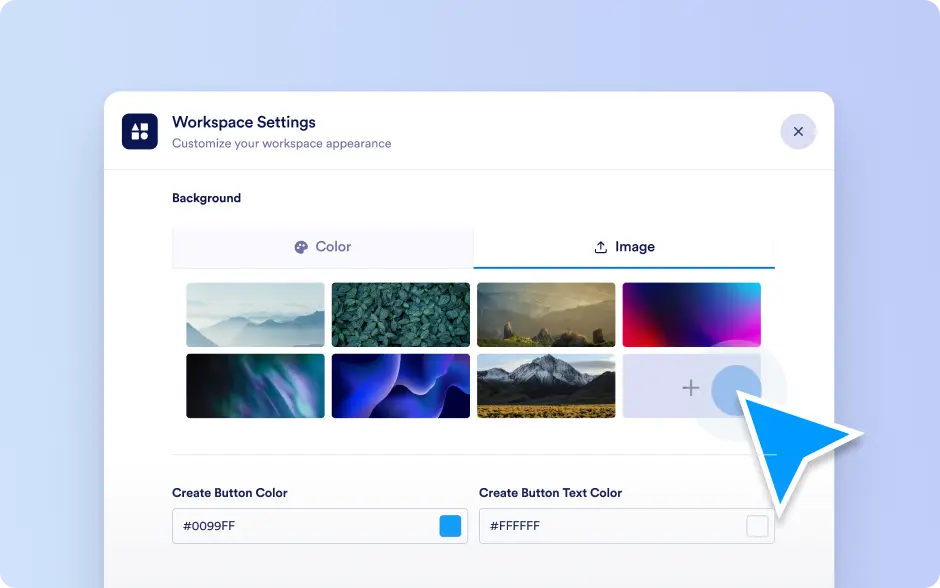
Match UI Accents to Your Brand
Refine the details that people notice every day by adjusting the Create button color and text color to fit your palette and improve visual consistency.
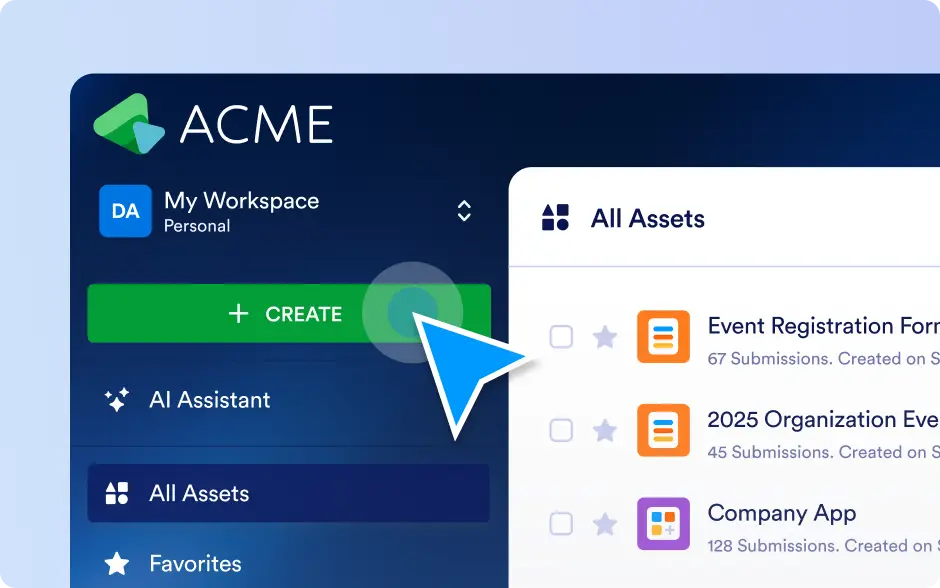
Organization-wide Branding Control
Enterprise Admins can set the default workspace look centrally in the Admin Console, including background type (color or image), logo background, and button styling, then apply it across the organization.