Teams Management
Admin Console Teams allows administrators to create and manage teams across the organization with centralized control. Admins can define team structures, add members, assign roles, and manage access and visibility to support secure and scalable collaboration.
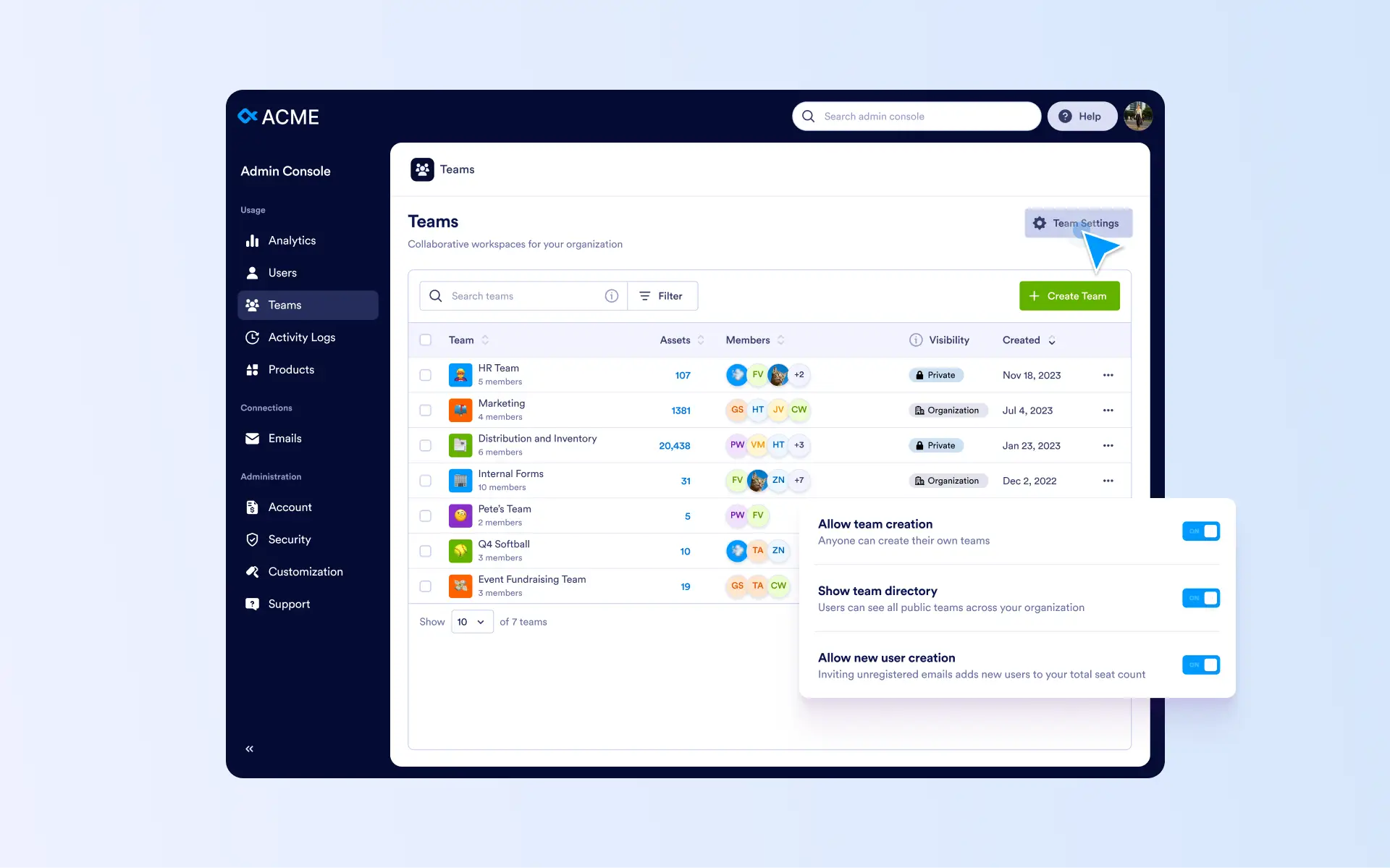
Take full control of team structure, access, and collaboration across your organization by managing teams, roles, and visibility from one centralized Admin Console.
Create and Manage Teams
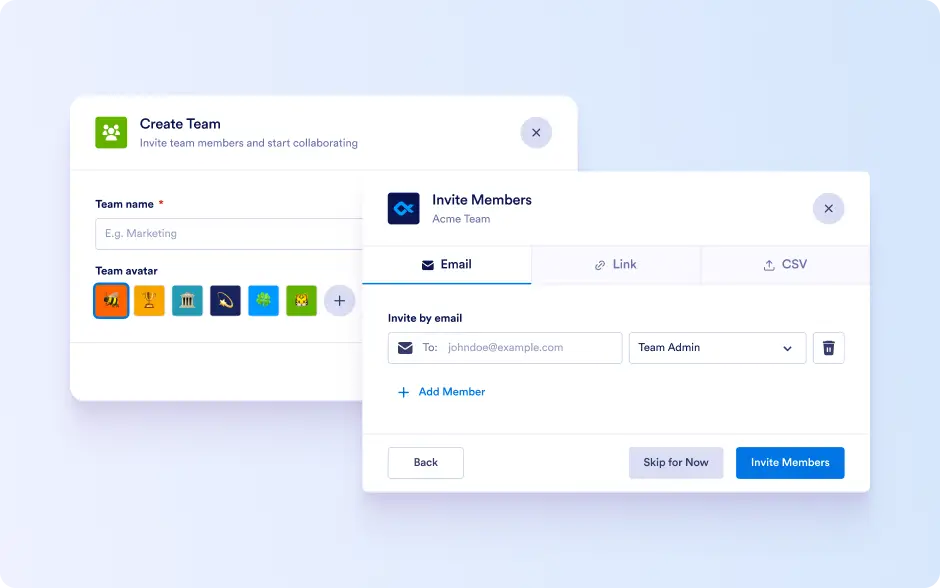
Admins can create teams by defining a team name and adding members via email invitations, shareable links, or CSV uploads. Each team member can be assigned a role with predefined permissions, ensuring the right level of access while keeping data and assets protected.
Visibility, Access, and Organization-Wide Control
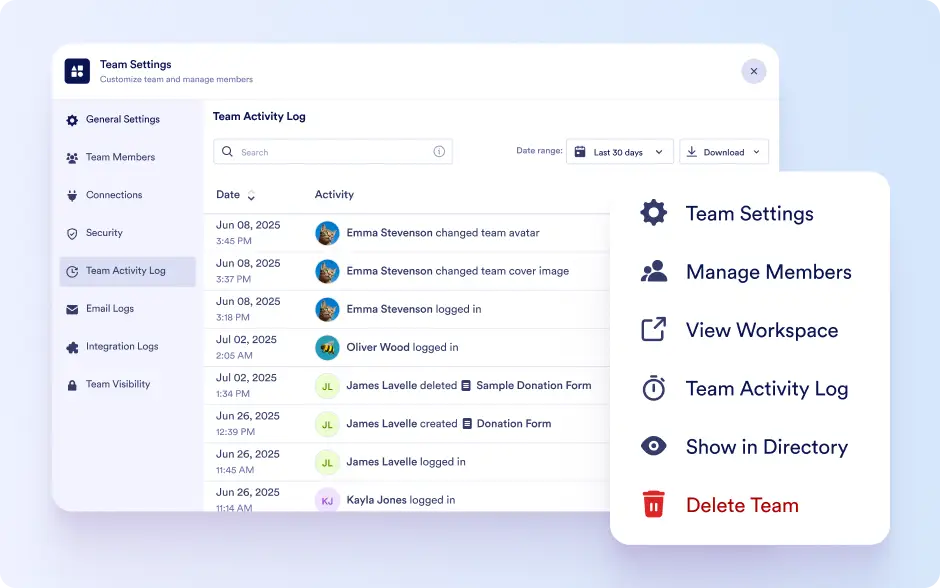
All teams are listed organization-wide, giving admins visibility into team members, owned assets, and team visibility. Admins can access team settings to manage members, review activity, navigate to workspaces, adjust visibility between private and organization-wide, or remove teams when needed. Organization-wide team settings allow admins to control team creation, public access, and member onboarding across the entire organization.